Best Calm Apps for Kids Montessori Creative Picks
Discover low stimulation, ad free, creative apps for kids inspired by Montessori. See calm, offline friendly picks for ages 2–10 with setup tips.
Why “calm tech” matters right now
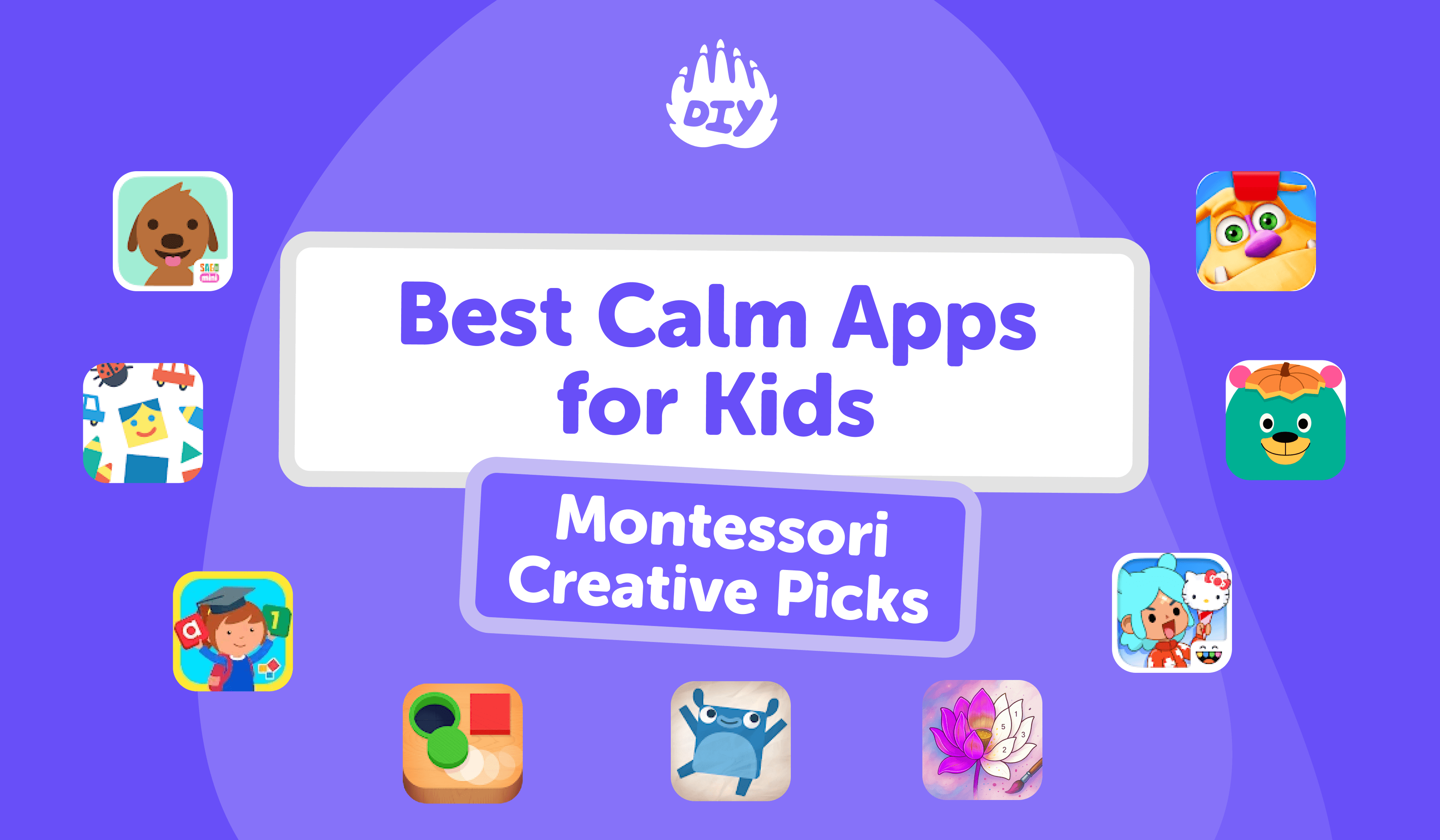
Parents are actively searching for low-stimulation, ad-free apps that put open-ended creativity first. A standout example is Pok Pok, a Montessori-inspired “digital playroom” designed for child-led exploration rather than rewards or levels frequently highlighted by mainstream outlets this year.
What we look for:
Open-ended play (child sets the pace; no timers or streaks)
Gentle audio and uncluttered interfaces
Ad-free or minimal distractions; clear privacy practices
Offline modes for travel or calm time on the go
Ages 2–10, with clear guidance for parents
Homework first, then calm play. If a tough problem stalls the evening, keep it peaceful: 👉 Try AI Homework Helper for step-by-step hints, quick explanations, and gentle guidance kids can follow on their own.
The Best Low-Stimulation, Creative Apps (Ages 2–10)
Each pick includes: what it is, why it’s calm, suggested ages, and quick notes on cost/offline/ads based on current listings. Always re-check the store page before downloading.
1. Pok Pok (2–8)
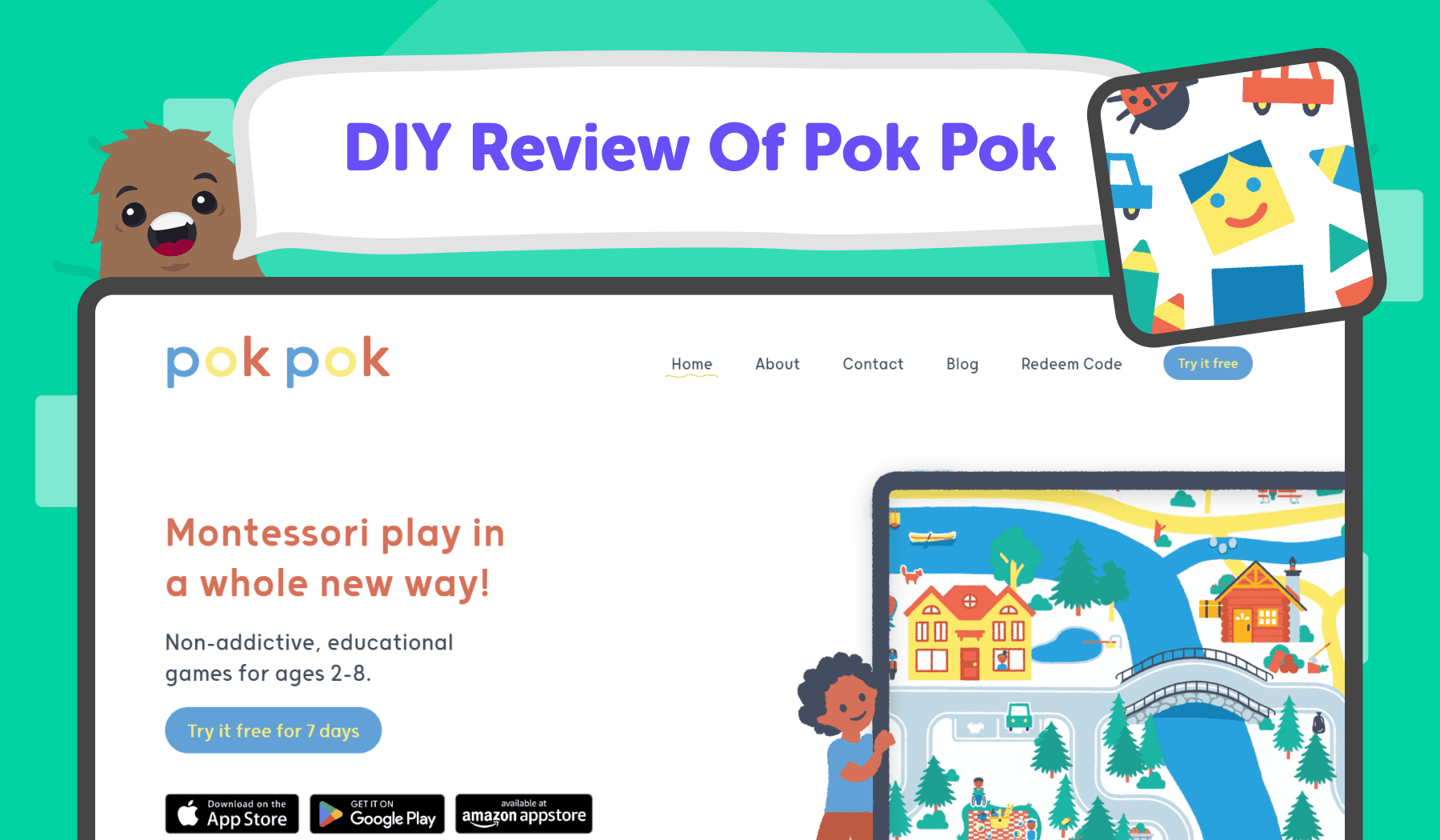
What it is: A collection of beautifully crafted “digital toys” that kids explore at their own pace think dollhouse, town, simple machines, drawing surfaces, and more.
Why it’s calming: No timers, leveling, or win/lose pressure. Sounds are gentle, visuals are warm and minimal.
How kids use it: Open-ended tinkering, cause-and-effect discovery, storytelling with little characters and tiny worlds.
Great for: Independent quiet time; mixed-age siblings; travel.
Platforms: iOS (iPad/iPhone).
Offline: Core toys work offline once installed.
Ads/data: Ad-free; designed with kid privacy in mind.
Cost: Subscription and occasional lifetime options (varies by region).
Quick setup tip: Create a “quiet discovery” folder on the home screen with Pok Pok alone inside. Turn on Guided Access to prevent app-hopping.
Pok Pok | Montessori Preschool App - App Store
2. Khan Academy Kids (2–8)
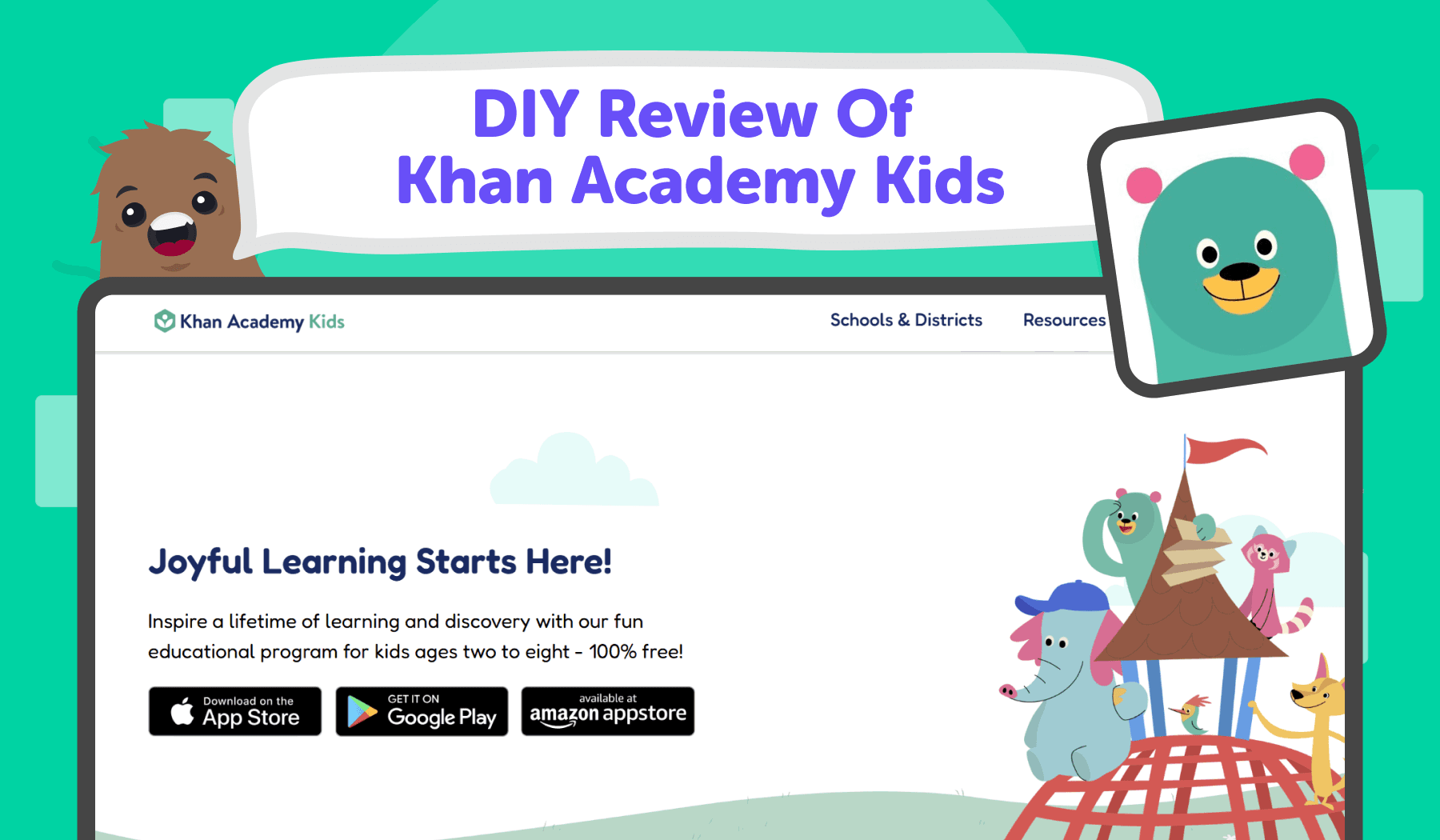
What it is: A joyful early-learning app with read-aloud books, phonics, early math, drawing, and social-emotional activities.
Why it’s calming: Gentle pacing, kind character voices, and zero pressure to rush or perform.
How kids use it: Choose a reading, math, or SEL activity; follow along with a caring narrator; dip in and out during calm blocks.
Great for: Quiet learning time; car rides; screen-time that still feels restorative.
Platforms: iOS, Android, Amazon Fire.
Offline: Downloadable content varies by device; many activities need occasional connectivity for fresh packs.
Ads/data: Free, no third-party ads.
Cost: Free.
Quick setup tip: Preload a handful of books and short lessons before travel so your child has a smooth offline flow.
Khan Academy Kids App - App Store
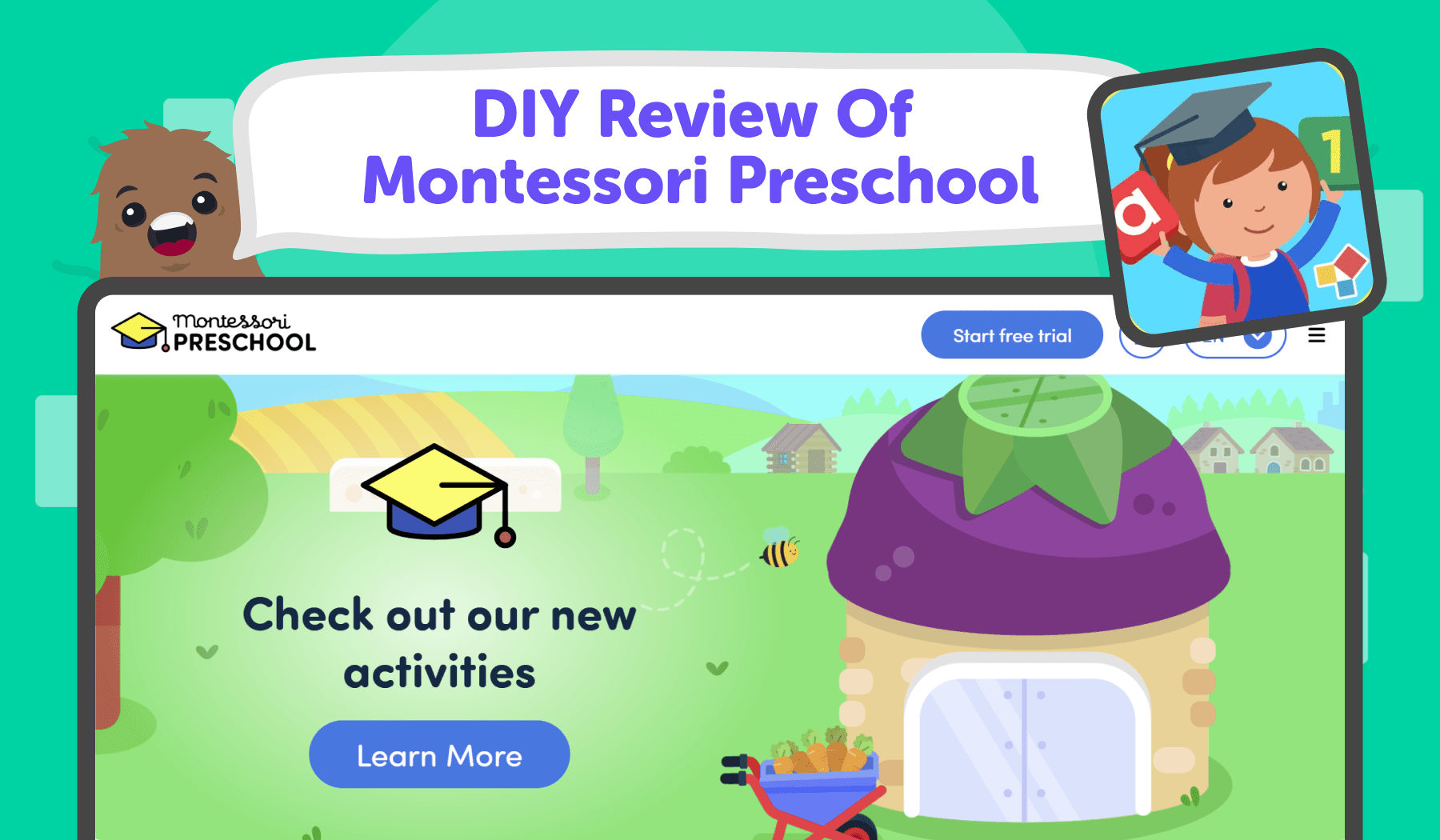
3. Montessori Preschool (Edoki) (3–7)
What it is: A Montessori-built path for phonics, numbers, practical life, culture, and logic created by Montessori educators.
Why it’s calming: Clear, uncluttered visuals and self-paced progress mirror real-world Montessori materials.
How kids use it: Short lessons with concrete manipulatives on screen (letter sounds, bead bars, sorting) and practical-life mini-tasks.
Great for: Consistent daily practice; families who value Montessori alignment.
Platforms: iOS, Android.
Offline: Many modules available offline; look for “offline packs.”
Ads/data: No third-party ads.
Cost: Subscription; family plan options available in some regions.
Quick setup tip: In the parent area, toggle difficulty so children stay in the “just right” zone calm challenge without frustration.
Montessori Preschool, Kids 3-7
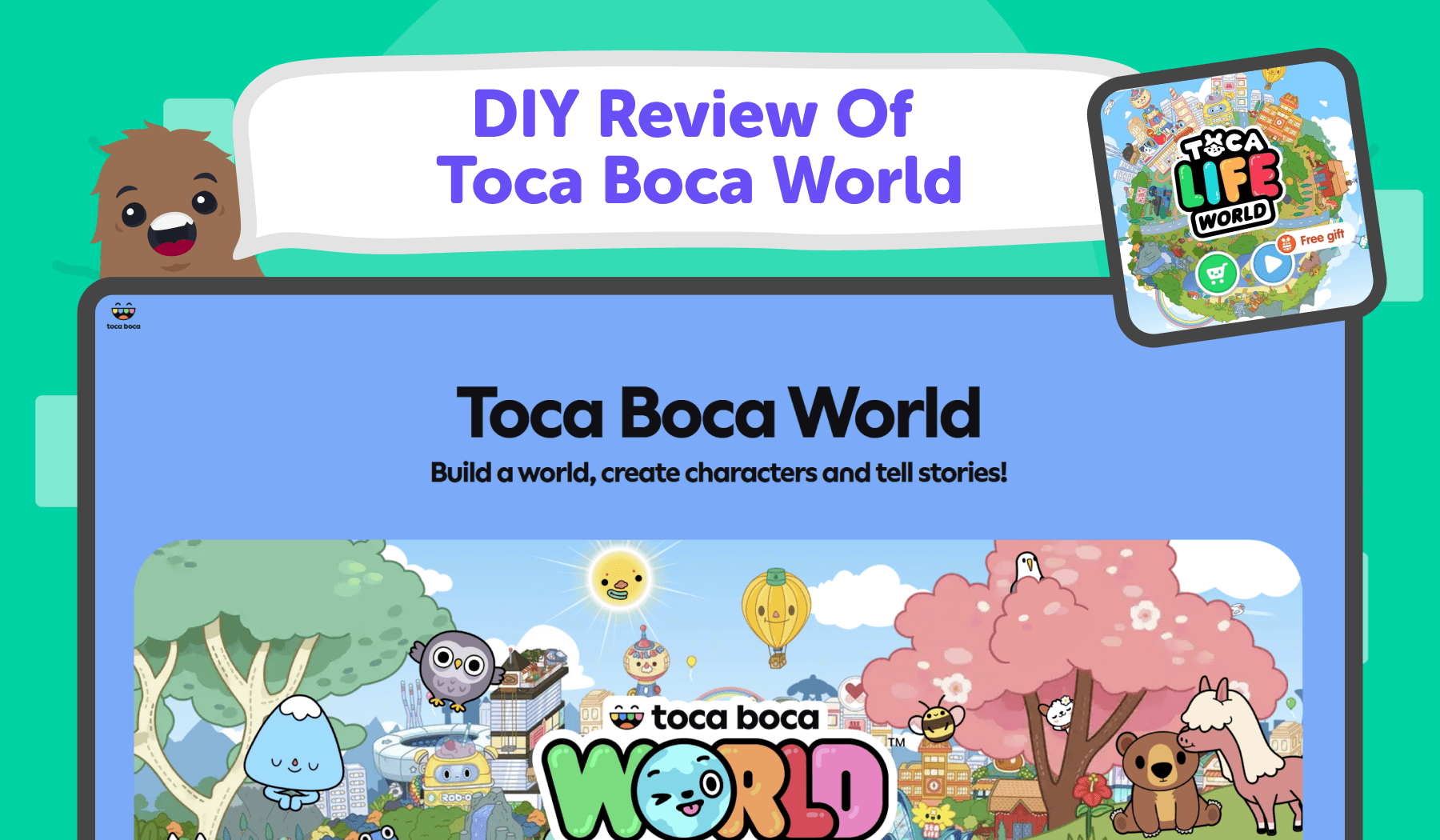
4. Toca Boca World / Toca Boca Jr (4–10)
What it is: Rich pretend-play sandboxes for building stories homes, shops, hair salons, hospitals, and more.
Why it’s calming: No leaderboards or failure states; kids set the pace and the narrative.
How kids use it: Arrange rooms, dress characters, role-play daily life, invent dramas and gentle adventures.
Great for: Creative storytelling; sibling collaboration; decompression after school.
Platforms: iOS, Android.
Offline: Core app plays offline; purchased locations/content also work offline once downloaded.
Ads/data: No third-party ads; optional in-app purchases for new locations or packs.
Cost: Free to start; paid add-ons.
Quick setup tip: Pre-choose 2–3 locations and hide the store icon in parental settings to keep the experience focused and calm.
Toca Boca World App - App Store
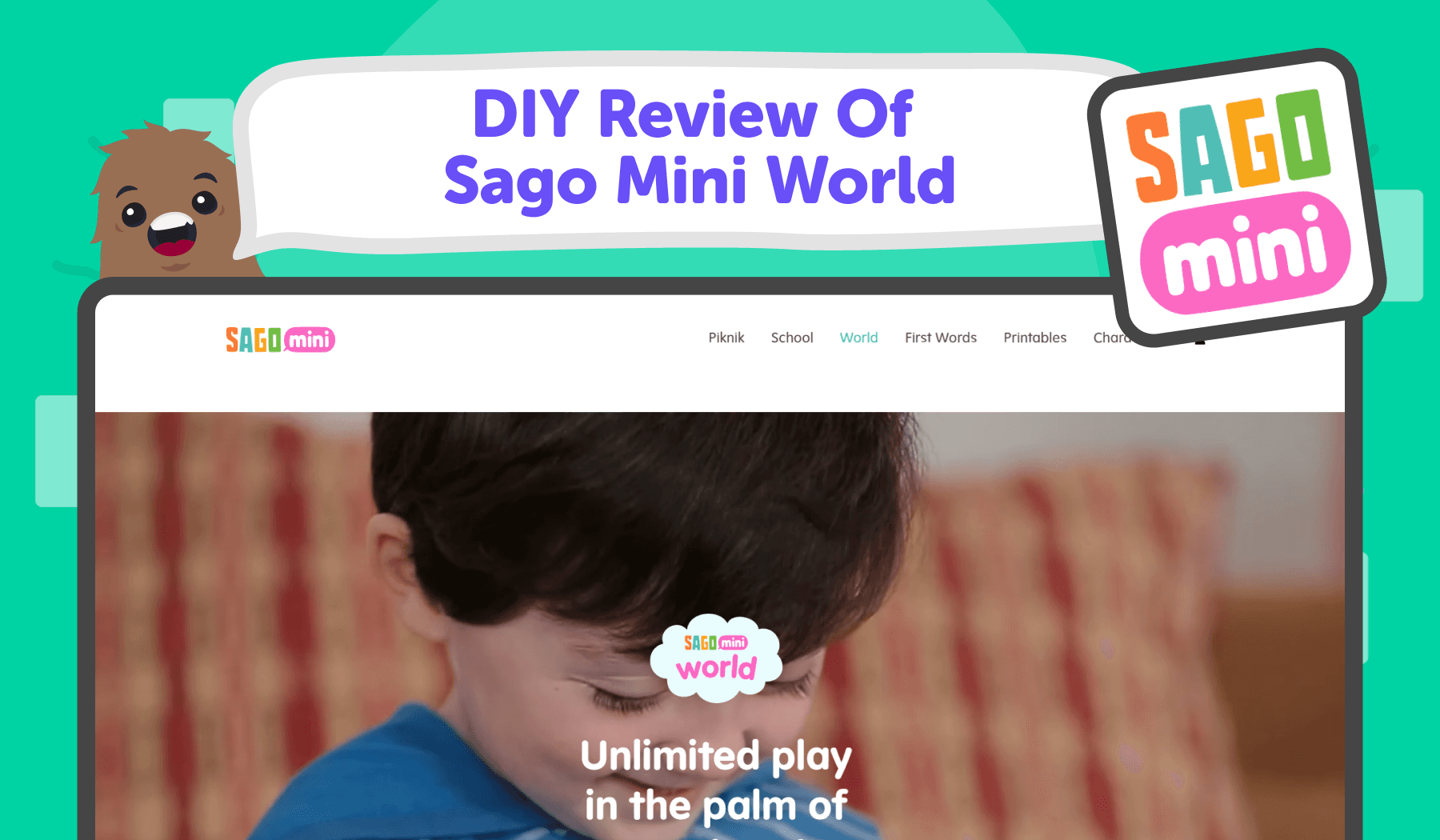
5. Sago Mini World (2–5)
What it is: A library of sweet, bite-sized “mini worlds” starring friendly animal characters.
Why it’s calming: Soft color palette, gentle sounds, and predictable rhythms that soothe, not hype.
How kids use it: Explore small scenes kitchens, gardens, neighborhoods and find playful interactions without scores or timers.
Great for: Wind-down time; a cheerful reset between activities.
Platforms: iOS, Android, Amazon Fire.
Offline: Download packs ahead; then play offline.
Ads/data: COPPA-certified brand; no third-party ads.
Cost: Subscription (access to the full catalog).
Quick setup tip: Download 4-6 favorite worlds at home so everything runs smoothly on trips or during low-connectivity moments.
Sago Mini World: Kids Games App
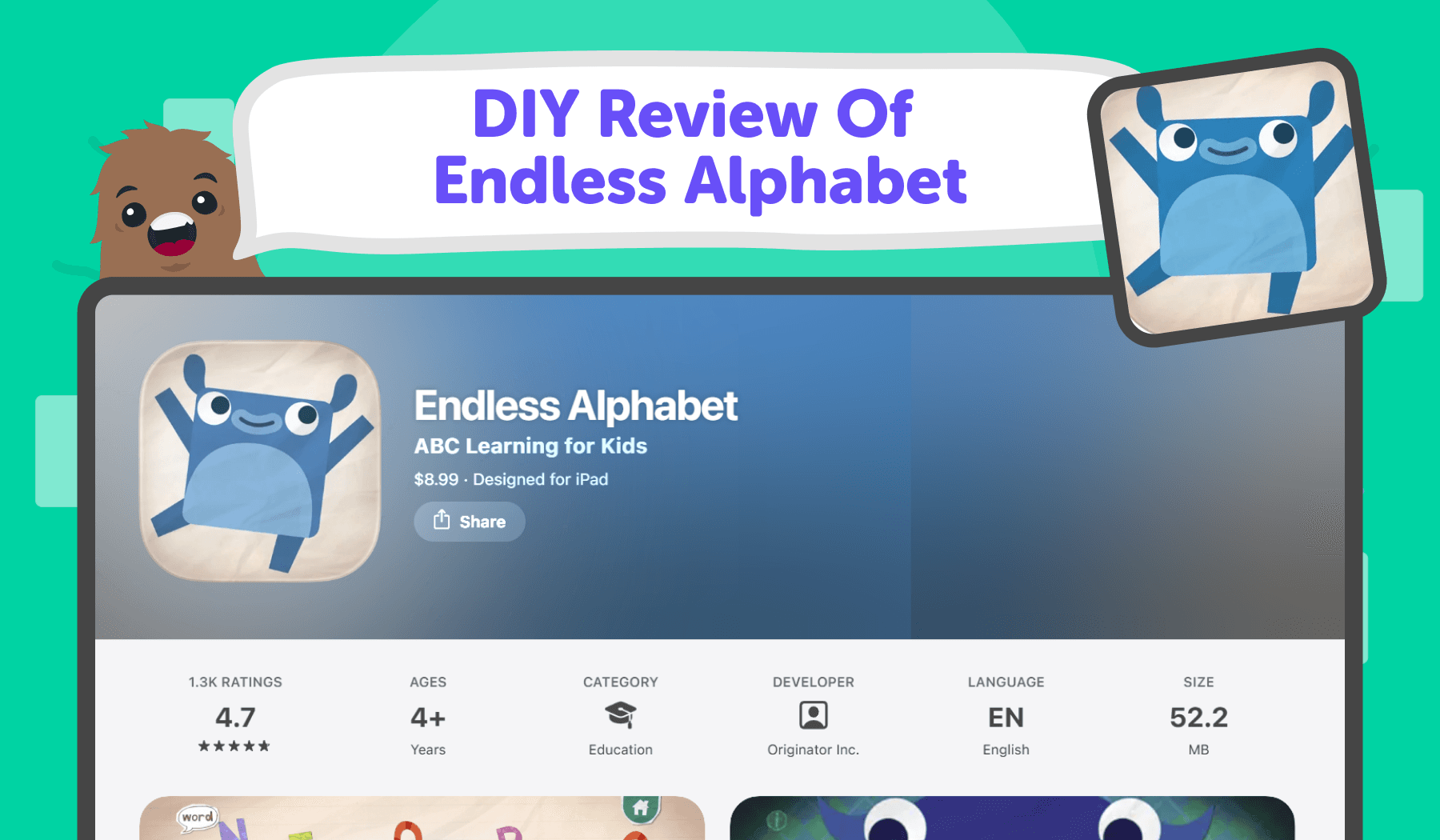
6. Endless Alphabet (3–6)
What it is: A beloved vocabulary app where kids drag letters to build words and watch silly, memorable animations.
Why it’s calming: No scores, timers, or streaks just playful letter sounds and slow, satisfying reveals.
How kids use it: Pick a word, place animated letters, watch a short definition skit, repeat as desired.
Great for: Building letter-sound fluency; calm literacy play before bed.
Platforms: iOS, Android, Amazon Fire.
Offline: Works offline after install.
Ads/data: Ad-free.
Cost: Pay-once or bundle options (varies by store).
Quick setup tip: Turn down system volume slightly and enable mono audio if your child is sensitive to sound
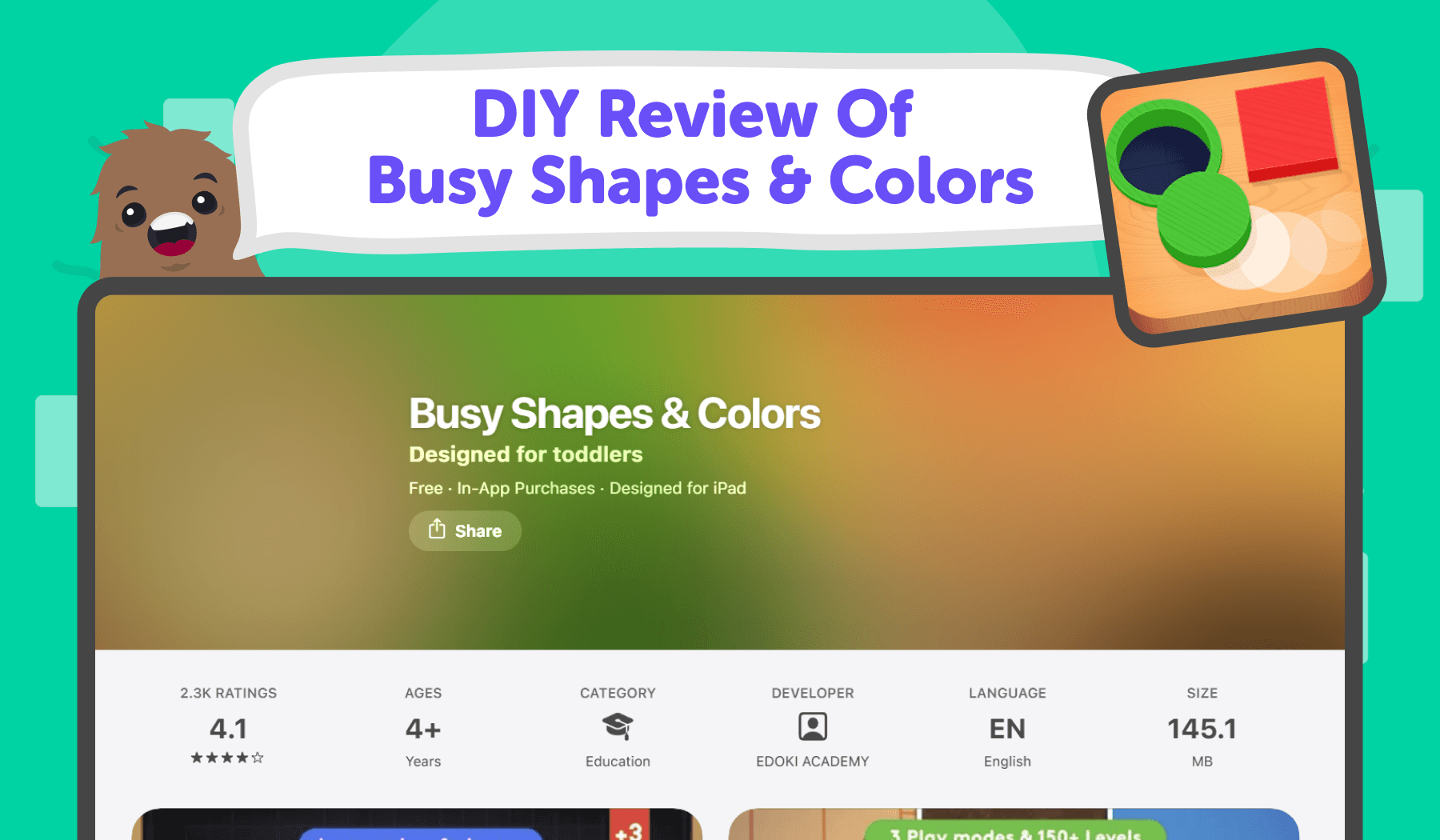
7. Busy Shapes / Busy Shapes & Colors (Edoki) (2–5)
What it is: Tactile shape-sorting puzzles inspired by Montessori materials; kids slide objects into the right cutouts.
Why it’s calming: Minimal UI, gentle feedback, and focus on fine-motor exploration.
How kids use it: Discover how objects move, rotate, and fit; levels adapt quietly in the background.
Great for: Short, focused bursts that train attention without overstimulation.
Platforms: iOS (original Busy Shapes), iOS/Android (varies by title/region).
Offline: Yes, after install.
Ads/data: Ad-free.
Cost: Pay-once.
Quick setup tip: Use Guided Access to disable multi-finger gestures so accidental swipes don’t break the flow.
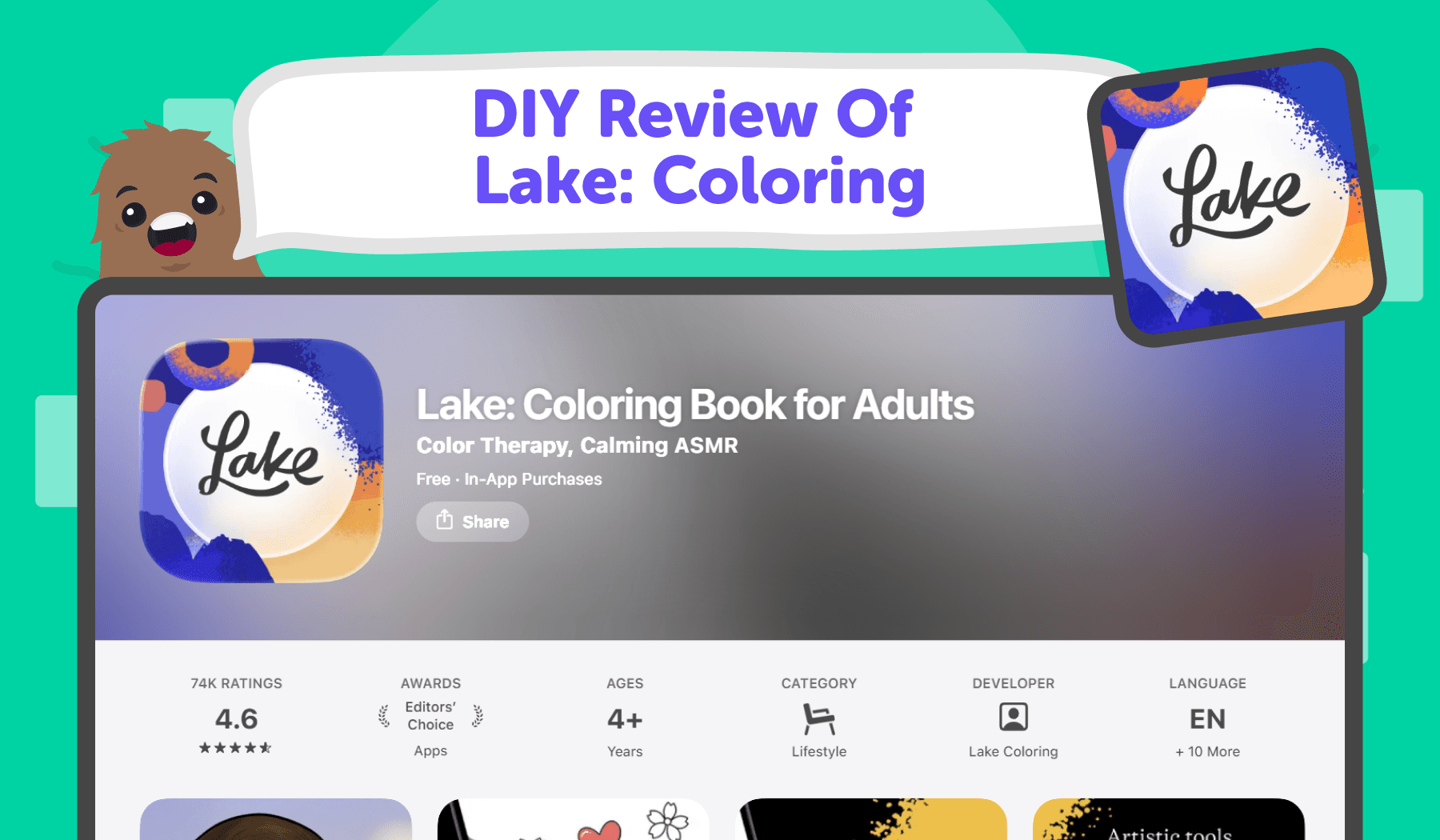
8. Lake: Coloring (6–10+)
What it is: Mindful coloring with high-quality line art from independent illustrators.
Why it’s calming: Smooth, low-friction tools and satisfying fill make it easy to enter a quiet flow state.
How kids use it: Choose a page, pick a brush or fill, color at their own pace; zoom for tiny details.
Great for: Quiet focus; screen-assisted relaxation; creative cool-downs.
Platforms: iOS, Android.
Offline: Coloring works offline once packs are downloaded.
Ads/data: No third-party ads.
Cost: Free-to-try with optional packs/subscription.
Quick setup tip: Create a “limited palette” challenge 3-4 colors only to encourage thoughtful choices and calm repetition.
Lake: Coloring Book for Adults App
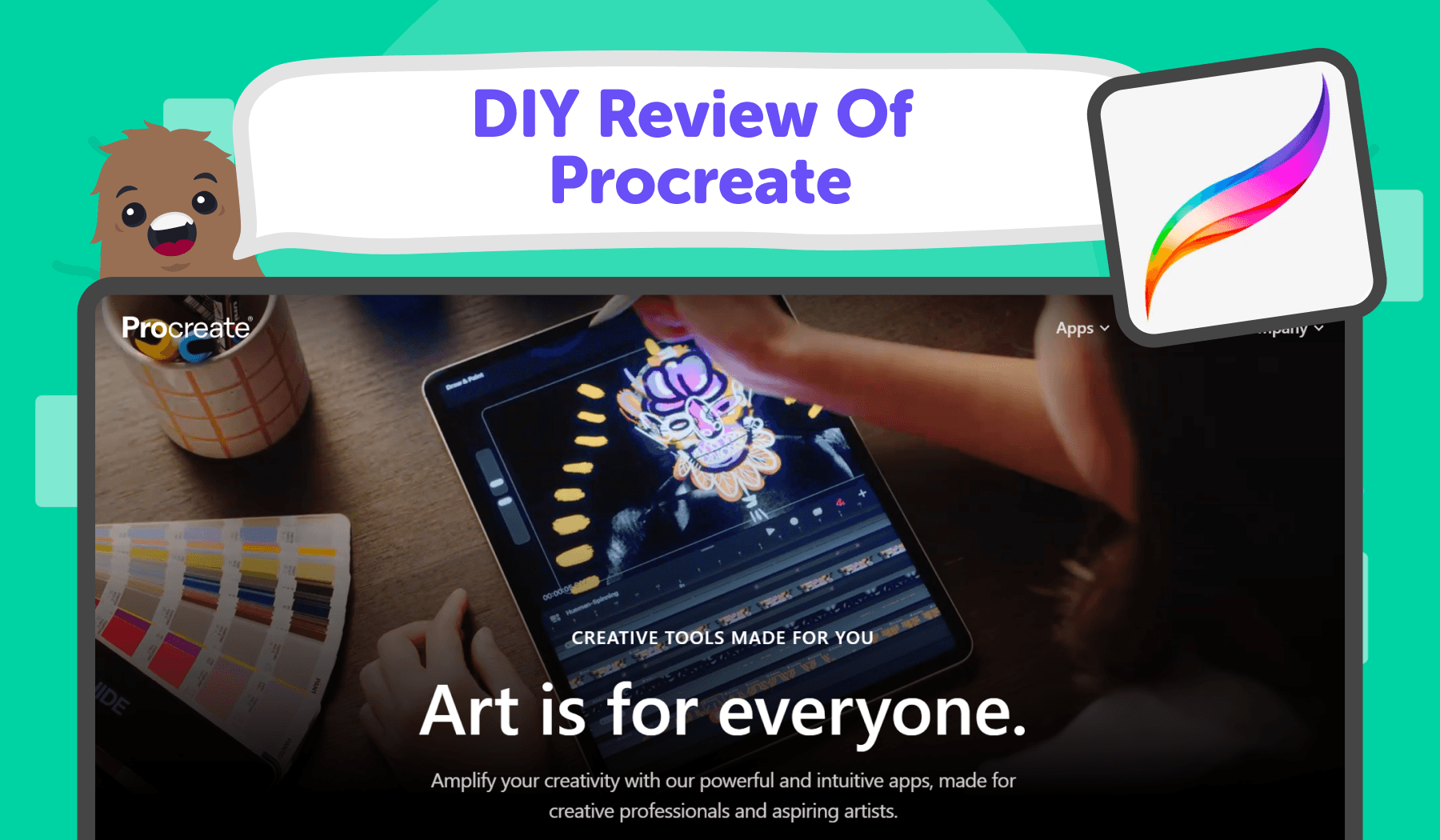
9. Procreate (with a guided “Kids” setup) (7–10+)
What it is: A professional-grade iPad art studio that can be pared down to a kid-friendly, distraction-free kit.
Why it’s calming: When you hide advanced panels and limit brushes, it becomes a quiet sketchbook with instant materials.
How kids use it: Free draw, ink comics, paint landscapes no feed, no likes, just drawing.
Great for: Deep creative focus; portfolio building; independent art labs.
Platforms: iPad (Apple Pencil recommended).
Offline: Fully offline after install.
Ads/data: No ads; no social feed by default.
Cost: Pay-once.
Quick setup tip: Make a custom “Kids” brush set (pencil, round brush, watercolor, eraser) and hide everything else. Save a gentle paper texture as the default canvas.
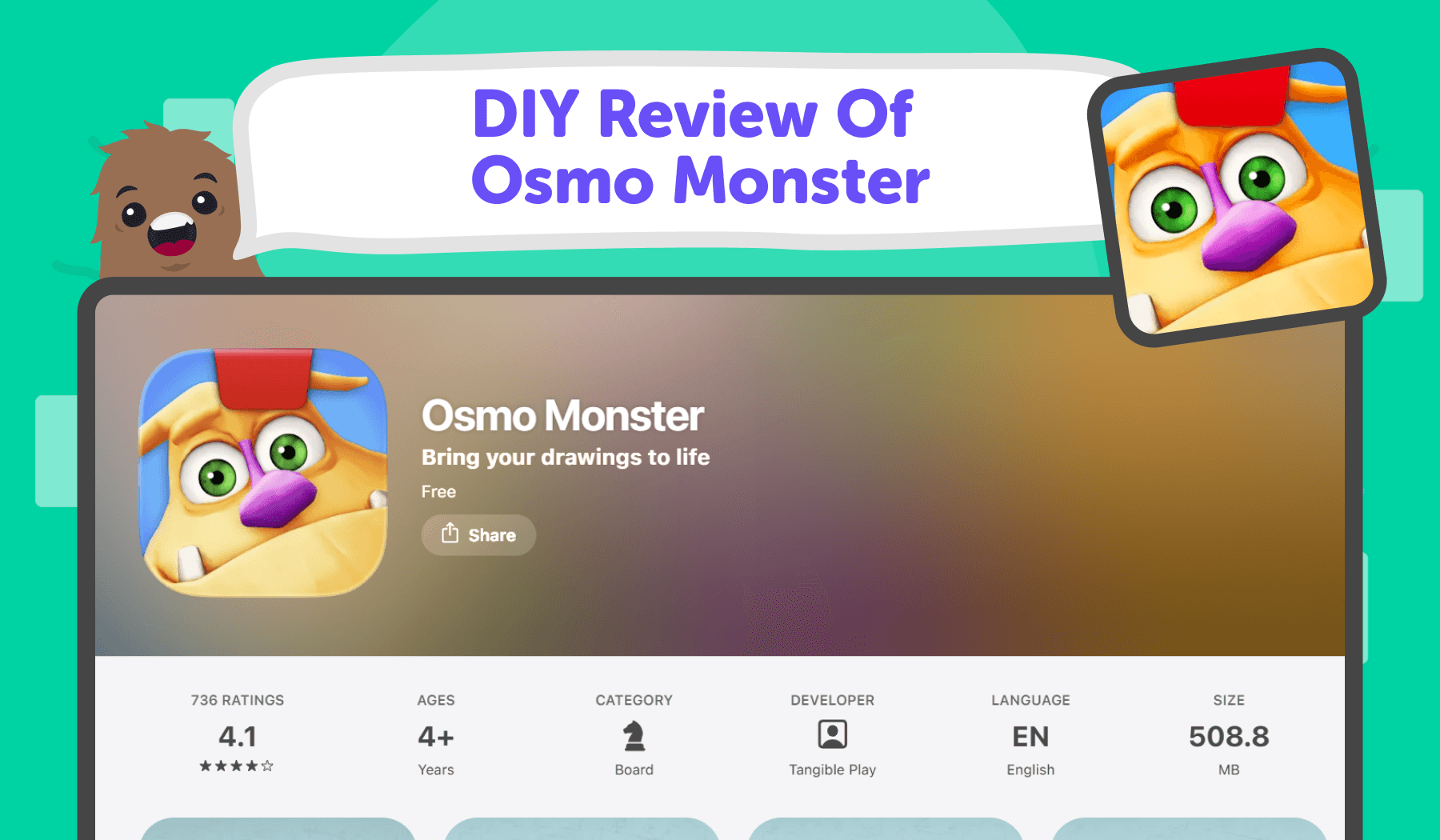
10. Osmo Monster / Creative Set (4–9)
What it is: Hands-on drawing with a physical base and reflective clip; kids draw on paper, and their art appears in the app’s story.
Why it’s calming: The screen invites, but the magic is on the table pencils, markers, and paper keep energy grounded.
How kids use it: Follow a friendly character’s prompts, draw objects, watch them come to life, then draw again.
Great for: Screen-to-paper balance; family play; low-stimulation creativity.
Platforms: iPad (and some Fire tablets; check kit compatibility).
Offline: Many activities run offline once downloaded.
Ads/data: Ad-free experiences within the Osmo ecosystem.
Cost: Hardware kit (base + reflector) plus paid apps/bundles.
Quick setup tip: Keep a “calm kit” next to the device: thick drawing pad, a few washable markers, and washi tape for framing finished art.
Homework before calm play works best with gentle, step-by-step help. 👉 Try AI Homework Helper
Five-minute setup for calmer screen time
Step | Action | Details |
1 | Silence the noise | Turn off notifications and any app cross-promos on the child profile. |
2 | Choose a “calm folder” | Put only the recommended calm apps into one folder and dock it on the home screen. |
3 | Download for offline | Preload art packs or lessons before trips so play stays calm without Wi-Fi. |
4 | System-level limits | Use device parental controls for app limits, downtime windows, and purchase restrictions. |
5 | One clear rule | “Calm apps first.” Keep other apps behind a parent PIN. |
How to use calm apps in a Montessori-style routine
Principle | What to Do | Example/Tip |
Short, predictable windows | Schedule 10–20 minutes once or twice a day. | Same time daily (e.g., after snack). |
Child leads, adult observes | Offer a simple prompt, then step back. | “What can your town look like today?” |
Bridge to hands-on | Move from screen to real materials with a related task. | “Color a garden in Lake, then build it with blocks.” |
Reflect briefly | Close with one or two questions. | “What did you make? What will you try next?” |
Quick answers for parents (FAQs)
Are these apps ad-free?
Many prioritize ad-free or subscription-supported experiences (e.g., Pok Pok, Sago Mini, Toca Boca). Always confirm on the store page at download time.
Can my child use them offline?
Several provide offline modes or downloadable packs handy for flights and quiet corners. Check each listing to be sure. SFGATE
What ages are best?
Start younger kids (2–5) with Pok Pok, Sago Mini, Busy Shapes; move older kids (6–10) toward Toca Boca, Lake, Procreate with light parent guidance.
Short hints prevent frustration spikes before calm tech time. 👉 Open AI Homework Helper
Why this is trending (and likely to keep growing)
Mainstream coverage keeps spotlighting low-stimulation, Montessori-inspired tools like Pok Pok calm, ad-free, and built for exploration instead of rewards. That demand aligns with what parents search for: calm apps for kids, Montessori apps, ad-free kids apps, offline kids apps, best creative apps for kids.
Related DIY Challenges & Courses
More Blogs You Might Like
Ready to start creating?
Join hundreds of thousands of kids already building cool stuff.
Get started for freeYour first game is on us.
Describe a game below - no sign-up needed to try.
Powered by AstroSafe
Make real games - not just chat