AI Image Generator for Kids – Safe & Fun Tools to Create Digital Art
Discover safe, fun AI image generators for kids! Explore tools, prompts, and creative projects to spark young imaginations no art skills needed.
Kids today can bring wild ideas to life with just a few words. AI image generators allow children to turn prompts into pictures without needing to draw. Whether it’s a unicorn astronaut or a castle made of pizza, the possibilities are as big as their imagination.
In this guide, we’ll explore the best tools, ideas, and safety tips so you can help your child dive into AI art the fun and responsible way.
What Is an AI Image Generator?
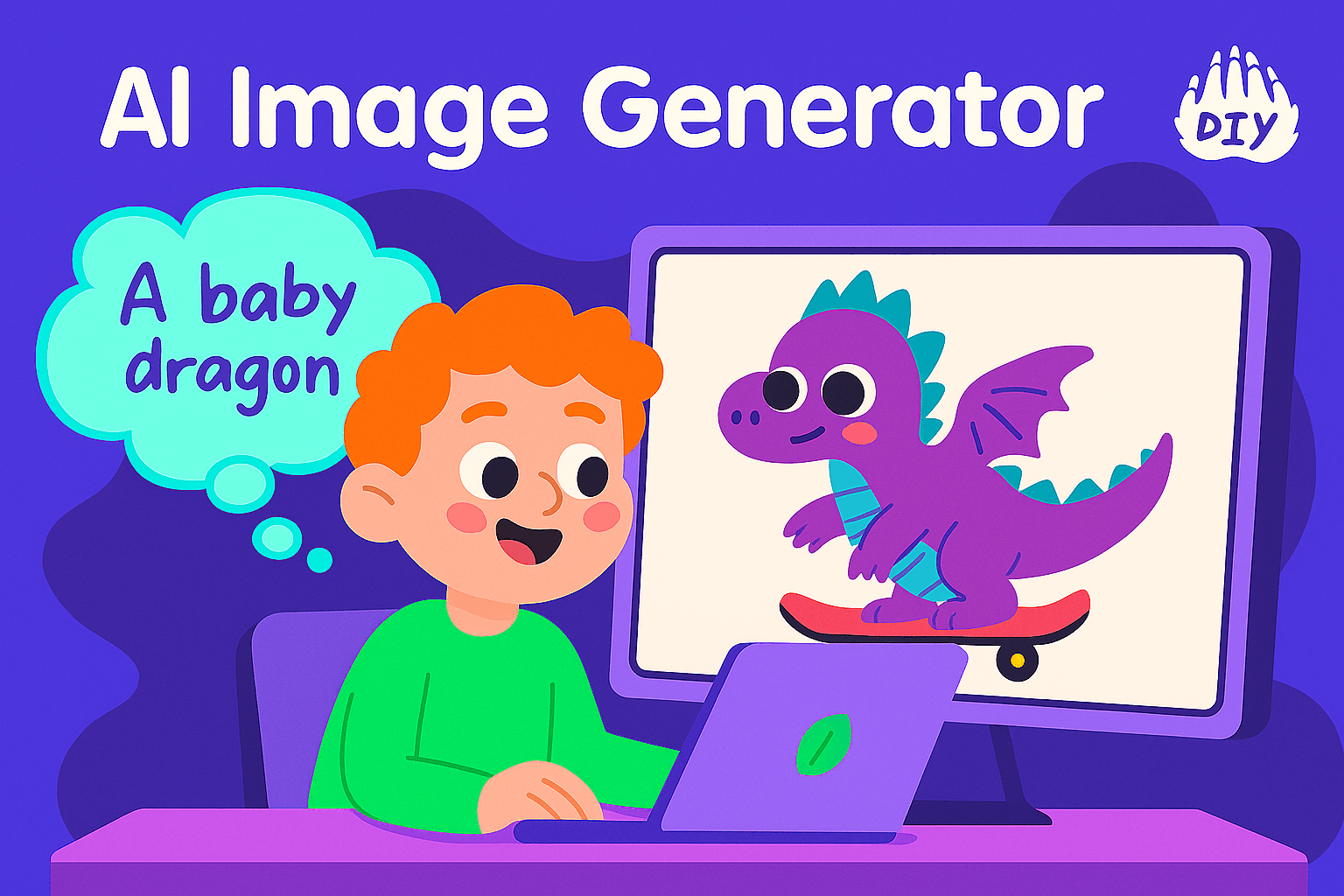
An AI image generator is a tool that creates images from words. Children can type prompts like “a baby dragon on a skateboard,” and the tool builds that exact image with no art skills needed.
Kid-friendly versions are simplified and include filters to keep content safe and appropriate. These platforms are fun, fast, and a great way for kids to explore storytelling, creativity, and technology all at once.
Why Kids and Parents Love These Tools
AI image generators help kids express themselves visually, especially those who feel limited by drawing or painting.
Benefits:
Boosts creativity through storytelling and world-building
Encourages writing via prompt creation and description
Strengthens tech skills in a safe, guided environment
Builds confidence every idea turns into something cool
Want to go even further? Try pairing it with creative courses and challenges on DIY where kids can turn their digital art into real-world projects.
Top Kid-Friendly AI Image Generator Tools
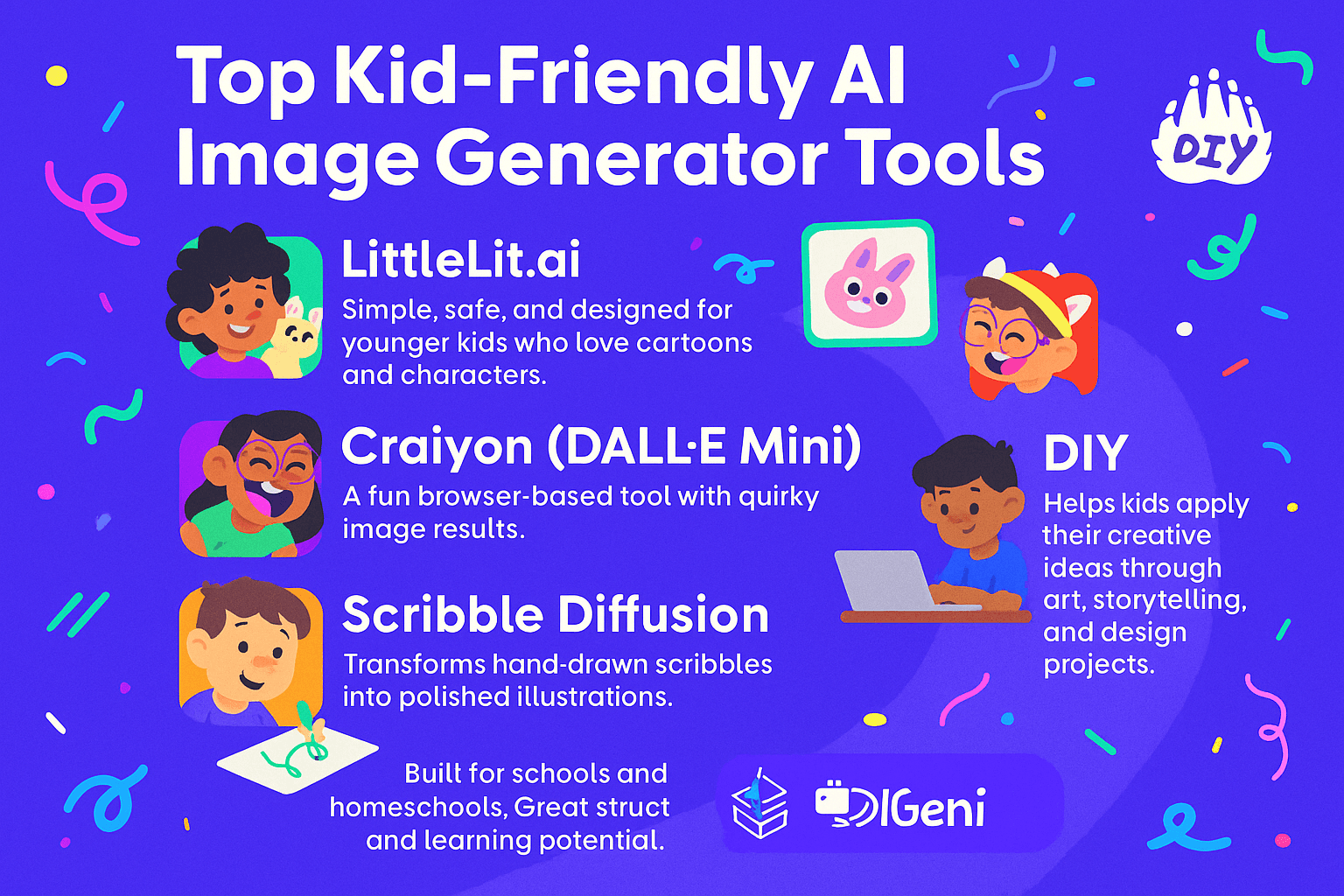
LittleLit.ai
Simple, safe, and designed for younger kids who love cartoons and characters.
Great for ages 5–10
No account required
Craiyon (DALL·E Mini)
A fun browser-based tool with quirky image results.
Better for ages 8+
Great for random prompts and laughs
Scribble Diffusion
Transforms hand-drawn scribbles into polished illustrations.
Fun for all ages
Great paired with drawing activities from DIY's art section
KidGeni
Built for schools and homeschools. Great structure and learning potential.
Currently in limited release
DIY.org
While not an AI image generator itself, DIY helps kids apply their creative ideas through art, storytelling, and design projects. It’s a perfect place to use the images kids create and turn them into crafts, comics, or coding games.
Prompt Ideas to Spark Imaginations
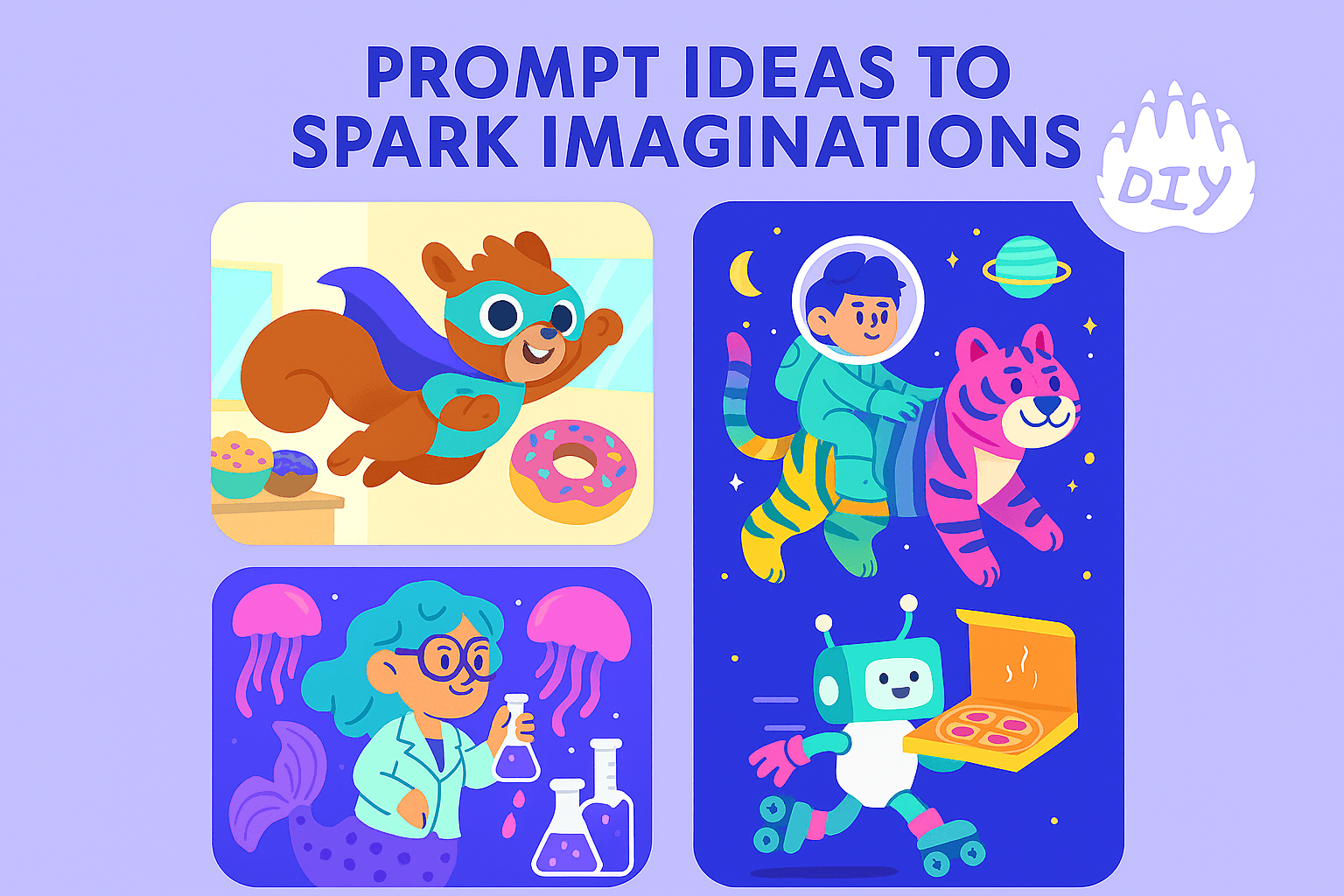
Kids don’t need complex prompts, just creative ideas. Here are some examples:
A squirrel superhero flying through a donut shop
A space explorer riding a rainbow tiger
A mermaid scientist in a jellyfish lab
A robot with roller skates delivering pizza
Encourage descriptive prompts with color, location, and action. Then, try recreating the scenes in DIY activities like storybook design or game development.
Is It Safe for Kids to Use AI Generators?
Mostly, yes if you pick the right platforms.
Look for tools that:
Don’t require accounts for kids
Use strong content filters
Keep data private and don’t store user input
You can also guide your child to responsible use by combining AI playtime with structured learning or screen-free activities. DIY does a great job of blending tech with real-world skill-building.
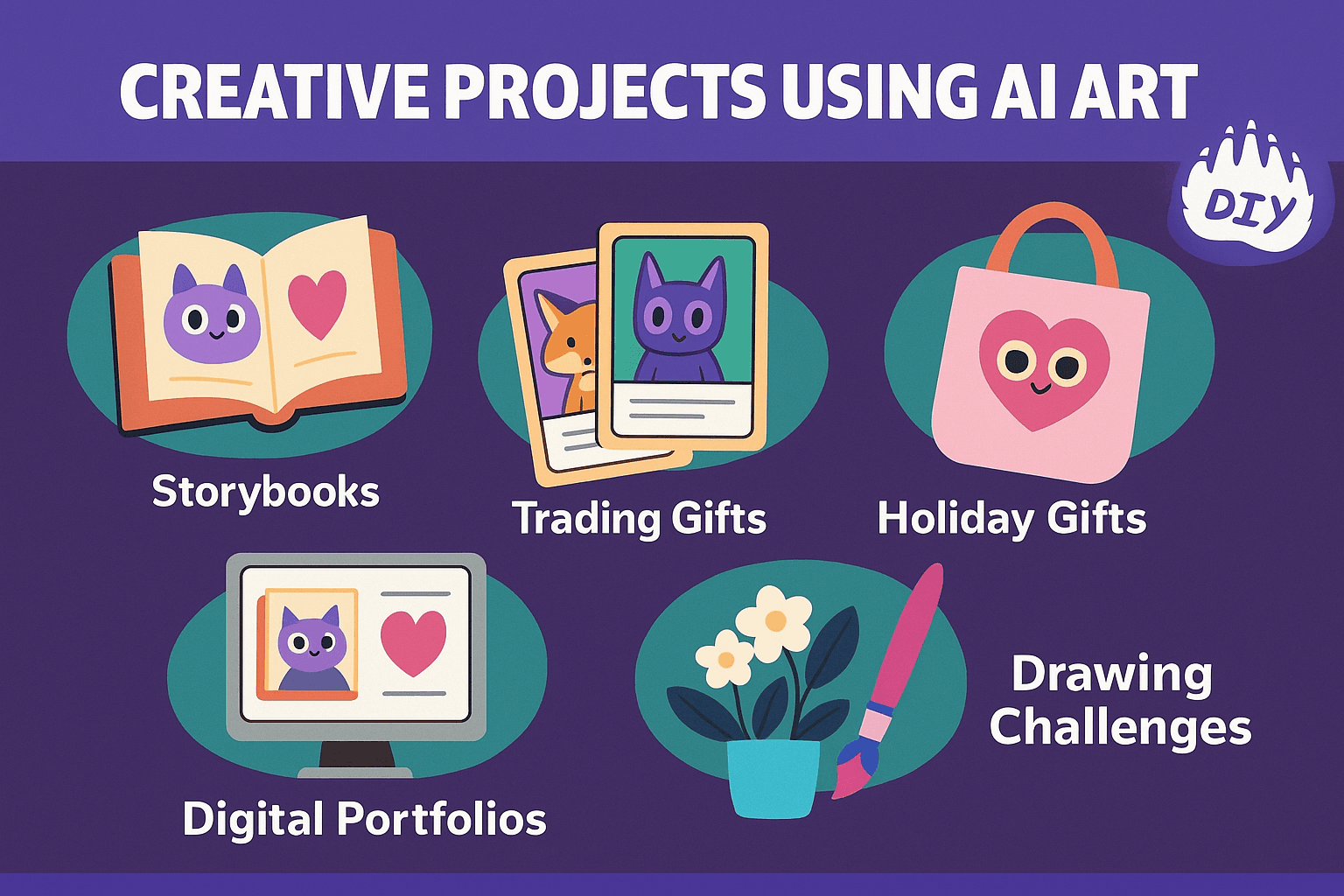
Creative Projects Using AI Art
What can kids do with their new creations? Try these ideas:
Storybooks: Use DIY’s storytelling challenges to bring AI characters to life
Trading Cards: Make a series of collectible “character” cards
Holiday Gifts: Turn their favorite AI creation into a sticker, shirt, or tote
Digital Portfolios: Combine their AI art with written descriptions
Drawing Challenges: Re-draw the AI image using pencils or paints
FAQs about What Parents and Kids Want to Know
Is AI safe for kids to use?
Yes, if the platform includes proper filters and doesn't collect personal data. Stick to tools designed for children and supervise when possible.
Are there free AI image generators for kids?
Absolutely. Most options on this list have free versions. Just check for watermarks or download limitations.
Can AI help kids learn to draw?
AI can inspire new ideas, but traditional drawing still builds fine motor skills. Try combining both for example, copying an AI image by hand or improving it.
Do AI tools use my child’s data?
Kid-safe tools don’t collect identifiable data. Always check a platform’s privacy policy.
What’s the best AI image generator without login?
LittleLit.ai and Craiyon both let kids generate images instantly without creating an account.
Can my child use ChatGPT to make AI images?
Yes with the right settings and guidance. ChatGPT‑4o connects with image tools like DALL·E, but it’s better for older children and should be used with parental support.
Is there a place where kids can use their AI creations for more?
Yes! DIY is perfect for building on AI ideas with real-world activities, challenges, and projects.
Let Their Ideas Take Off
AI image generators open up a world where kids can visualize anything they imagine safely and easily. Whether it’s a flying elephant in a tuxedo or a dancing cupcake on Mars, the goal is simple: create, play, and learn.
Pair that creative spark with tools like DIY and watch your child’s ideas grow beyond the screen.
Ready to start creating?
Join hundreds of thousands of kids already building cool stuff.
Get started for freeYour first game is on us.
Describe a game below - no sign-up needed to try.
Powered by AstroSafe
Make real games - not just chat