YouTube Shorts for Kids Safety Checklist & Guide
A parent- and teacher-friendly checklist for making kid-safe YouTube Shorts planning, filming, editing, captions, and posting settings.
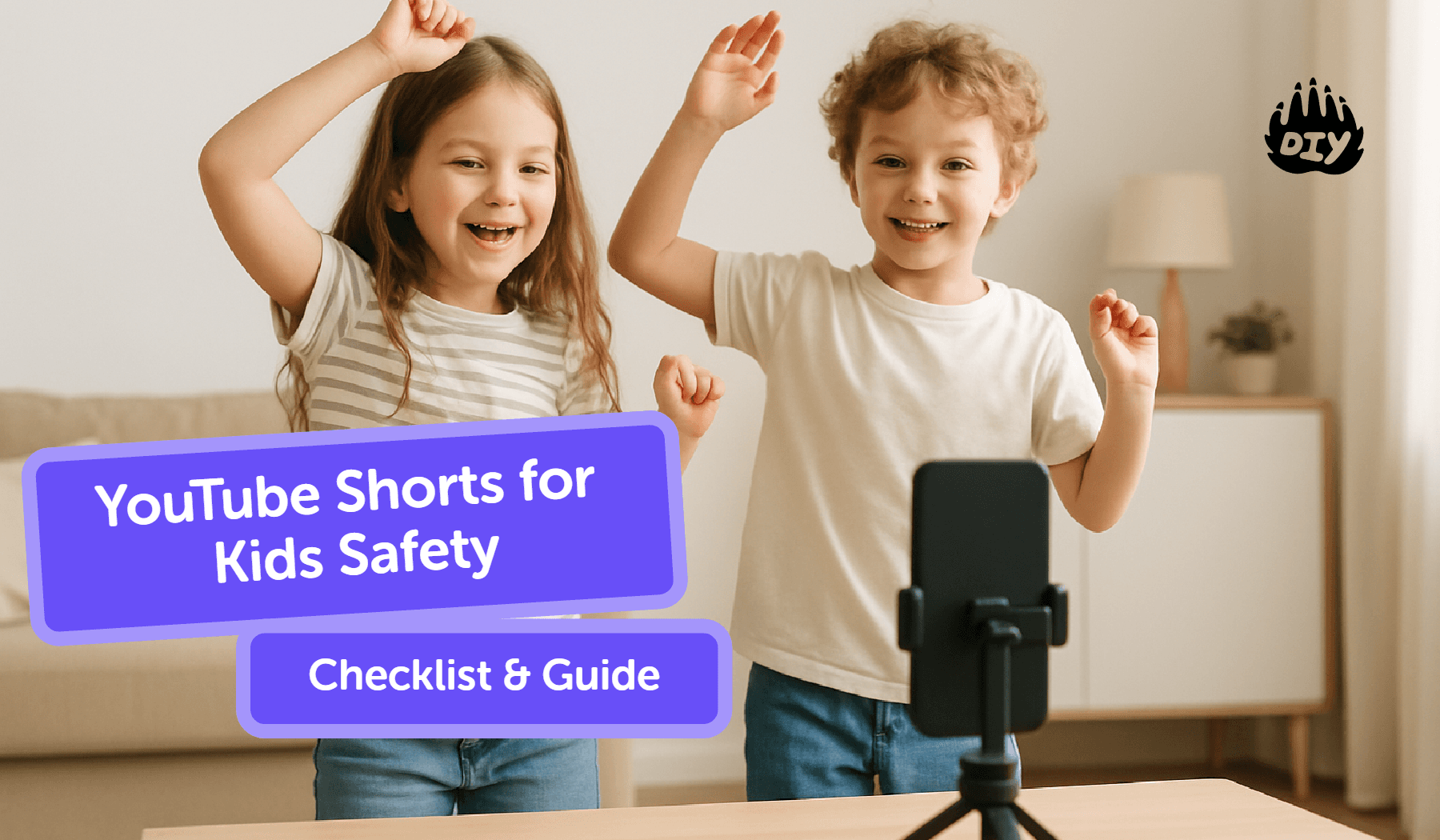
A simple system for kid-safe YouTube Shorts: set ground rules, protect privacy on camera, film vertically with a strong hook, add readable captions, and post with the right visibility/comments settings. Use the checklist to repeat the same safe steps every time.
👉 Need a kid-safe script fast? Paste your idea into DIY’s AI Homework Helper to turn it into a 60-second script, shot list, and caption suggestions. → Try AI Homework Helper
What Are YouTube Shorts? (Kid-friendly overview)
Vertical video (9:16), up to 60 seconds
Where Shorts appear and why they’re popular
Skills kids build: scripting, storytelling, editing, digital citizenship
Ground Rules Before You Start (for families & classrooms)
Set the goal (learn, share projects, portfolio)
Decide on-camera approach (face/no-face, hands-only, VO)
Choose filming areas; clear backgrounds of private details
Agree on comments policy, sharing, and screen-time limits
Safety & Privacy Essentials (non-negotiables)
No full names, school logos, addresses, schedules, or live locations
Check backgrounds (posters, trophies, mail, house numbers)
Prefer hands-only or voice-over for younger kids
Use platform sounds or royalty-free audio; keep simple credits
Filming Checklist (Shorts that work on phones)
Record vertical (9:16), steady shot, clean background
Good light (lamp at face level); avoid backlighting
5-second hook first: say what viewers will see or learn
Shoot short takes (1–5s), capture b-roll (close-ups, time-lapse, before/after)
Editing Checklist (fast and clear)
Trim silences; keep under 60s
Add large, readable captions (burn-in or accurate auto-captions)
Simple on-screen labels; avoid distracting effects
Structure: hook → 2–3 key moments → result/CTA
Add credits (music source/collaborators)
👉 Post with confidence. Use the Helper to double-check your privacy checklist and generate a parent/teacher approval summary before you upload. → Open AI Homework Helper
Posting Settings (visibility, comments, captions)
Setting | Guidance |
Title | Clear first 60 characters (what + who + result) |
Description | 1–2 helpful lines (materials/steps if educational) |
Visibility | Public/Unlisted based on age/context |
Comments | ON with moderation or OFF for younger kids |
Hashtags | #Shorts + a few topic tags |
Location | Usually OFF for kids |
Content Ideas That Work (by category)
Category | Examples |
DIY/Make | Three-step craft, before/after art, science mini-demo |
Learning | “Explain in 20s,” vocabulary of the day, quick map fact |
Story/Animation | Stop-motion reveal, paper-flip tutorial |
Gaming | Build showcase, “how to” move (no usernames or chat windows) |
Script & Shot Template (copy/paste)
Segment | Timing | Notes |
Hook | 0–5s | “Today we’ll…” / “Watch this quick…” |
Step 1 | 5–20s | Show first key action; add on-screen label |
Step 2 | 20–35s | Second action; keep cuts tight |
Step 3 | 35–50s | Third action; show progress/result |
Result/CTA | 50–60s | “Want the steps? Check the description.” |
B-roll inserts | Any | Close-ups, time-lapses, reaction shot |
👉 Plan kid-safe Shorts in minutes. Turn your idea into a 60-second script, shot list, and captions privacy-checked for kids. Plan My Short with AI
Classroom & Family Posting Rhythm (sustainable)
Topic | Details |
Weekly flow | Plan Mon, shoot Wed, edit Thu, post Fri |
Roles | Presenter, camera, editor, safety checker |
Success metrics | Watch time, re-watches, comments quality (if on) |
Printable: Safe Shorts Checklist (what’s included)
Pre-film: background clear, info hidden, script approved
Film: vertical, hook first, 2–3 key shots, multiple takes
Edit: trim, captions on, credits added
Post: title/description, visibility, comments setting, rewatch test
After: reply to helpful comments (if on); log one learning
Related DIY Challenges & Courses
More Blogs You Might Like
Ready to start creating?
Join hundreds of thousands of kids already building cool stuff.
Get started for freeYour first game is on us.
Describe a game below - no sign-up needed to try.
Powered by AstroSafe
Make real games - not just chat