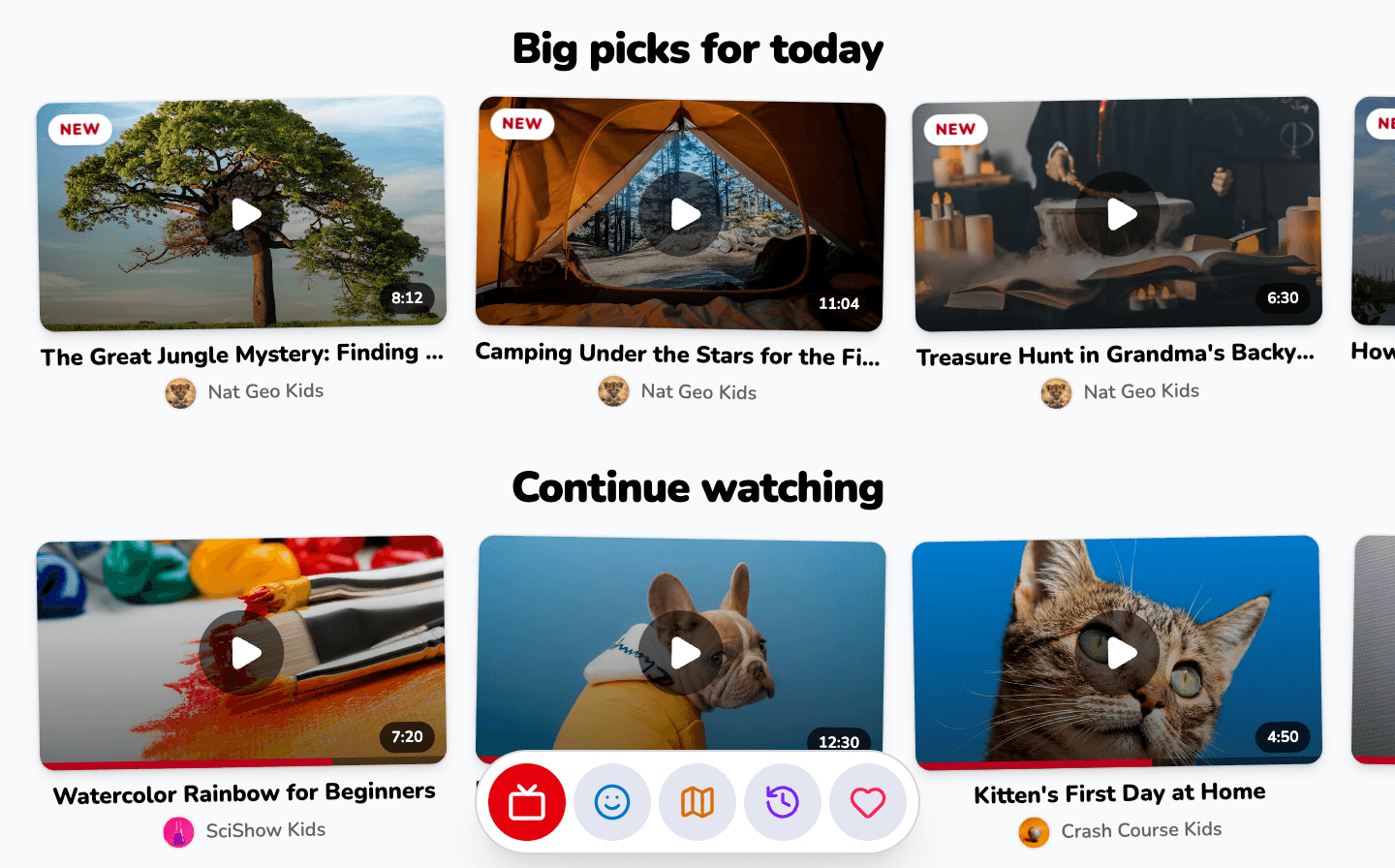
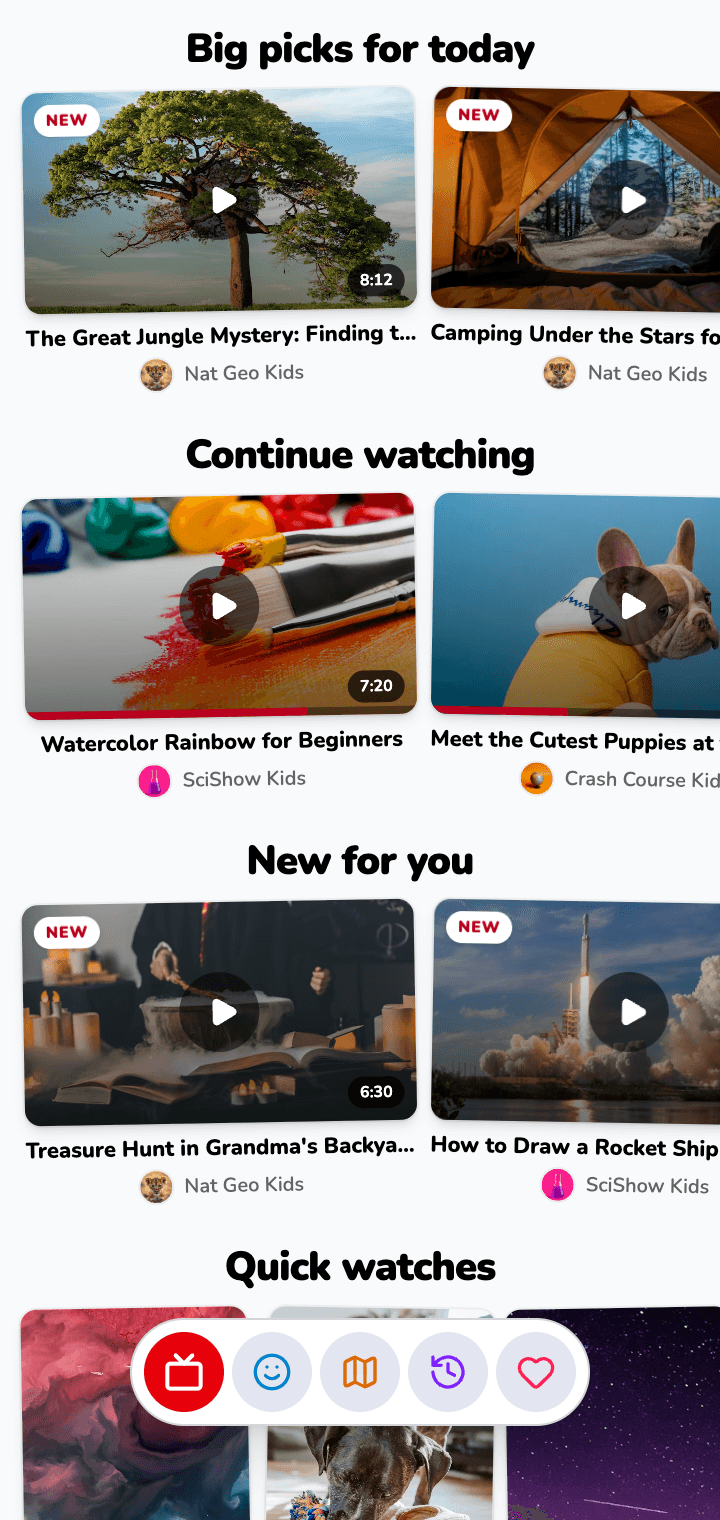
Ads & distractions
What kids see while watching.
YouTube
Ads before and during videos, plus pop-ups and sponsor messages.
SafeTube
No ads, no pop-ups, no sponsor reads — just the video.
Turn a YouTube or Vimeo link into a focused video page. Free to watch and share, with no sign-up.
Powered by AstroSafe
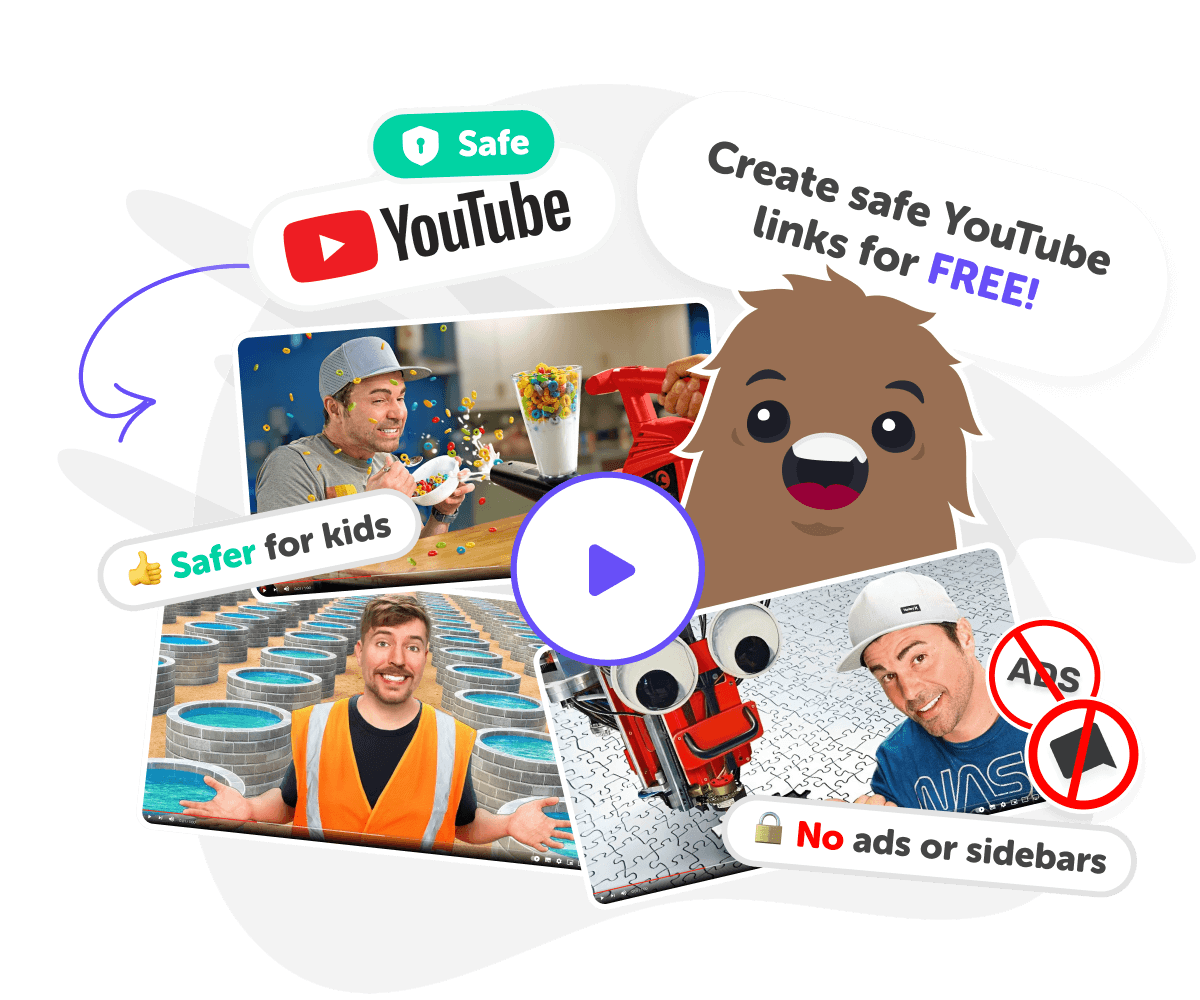
Give kids their own video world: curated, age-appropriate playlists without comments or an autoplay spiral. Parents choose the channels, topics and limits, then kids explore the things they love.
Six things parents and teachers actually care about, and how the two stack up.
What kids see while watching.
YouTube
Ads before and during videos, plus pop-ups and sponsor messages.
SafeTube
No ads, no pop-ups, no sponsor reads — just the video.
Who can talk underneath the video.
YouTube
Open comments that can include spam, bullying, or adult content.
SafeTube
Comments are removed entirely so kids can't read or post them.
What comes up next after a clip ends.
YouTube
Algorithm pulls in unrelated or inappropriate suggestions.
SafeTube
No autoplay spiral — only the videos you or SafeTube picked.
How content is matched to the child.
YouTube
Broad age settings with no real content review for kids.
SafeTube
Hand-checked playlists matched to age and school subjects.
Who decides what is allowed.
YouTube
Limited controls that kids often bypass or ignore.
SafeTube
Grown-ups set age, topics, and limits in a parent area.
How easy it is to use in a classroom.
YouTube
Schools often block YouTube because of unsafe content.
SafeTube
Shareable safe links that work on school networks and in LMS tools.
Real families, classrooms and clubs using SafeTube every day.
Family of three
The Reyes family approved 40 channels once. Now video time ends without a single argument.
Year 5 teacher
Mr Adeyemi projects SafeTube playlists in class knowing no ad or comment can derail the lesson.
Homeschool
Leo's mum built topic playlists for each week, so he learns without hunting through YouTube.
Neurodivergent learner
Mia watches one video at a time. No autoplay, no shorts, no flashing recommended wall.
Primary school
One school swapped YouTube for SafeTube on every iPad and cut off-task viewing to near zero.
After-school club
Club leaders share a single approved library, so any device in the room is already safe.
SafeTube creates instant playlists of kid-friendly, educational, and entertaining videos with just one tap. Instead of letting children wander through random recommendations, SafeTube filters content so only trusted, age-appropriate videos appear. Parents, teachers, or kids can type a topic such as Minecraft, science, or art, and SafeTube builds a ready-to-watch playlist. Every video is reviewed and vetted for safety, making it an ideal way to enjoy videos without ads, inappropriate content, or distractions.
SafeTube is designed for children, parents, and educators. Kids enjoy curated playlists around their favourite interests, while parents gain peace of mind knowing every video is safe. Teachers use SafeTube in classrooms to support lessons with engaging, distraction-free videos. Younger learners get fun, simple content while older kids can explore deeper educational topics. Families can also watch together, making SafeTube a trusted resource for both homes and schools.
SafeTube saves time, reduces worry, and builds trust. Children can explore their interests with confidence, knowing every playlist is designed for their age group. Parents no longer need to monitor every click or fear unsafe recommendations. Teachers can easily integrate safe, engaging videos into lessons. Unlike regular YouTube, SafeTube removes ads and distractions while keeping learning and entertainment at the centre.
SafeTube is especially useful for learning. It can generate playlists about maths, science, history, art, or languages. Instead of leaving kids to search endlessly, SafeTube provides structured collections of videos that match school subjects and age levels. Parents and teachers can build focused playlists for homework help, revision, or classroom projects, and kids benefit from clear, reliable explanations presented in a fun, visual way.
Safe Tube transforms any YouTube video into a clean, distraction-free learning page. No ads, no recommended videos, no comments - just the content that matters, wrapped in educational context that helps kids understand what they're watching.
Teachers and parents paste a video link, and in seconds they get a shareable page with the video, key facts, discussion questions, and related topics. It's the simplest way to make screen time meaningful.
Safe Tube pages work on any device and any network - even if YouTube is blocked at your school. Share links through Google Classroom, email, or any LMS. Students get a focused viewing experience that keeps them on task.
Paste the full YouTube link including https://
Works on phones, tablets, and Chromebooks
Removes autoplay, recommendations, and comments
Embed safe links in Google Classroom or any LMS
Generates a safe page in under 10 seconds

Emma
Mother of an 8 year old
SafeTube makes sharing videos so easy. No ads, no autoplay, just the video I picked. My daughter watches calmly and I don't worry about her clicking into anything else. Love how simple it is.

Carlos
Primary school teacher
I use SafeTube for lessons because it removes ads and suggested videos that distract the class. Generating a clean link takes seconds and it works on our school network. Keeps class focused and saves me prep time.

Liam
Father of two (6 and 9)
Paste a YouTube link, get a safe page, that's it. My kids can watch what I choose without popups or comments, and I can share links with grandparents too. It's given us real peace of mind.
Download the app, or visit SafeTube to see everything it does.