Texture Pack Maker
A texture pack maker lets kids redesign the look of a game by creating new surfaces, colours, and patterns for blocks, items, and characters. It is a creative way to learn how visual design changes the feeling of a world, and it gives kids a fun reason to practise choosing details, matching styles, and testing ideas. On DIY.org, kids can explore texture pack maker projects through Vibe Coding, where they build, change, and improve their ideas with guided support.
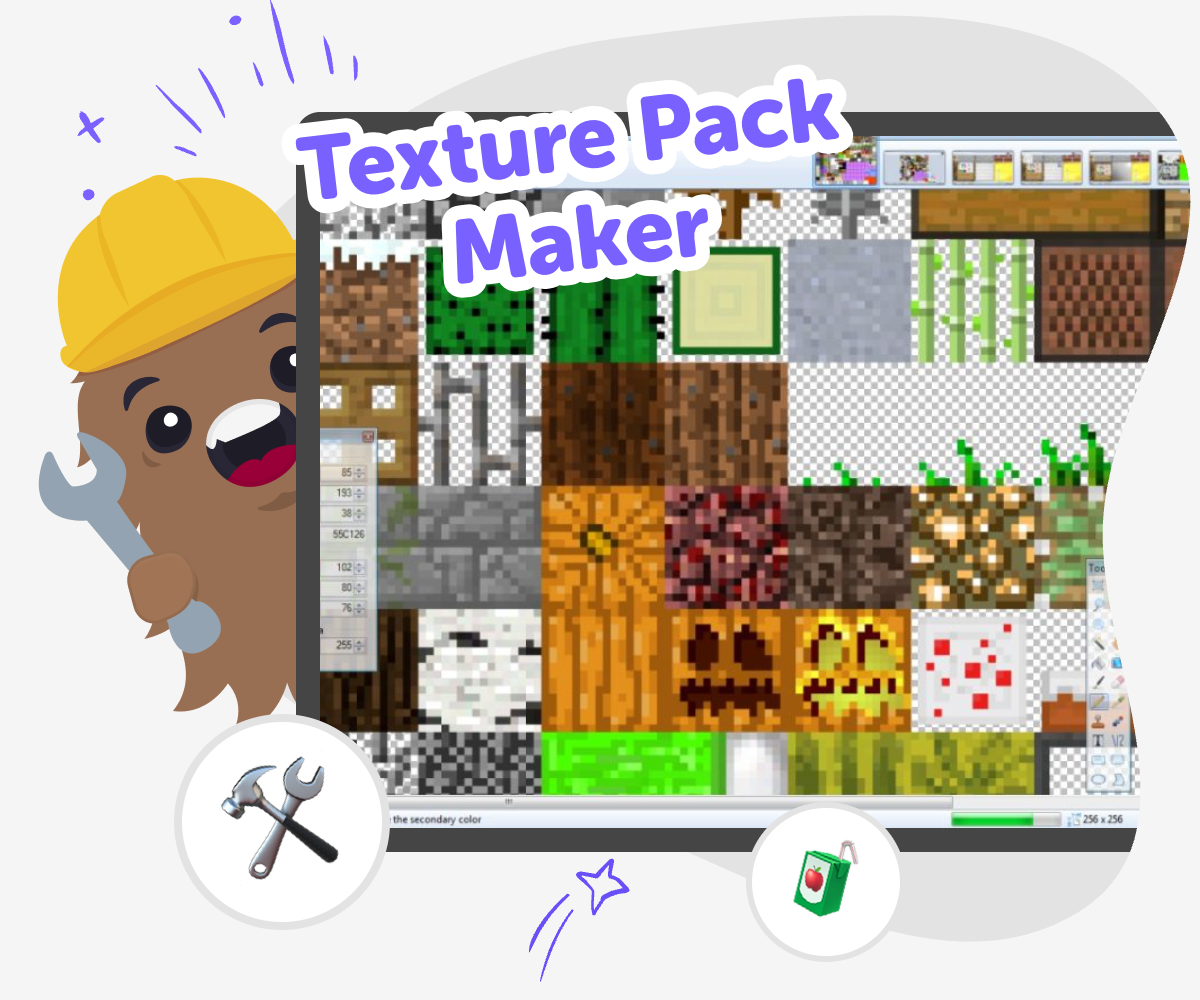
Design Your Own Game Textures
A texture pack maker helps kids change how a game looks by designing new textures, patterns, and colours for the world they play in. It matters because visual design is part of creative thinking: kids notice details, make choices, and learn how small changes can transform the feel of a place or object. Working on texture packs also builds patience and confidence, since good designs often come from trying an idea, seeing it in action, and improving it step by step. Kids can use Vibe Coding to explore texture pack maker ideas in a guided, hands-on way. They can shape their theme, test how textures fit together, and keep adjusting their designs as they learn what works.
A texture pack is more than decoration; it is a way to explore style, mood, and storytelling through art. Kids can decide whether their world feels bright, cosy, futuristic, silly, or mysterious, then use that idea to guide each texture they make. Vibe Coding supports this process by helping kids turn creative choices into a project they can build, test, and refine safely. It keeps the focus on making and experimenting, so the tool stays a creative studio for learning by doing.
What is a texture pack maker?
A texture pack maker is a way to design the visual surface of a game world. Instead of changing the rules or the story, kids change how things look, like block faces, item shapes, colours, or patterns. That makes it a great project for creative thinking because the same world can feel very different with a new style. A stone wall might look like cracked candy, smooth metal, or leafy moss depending on the choices a kid makes. This kind of project helps children see that art and technology can work together. It also teaches that design is not only about making something pretty; it is about making choices that help people understand and enjoy what they see. When kids build a texture pack, they learn to notice detail, compare versions, and improve their ideas step by step.
Why do texture packs matter in games?
Texture packs matter because they change the mood of a game without changing the whole game. A bright, colourful pack can make a world feel cheerful and playful, while darker textures can make it feel mysterious or adventurous. Kids learn that visuals send messages. A strong texture can make a tool look important, help players find items faster, or make a fantasy world feel more magical. This is a useful lesson in design because it shows how pictures can guide attention and feeling. Making a texture pack also gives kids a safe way to practise planning. They need to think about how one image fits with the rest, how repeated patterns work, and when a design needs simpler shapes. Those are real creative skills that help in art, games, and everyday problem-solving.
How can kids stay creative and safe while making one?
Kids can stay creative and safe by starting with simple ideas, using familiar themes, and sharing their project with trusted adults when needed. A texture pack is a good beginner project because it can be made in small steps, which means kids do not need to finish everything at once. They can test one texture, notice how it looks, and then change it. That makes the project feel less overwhelming and more playful. It also helps children learn that improvement is normal. Vibe Coding supports this kind of learning by giving guided help while kids make choices themselves. The tool keeps the work hands-on, so kids stay in charge of their ideas. Parents and educators can feel good about that because the focus stays on creativity, experimentation, and steady learning rather than rushed results.
What can kids learn from making and revising textures?
When kids make and revise textures, they learn how to notice what is working and what needs more attention. That is an important skill called iteration, which simply means improving something in small steps. A kid might begin with a simple pattern, then notice that it looks too busy, too dark, or too similar to other textures. After that, they can try again with a clearer shape or a different colour. This teaches problem-solving in a calm, practical way. It also builds coding confidence when the texture pack is made with a guided creative tool, because kids see that technology is something they can shape, not just use. Over time, they start trusting their own ideas more. They learn how to test, compare, and choose. Those habits help with art projects, games, and any creative challenge that needs patience and care.
How to Make Textures
Choose a style
Pick a theme for the texture pack, such as space, forest, candy, robots, or ocean. Decide on a few colours and shapes that match the mood you want.
Plan each texture
List the blocks, items, or surfaces you want to redesign. Sketch simple pattern ideas so your pack feels connected instead of random.
Build and test
Create your first textures and place them into the project. Look at how the new designs change the world, then adjust anything that feels too busy or unclear.
Make the most of testing and remixing
Try a new colour choice Change one texture at a time so you can see what really improves the design and what makes it harder to read. Compare versions Switch between your ideas and notice which patterns feel clearer, calmer, or more exciting for the world you imagined. Ask a helper or friend A fresh eye can spot tiny details you missed, like a shape that blends in too much or a colour that needs more contrast. Save your favourite mix Keep the version that feels strongest, then make small changes later when you want to refresh the style without losing your best ideas.
Frequently asked questions
What is a texture pack?
A texture pack is a set of new visual designs that changes how a game looks. It can update surfaces, items, blocks, and other pictures so the world feels different while the game stays the same.
Can kids make their own texture pack?
Yes. Kids can make their own texture pack with simple shapes, colours, and patterns. Starting with one or two textures is a good way to learn before making a bigger set.
What makes a good beginner texture pack?
A good beginner texture pack uses clear colours, simple patterns, and one theme. That makes it easier to see how each texture fits together and helps the whole project feel connected.
Do texture packs need to match exactly?
They do not need to be identical, but they should feel like they belong together. Similar colours, repeated shapes, and a shared mood can help the pack feel smooth and readable.
How do kids decide what theme to use?
Kids can pick a theme they enjoy, like space, nature, sweets, robots, or fantasy. A theme gives the project direction and makes it easier to choose colours and patterns.
Is making a texture pack good for learning?
Yes. It can build observation, planning, and problem-solving skills. Kids learn how to try an idea, see what happens, and improve it instead of expecting a perfect result right away.
Can Vibe Coding help with texture pack ideas?
Yes. Vibe Coding gives guided support while kids explore texture pack maker ideas, build their project, and keep adjusting it. It helps the process feel creative, safe, and manageable.
What should kids do after finishing one version?
They can compare it with an older version, change one thing at a time, and save the design they like best. Revising a texture pack is part of the fun because it helps the project get clearer and more personal.
More tools
Create a Minecraft Potion
Create a Minecraft Potion by exploring how game items, ingredients, and effects work together in Minecraft. Kids can learn the basics of potion-making, then use Vibe Coding to build and test a simple interactive project inspired by their own ideas, turning curiosity into a hands-on creative challenge.
Create a Minecraft Shield
Create a Minecraft Shield and learn how this simple in-game item can help players stay protected, plan ahead, and build with confidence. Kids can explore the idea of defense, design, and creativity while trying Vibe Coding, a guided creative coding studio that helps turn ideas into hands-on projects step by step.
Create a Minecraft Skeleton Skin
Create a Minecraft skeleton skin and turn a blocky character idea into a custom look you can test, tweak, and make your own. This kid-friendly project helps young makers explore game design, character style, and creative coding with guided support.
Create a Minecraft Survival Game
Create a Minecraft Survival Game is a kid-friendly way to explore game ideas, survival challenges, and creative problem-solving. Kids can imagine a simple world, think about goals and rules, and use Vibe Coding to build and improve an interactive project step by step.
Ready to start creating?
Join hundreds of thousands of kids already building cool stuff on DIY.ORG.
Your first game is on us.
Describe a game below - no sign-up needed to try.
Powered by AstroSafe
Make real games - not just chat