Create a Minecraft Shield
Create a Minecraft Shield and learn how this simple in-game item can help players stay protected, plan ahead, and build with confidence. Kids can explore the idea of defense, design, and creativity while trying Vibe Coding, a guided creative coding studio that helps turn ideas into hands-on projects step by step.
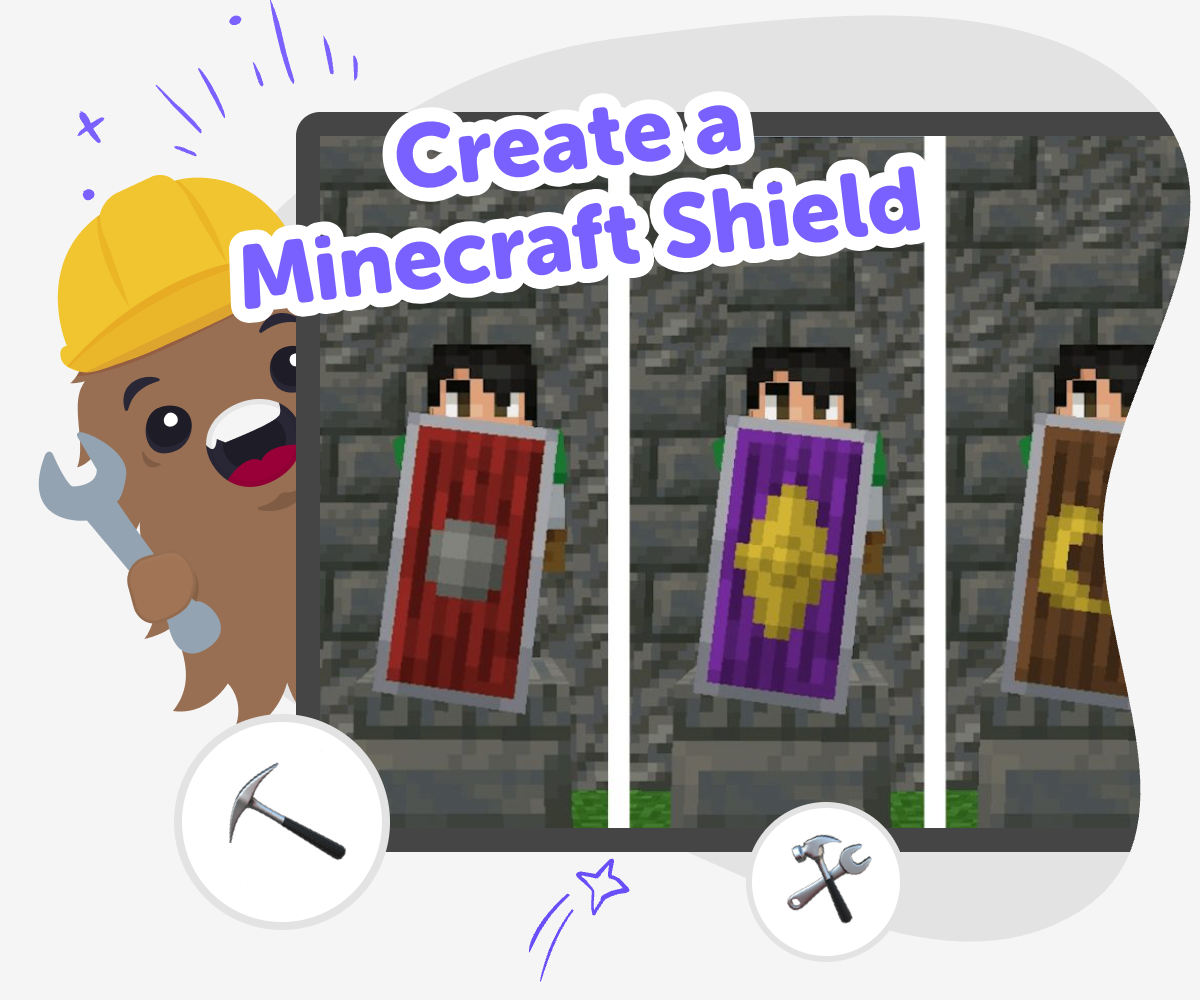
Build a Shield Idea
Create a Minecraft shield by exploring how a simple item can protect a player and shape the way a game feels. Kids can learn why shields matter by thinking about safety, timing, and design choices that help a character stay ready for adventure. This topic is a good way to connect game play with creative thinking, because the shield can be strong, colorful, or themed to match a character. It gives kids a clear idea to build on while they practice making decisions and improving their work.
Vibe Coding helps kids explore a Minecraft shield through guided, hands-on making. They can describe the shield idea they want, then build, test, and change it step by step with support that keeps the process calm and creative. The tool stays focused on learning by doing, so kids can experiment with shapes, styles, and interactions without needing to get everything perfect right away. That makes the topic feel playful, safe, and confidence-building while the shield idea stays at the center.
What does a Minecraft shield do?
In Minecraft, a shield is a tool that helps a player stay safe during danger. It is often used to block attacks, which makes it a good example of how games can teach timing, planning, and smart movement. A shield can also change how a player thinks about a challenge, because it adds a choice: protect now, or move and act later. That makes the shield useful for learning, not just surviving. When kids think about a shield as a game object, they also start noticing design details like shape, color, and how an item fits into play. That turns a simple tool into a creative idea. It can lead to drawing, coding, building, and even storytelling about what the shield is for.
Why do kids like designing shields?
Kids often like shield designs because they can make something useful look personal. A shield is a place to use favorite colors, symbols, patterns, and themes, so the project feels like it belongs to the maker. That sense of ownership matters, especially for younger kids, because it helps them feel proud of what they create. Designing a shield also gives kids a clear goal with room for imagination: keep the idea of protection, but choose how it looks and feels. Some kids may want a brave shield, a silly shield, or a shield that matches a character they invented. The best part is that there is no single right answer. Exploring different versions helps kids practice trying ideas, comparing results, and choosing what they like best.
How can making a shield build confidence?
Making a shield idea can build confidence because it breaks a bigger task into smaller choices. A child starts with one simple question, like what the shield should look like, and then moves to the next step, like testing how it works. Each small success shows that ideas can become real with practice. That is a powerful lesson for kids who are learning creative technology. They do not need to get everything perfect right away. They can try, notice what happens, and improve it. This kind of making helps kids become more comfortable with problem-solving because they see that changing a project is normal, not a mistake. Over time, they learn to trust their own ideas and keep going when something does not work the first time.
How does Vibe Coding help with this idea?
Vibe Coding gives kids a guided way to explore a Minecraft shield idea by turning it into a project they can shape step by step. Kids can describe what they want to make, then build, test, and improve it with support that keeps the process friendly and manageable. That means the tool helps them stay active in the making, instead of just watching something happen. It is especially useful for experimenting, because kids can try a version, see how it behaves, and make changes based on what they learn. The result is not instant perfection. It is a real creative process that encourages coding confidence, problem-solving, and iteration. For parents and educators, that means the activity stays hands-on, safe, and learning-focused while still feeling playful for kids.
How to build it
Think about the shield
Start by deciding what kind of Minecraft shield you want to make, such as bold, simple, funny, or themed around a favorite color or character.
Choose the design
Pick shapes, colors, and patterns that show the shield’s style, then sketch how the front of the shield should look in your project.
Build and test
Use guided coding help to turn your idea into an interactive version, then check whether the buttons, visuals, or reactions feel clear and fun.
Make the most of testing
Try a remix Change one part of the shield design, like a color, pattern, or reaction, so you can see what feels stronger or more playful. Check the flow Test the project from start to finish and make sure each part makes sense, especially if someone new is trying it for the first time. Keep improving Save your best version, try a second idea, and keep adjusting until the project feels like your own shield design and not just a first draft. Share safely Show your finished idea to someone you trust and ask what they notice first, what feels clear, and what could be even better.
Frequently asked questions
What is a Minecraft shield?
A Minecraft shield is an item a player can use to help block danger in the game. Kids often notice it because it is both useful and easy to customize with colors or patterns.
Why would someone want to make one?
People make shield ideas because they want protection, style, or both. It is a simple way to mix game strategy with art and personal design choices.
Can kids design a shield without being experts?
Yes. Kids can start with a simple shape or pattern and improve it step by step. The most important part is trying ideas and learning from each version.
How does a shield connect to creativity?
A shield can show a character’s personality through colors, symbols, and themes. That makes it a fun creative project, not just a game object.
Is this kind of project good for beginners?
Yes. A shield project is a good beginner topic because it has a clear purpose and lots of room for simple choices. Kids can make it easier or more detailed depending on their age and confidence.
How can Vibe Coding support the project?
Vibe Coding gives kids guided help to build, test, and change their idea step by step. It keeps the project hands-on, so kids stay in control while getting support when they need it.
What can kids learn from testing different versions?
They can learn that changing a project is part of making it better. Testing helps kids notice what works, what feels unclear, and what they want to adjust next.
Can this project be shared safely?
Yes. Kids can share their shield idea with a trusted adult, teacher, or friend and talk about what they made. Sharing should always stay age-appropriate and supervised when needed.
More tools
Coder Dojo | Run Dojo-style Coding Sessions with Vibe Coder
Run Coder Dojo-style missions using Vibe Coder. Kid-safe, guided coding sessions for kids to build games, apps, and hardware projects together or solo.
Codex for Kids | Vibe Coder Coding Helper
Use Vibe Coder as a kid-safe codex for kids that teaches coding, explains concepts, and helps turn ideas into games, apps, and websites.
Coding for Elementary School
Coding for elementary school helps kids learn how to give clear instructions, solve problems, and build simple digital projects. With guided, hands-on practice, children can explore coding through ideas they care about, like games, stories, quizzes, and inventions. Vibe Coding gives kids a creative way to try coding step by step, test what happens, and keep improving their projects as they learn.
Coding for High School
Coding for high school gives older kids a chance to learn how digital ideas become real projects. With guided support from Vibe Coding, kids can explore coding by making games, quizzes, stories, and simple interactive tools while building confidence, problem-solving skills, and creative habits.
Ready to start creating?
Join hundreds of thousands of kids already building cool stuff on DIY.ORG.
Your first game is on us.
Describe a game below - no sign-up needed to try.
Powered by AstroSafe
Make real games - not just chat