Create a Minecraft Potion
Create a Minecraft Potion by exploring how game items, ingredients, and effects work together in Minecraft. Kids can learn the basics of potion-making, then use Vibe Coding to build and test a simple interactive project inspired by their own ideas, turning curiosity into a hands-on creative challenge.
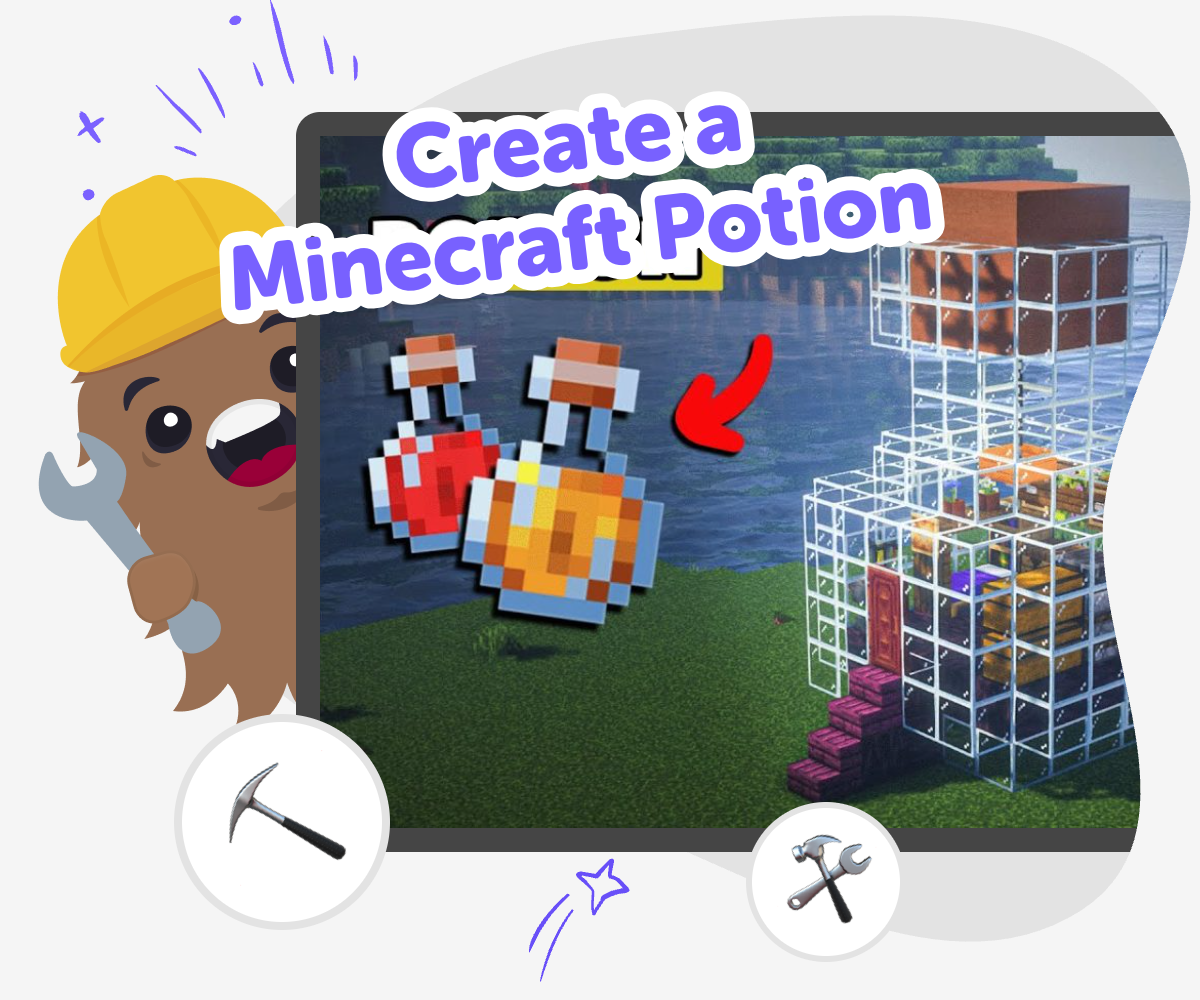
Potion ideas and play
To create a minecraft potion, kids first think about what a potion should do, what it needs, and how it changes the game. That makes the idea fun to explore because potion-making in Minecraft is really about choosing ingredients, understanding effects, and trying combinations until something works the way you want. It is a simple way to practice creativity, planning, and problem-solving at the same time. Kids can imagine a potion for speed, healing, invisibility, or a made-up effect of their own, then learn how game choices connect to a clear result.
Vibe Coding gives kids a safe, guided place to turn that potion idea into a small interactive project. They can describe the potion they want, shape how it behaves, test it, and improve it step by step, so the process stays playful and hands-on. This keeps the topic focused on making and learning, not just watching. Kids build confidence by experimenting, seeing what changes, and making the idea better with each try.
What makes a Minecraft potion interesting?
A Minecraft potion is interesting because it changes what a player can do. In the game, potions are not just decorations or extra items. They can help a player move faster, stay safe longer, or try a new strategy. That means potion-making is a mix of imagination and game logic. Kids get to think about cause and effect: if an ingredient or step changes, what should happen next? This makes the topic a great way to practice planning and creative thinking. It also helps kids see that good game ideas are built from choices, not just luck. When children invent their own potion, they are practicing the same kind of thinking that helps with storytelling, coding, and problem-solving in many other projects too. The fun comes from making something with a clear purpose and then seeing how it works in play.
Why do kids like making potion ideas?
Kids often enjoy potion ideas because potions feel magical, but they also have rules. That mix is helpful for learning. A child can dream up an unusual effect, yet still think about what ingredient, color, sound, or action should match it. This gives kids a safe place to be creative without feeling lost. It also makes room for playful testing. If one potion version does not feel right, they can change it and try again. That is an important maker habit, because many projects improve through small experiments. Potion ideas can also feel personal. One child may want a brave potion, another may want a silly potion, and another may want a secret potion for a story. Each choice gives kids a reason to explain their thinking, which builds confidence and communication while they play.
How does guided coding help with this topic?
Guided coding helps kids turn a potion idea into something they can build step by step. Instead of trying to solve everything at once, they can start with one clear idea, make a first version, and then adjust it based on what they see. That supports problem-solving because children learn to notice what works and what needs changing. It also supports confidence, since they can keep going even if the first try is not perfect. With Vibe Coding, kids can describe a game-like idea, shape the behavior, and test it in a friendly creative space. The tool is there to support the making, not replace it. Kids still do the thinking, choosing, and improving. That matters because the real learning comes from trying, revising, and seeing how small changes can make a project better.
How can kids stay creative and safe while experimenting?
Kids stay creative and safe by keeping their experiments simple, age-appropriate, and focused on learning. For a Minecraft potion project, that can mean using clear ideas, friendly effects, and a step-by-step process that is easy to understand. It is also helpful to think about what the potion should do before trying to build it. That way, the project stays organized and does not become confusing. Safe creativity also means making choices that feel fun for the player and respectful for others. Children can test different versions, compare results, and keep notes on what changed. This builds good habits for future projects because it teaches patience and careful observation. When kids use a guided tool like Vibe Coding, they get support while they explore, which makes it easier to learn without feeling stuck or overwhelmed.
How to make a potion idea
Choose your potion
Pick the effect you want your Minecraft potion to have, like healing, speed, or a made-up power.
Plan the ingredients
Think about the items, colors, or steps that could match your potion idea and make it feel believable in the game.
Build and test
Use Vibe Coding to create a simple version of your potion project, then try it and see what happens when you change the ingredients or effects.
Make the most of testing
Try a new effect Change one part of your potion, like the name, color, or action, so you can see how the result changes and what feels most fun. Check what works Test your project a few times and notice whether the potion is clear, exciting, and easy to understand. Small changes can make the idea feel stronger. Improve the idea Keep the parts that work well and adjust the rest so the potion becomes more playful, more useful, or more surprising. Try another version Save your favorite build, then make a second potion with a different effect so you can compare both and learn from the difference.
Frequently asked questions
What is a Minecraft potion?
A Minecraft potion is an item in the game that gives a player a special effect. Some potions help with movement, protection, or health, while others can change how a player explores or fights. Kids often like potion ideas because they mix game rules with imagination.
Can kids make their own potion ideas?
Yes. Kids can invent their own potion themes, effects, colors, and names. They can start with a simple idea, like a speed potion or a glow potion, and then make it more creative. The best part is testing and improving the idea as they go.
Why do potions matter in Minecraft?
Potions matter because they change strategy. A player may use one to move faster, stay safer, or explore a tricky place. That makes potions a good topic for kids to study because they show how choices in a game can lead to different results.
How can I make a potion idea more creative?
Try giving the potion a story, a special color, or a clear reason for existing. A potion that helps a player find treasure, hide from monsters, or jump higher can feel more creative when it has a purpose. Small details make the idea stronger.
Is it okay if my first potion idea is simple?
Yes. Simple ideas are often the best place to start. A clear potion is easier to understand, test, and improve. Kids can begin with one effect and then add more detail later once they know what they want it to do.
How does Vibe Coding help with a potion project?
Vibe Coding gives kids a guided place to shape an idea, test it, and improve it step by step. That makes it easier to turn a potion concept into a small interactive project without rushing. Kids still do the creative thinking and deciding.
What if my potion version does not work the way I wanted?
That is part of making. Kids can change one part at a time and try again. Maybe the effect needs to be clearer, the steps need to be simpler, or the idea needs a new direction. Testing again helps children learn from each try.
Can a potion project help kids learn coding?
Yes. A potion project can help kids practice coding confidence, problem-solving, and iteration. When children build something, test it, and adjust it, they are learning how creative technology projects improve over time. That makes the topic useful as well as fun.
More tools
Alternatives to Tinker
Alternatives to tinker are kid-friendly ways to start building, experimenting, and learning with creative technology. This page helps kids understand the idea and try it through hands-on making with guided support.
Alternatives to Tinkercade
Explore alternatives to tinkercade and discover a kid-friendly way to turn ideas into interactive projects with guided, hands-on making.
Alternatives to Tinkerkad
Alternatives to Tinkerkad help kids find creative tools for designing, building, and learning in ways that feel friendly and fun. This page explains what the topic means, why it matters, and how kids can explore it through guided making with Vibe Coding.
Alternatives to Tynker
Explore alternatives to Tynker and find kid-friendly ways to learn coding through creative, hands-on making. This page explains what to look for in a safe, playful coding tool and how kids can build games, stories, and inventions with guided support.
Ready to start creating?
Join hundreds of thousands of kids already building cool stuff on DIY.ORG.
Your first game is on us.
Describe a game below - no sign-up needed to try.
Powered by AstroSafe
Make real games - not just chat