Minecraft Skin Generator for Kids

Create custom Minecraft skins safely online. Design, edit, and download unique character skins for kids.
Create your own skin
Amethyst Steve
Amethyst Steve
Big Boss
Big Boss
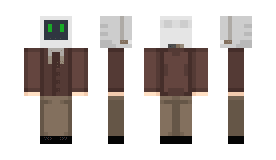
BlockGPT
BlockGPT
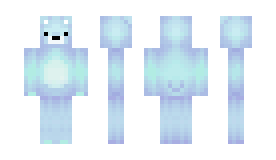
Blue Bear
Blue Bear
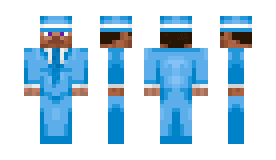
Blue Steve
Blue Steve
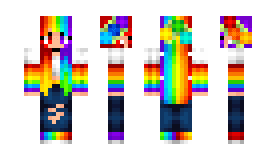
Bright Rainbow
Bright Rainbow
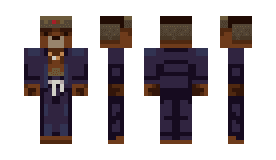
Cool Bear
Cool Bear
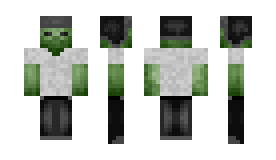
Cool Zombie
Cool Zombie
Corrupted Steve
Corrupted Steve
Deadpool
Deadpool
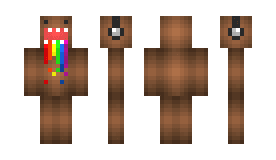
Domo
Domo
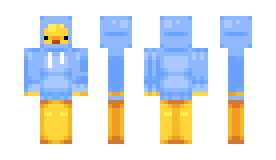
Duckie
Duckie
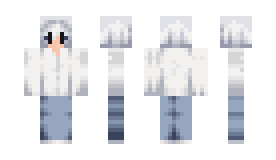
Faded White
Faded White
Fallen Angel
Fallen Angel
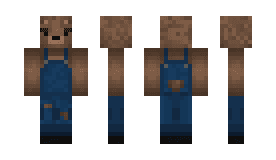
Farmer Bear
Farmer Bear
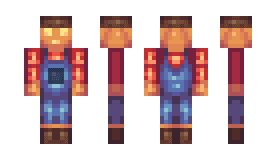
Farmer Pumpkin
Farmer Pumpkin
Faun
Faun
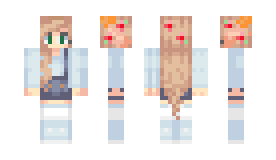
Festive Girl
Festive Girl
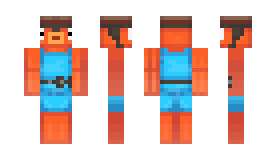
Fishstick
Fishstick
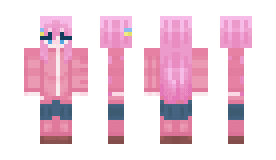
Flowing Pink
Flowing Pink
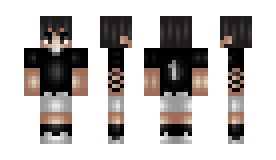
Footballer
Footballer
Future Steve
Future Steve
Ghost Voices
Ghost Voices
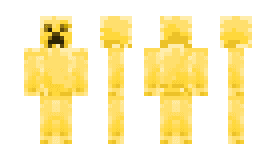
Gold Creeper
Gold Creeper
Good Vibes
Good Vibes
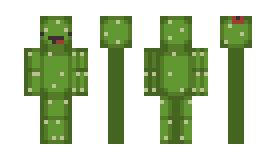
Happy Cactus
Happy Cactus
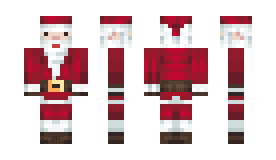
Happy Christmas
Happy Christmas
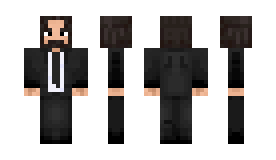
John Wick
John Wick
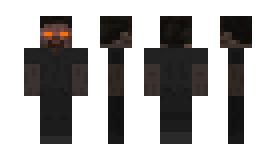
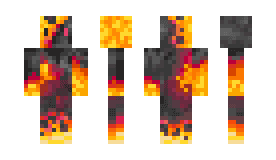
Lava Monster
Lava Monster
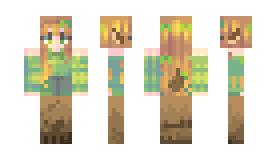
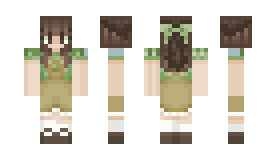
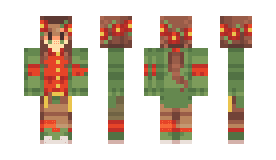
Leafy Girl
Leafy Girl
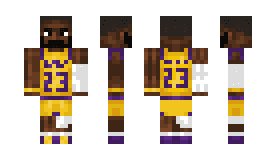
LeBron James
LeBron James
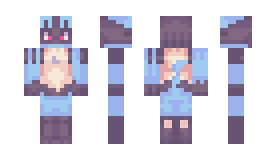
Lucario
Lucario
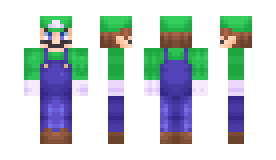
Luigi Reimagined
Luigi Reimagined
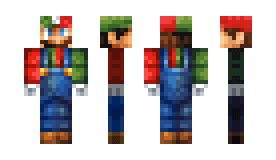
Luigio
Luigio
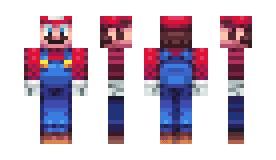
Mario Reimagined
Mario Reimagined
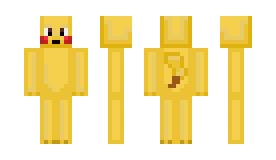
Pikachu
Pikachu
Poinsettia
Poinsettia
Possessed Armor
Possessed Armor
Shiba
Shiba
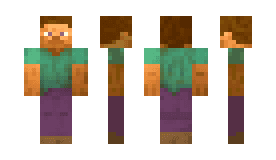
Simple Guy
Simple Guy
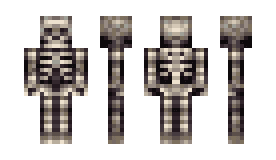
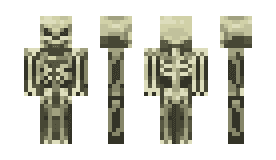
Skeleton
Skeleton
Skeletron
Skeletron
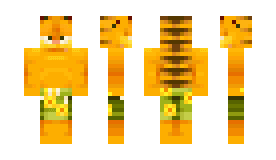
Summer Garfield
Summer Garfield
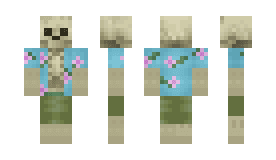
Summer Skeleton
Summer Skeleton
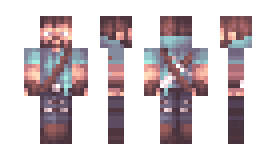
Sunset Steve
Sunset Steve
Triceratops
Triceratops
TV Hoodie
TV Hoodie
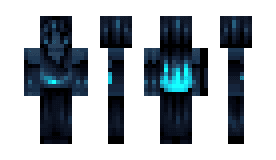
Void Has An End
Void Has An End
Wallibear
Wallibear
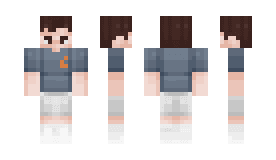
White Tee
White Tee
Zombified Creeper
Zombified Creeper
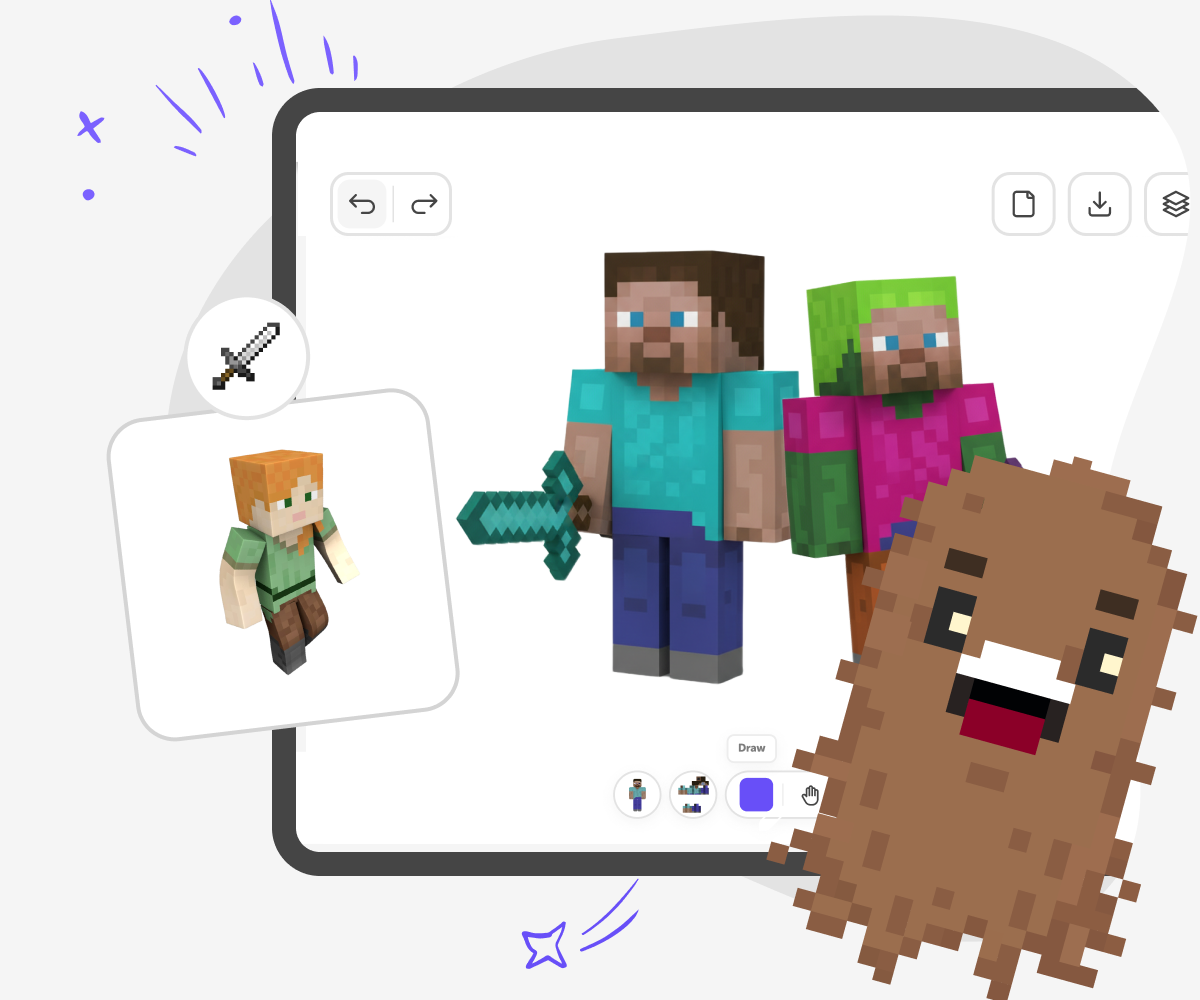
Minecraft Skin Generator for Kids hero

What is Minecraft skins editor?

Kids love expressing themselves in games, but many creative tools around gaming can feel complicated or unsafe for younger players. When kids want to customise their character in Minecraft, parents often look for a tool that’s easy to use, works instantly, and feels appropriate for their child’s age and skill level. Our Minecraft Skins Editor is a browser-based tool that lets kids design and customise their own Minecraft skins online. It runs directly in the browser, so there’s nothing to download or install. Kids can jump straight in, paint on a simple grid, tweak colours, and see their character come to life piece by piece.
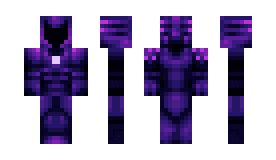
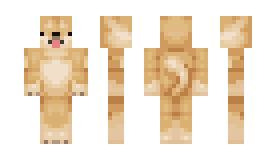
The Minecraft Skins Editor is built to support creativity without distraction. By keeping the interface clean and kid-friendly, it removes unnecessary complexity and helps kids stay focused on designing their character. Parents can feel confident knowing their child is using a safe, accessible tool made with kids in mind. Whether used at home, for school projects, or during creative breaks, the Minecraft Skins Editor turns playtime into creative time. It encourages imagination, personal expression, and problem-solving - making character customisation fun, approachable, and rewarding for kids of all ages.

How to use Minecraft Skins Editor

Step 1 - Click “Make a skin” to start designing

Click the Make a skin button at the top of the page. The Minecraft Skins Editor opens instantly in your browser, ready for customising your character.

Step 2 - Design and customise your skin

Paint directly on the grid to add colours, outfits, patterns, and fine details. Use simple tools and templates to experiment freely and see changes update in real time as you design.

Step 3 - Download your skins and play

Save and download your skin as a PNG file when you’re finished designing. Upload it to Minecraft to use your custom skin in both Java Edition and Bedrock Edition.

Step 4 - Make the most of our Minecraft skins editor

Use symmetry Design one side and mirror it to save time and keep skins balanced. Layer details Add jackets, hats, sleeves, or armour using outer layers. This helps your skin look more detailed and realistic in-game. Zoom in Zoom right in to edit pixel by pixel and fine-tune small details. This makes edges cleaner and designs sharper. Test and tweak Try your skin in-game, then come back to improve it. Keep different designs as your ideas change and improve.

What is a Minecraft Skins Editor for kids?

A Minecraft Skins Editor for kids is an online creative tool that lets children design and customise the look of their Minecraft character. Using a simple grid-based editor, kids can paint colours, add patterns, and adjust details to create their own custom Minecraft skins. Everything happens directly in the browser, so there’s no need for design software or technical knowledge. The editor is designed to feel playful and approachable, turning character customisation into a creative activity. This helps kids express personality, experiment with design ideas, and feel more connected to the game through creativity.

Is this Minecraft skin editor safe and suitable for children?

Yes. This Minecraft skin editor is built specifically for children, with safety, simplicity, and age-appropriate design as core principles. The interface is clean and easy to understand, avoiding unsafe content, ads, or unnecessary features that could distract or confuse younger users. Tools are designed to be intuitive, allowing kids to focus on creativity rather than technical controls. Parents can feel confident knowing their child is using a controlled, kid-friendly environment created for creative expression. The editor balances freedom and safety, making it suitable for a wide range of ages and skill levels.

Do kids need to download anything to make custom Minecraft skins online?

No. Kids do not need to download or install anything to create custom Minecraft skins. The Minecraft Skins Editor works entirely online in the browser, allowing kids to start designing immediately. This removes common barriers such as app installations, updates, or storage limits. Kids can access the editor on supported devices at home or school and begin creating right away. For parents and educators, this makes the tool easy to manage and accessible. The browser-based approach keeps the experience fast, lightweight, and simple while supporting creative play.

Can kids use their custom skins in the Minecraft game?

Yes. Once a skin is finished, kids can download it as a PNG file, which is the standard format used by Minecraft. The skin can then be uploaded into the game and used immediately. These custom skins are compatible with both Minecraft Java Edition and Minecraft Bedrock Edition, so kids can use them across different devices. This connection between designing and playing makes the experience especially rewarding. Kids get to see their creativity come to life inside the game and play using characters they designed themselves.

Frequently Asked Questions

Is the Minecraft Skins Editor free to use?

Do kids need an account to use the editor?

Is the Minecraft Skins Editor safe for children?

What file format are Minecraft skins downloaded in?

Are skins compatible with both Minecraft editions?

Do kids need to download any software to use the editor?

Can parents see or manage saved skins?

Can kids edit or update skins after downloading?

Why 500,000 families trust DIY

User Avatar

Martin

Dad to 2 DIYers

My son loves DIY! He always finds fun projects to do, and we enjoy making things together. It’s a great way to learn, create, and have fun at the same time!

User Avatar

Pearl

DIYer from USA

DIY is such a great app with really sweet people and moderators who always make sure this app is super safe. You can learn to create things or learn drawing techniques - honestly there is so much to do.

User Avatar

Elaine W.

Middle school teacher

I love logging onto DIY every day - not just for projects but to also look at the comments my kids share about each other's work. It's a brilliant way to foster healthy support systems!

User Avatar

Jenn L.

Mom to 3 DIYers

We absolutely love the DIY platform and its endless river of creative adventures and projects! We always have the best time together participating, learning and creating!

Ready to create?

Drop Files here
Make

To create a safe space for kid creators worldwide!

Create

Vibe Coding

ChatDino

All Tools

Kibu

Resources

Worksheets

SafeTube

Blog

FAQ

Account

Pricing

Log-in

Sign-up

Data Deletion

Company

About

Community Guidelines

Privacy Policy

Terms of Service

2025, URSOR LIMITED. All rights reserved. DIY is in no way affiliated with Minecraft™, Mojang, Microsoft, Roblox™ or YouTube. LEGO® is a trademark of the LEGO® Group which does not sponsor, endorse or authorize this website or event. Made with love in San Francisco.