Game Ideas
Game ideas are the starting point for kids who want to imagine, plan, and build something fun that others can play. On this page, kids can explore how game ideas become real projects with clear goals, simple rules, and room for creativity. Vibe Coding gives kids a safe, guided way to test their ideas, change what does not work, and keep improving until the game feels right.
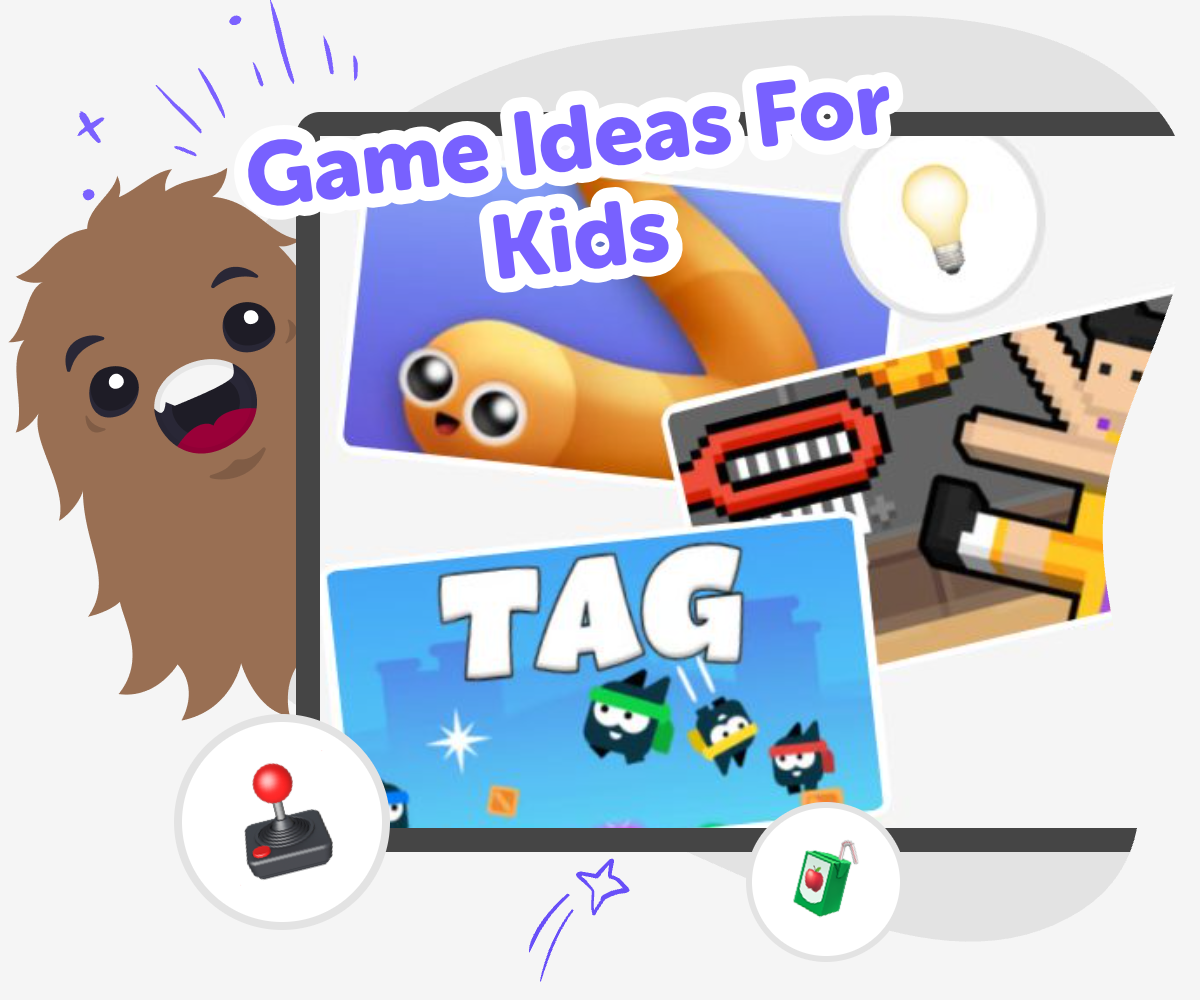
Game Ideas for Kids
Game ideas are the first step in making something playful, original, and fun to share. A strong idea can become a game that teaches, entertains, or challenges players, and that is why game ideas matter: they help kids turn imagination into something clear enough to build and test. Kids do not need a perfect plan to start. They can begin with a character, a challenge, a score, a quiz, or a silly rule, then keep changing the idea as they learn what works best.
Vibe Coding supports game ideas by giving kids a guided place to shape, build, and improve what they imagine. Kids can describe a game they want to make, try it out, and make changes as they go, which keeps the process creative, safe, and fun. Instead of trying to get everything right at once, kids learn by experimenting. That helps build coding confidence, problem-solving skills, and the habit of improving ideas step by step.
What makes a game idea good?
A good game idea is clear enough that someone else can imagine playing it, but open enough that you can still make it your own. It usually has a simple goal, a few easy rules, and one fun thing that makes it different from other games. That fun thing could be a character, a challenge, a mystery, a race, or a silly twist. Game ideas do not have to be big to be good. In fact, many strong games begin with one small, playful thought that is easy to explain. When kids practice naming the goal and the rules, they learn how to turn imagination into a project that can be tested, changed, and shared. The best part is that a good idea can grow as you learn more about what players enjoy.
Why do kids benefit from making game ideas?
Making game ideas helps kids practice creative thinking, planning, and problem-solving at the same time. When a child imagines a game, they have to think about what players will do, what could go wrong, and how to make the experience fun. That kind of thinking builds confidence because it shows kids that their ideas can become real projects. It also helps them learn that games improve through testing, not just through guessing. A first version does not need to be perfect. It only needs to be good enough to try. That lesson matters in coding, art, and everyday problem-solving. Kids who explore game ideas learn to ask better questions, notice patterns, and keep going when something does not work the first time.
How do game ideas connect to coding?
Game ideas and coding fit together because coding gives the idea a way to respond, move, score, and react. A game can start as a thought on paper, but coding helps it become something players can actually use. Kids might begin by deciding what happens when a character jumps, collects points, answers a quiz, or reaches a finish line. As they build, they can test each part and see what needs fixing. This teaches an important lesson: code is not just about typing commands, it is about making choices that shape an experience. With guided support from Vibe Coding, kids can explore these choices in a simple, hands-on way that keeps the focus on making, learning, and improving instead of memorizing everything at once.
How can families and educators support safe game ideas?
Families and educators can support game ideas by helping kids start small, ask clear questions, and keep their projects age-appropriate. A strong support system reminds children that creativity works best when they can experiment without pressure. Adults can ask what the player should do, what makes the game fun, and how the child will know if the idea works. They can also encourage kind, safe themes and help kids think about fairness, reading level, and simple controls. Tools like Vibe Coding can support this process by giving kids a guided space to build and test ideas step by step. That makes the experience practical and confidence-building, while still leaving room for imagination and personal style.
How Game Ideas Grow
Start with a spark
Pick one simple idea for a game, like racing, guessing, collecting, or solving a challenge. Say who the game is for and what makes it fun.
Add the rules
Choose what players do, how they win, and what makes the game fair. Keep the rules short so the idea is easy to understand and build.
Build and test
Use Vibe Coding to turn the idea into something playable, then try it out. Notice where players get stuck, where the game feels too easy, and what should change.
Make the most of testing
Try a remix Change one part of the game, like the score, the character, or the challenge, so you can see how the idea feels in a new version. Check what players notice Watch for moments that are confusing, too fast, or too slow. Small fixes can make the game clearer and more fun. Keep the best parts Save the pieces that work well, like a clever goal or a fun sound, so each new version keeps getting better. Try again with confidence Every test helps you learn something useful. The more you improve, the more your game ideas start to feel like your own creation.
Frequently asked questions
What are game ideas?
Game ideas are the first thoughts that become a game. They can start with a goal, a challenge, a character, a setting, or a funny rule that makes play interesting.
How do kids come up with game ideas?
Kids can start with things they already enjoy, like stories, puzzles, sports, animals, or adventures. Then they can ask what players would do and what would make the game fun to repeat.
What makes a game idea fun?
A fun game idea usually has a clear goal, simple rules, and one special twist. It should feel easy to understand but still interesting enough that players want to try again.
Do game ideas need to be complicated?
No. Simple game ideas are often the best place to start. A small idea is easier to test, improve, and turn into something real.
Can kids make their own game from scratch?
Yes. Kids can start from their own idea and build it one step at a time. Guided tools like Vibe Coding can help them shape, test, and improve the game as they go.
How do you test a game idea?
You can try the game, watch what happens, and notice what feels confusing, too easy, or too slow. Then you change one part and test again.
Are game ideas good for learning coding?
Yes. Game ideas help kids practice problem-solving, creative thinking, and how code can control what happens in a project. They make coding feel more like making than memorizing.
Can game ideas be shared safely online?
Yes, when kids follow safe sharing rules and keep projects age-appropriate. Adults should help review what is shared, and kids should only include things that are appropriate for their age group.
More tools
Build Games For 7 Year Olds
Build games for 7 year olds with simple ideas, clear rules, and playful challenges that help kids learn by making. This page shows how young creators can start small, test their ideas, and use Vibe Coding to turn imagination into an interactive project.
Build Games For 7th Grade
Build games for 7th grade with a kid-friendly creative process that helps young makers turn ideas into playable projects. Explore game design, test what works, and improve each version with guided support that makes coding feel approachable, safe, and fun.
Build Games For 8 Year Olds
Build games for 8 year olds with simple, creative projects that help kids imagine rules, characters, and play that feels just right for their age. With guided making and testing, kids can turn ideas into real interactive games while growing confidence and problem-solving skills.
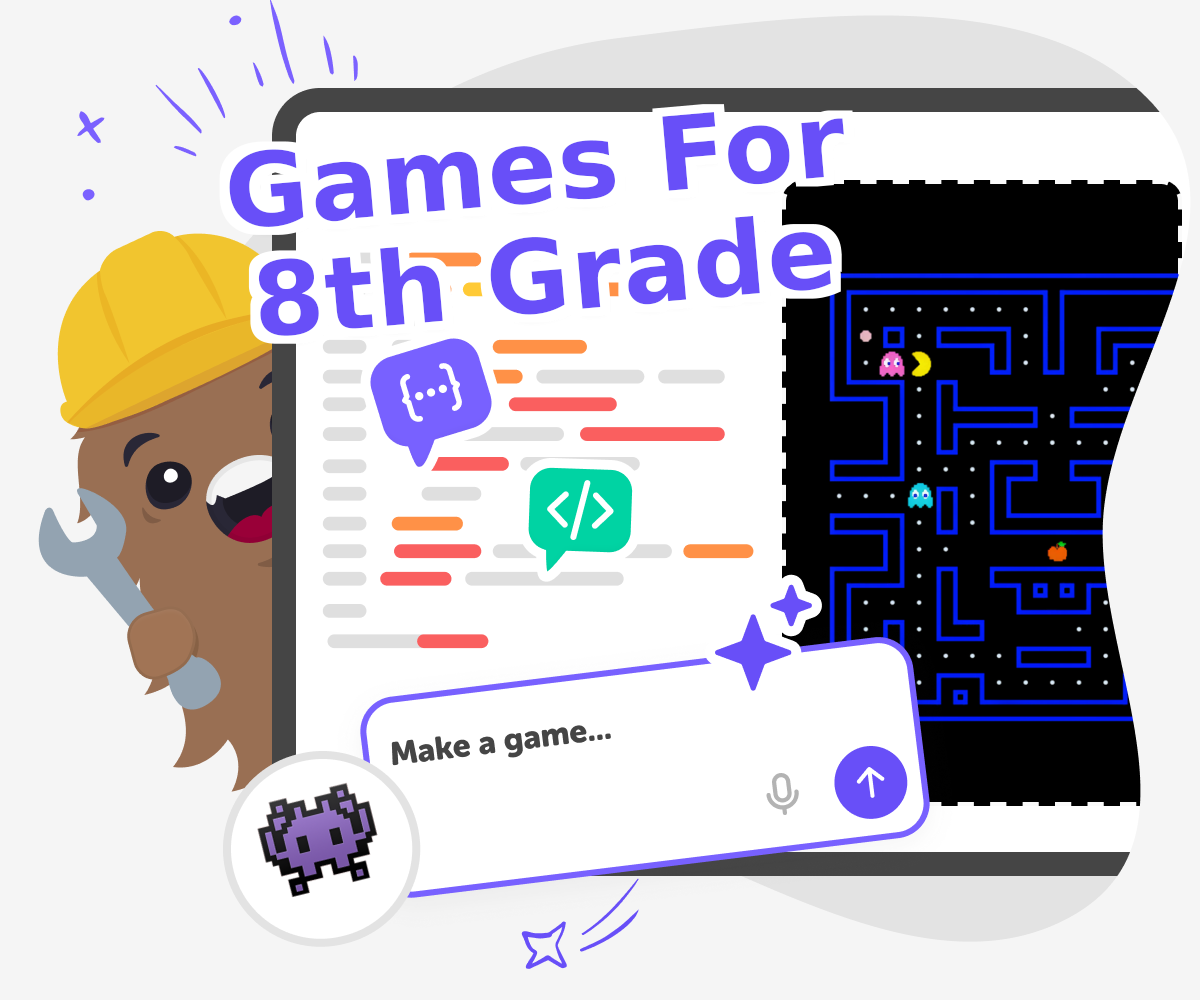
Build Games For 8th Grade
Build games for 8th grade with a kid-friendly creative tool that helps kids plan, make, test, and improve their own interactive projects. Explore ideas, practice problem-solving, and turn a simple concept into something playable, step by step.
Ready to start creating?
Join hundreds of thousands of kids already building cool stuff on DIY.ORG.
Your first game is on us.
Describe a game below - no sign-up needed to try.
Powered by AstroSafe
Make real games - not just chat