Game Websites
Game websites are places online where kids can discover, play, and sometimes create interactive games in a safe, guided way. On this page, kids can learn what game websites are, why they matter, and how to start building their own ideas with creative tools.
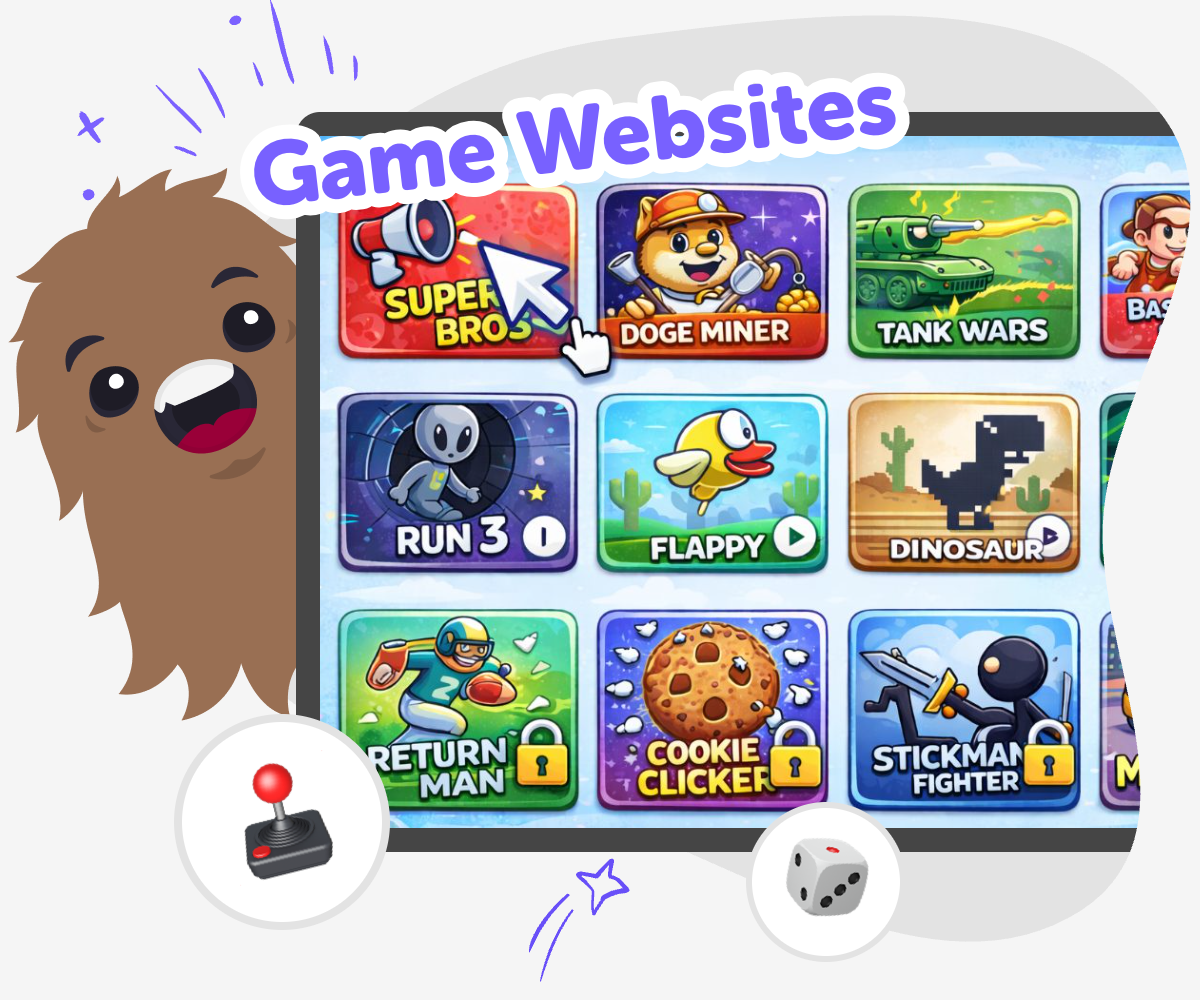
Learn About Game Websites
Game websites are online spaces where people can play games, make choices, and sometimes build new experiences of their own. For kids, game websites can be a fun way to learn how interactive pages work, why clear design matters, and how ideas can turn into something other people can explore. When kids understand game websites, they start to notice the parts that make a project work: buttons, rules, levels, feedback, and simple goals. That kind of thinking builds creativity, problem-solving, and confidence, because every idea can be tested and improved.
Vibe Coding gives kids a guided way to explore game websites by turning an idea into a project they can shape step by step. Kids can describe a game, then build, test, and change it as they learn, so the process stays playful and hands-on. That makes the topic feel less mysterious and more doable. Instead of just looking at game websites, kids get to make one, experiment with it, and learn how creative technology grows through practice.
What makes a game website different?
A game website is more than a page with pictures or words. It gives players something to do, like click, choose, move, solve, or react. That makes it interactive, which means the website changes because of the player’s actions. Some game websites are simple and playful, while others have levels, stories, or challenges. What matters most is that the visitor is not just reading or watching. They are taking part. For kids, that is a helpful way to understand how websites can be designed with a purpose. A game website can teach rules, tell a story, or help players practice thinking skills. It can also be built in many styles, from tiny mini-games to bigger projects with screens and choices. When kids notice these parts, they begin to see how ideas become experiences online.
Why do kids learn from game websites?
Game websites can help kids learn because they mix creativity with problem-solving. When a child builds or studies one, they have to think about what players will notice first, how the game should respond, and what makes the experience fair and fun. That kind of thinking helps with coding confidence because kids learn that small changes can make a big difference. It also builds patience, since most good projects need testing and fixing. A game website can show how design choices affect the player, too. If a button is hard to find or the instructions are unclear, the game becomes harder to use. Kids learn to notice these details and improve them. That is a useful skill not only for coding, but also for making stories, apps, and other creative digital projects.
How can kids stay safe on game websites?
Safety matters any time kids use websites online. A good game website should be easy to understand, age-appropriate, and built with clear choices that do not ask for too much personal information. Kids should know when to ask a parent, teacher, or trusted adult for help, especially if they see chat, links, or sign-up boxes. It also helps when the website is designed with simple navigation and gentle language, so younger players can follow along without stress. For makers, safety is part of the design, not just a rule to remember. Kids can think about who will use the game, what information is needed, and whether the play experience feels respectful. When they build with care, they learn that making something online also means protecting the people who will use it.
What can kids create after learning about game websites?
Once kids understand game websites, they can use the same ideas to make many different projects. A kid might start with a quiz, then try a story game, a simple challenge, a drawing tool, or a tiny invention page. The important part is learning how to turn an idea into something interactive that other people can explore. As kids build and improve their work, they practice iteration, which means making something, testing it, and changing it to work better. That habit is useful in creative technology because real projects usually improve over time. Tools like Vibe Coding can help kids do this in a guided way, so they can stay focused on the making instead of getting stuck. Over time, kids build confidence, learn to solve problems, and discover that their ideas can become real projects people can play with.
How to Explore Game Websites
Choose an idea
Pick a simple game website idea, like a quiz, puzzle, or click game, and decide what players should do first.
Plan the parts
Think about the title, main button, rules, score, and what happens when someone wins or loses.
Build and test
Create a first version, try it yourself, and notice what feels confusing, slow, or missing.
Make the most of testing
Try a new version Change one part at a time, like the rules, colours, or buttons, so you can see what works better. Play it again Run through the game website from start to finish and check whether the steps feel clear for another kid. Notice what improves Pay attention to which changes make the game more fun, easier to use, or more exciting to play. Keep growing Save your best version, then keep experimenting with new ideas so the game website can become stronger over time.
Frequently asked questions
What is a game website?
A game website is a website where people can play an interactive game. It may include buttons, choices, rules, levels, or scores, and the player’s actions help shape what happens next.
How are game websites different from regular websites?
Regular websites often share information, while game websites invite the visitor to do something. They are built to react to clicks, choices, and movement so the experience feels playful and active.
Can kids make their own game website?
Yes. Kids can make simple game websites with guided tools and practice. They can start with a small idea, build it step by step, test it, and improve it as they go.
What kind of game is easiest to start with?
A quiz, a click game, or a simple choice story is a good place to begin. These projects are small enough for kids to understand, but still fun to build and play.
Do game websites need a lot of code?
Not always. Some game websites are simple and use only a few rules or actions. What matters most is learning how the parts work together, then adding more as the project grows.
How do kids make a game website better?
They can test it, notice what is confusing, and change one part at a time. Small improvements like clearer buttons, shorter instructions, or better feedback can make a big difference.
Is it safe for young kids to use game websites?
Game websites can be safe when they are age-appropriate, easy to understand, and used with adult guidance when needed. Kids should avoid sharing personal information and ask for help if something feels unclear.
How can Vibe Coding help with a game website?
Vibe Coding gives kids a guided way to turn a game idea into a real project. They can describe what they want, build it step by step, then test and improve it while learning as they make.
More tools
Build a Minion Soundboard
Build a minion soundboard by turning a funny idea into a playful interactive project kids can make, test, and improve. With Vibe Coding, kids explore sound, timing, and creativity while building confidence through hands-on coding.
Build a Minions Game
Build a Minions Game is a kid-friendly creative project where kids imagine a playful game idea and bring it to life step by step. With guided support, they can try out characters, actions, rules, and levels while learning how games are made. It is a fun way to practice creativity, problem-solving, and confidence through making.
Build a Moana Game
Build a Moana Game is a kids-first creative coding page where children can imagine an ocean adventure, turn it into an interactive project, and practice making it step by step. With guided support, kids can explore characters, challenges, choices, and game flow while building confidence as makers.
Build a Monkey Clicker Game
Build a monkey clicker game with creative coding that helps kids turn a simple idea into a playful interactive project. Kids can shape the game, test how it feels, and improve it step by step while learning to make and experiment with code.
Ready to start creating?
Join hundreds of thousands of kids already building cool stuff on DIY.ORG.
Your first game is on us.
Describe a game below - no sign-up needed to try.
Powered by AstroSafe
Make real games - not just chat