Kids Wikipedia – Safe Online Encyclopedia for kids
A kid-friendly online encyclopedia with age-appropriate articles for safe learning and research.
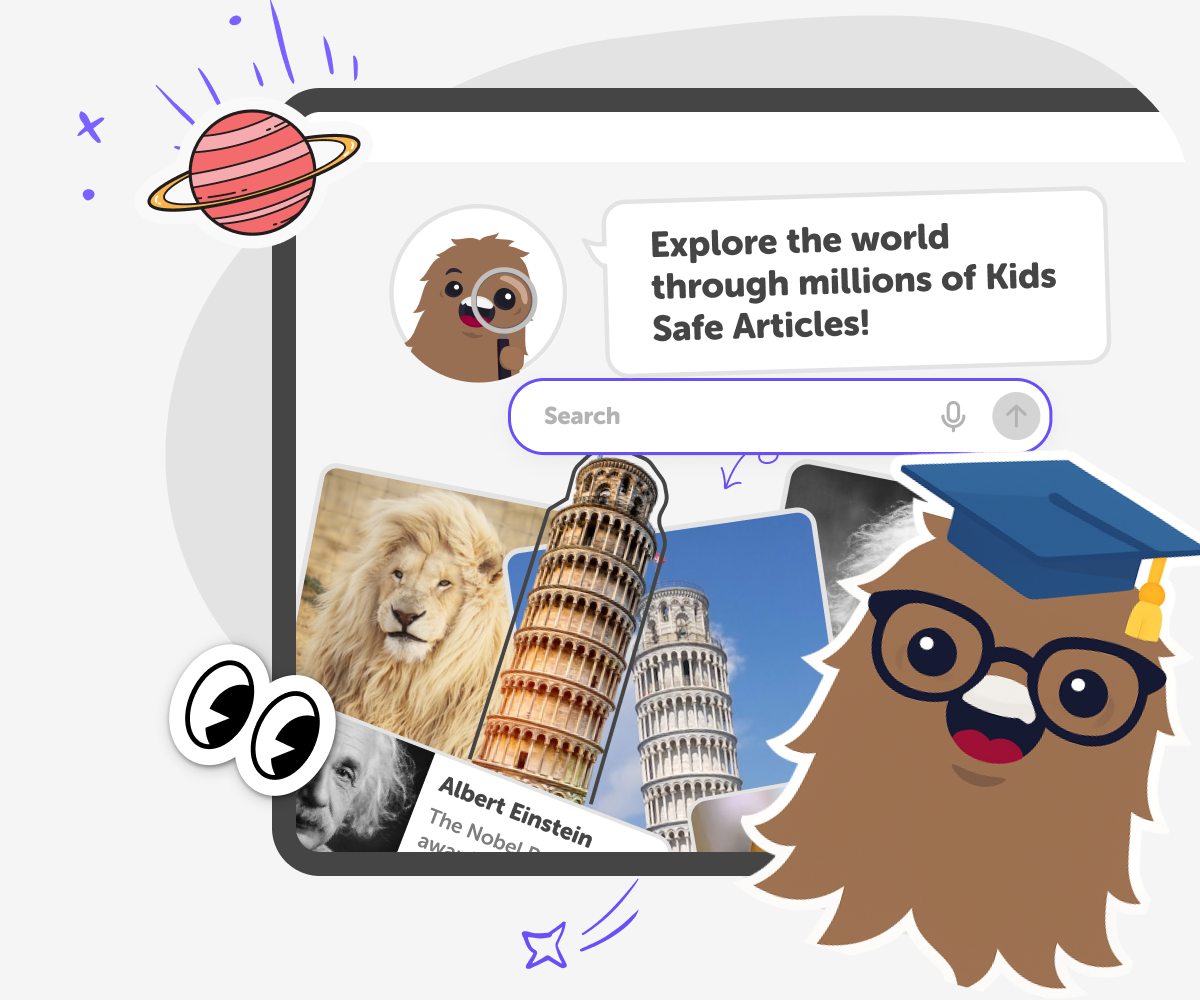
What is Kids Wikipedia?
Kids are naturally curious and love to ask questions about the world around them. However, many online encyclopedias and research websites are written for adults, making them difficult or overwhelming for younger readers. Long articles, complex language, and unsuitable content can make learning feel frustrating instead of fun. Kids Wikipedia is a kid-friendly online encyclopedia designed specifically for young learners. It offers clear, age-appropriate articles that help kids explore topics like science, history, geography, animals, technology, and culture in a way that’s easy to understand. As a safe learning website, it gives kids a place to read, research, and discover information independently.
Kids Wikipedia focuses on making online research safe, accessible, and enjoyable. By presenting information in a simplified format, it supports reading comprehension and encourages curiosity without overwhelming kids. Parents and educators can feel confident knowing it’s built as a safe alternative to traditional encyclopedias and general search results. Whether kids are doing homework, starting a school project, or simply following their interests, Kids Wikipedia helps turn questions into learning moments. It supports independent research, builds confidence, and introduces kids to responsible online learning through a trusted kids encyclopedia, safe research website, and educational knowledge base designed just for them
How is Kids Wikipedia different from Wikipedia or Britannica Kids?
Kids Wikipedia is designed specifically for children, while Wikipedia is written primarily for adults and Britannica Kids follows a more traditional reference style. Kids Wikipedia allows children to choose reading levels, making articles easier or more detailed depending on age and ability. It also integrates guided exploration and follow-up learning, helping kids go deeper into topics safely. Compared to Britannica Kids, it feels more exploratory and interactive, encouraging curiosity rather than just presenting facts. This balance makes Kids Wikipedia suitable for independent learning, school research, and curiosity-driven discovery in a modern, kid-first format.
Is Kids Wikipedia safe and suitable for children?
Yes. Kids Wikipedia is built with child safety and age-appropriate learning as core principles. Content is designed to avoid unsuitable topics and is written in a way that’s easy for kids to understand. Unlike Wikipedia, which can include complex or mature information, Kids Wikipedia focuses on clarity, relevance, and safe exploration. Parents can feel confident that their child is reading material designed for young learners. The platform encourages curiosity while maintaining clear boundaries, creating a safe environment where kids can research topics, learn independently, and build confidence without being overwhelmed.
Can kids use Kids Wikipedia for school research and learning?
Yes. Kids Wikipedia is well suited for school research, homework, and independent learning. It helps children understand topics clearly before moving on to more advanced sources like Wikipedia later on. Kids can search for subjects, adjust reading levels, and explore related ideas to build understanding step by step. Compared to traditional encyclopedias like Britannica Kids, it offers a more flexible and exploratory learning experience. This makes it ideal for helping kids learn how to research, ask questions, and connect ideas, while still keeping content age-appropriate and easy to understand.
How to use Kids Wikipedia
Search and browse the content library
Type a topic or keyword into the search field at the top of the page. Results appear instantly, showing articles matched to your interests. This makes it easy to start exploring something new right away.
Choose the right reading age
Open an article and select the reading age that feels right for you. The content updates instantly to match your level, helping you read with confidence. You can change the reading age at any time.
Go deeper with KidsGPT
Click the Go deeper button to open KidsGPT alongside the article. Ask questions, explore related ideas, and get explanations in simple language. This helps turn reading into deeper learning and research.
Make the most of Kids Wikipedia
Switch reading ages often Try different reading levels to understand a topic in new ways. Compare topics Search related words or ideas to see how topics connect. This helps build deeper understanding. Ask follow-up questions Use the Go deeper button to ask “why” or “how” questions. This turns reading into active learning. Explore linked topics Click related articles to keep discovering. One topic often leads to many more interesting ideas.
Frequently asked questions
Is Kids Wikipedia free to use?
Yes. Kids Wikipedia includes free access to articles and browsing. Some advanced features may require a DIY.org account or subscription.
Who writes the content on Kids Wikipedia?
Kids Wikipedia content is created and adapted by a combination of educators, editors, and AI tools, with a focus on age-appropriate language and clarity for children.
How is Kids Wikipedia moderated?
Content is moderated using automated safety systems and human review where needed. This helps ensure articles remain appropriate, accurate, and suitable for young readers.
Is Kids Wikipedia safe for children?
Yes. Kids Wikipedia is designed specifically for children, with safe topic coverage, simplified explanations, and clear boundaries that avoid inappropriate or overly complex content.
How is Kids Wikipedia different from Wikipedia?
Wikipedia is written mainly for adults and older students. Kids Wikipedia rewrites topics using simpler language, adjustable reading levels, and kid-safe explanations designed for younger learners.
How does Kids Wikipedia compare to Britannica Kids?
Britannica Kids offers structured reference articles, while Kids Wikipedia focuses on exploration. Kids can search freely, change reading levels, and go deeper into topics interactively.
Can kids choose different reading levels for articles?
Yes. Kids can select a reading age for each article, and the content updates instantly to match their level and understanding.
Can kids explore topics more deeply while reading?
Yes. Kids can click the Go deeper button to open KidsGPT, ask follow-up questions, and continue researching topics in a safe, guided way.
More tools
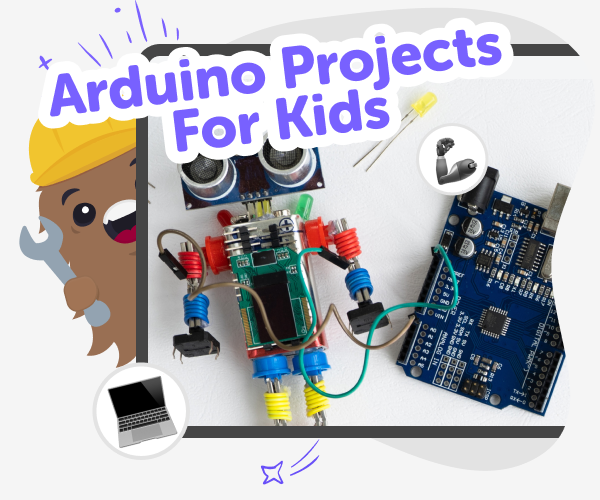
Arduino Projects | Build and Simulate with Vibe Coder
Use Vibe Coder to design, simulate, and build fun, kid-friendly Arduino projects. Safe, guided, and perfect for beginners and curious makers.
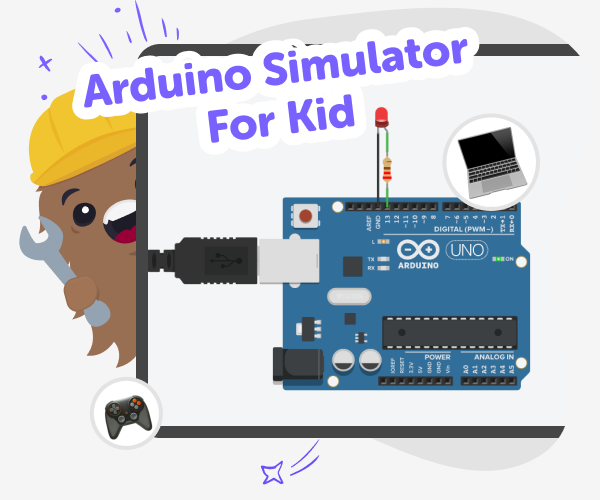
Arduino Simulator for Kids | Vibe Coder
Use Vibe Coder’s Ardu Coder to write, simulate, and learn Arduino code in your browser. A kid-safe Arduino simulator with guided challenges.
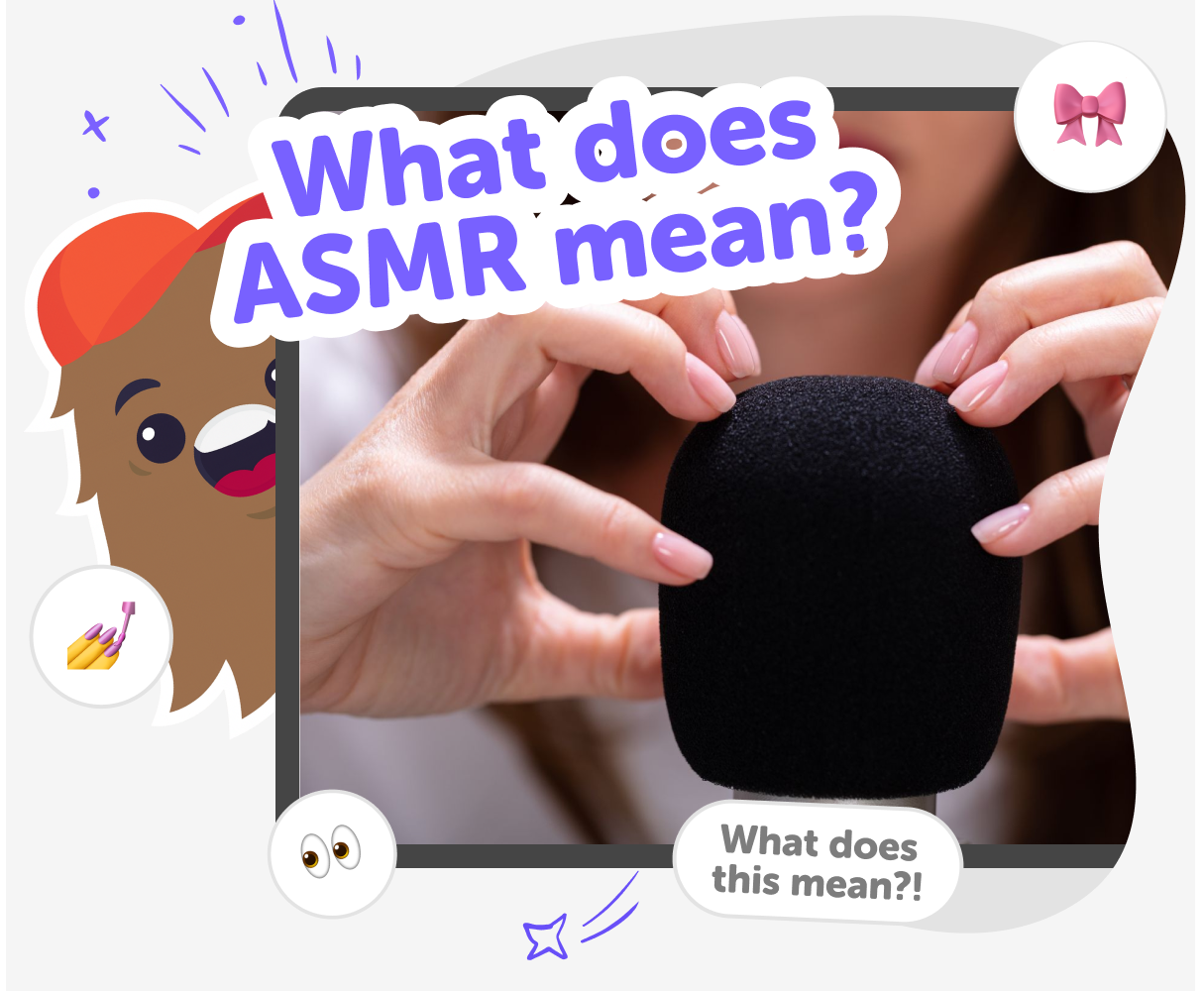
ASMR Meaning for Kids | Learn with KidsGPT
Use KidsGPT to learn ASMR meaning, how it works, and why people listen. Kid-safe, friendly explanations and guided prompts for curious kids.
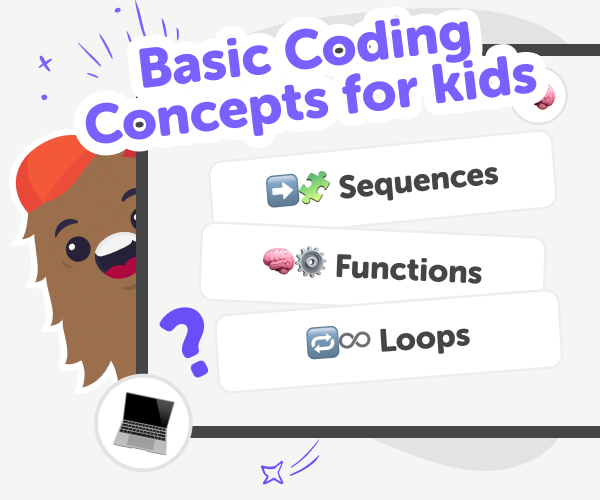
Basic coding concepts for the Classroom with Vibe Coder
Teach basic coding concepts in the classroom using Vibe Coder, a kid-safe classroom coding tool for hands-on projects, live previews, and gentle explanations.
Ready to start creating?
Join hundreds of thousands of kids already building cool stuff on DIY.ORG.
Your first game is on us.
Describe a game below - no sign-up needed to try.
Powered by AstroSafe
Make real games - not just chat