Create a Claymation Video!
Make a short claymation video by sculpting simple characters, moving them frame-by-frame, photographing each pose, and compiling images into animated scenes.


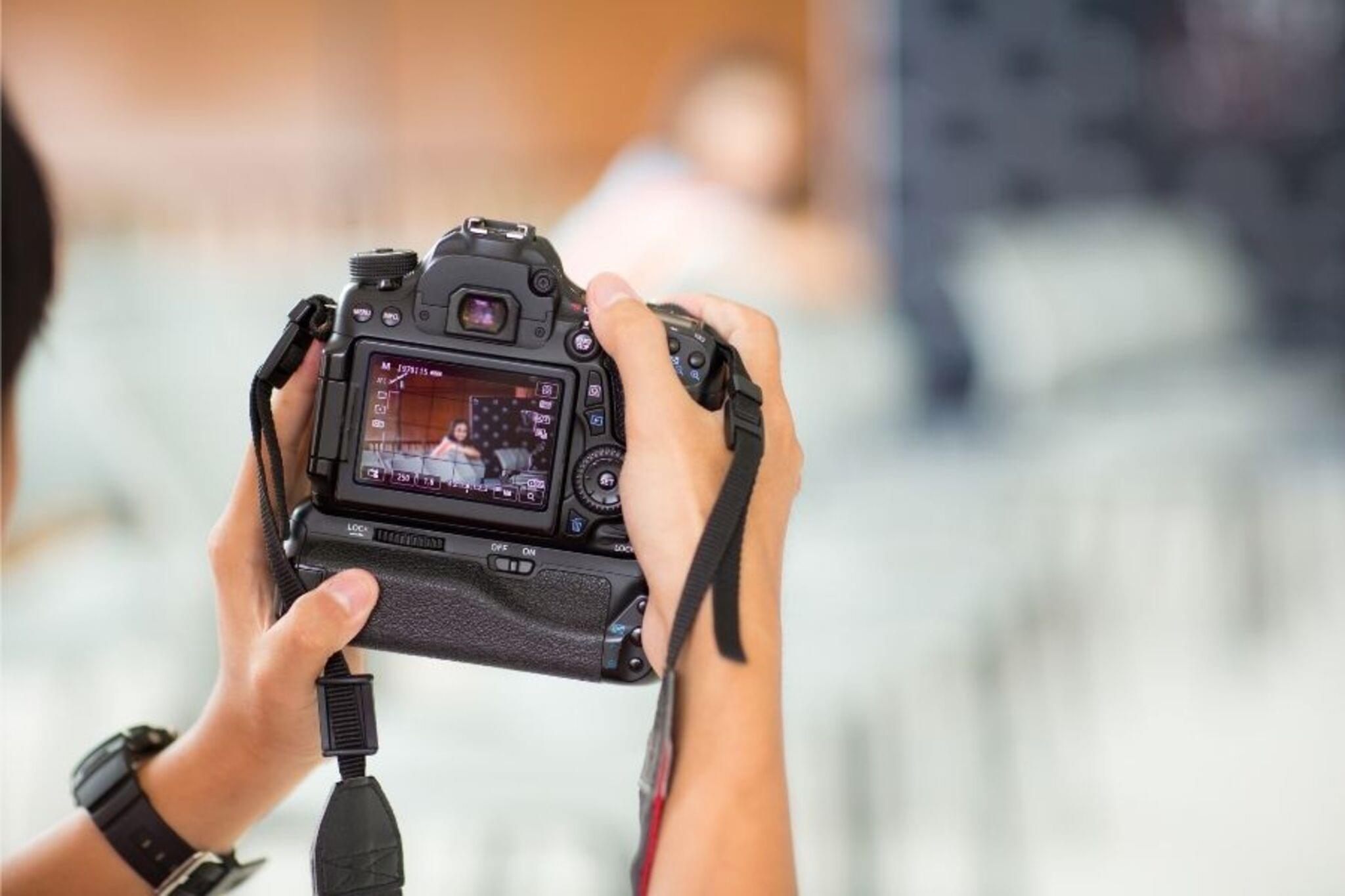

Step-by-step guide to create a claymation video
HOW TO MAKE A CLAYMATION | | For Kids!
Step 1
Write a short one-sentence story idea on your paper.
Step 2
Draw a simple 4 to 6 frame storyboard showing the main poses for your story.
Step 3
Sculpt all the characters and props you need from the modeling clay.
Step 4
Attach the background paper to your cardboard stage so it stands behind your scene.
Step 5
Place your clay characters on the stage in the starting pose for your first storyboard frame.
Step 6
Turn on and position the desk lamp to light the stage evenly and avoid shadows.
Step 7
Set your camera or phone on a steady surface and make sure the whole stage fits in the picture.
Step 8
Take the first photo of your starting pose.
Step 9
Move the characters a tiny amount toward the next pose in your storyboard.
Step 10
Take another photo of the new pose.
Step 11
Repeat Steps 9 and 10 until the scene plays your whole story.
Step 12
Import your photos into a stop-motion app or a video editor on your device.
Step 13
Set the frame rate to about 8 frames per second so the motion looks smooth.
Step 14
Export or save your animation as a video file from the app or editor.
Step 15
Share your finished claymation video on DIY.org.
Help!?
What can I use if I don't have modeling clay or a cardboard stage?
Use air‑dry clay or Play‑Doh to sculpt characters and a flattened cereal or shipping box as your 'cardboard stage' when you 'Sculpt all the characters...' and 'Attach the background paper to your cardboard stage'.
My photos are blurry or have harsh shadows—how do I fix that?
Place your camera or phone on a steady surface like a heavy stack of books or a tripod and soften the desk lamp light with a sheet of tracing paper or thin cloth so the stage is steady and shadow‑free as instructed in 'Set your camera or phone on a steady surface' and 'Turn on and position the desk lamp'.
How can I adapt the activity for younger or older kids?
For ages 4–6, cut the project to a 2–3 frame storyboard with big clay poses and adult help with the camera, while ages 10–12 can use 6+ frames, finer sculpting, and set the frame rate to about 8–12 fps as suggested in 'Draw a simple 4 to 6 frame storyboard' and 'Set the frame rate to about 8 frames per second'.
How can we make the claymation more professional before sharing?
Record voice lines or sound effects and add them in your stop‑motion app, paint or detail the background paper to attach to the cardboard stage, and then 'Export or save your animation' with titles before you 'Share your finished claymation video on DIY.org'.
Watch videos on how to create a claymation video
Clay Class: Intro To Claymation
4 Videos
Clay Class: Intro To Claymation
How to Make a Claymation Character | Easy Stop Motion Tutorial
How to Make Clay Animation with AI | Easy Stop Motion Tutorial Using Veo 3
Create Fun Claymation Videos - How to Make Stop Motion Animation in Canva AI Tutorial
Facts about stop-motion animation for kids
🎬 Clay animation (often called claymation) is a form of stop-motion where malleable figures are photographed bit-by-bit to create movement.
🏆 Nick Park, the creator of Wallace and Gromit (Aardman Animations), won two Academy Awards for his claymation shorts.
📷 One minute of animation at 24 frames per second requires 1,440 individual photos—so even short films take lots of pictures!
⏱️ Many stop-motion animators shoot "on twos" (12 fps) so each pose appears for two frames, which halves the photos needed while keeping smooth motion.
🎨 Plasticine, a popular non-drying modeling clay used in many claymation projects, was invented in 1897 by William Harbutt.
How do I make a short claymation video?
What materials do I need to make a claymation video?
What ages is creating a claymation video suitable for?
What are the benefits of making claymation videos with kids?
