Minecraft Skin Maker
A minecraft skin maker helps kids design a custom character look for Minecraft by choosing colours, shapes, and details that match their ideas. It is a fun way to explore creativity, identity, and style while making something personal. This page explains the idea in a kid-friendly way and shows how guided making with Vibe Coding can help children build, test, and improve their own skin concept.
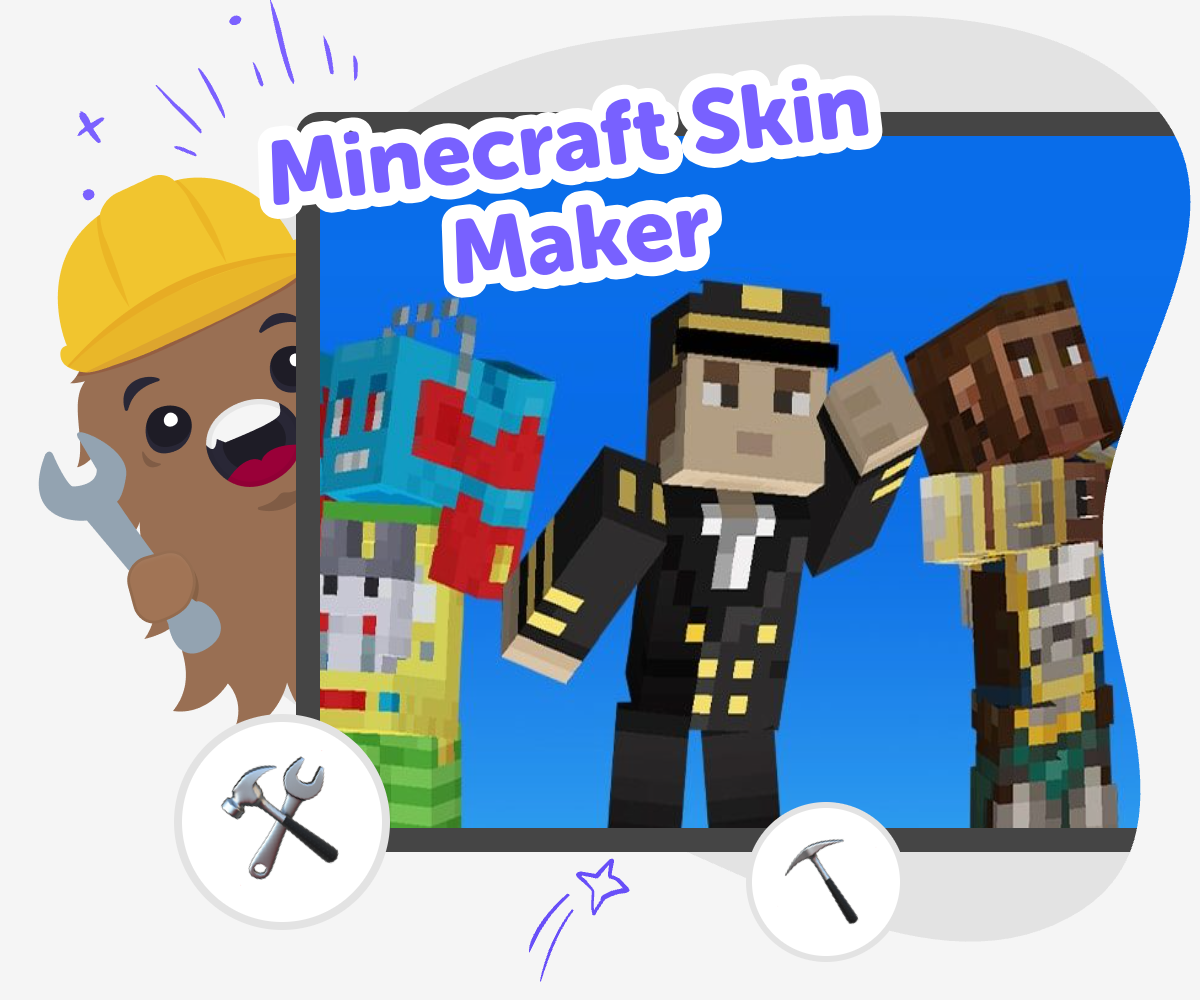
Design Your Skin
A minecraft skin maker helps kids turn a character idea into a visual design by choosing colours, shapes, and details that show personality. It matters because children get to make creative decisions, see how those choices change the look, and learn that design is something they can build one step at a time. This kind of making also supports confidence. Kids can start simple, try new ideas, and improve the skin as they notice what works best for their character.
Vibe Coding gives kids a safe, guided place to explore this topic through hands-on making. They can describe the character they imagine, shape the design, test changes, and keep refining the result while learning by doing. That gentle process keeps the tool supportive instead of overwhelming, so kids can experiment, solve small problems, and enjoy creative technology at their own pace.
What is a Minecraft skin maker?
A Minecraft skin maker is a creative way for kids to design how a character looks in the game. Instead of only using a ready-made character, children can choose colours, patterns, outfits, and small details that give the skin a personal style. That makes the activity part art, part design, and part storytelling. It also helps kids see that a creative idea can start simple and grow through choices. A child might begin with a theme like space explorer, forest friend, or bright rainbow hero, then build from there. The important part is not making something perfect right away. It is learning how to turn an idea into a visual project they can shape, test, and improve with confidence.
Why do kids like making their own skins?
Kids like making their own skins because the project feels personal. They can show a favourite colour, a funny idea, a made-up hero, or a style that feels like them. That sense of ownership matters because it helps children feel proud of what they made. It also gives them a reason to make decisions and see how each one changes the final look. When kids choose, compare, and revise, they are practising design thinking without it feeling like schoolwork. The process can be playful, but it still teaches useful habits like planning, patience, and trying again. A skin becomes more than decoration. It becomes a small creative project that belongs to the child who imagined it.
What skills does skin design build?
Designing a skin can build several helpful skills at the same time. Kids practice noticing details, making choices, and checking whether the design still matches the idea they wanted. They also learn iteration, which means trying something, seeing what happens, and then improving it. That is a useful habit in art, coding, and problem-solving. A skin maker can also help children understand contrast, balance, and simplicity in a very hands-on way. If a design looks too busy, they can change it and see the difference right away. This makes learning feel active and clear. Kids are not just hearing about creative skills. They are using them to make a project that shows their thinking.
How can kids stay safe while creating online?
A safe creative project keeps the focus on making, not on sharing private information. When kids use a Minecraft skin maker, it is best if they work with themes, colours, and invented characters instead of personal photos, full names, or other private details. Clear steps and a calm layout also help children stay comfortable while they create. Vibe Coding supports that kind of experience by giving kids a guided place to build, test, and improve ideas at their own pace. That helps the project feel friendly and manageable. Safety matters because it lets kids explore with confidence. When the activity stays age-appropriate and creative, children can enjoy the process without worrying about anything distracting or unsafe.
Make Your Skin
Start with one idea
Pick a character theme first, such as a superhero, animal, explorer, or robot. A clear idea makes it easier to choose colours and details that belong together.
Choose a small palette
Select a few colours that fit the theme and keep the skin easy to recognise. Fewer colours can make the design cleaner and help the main idea stand out.
Add simple details
Place small features like stripes, masks, shoes, or symbols to give the skin personality. Try details that match the theme instead of adding too many things at once.
Make the most of testing
Check the first version Look at the skin and notice whether the main idea is easy to see. If it feels crowded or unclear, choose one part to simplify. Try one change Swap a colour, move a detail, or adjust a shape so you can compare the new look with the old one. Small changes help kids learn what makes a design feel stronger. Get a second look Ask a parent, teacher, or friend what they notice first. A fresh viewpoint can help kids spot parts that are working well and parts that need a little more care. Keep improving Save the version you like best, then make another round of changes if you want. Repeating the build-test-improve cycle helps the skin feel more finished and more like the kid who made it.
Frequently asked questions
What is a Minecraft skin maker?
It is a tool or activity that helps kids design the look of a Minecraft character. They can choose colours, themes, shapes, and details to make the skin feel personal.
Can kids make their own Minecraft skins?
Yes. Kids can start with one idea and build it step by step. Simple choices often lead to the best results because the design stays clear and easy to recognise.
Do you need to be good at drawing to make a skin?
No. A skin maker can use basic shapes, colour choices, and simple details. Kids can begin with a rough idea and improve it as they go.
What makes a skin look unique?
A clear theme, a small colour palette, and one or two special details can make a skin stand out. Even small choices can change the whole feel of the character.
How does making skins help kids learn?
It helps kids practise planning, problem-solving, and making improvements after testing an idea. Those skills are useful in creative projects, school work, and coding.
Is it safe for kids to create skins online?
It can be safe when the tool focuses on making and does not ask for private information. Adults should choose kid-friendly tools and help guide the experience.
Can Vibe Coding help with a skin idea?
Yes. Kids can describe the character they want, shape the design, test changes, and keep improving the idea with guided support in Vibe Coding.
How can a skin feel more personal?
Kids can choose a theme they love, use colours they like, and add details that match their character idea. Small changes often make the design feel more their own.
More tools
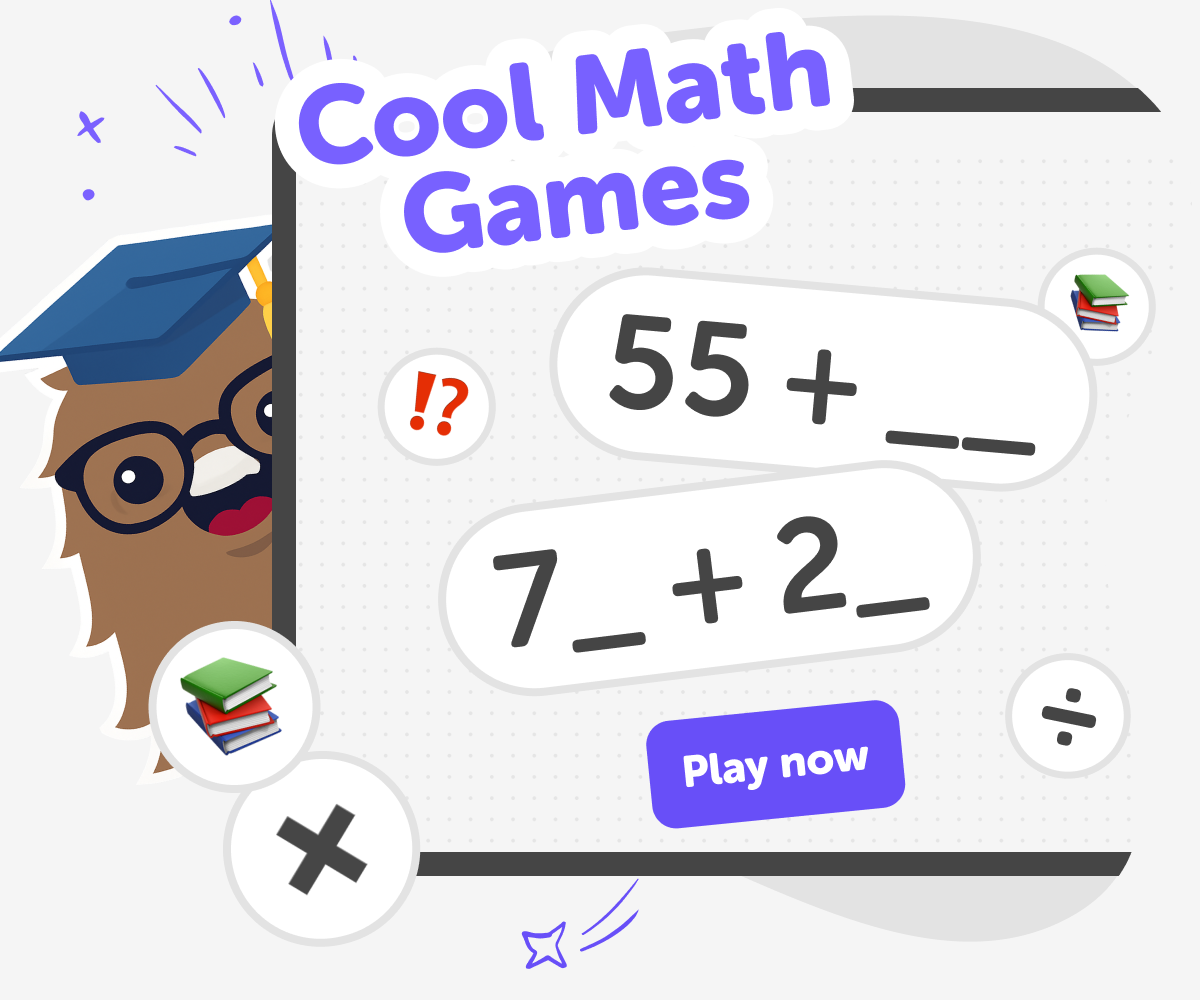
Cool math games for kids | Six Seven Game
A fun, kid-safe set of cool math games where children solve puzzles to make the answer 67 using different modes and build streaks.
Cool Minecraft Skins
Cool Minecraft skins let kids show personality inside a game they love. Choose colours, shapes, and details to make a character feel funny, bold, spooky, or totally original. With Vibe Coding, kids can turn ideas for a skin-inspired game, quiz, or custom character project into something they build, test, and improve step by step.
Create a Bearclicker
Create a bearclicker is a fun way for kids to learn how simple interactive projects work by making a playful bear-themed clicker. Kids can think about what the bear should do, how the game should feel, and what makes each click exciting. Then they can build, test, and improve their own version with guided help from Vibe Coding, turning a small idea into a real creative project.
Create a Block Dash Game
Create a block dash game by learning how simple game ideas become playable challenges. Kids can explore movement, timing, and level design while building something fun they can test, change, and play again.
Ready to start creating?
Join hundreds of thousands of kids already building cool stuff on DIY.ORG.
Your first game is on us.
Describe a game below - no sign-up needed to try.
Powered by AstroSafe
Make real games - not just chat