Create a Bearclicker
Create a bearclicker is a fun way for kids to learn how simple interactive projects work by making a playful bear-themed clicker. Kids can think about what the bear should do, how the game should feel, and what makes each click exciting. Then they can build, test, and improve their own version with guided help from Vibe Coding, turning a small idea into a real creative project.
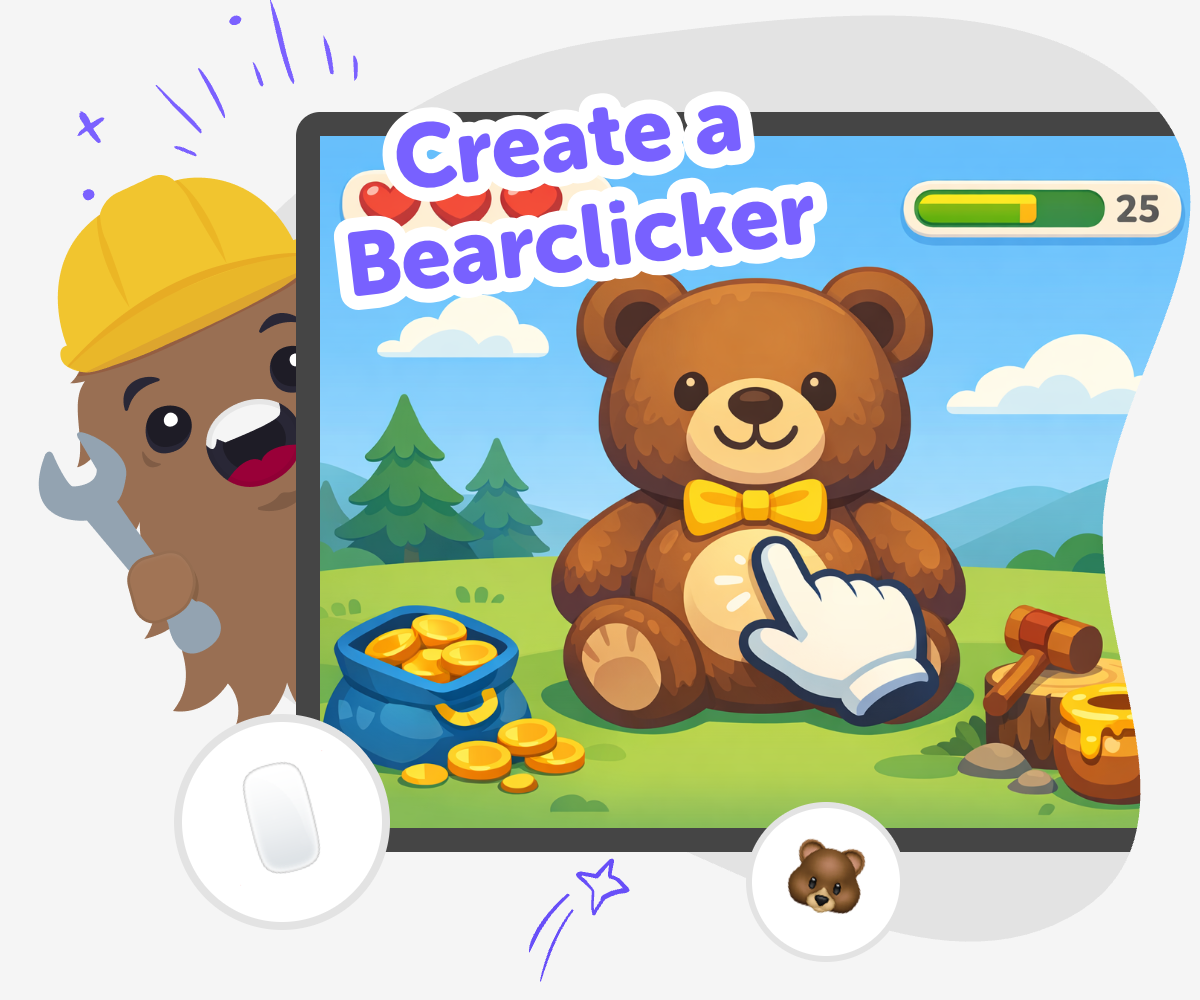
Bearclicker basics
Create a bearclicker by imagining a simple game where a bear reacts when you click, tap, or press a button. This kind of project helps kids learn that interactive ideas can start small and become more exciting through testing, changes, and practice. It is a good way to build confidence because every try can make the game clearer, funnier, or more fun to play. A bearclicker matters because it teaches kids that creative technology is not just about watching something happen. It is about making choices, seeing results, and improving a project step by step until it feels right.
Vibe Coding gives kids a guided place to build a bearclicker with support as they describe what they want the bear to do, shape the game, and test each version. Kids stay in charge of the ideas while the tool helps them explore, adjust, and learn by doing. That makes the process safe, playful, and encouraging for young makers who want to try coding without feeling stuck or rushed.
What is a bearclicker?
A bearclicker is a small interactive project where a bear reacts when you click, tap, or press something on the screen. The reaction can be simple, like a score going up, or playful, like the bear changing pose, making a sound, or showing a surprise. What matters most is that the project responds to the player’s action. That makes it a great starter idea for kids who are learning how games and interactive stories work. It also helps children see that coding is not just typing lines of text. It is a way to build something that people can actually use, try, and enjoy. Because the idea is small, kids can focus on one change at a time and learn from each version they make.
Why do kids like clicker-style games?
Clicker-style games are easy to understand, which makes them friendly for new makers. Kids usually know right away what to do, so they can spend more time creating and less time trying to figure out the rules. That makes these projects useful for building confidence. A bearclicker also gives kids room to be creative because the bear can be silly, cute, speedy, sleepy, noisy, or magical. The project can stay simple while still feeling personal. When children make their own version, they learn that a familiar game idea can still become something original. They practice choosing colors, reactions, and small rules, and they discover that even a basic game can have their own style.
How does this support learning?
Making a bearclicker supports several important skills at once. Kids practice problem-solving when they decide what should happen after each click. They use iteration when they test a version, notice what could be better, and then change it again. They also build coding confidence because they can see a result quickly and make steady progress. This kind of project is helpful for young learners who may feel unsure about coding at first. The steps are concrete enough to feel manageable, but open enough to invite creativity. As kids keep improving the project, they start to understand that making with technology is a process. Good ideas often get stronger through testing, not just from the first try.
How can families keep it safe and positive?
A bearclicker is a good project for a safe, positive creative space because it can stay simple, friendly, and age-appropriate. Families and educators can help kids choose gentle themes, easy controls, and clear wording so the project is easy to understand. It is also helpful to remind children that experimenting is part of making. A version does not need to be perfect to be worth sharing or saving. With guided support from Vibe Coding, kids can explore ideas without feeling overwhelmed, while adults can trust that the process is hands-on and learning-focused. This makes the project a nice balance of fun and structure: kids get to create, and grown-ups can feel good about the experience.
Make a bearclicker
Pick the bear idea
Choose what happens when someone clicks the bear. It could smile, count points, dance, or change colors.
Build the first click
Use guided coding help to make one simple click reaction. Keep it small so you can see the result right away.
Test what feels fun
Try the project by clicking several times and notice what is clear or confusing. Change one part at a time so the bearclicker feels smoother.
Make the most of remixing
Try a new look Swap the bear’s color, pose, or background so the project feels fresh while still easy to understand. Tune the reaction Adjust what happens after each click so the bear feels playful, clear, and simple for younger makers. Keep it friendly Choose sounds, words, and actions that feel kind and age-appropriate. Save and try again Keep your favorite version, test a new idea, and improve the bearclicker little by little.
Frequently asked questions
What is a bearclicker?
A bearclicker is a simple interactive project where a bear reacts when someone clicks or taps. It can be a game, a toy-like activity, or a small coding project that teaches how responses work.
Why would a kid make one?
Kids make one to practice creative thinking, basic coding ideas, and problem-solving. It is a friendly way to turn a small idea into something they can build and change themselves.
Do I need coding experience to start?
No. A bearclicker is a good beginner project because the first version can stay very simple. Guided support helps kids try ideas, test them, and improve them step by step.
What can the bear do?
The bear can grow, jump, smile, dance, make a sound, or count points. The best versions start with one clear reaction so the project feels easy to play and easy to improve.
How does testing help make it better?
Testing shows what works and what feels confusing. When kids click through their project, they can notice what to change so the bearclicker becomes clearer, smoother, and more fun.
Is this a good project for younger kids?
Yes. The idea is simple enough for younger kids to understand, especially when an adult or guide helps them stay focused on one small step at a time.
Can kids make their own version?
Definitely. Kids can change the bear’s look, the sound, the score, or the reaction so the project feels personal. Small changes help them feel like the maker of the idea.
How does Vibe Coding help with this?
Vibe Coding gives kids a guided place to build, test, and improve their bearclicker without turning the process into a giant lesson. It supports the making while kids stay in charge of the creative choices.
More tools
Build a Pony Clicker Game
Build a pony clicker game and learn how simple choices can turn a small idea into an interactive project. Kids can imagine a pony, add a clicking action, and shape rewards, sounds, and visuals as they test and improve their game step by step.
Build a Popcorn Clicker Game
Build a popcorn clicker game and turn a simple snack idea into a playful coding project. Kids can imagine popping popcorn, tapping to score points, and adding fun sounds, pictures, and upgrades while they learn by making.
Build a Prank Soundboard
Build a prank soundboard with playful sounds, clever buttons, and kid-safe jokes that make people laugh without being mean. This topic helps kids plan the sounds, shape the timing, and create a fun interactive board they can test and improve.
Build a Princess Dress Up Game
Build a princess dress up game with creative choices, simple game logic, and a playful character style kids can make their own. This page helps kids understand the idea, then try it through guided, hands-on making with Vibe Coding.
Ready to start creating?
Join hundreds of thousands of kids already building cool stuff on DIY.ORG.
Your first game is on us.
Describe a game below - no sign-up needed to try.
Powered by AstroSafe
Make real games - not just chat