Create a Block Dash Game
Create a block dash game by learning how simple game ideas become playable challenges. Kids can explore movement, timing, and level design while building something fun they can test, change, and play again.
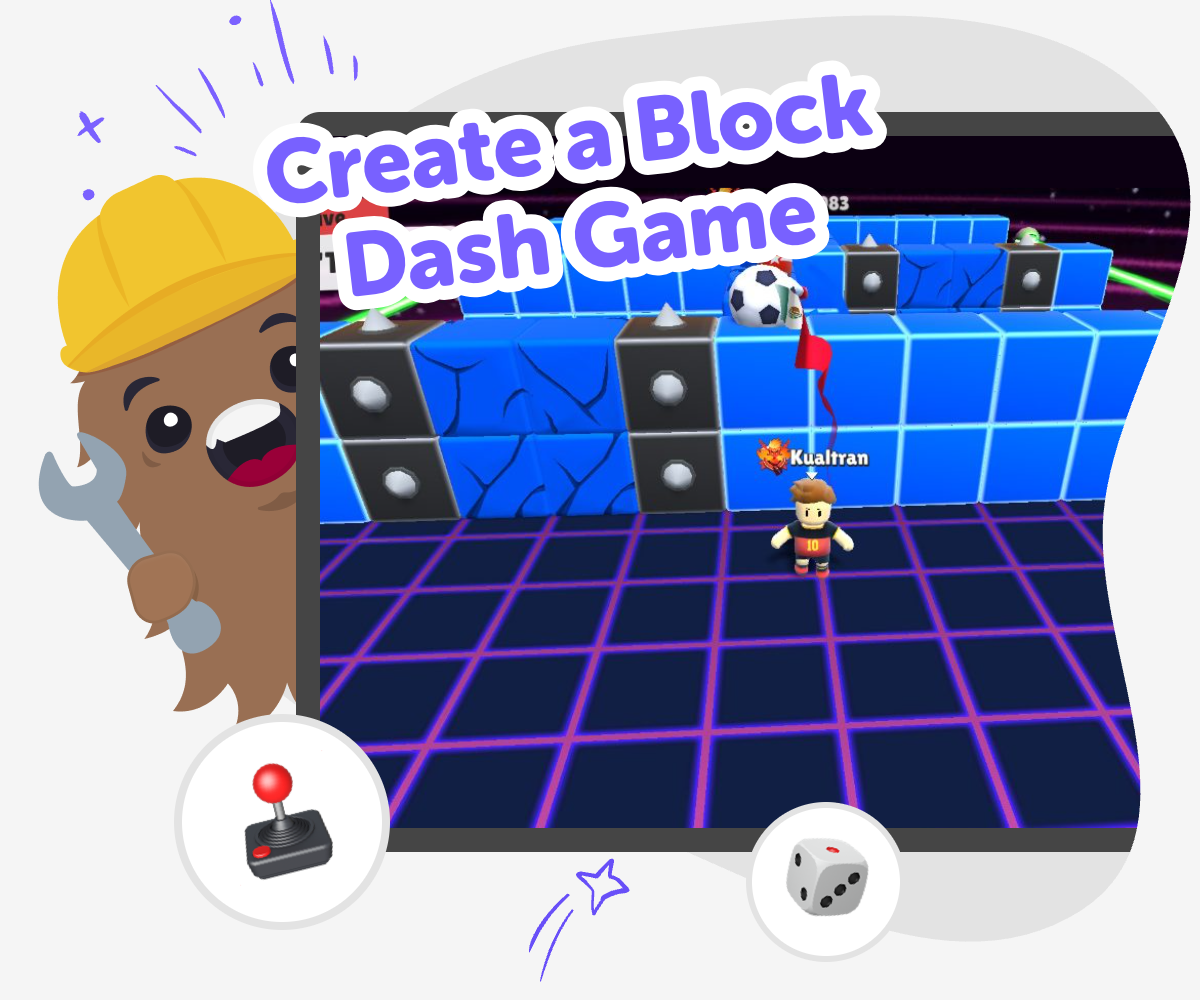
About this tutorial
A create a block dash game project is a fun way for kids to learn how games work. They can explore movement, obstacles, goals, and timing while making a game that feels exciting to play and easy to understand. This kind of project helps kids practice problem-solving, creativity, and confidence as they turn a simple idea into something interactive.
Because the game is built step by step, kids get to make choices, test them, and improve what they built. That makes the idea of game design feel less mysterious and more like something they can do themselves.
Vibe Coding gives kids a guided place to work on a block dash game without having to figure everything out alone. They can describe the game they imagine, build it piece by piece, and keep trying new ideas until it feels right.
The tool supports experimentation, safe creative play, and learning by doing, so kids can focus on making a game that is fun, clear, and their own.
Step by step
- 1
Choose your game idea
Decide what the block dash game should feel like. Pick the main challenge, like dodging blocks, reaching a goal, or surviving as long as possible.
- 2
Build the main play
Set up the player, the blocks, and the basic movement. Make sure the game has one clear action that kids can understand right away.
- 3
Test and change it
Play the game, notice what feels easy or hard, and adjust the speed, spacing, or controls. Small changes can make the game more fun and fair.
- 4
Make the most of replaying
Try a new difficulty Change one setting, like speed or block size, and see how it changes the challenge. Small edits can make the game feel fresh without starting over.
Watch what players notice Pay attention to where the game feels confusing or too simple. That helps you improve timing, add clarity, and make the challenge feel better.
Keep your favourite version Save the version you like best, then compare it with new ideas. You can always return to a build, remix it, and try another style of play.
Share safely and keep learning Show your game to someone trusted and ask what they notice first. Friendly feedback can help you make the next version stronger, clearer, and more fun.
What makes a block dash game fun?
A block dash game is fun because it is easy to understand but still has room for skill. Players usually try to move, dodge, or reach a goal while blocks create a challenge that changes as they play. That mix of simple controls and quick decisions makes the game exciting. Kids can learn that fun games do not need lots of complicated rules. They need a clear goal, a challenge that makes sense, and a way for players to try again. When kids make a block dash game, they get to think like game designers. They can ask what makes the game fair, what makes it too easy, and what makes it interesting enough to play more than once. Those choices help build confidence in design and problem-solving.
Why do kids learn from making games like this?
Making a block dash game teaches more than just coding. Kids practice planning, testing, and fixing things when they do not work the first time. That is called iteration, and it is a big part of creative technology. A game can look simple, but it asks kids to think about movement, timing, feedback, and player experience. Those are useful skills in many kinds of making. Kids also learn that mistakes are part of the process. If a block moves too fast or a jump feels impossible, they can change it and try again. That helps build patience and confidence. A project like this gives kids a safe place to experiment, notice patterns, and solve problems in a way that feels playful instead of stressful.
How can kids make the game easier or harder?
Kids can change a block dash game in many small ways to adjust the challenge. They might move the blocks farther apart to make the game easier, or make them faster to create a bigger challenge. They can also change the player’s speed, the size of the blocks, or how often new obstacles appear. These small edits teach an important lesson: game design is about balance. If a game is too hard, players may quit. If it is too easy, it may not feel exciting. By testing one change at a time, kids can see how each choice affects the game. That helps them learn to think carefully about cause and effect while they build something active and fun.
Why is guided making a good fit for this topic?
Guided making works well for a block dash game because kids can focus on the creative part without getting stuck on every technical detail. A tool like Vibe Coding helps them shape their idea, build it step by step, and improve it as they go. That support matters because game ideas often grow while kids are testing them. They may begin with one simple obstacle game and end up making a version with new levels, new colors, or a different style of challenge. Guided support keeps the process approachable and safe while still giving kids control over the project. Instead of waiting for a perfect idea, they can start with what they imagine, try it, and keep learning from each version they make.
Need help?
What is a block dash game?
A block dash game is a simple action game where a player moves through a challenge made of blocks or obstacles. The goal is usually to dodge, escape, or reach a target while reacting quickly and making smart choices.
Why do kids like making this kind of game?
Kids like it because the idea is easy to understand and fun to change. They can make the game fast, tricky, colorful, or silly, and they get to see their ideas turn into something they can actually play.
Do I need to know a lot of coding first?
No. A beginner can start with a very small version of the game and build from there. Guided tools like Vibe Coding help kids shape the idea step by step so they can learn while they make.
What skills does this project build?
This project builds coding confidence, problem-solving, and creative thinking. Kids also practice testing ideas, noticing what works, and making changes when something feels too hard or too easy.
Can a block dash game be safe for younger kids?
Yes, if the game stays age-appropriate and simple to understand. Kids can make gentle challenges, clear rules, and friendly visuals so the project feels fun without being overwhelming.
How do I make the game more exciting?
You can make it more exciting by adjusting speed, adding new obstacles, or changing the timing of the challenge. Small changes can make a big difference, so it helps to test one idea at a time.
Can I make more than one version?
Yes. Making more than one version is a great way to learn. Each version can try a new idea, and comparing them helps kids understand how game design choices change the way people play.
How can Vibe Coding help me build it?
Vibe Coding gives kids guided support while they describe, build, test, and improve their game. It helps make the process feel creative and manageable, while kids stay in charge of the ideas and changes.