Coding for High School
Coding for high school gives older kids a chance to learn how digital ideas become real projects. With guided support from Vibe Coding, kids can explore coding by making games, quizzes, stories, and simple interactive tools while building confidence, problem-solving skills, and creative habits.
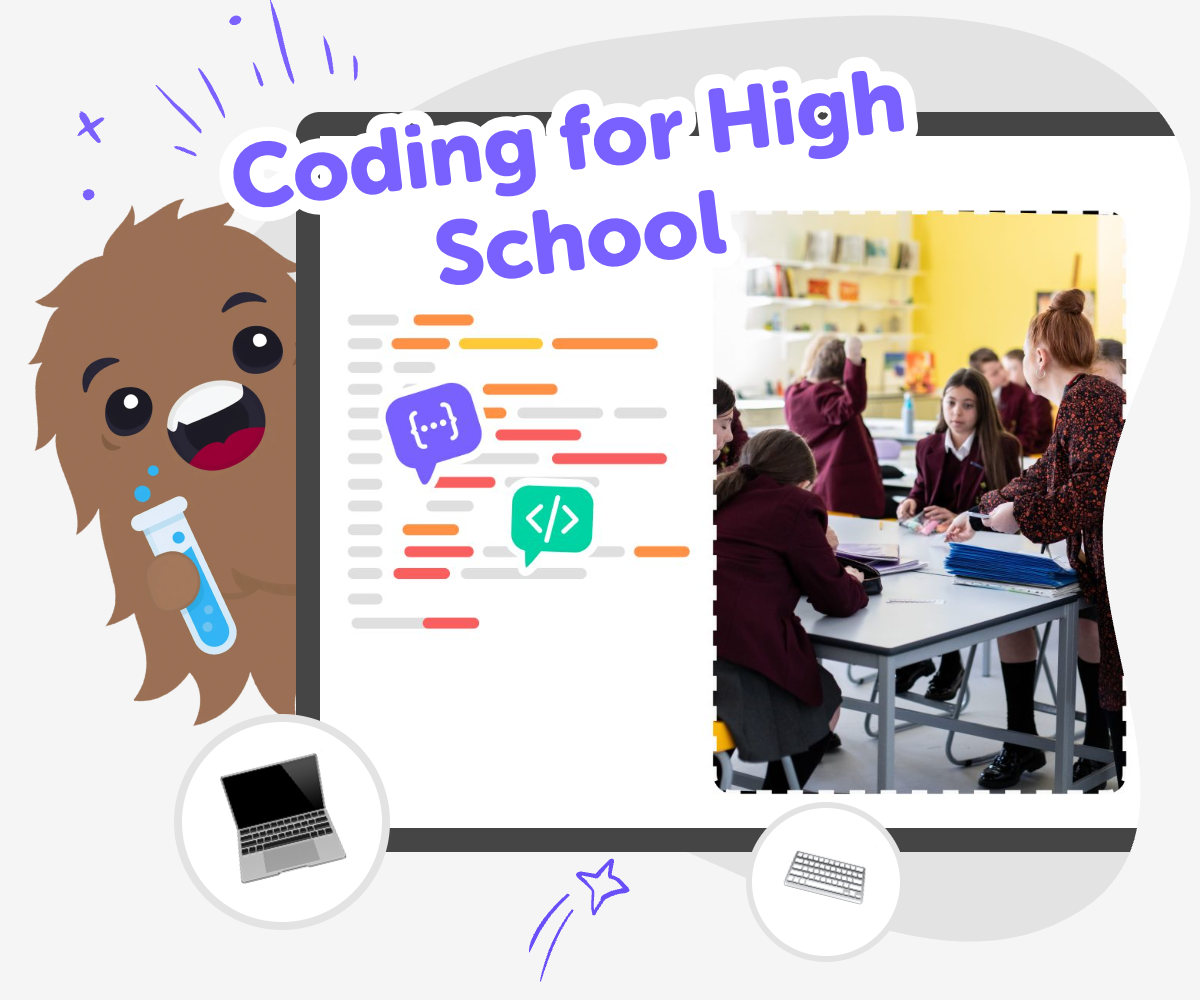
Learn Coding by Making
Coding for high school is about learning how to plan, build, and improve digital projects with purpose. It can help kids understand how apps, games, and creative tools work, while also building problem-solving skills and confidence with new technology. For many learners, coding feels easier when it starts with an idea they care about, like a game, story, quiz, or helpful tool. That makes the subject feel useful, creative, and easier to keep practicing.
Vibe Coding gives kids a guided place to explore coding for high school through hands-on making. Kids can describe what they want to build, then shape it step by step, test it, and make changes as they learn. This keeps the focus on creativity, safety, and experimentation, so kids can practice real coding habits without needing to know everything at once.
What does coding for high school mean?
Coding for high school usually means learning how to turn ideas into digital projects by planning, building, testing, and improving them. It is not only about typing lines of code. It is also about thinking carefully, solving problems, and making choices that help a project work well for other people. For older kids, this can be a strong bridge between playful beginner coding and more advanced computer science ideas. A high school coding project might be a game, quiz, story, calculator, or simple tool that helps with a real need. The important part is learning how to make something useful or creative, then revise it when it does not work the first time. That process teaches persistence, confidence, and flexibility, which are useful far beyond coding.
Why is coding useful for older kids?
Coding is useful because it helps older kids learn how technology works instead of only using it. When a student builds something digital, they practice breaking a big idea into smaller steps, which is a skill that helps in school and in everyday life. They also learn how to test a plan, find what is broken, and make improvements. Those habits matter in science, writing, design, and even teamwork. Coding can also give kids a chance to express themselves through projects they care about, which makes learning feel more personal. A child who builds a quiz about animals or a story game about space is not just memorizing facts. They are designing, revising, and sharing an idea with purpose. That can make technology feel less mysterious and more creative.
How does creativity fit into coding?
Creativity is a big part of coding because many projects start with imagination. A kid can choose a story, character, challenge, or tool idea and then figure out how to make it work on a screen. There are usually many possible ways to solve the same problem, so coding gives space for experimenting and choosing what feels best. A project can be playful, helpful, funny, or thoughtful, depending on the choices the maker makes. Creativity also shows up when something does not work right away. Kids often need to change their idea, simplify a feature, or try a different layout. That back-and-forth between imagination and problem-solving is a powerful way to learn. It helps kids see coding as a creative skill, not just a technical one.
Can kids learn safely while making projects?
Yes, kids can learn safely when the project space is designed for guided, age-appropriate making and clear limits. Safe coding for kids means they can explore ideas without needing to manage complicated accounts, unsafe chat, or confusing tools on their own. It also means the project stays focused on learning, making, and respectful sharing. A good kid-friendly coding space supports trial and error, because mistakes are part of learning, but it also keeps the experience calm and structured. That matters for parents and educators who want children to build confidence without being overwhelmed. With guided support, kids can keep their attention on the project itself: what it does, how it feels to use, and how to improve it. That makes coding more approachable and more useful for real learning.
How to start creating
Choose an idea
Pick a game, app, quiz, story, or simple invention you want to build. Start with something clear enough to describe in a sentence or two.
Build the first version
Use Vibe Coding to shape your idea into a basic project with buttons, text, or simple actions. Keep the first version small so it is easy to understand and change.
Test and improve
Try the project the way a player would, then notice what works and what feels confusing. Change one part at a time so you can see how each fix improves the result.
Make the most of experimenting
Try a new idea Change one part of your project, like a colour, rule, or message, and see how it changes the experience. Small experiments help you learn what makes a project fun, clear, or easier to use. Play it again Run your project more than once and check how it feels after each change. Repeating the process helps you notice patterns, spot mistakes, and build stronger coding confidence. Share carefully Show your project to a trusted adult, teacher, or classmate when it is ready. Ask what they understood first and what they think could be smoother or more fun. Keep building Save your work and return later with one fresh idea to try. Projects often get better with practice, patience, and a few thoughtful changes.
Frequently asked questions
What is coding for high school?
Coding for high school is learning how to make digital projects by planning, building, testing, and improving them. It helps kids understand how software works while practicing problem-solving and creativity.
Do kids need to be advanced to start?
No. Kids can start with a simple idea and learn step by step. A good first project can be small, clear, and fun to change as they go.
What kinds of projects can kids make?
Kids can make games, quizzes, stories, simple apps, tools, or inventions with interactive parts. The best project is one they can describe clearly and keep improving.
How does this help with confidence?
Coding confidence grows when kids see that they can build something, test it, and fix it. Each small success helps them feel more capable of learning new technology.
Is coding only about typing lines of code?
No. Coding also includes planning, testing, debugging, and making design choices. Those parts help a project work well and make the learning process more complete.
Can coding be creative?
Yes. Kids can choose themes, colours, characters, rules, and stories to make a project feel like theirs. Creativity is one of the best reasons to learn coding.
How can Vibe Coding help with this topic?
Vibe Coding gives kids a guided place to turn an idea into a project, then adjust it as they learn. It supports hands-on making, testing, and improvement without pretending the work is finished instantly.
Is this a good topic for beginners and older learners?
Yes. It works well for beginners who need a simple starting point and for older learners who want to practice building more thoughtful projects. The topic can grow with the learner.
More tools
Build Phonics Games For 1st Grade
Build phonics games for 1st grade with a kid-friendly creative coding studio that helps children make simple reading games, practice letter sounds, and test playful ideas step by step.
Build Phonics Games For 2nd Grade
Build phonics games for 2nd grade with a kid-friendly creative coding studio that helps kids turn letter sounds, word patterns, and reading practice into playful interactive projects they can make, test, and improve.
Build Phonics Games For Kindergarten
Build phonics games for kindergarten with a kid-friendly creative coding studio that helps children make simple letter and sound games, test them, and improve them step by step.
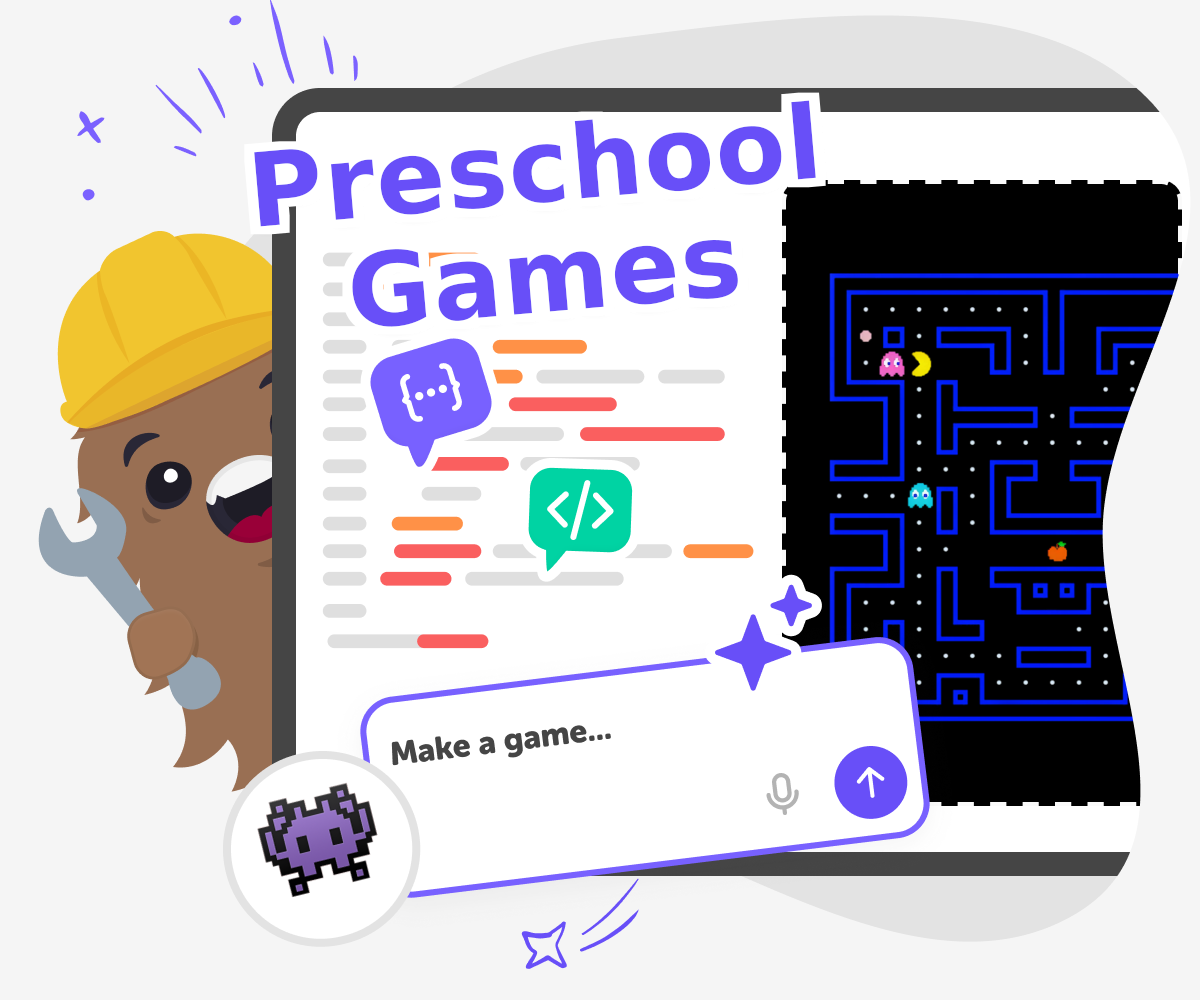
Build Preschool Games
Build preschool games with kid-friendly creative coding tools that help children turn simple ideas into interactive play. Make learning games, matching games, and counting challenges while exploring creativity, safety, and confidence through hands-on making.
Ready to start creating?
Join hundreds of thousands of kids already building cool stuff on DIY.ORG.
Your first game is on us.
Describe a game below - no sign-up needed to try.
Powered by AstroSafe
Make real games - not just chat