Codex for Kids | Vibe Coder Coding Helper
Use Vibe Coder as a kid-safe codex for kids that teaches coding, explains concepts, and helps turn ideas into games, apps, and websites.
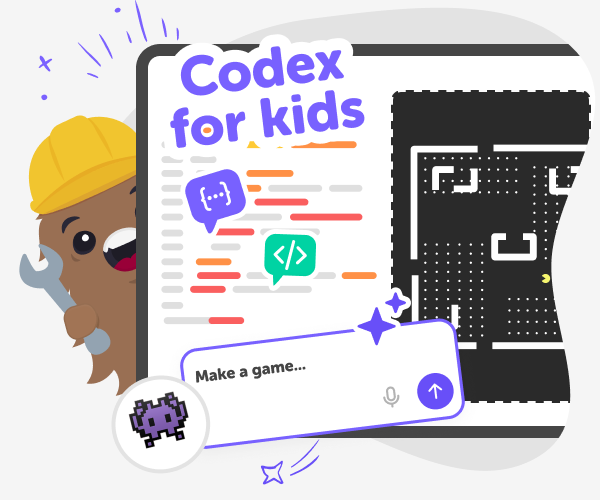
What Is A Codex?
A codex is an AI-powered code helper, which acts as a friendly guide that helps young makers learn to build games, apps, and websites. On DIY.org, kids can use Vibe Coder as a coding tutor: a coach that explains ideas, shows small examples, and helps kids try things rather than just copying code. It reduces fear and invites curiosity. Vibe Coder supports step-by-step learning with explain-then-code flow. Kids type ideas, the tool explains concepts, then generates a safe prototype to play with. This hands-on loop helps children understand why code works, practise debugging, and build confidence while making real projects.
Vibe Coder on DIY.org offers different kid-friendly environments like Game Viber, Ardu Coder, Java Coder, and Py Coder so young creators choose the right vibe. Each environment shows a prompt box, examples, and a live Preview with a clickable prototype. Kids can toggle to the Code window to see underlying code, or export projects when ready. The tool is designed to be a coding helper for kids: it explains concepts, offers debugging suggestions, and encourages iteration. Parents get safety settings, moderated sharing, and optional controls. Together these features make learning hands-on, guided, and safe.
How does a coding helper teach kids?
A good coding helper for kids acts like a coach, not a copier. Vibe Coder models the explain-then-code flow: first it breaks an idea into tiny steps and explains concepts, then it creates a simple, testable prototype. Kids can ask for specific debug tips—like fixing a sprite collision, correcting a loop, or adjusting an LED timing—and Vibe Coder will suggest small code edits and why they work. This approach teaches reasoning, encourages safe experimentation, and helps children practise debugging as a normal part of making rather than treating errors as failures.
Is Vibe Coder safe for kids?
Yes. Vibe Coder is designed for kids with age-appropriate explanations, pre-made templates, and guided prompts that reduce exposure to complex or unsafe content. DIY.org adds safety layers: parental controls, moderated sharing, and optional limits on exporting or publishing projects. The tool's conversational design avoids open web searches and focuses on teaching coding concepts in plain language. Parents can review projects, choose sharing settings, and turn off community features if they prefer. This combination keeps learning hands-on and secure while still letting kids experiment, iterate, and show their work when ready.
Can kids turn explanations into real projects?
Absolutely. Vibe Coder turns explanations into live, clickable prototypes in the Preview window so kids can play and test immediately. When curious, they toggle to the Code window to inspect, learn, and copy small parts. Ardu Coder also shows circuit schematics, while Game Viber and Java Coder produce playable projects. Kids can export projects or ask Vibe Coder for step-by-step export and sharing help. This flow - from explanation to prototype to code - makes learning concrete: children see cause and effect, practise small fixes, and grow confidence as they refine working projects.
Use Vibe Coder to build a prototype
Pick a Vibe and Starting Template
Open Vibe Coder, choose an environment like Game Viber or Ardu Coder, and pick a pre-made template or start from a blank canvas.
Explain-then-Code in the Prompt
Type what you want in the prompt box. Ask Vibe Coder to explain ideas first, then generate a preview prototype to try and play.
Debug and Learn While You Build
Use the conversational chat to ask for debugging tips, small fixes, or step-by-step explanations while watching changes in the Preview window.
Make the Most of Vibe Coder
Try many vibes Switch environments like Game Viber, Ardu Coder, Java Coder, and Py Coder to explore different projects and learn varied skills. Iterate, don't restart Keep improving the same project by asking Vibe Coder for small changes instead of starting over to build confidence through practice. Share safely Use DIY.org's moderated sharing and parental controls so friends can see and react when you're ready. Ask for explanations Request short, child-friendly explanations and debugging steps to understand how and why changes work.
Frequently asked questions
What age is Codex suitable for?
Designed for kids aged 5–15, Vibe Coder offers simple explanations, templates, and parent controls that suit beginners through older learners.
Do kids need coding experience?
No. Vibe Coder works as a code helper for kids, offering templates and step-by-step explanations to get started quickly.
Can Vibe Coder explain code?
Yes. Ask for short, simple explanations and the tool will show why code steps work using kid-friendly language and examples.
What are debugging helpers like?
Vibe Coder suggests precise fixes, points out likely errors, and offers step-by-step edits so kids practise debugging without frustration.
Are there parent controls?
Yes. Parents can set sharing permissions, disable community features, limit exporting, and review projects to keep learning safe.
Can kids save and export projects?
Yes. Kids can save projects to their account and export code or prototypes when parents allow sharing or exporting features.
Is sharing required?
No. Sharing is optional and moderated. Kids can keep projects private or share with friends when parents approve.
What devices work with Vibe Coder?
Vibe Coder runs in modern browsers on desktops, tablets, and many mobile devices—no special downloads needed for most projects.
More tools
Build a Bluey Soundboard
Build a Bluey Soundboard is a kid-friendly creative project that helps kids explore sound, timing, and interactive design by making their own playful button board. With Vibe Coding, kids can build, test, and improve a soundboard step by step while learning how simple coding ideas turn into a fun project they can use and share.
Build a Bored Button
Build a bored button with Vibe Coding and turn the idea of a fun, helpful button into a simple interactive project kids can make, test, and improve. This kid-friendly topic page explains what a bored button is, why it can be a playful coding challenge, and how creative building helps kids grow confidence while they experiment.
Build a Brawl Game
Build a brawl game by turning a game idea into a playful interactive project with kid-friendly creative coding support. Kids can imagine characters, add actions, test how the game feels, and improve it step by step while learning coding confidence and problem-solving.
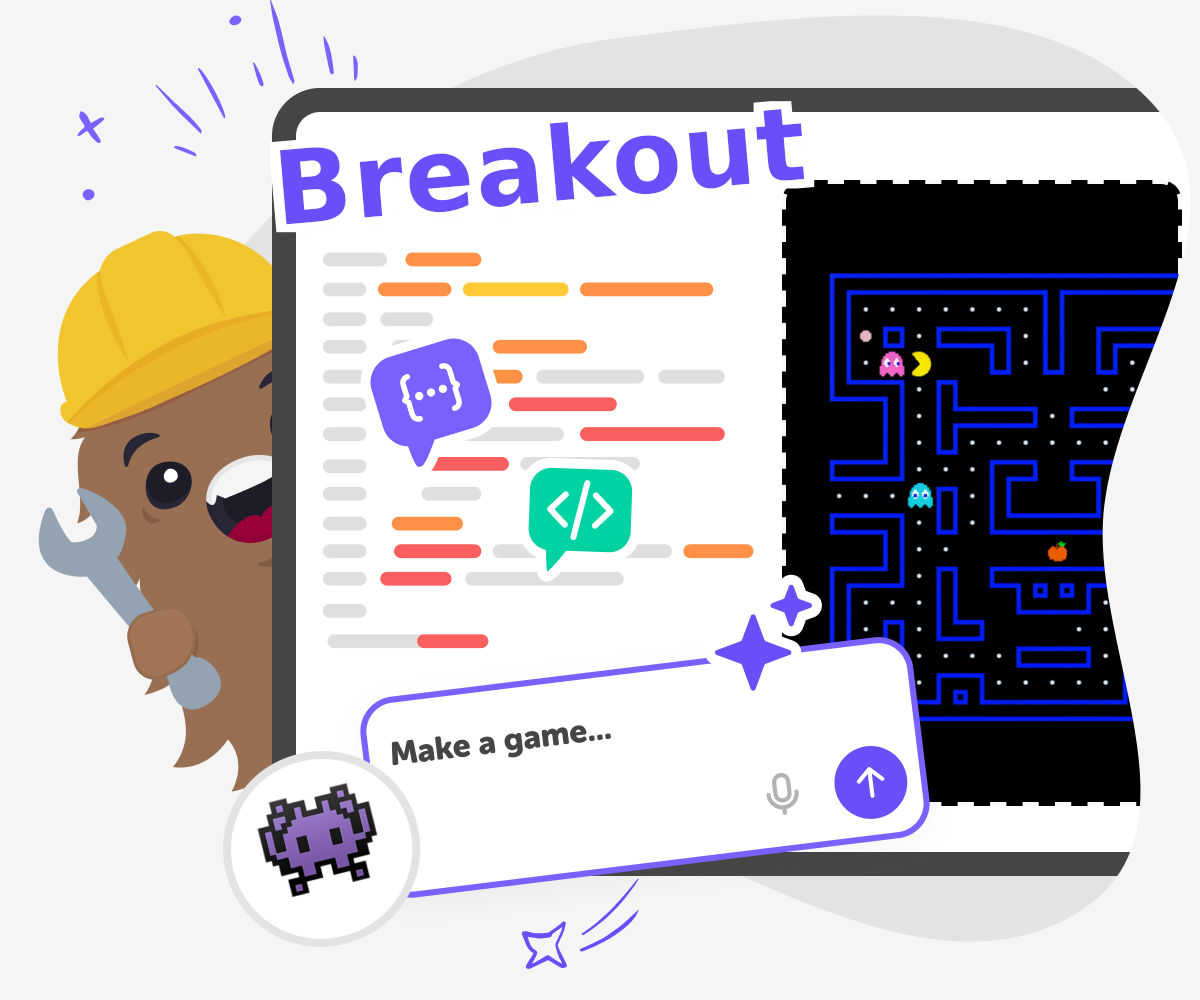
Build a Breakout Game
Learn how to build a breakout game and turn a simple idea into a playable project with blocks, a ball, a paddle, and things to break. This kids-first page explains the game, why it is fun to make, and how Vibe Coding helps young creators build, test, and improve it step by step.
Ready to start creating?
Join hundreds of thousands of kids already building cool stuff on DIY.ORG.
Your first game is on us.
Describe a game below - no sign-up needed to try.
Powered by AstroSafe
Make real games - not just chat