Coding for Elementary School
Coding for elementary school helps kids learn how to give clear instructions, solve problems, and build simple digital projects. With guided, hands-on practice, children can explore coding through ideas they care about, like games, stories, quizzes, and inventions. Vibe Coding gives kids a creative way to try coding step by step, test what happens, and keep improving their projects as they learn.
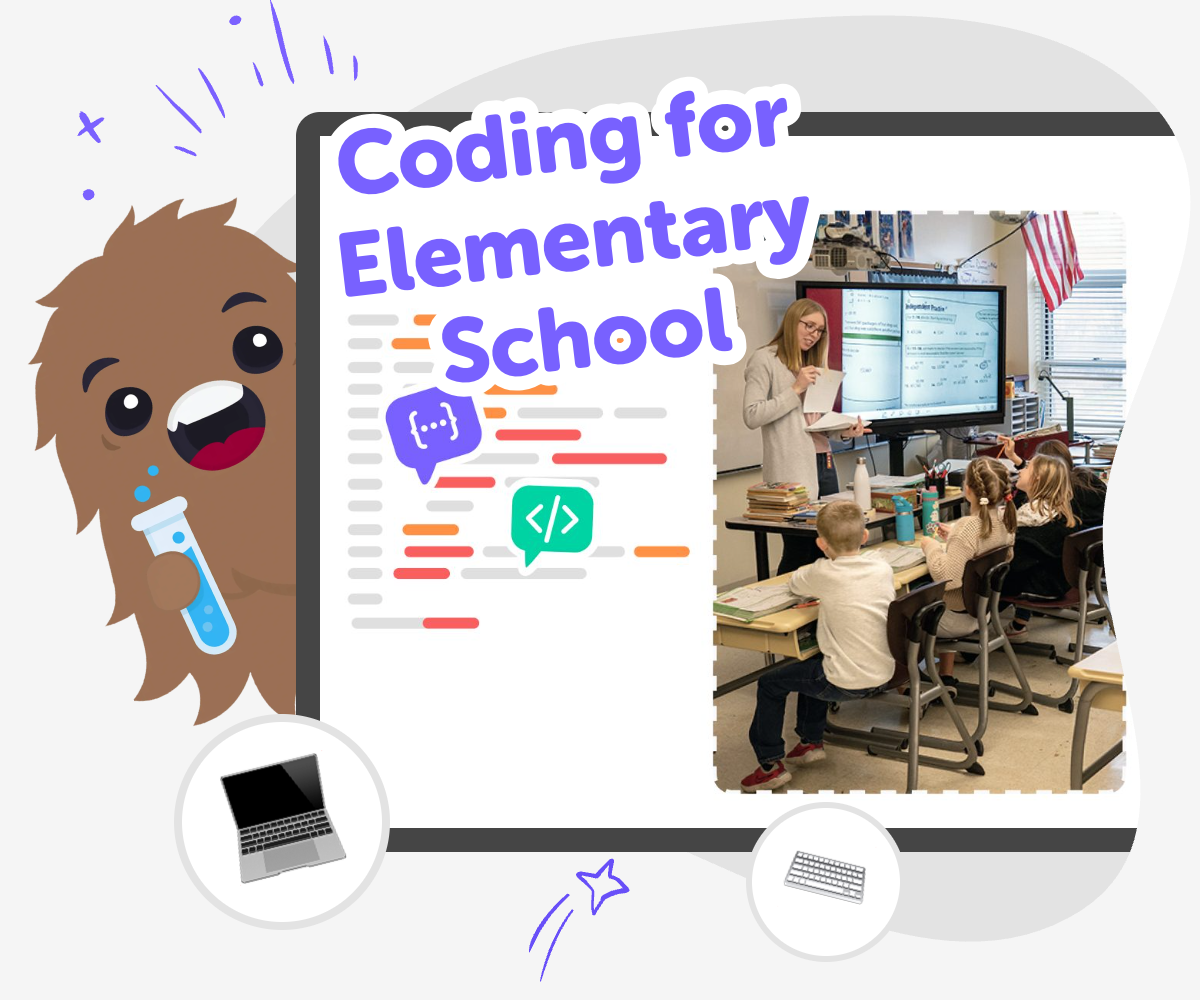
Learn Coding Through Making
Coding for elementary school helps kids learn how to think step by step, solve small problems, and turn ideas into simple digital creations. It matters because coding builds confidence: children practice giving clear instructions, noticing mistakes, and trying again until something works. It also helps kids understand that technology is something they can shape. When they learn to make and improve small projects, they build patience, creativity, and the habit of breaking big ideas into manageable steps.
Vibe Coding gives kids a guided place to explore coding through making. They can describe a game, app, story, or invention they want to build, then test each part and improve it with support that keeps the process clear and age-appropriate. That makes it easier to experiment safely, keep learning by doing, and stay focused on the ideas they care about. Kids can try changes, see what happens, and grow more confident without needing to know everything at once.
What does coding mean for kids?
Coding means giving a computer clear instructions so it knows what to do. For elementary school kids, that can start with very small steps: choosing an action, setting an order, and checking what happens next. It is not only about typing fast or memorizing difficult words. It is about learning to think carefully and explain ideas in a way a computer can follow. This skill helps kids in everyday life, too, because it builds patience, planning, and problem-solving. When children learn coding early, they also learn that mistakes are useful clues. If something does not work, they can look again, change one part, and try once more. That makes coding feel less like a test and more like a puzzle they can keep exploring.
Why is coding useful in elementary school?
Coding is useful in elementary school because it teaches more than computers. It helps children practice logic, creativity, and perseverance at the same time. A coding project often begins with an idea, then moves through planning, testing, and improving. That process helps kids understand that big results can come from small, careful steps. It also gives them a safe place to experiment, because changes can be tested without hurting anything. Many children feel proud when they make a button work, move a character, or create a simple game rule. Those moments build confidence. Over time, kids learn that technology is not just something to use. It is something they can shape. That belief can open the door to stronger learning in school and more creative choices at home.
How can kids stay safe while learning coding?
Kids can stay safe by learning in a guided space, using age-appropriate tools, and making projects with clear boundaries. Safe coding for elementary school should avoid confusing downloads, risky links, or open-ended sharing without adult help. It should also encourage children to create with care, especially when they are making games or stories for others to try. A good learning environment keeps the focus on practice, not pressure. Kids should feel free to test ideas, ask questions, and make changes without worrying about getting everything right the first time. With guided support, they can learn how to protect their privacy, choose appropriate project ideas, and build confidence one step at a time. Safety and creativity work best when they grow together.
What kinds of projects can elementary school kids make?
Elementary school kids can make all kinds of simple digital projects, and the best ones usually start with something they already enjoy. They might build a quiz, a story with choices, a small game, a drawing tool, or a helper app for a pretend shop or classroom. These projects are useful because they let kids practice coding through ideas they can imagine clearly. A game can teach movement and rules. A quiz can teach questions and answers. A story can teach sequences and choices. Each project gives children a chance to build, test, and improve. The exact project matters less than the process. When kids make something of their own, they learn that coding is a creative skill, not just a school subject. That makes it easier to stay curious and keep going.
How kids can start coding
Pick an idea
Choose something fun to make, like a quiz, game, story, or helper tool, and say what you want it to do.
Build the first version
Use guided coding support to turn the idea into a simple project with a clear goal and a few moving parts.
Test and change
Run the project, notice what happens, and adjust pieces that are confusing, slow, or not working yet.
Make the most of remixing
Try a different theme Change one part of the project, like a character, colour, or rule, to see how the idea feels in a new version. Test what surprises you Play through the project again and notice which changes make it easier, more fun, or more interesting for other kids to use. Keep the parts that work Save the pieces you like best so your project keeps its strong ideas while you improve the parts that still need work. Build another version Use what you learned to make a fresh version, then compare it with the first one and choose what to keep, fix, or try next.
Frequently asked questions
What is coding for elementary school?
Coding for elementary school is a beginner-friendly way for kids to learn how computers follow instructions. Children make simple projects, like games or stories, while practicing planning, logic, and problem-solving.
Why should young kids learn coding?
Young kids learn coding because it helps them think step by step, notice patterns, and keep trying when something does not work right away. It also helps them feel confident making things with technology.
Is coding too hard for elementary school kids?
No. Good beginner coding starts with small, clear steps and fun projects. Kids do not need to know everything at once. They learn by trying, testing, and making changes as they go.
What can kids make while learning coding?
Kids can make simple games, quizzes, stories, animations, and helper tools. The best project is one that starts with an idea they already care about, because that makes learning feel more meaningful.
How does coding help with problem-solving?
Coding teaches problem-solving by asking kids to break a big idea into smaller parts. When something does not work, they learn to look closely, find the issue, and try a different solution.
Can kids make their own projects safely?
Yes, as long as they use a guided, age-appropriate space and get help when needed. Safe creative tools keep the focus on making, testing, and learning instead of risky sharing or complicated setup.
How does Vibe Coding support beginners?
Vibe Coding gives kids a guided place to turn an idea into a project step by step. They can describe what they want to build, test it, and improve it while learning coding confidence through making.
What should a first coding project look like?
A first coding project should be simple, clear, and fun. It might have one goal, a few parts, and room to change later. That keeps kids focused on learning the process, not finishing something perfect.
More tools
Build Math Games For 10th Grade
Build math games for 10th grade with a creative, kid-friendly tool that helps kids turn ideas into interactive projects, test them, and improve them step by step. It is a hands-on way to explore algebra, patterns, probability, and problem-solving through making.
Build Math Games For 11th Grade
Build math games for 11th grade with creative, hands-on projects that help kids practice algebra, functions, statistics, and logic while making something fun to play and explore.
Build Math Games For 12th Grade
Build math games for 12th grade with creative, hands-on practice that helps kids turn tough ideas into playful projects. Use guided support to explore algebra, functions, statistics, and logic while building confidence step by step.
Build Math Games For 1st Grade
Build math games for 1st grade with simple, playful ideas that help kids practice counting, number sense, and early problem-solving. This page shows how young makers can turn a lesson into a game, then test it, improve it, and make it more fun.
Ready to start creating?
Join hundreds of thousands of kids already building cool stuff on DIY.ORG.
Your first game is on us.
Describe a game below - no sign-up needed to try.
Powered by AstroSafe
Make real games - not just chat