Create a Minecraft Pickaxe
Learn how to create a minecraft pickaxe as a fun kids-first building idea, then bring it to life through guided making, testing, and playful coding with Vibe Coding.
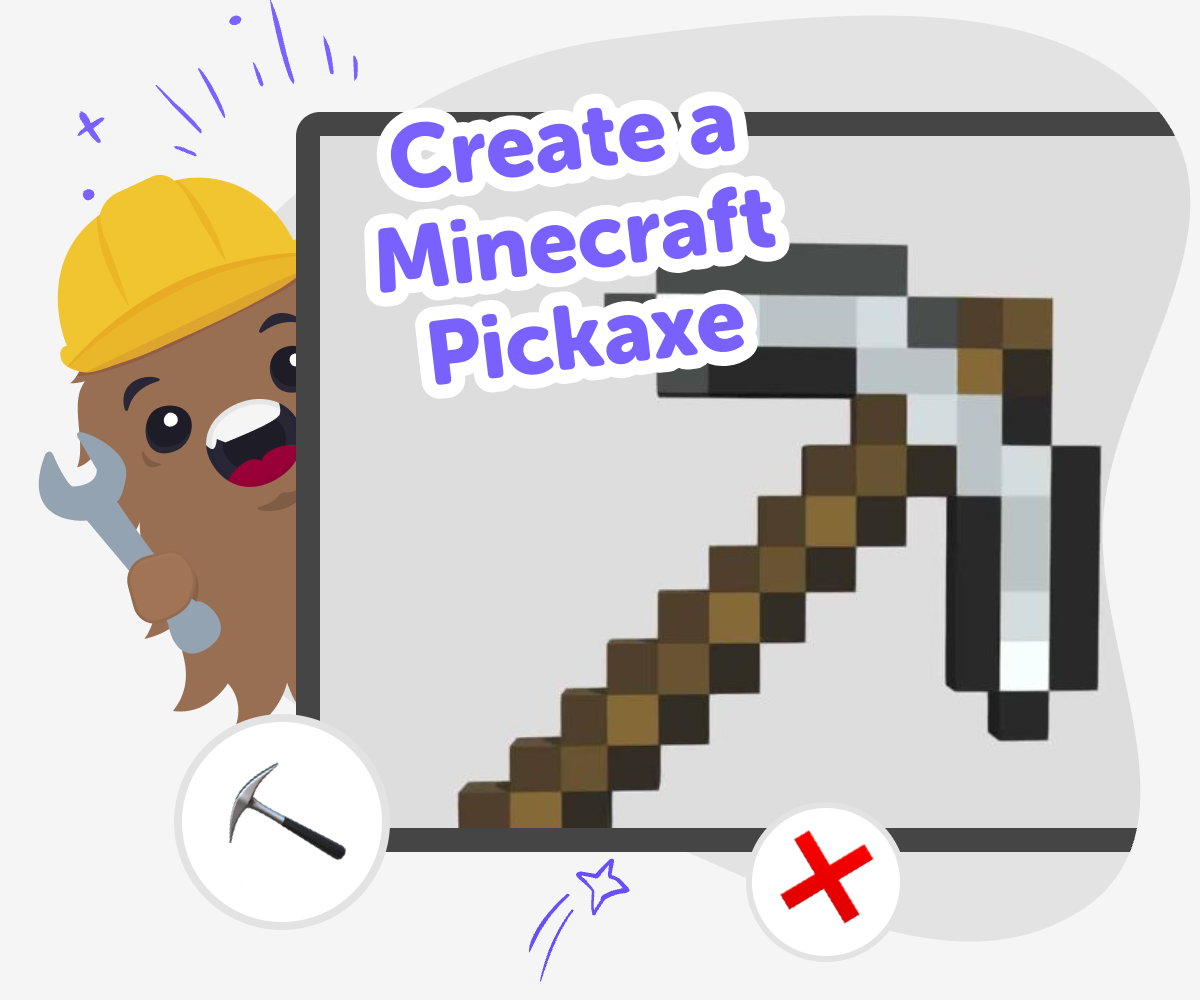
Build a Pixel Pickaxe
To create a minecraft pickaxe is to turn a simple game tool into a maker project kids can understand, design, and improve. A pickaxe is one of the most familiar tools in Minecraft, so it is a great place to start when learning how game ideas become interactive projects that people can use and enjoy. This topic matters because it helps kids think like creators, not just players. They can explore shape, purpose, and style while practicing problem-solving, patience, and confidence with each change they make.
Vibe Coding gives kids a guided place to explore the idea safely by building step by step. Instead of expecting a finished result right away, kids can try ideas, test what happens, and keep adjusting until their pickaxe project feels right. That hands-on process keeps the focus on creativity and learning. Kids get to make something themed around Minecraft while also building real coding confidence through experimentation and improvement.
What is a Minecraft pickaxe?
A Minecraft pickaxe is one of the main tools in the game. Players use it to mine blocks, collect materials, and progress through different parts of the world. Because it is so familiar, it makes a great starting point for kids who want to turn a game idea into a creative project. A pickaxe can be simple or detailed, and that gives kids lots of room to imagine their own version. When kids create a minecraft pickaxe as a project, they are not just copying an object. They are learning how a tool has a purpose, a shape, and a style. That helps them think carefully about design and function at the same time, which is an important maker skill.
Why is it a good starter project?
A pickaxe is a good starter project because the idea is clear and easy to understand. Kids already know what a pickaxe does in Minecraft, so they can focus on making choices instead of trying to invent a brand-new concept from scratch. That makes the first steps feel friendly and manageable, especially for younger kids or beginners. It also teaches a useful creative habit: start small, then improve. A first version might have simple colors or basic behavior, and later versions can add more detail. This kind of project helps kids practice patience, planning, and revision, which are all part of learning to make things with code and creativity.
How does Vibe Coding help with it?
Vibe Coding gives kids a guided way to explore the idea of a Minecraft pickaxe without making the process feel too hard. Kids can describe what they want, build it in steps, test it, and then improve it. That means they learn by doing, which is often the best way for children to understand how creative technology works. The tool is helpful because it supports experimentation. If something does not look right or work the way a child expected, they can try again and make changes. That keeps the experience calm and encouraging while building coding confidence, problem-solving skills, and the habit of iterating on a creative idea.
How can kids stay safe and creative?
Kids stay safe and creative when the project stays focused on making, not rushing. It helps to choose age-appropriate ideas, keep the design simple at first, and test changes one at a time. That way, children can see how their choices affect the project and avoid feeling overwhelmed. It also helps when an adult is nearby for support if needed, especially for younger kids. With guidance, kids can enjoy the fun of designing a Minecraft pickaxe while learning how to make decisions, fix mistakes, and keep improving. Safe creativity means kids can experiment with confidence and still feel in control of what they are making.
How to make it
Choose the pickaxe idea
Start by deciding what kind of Minecraft pickaxe you want to make, such as wooden, stone, iron, diamond, or a funny custom version. Pick its look, purpose, and one special detail so you have a clear idea to build.
Design the parts
Plan the pickaxe shape, colors, and any simple game behavior you want it to have. Keep the design easy to read so it feels like a real Minecraft-style tool.
Build and test
Use Vibe Coding to make your project step by step, then try it and see what works. Change one part at a time so you can understand how each update affects the result.
Make the most of testing
Try a new detail Change one part of the pickaxe, like its color, size, or name, and see how it feels in your project. Check the results Test the updated version to notice what works well and what still needs to change. Small tests help kids learn how ideas improve. Keep the best version Save the version you like most, then make a second one with a new style or effect. Repeating the process builds confidence and creativity. Share it safely Show your pickaxe project to a parent, teacher, or friend and explain what you made. Sharing helps kids feel proud of their work and their learning.
Frequently asked questions
What does a Minecraft pickaxe do?
In Minecraft, a pickaxe is used to mine blocks and collect materials. It is one of the most important tools in the game, which is why it makes such a good idea for a creative project.
Can younger kids make a pickaxe project?
Yes. Younger kids can make a simple version with help from an adult or teacher. Starting with basic shapes and colors keeps the project easy to understand and fun to finish.
Do I need to be good at coding first?
No. A pickaxe project is a good way to begin learning because kids can start with a small idea and improve it step by step. Guided support helps them learn as they go.
What if my first version looks wrong?
That is normal. Creative projects often need changes before they feel finished. Kids can test one thing at a time, then adjust the design until it looks and works better.
Can I make a custom pickaxe design?
Yes. Kids can create a pickaxe with their own colors, name, or special style. Custom details help the project feel personal while still keeping the Minecraft theme.
Is this a good project for classrooms?
Yes. It is a clear, topic-based project that supports creativity, problem-solving, and iteration. Teachers can use it to help students practice making and improving ideas.
How does Vibe Coding fit into this project?
Vibe Coding gives kids a guided place to build the project step by step. It helps them describe an idea, test it, and improve it without turning the work into something confusing or too advanced.
Can I share my finished pickaxe safely?
Yes. Kids can share their project with a parent, teacher, or trusted friend. It is best to keep sharing simple and age-appropriate, and to talk about what the project does and how it was made.
More tools
Most Likely To Game for kids – 200 free most likely to questions
A fun, kid-friendly “whose most likely to…” game with interactive questions and playful conversation powered by KidsGPT.
Not Blocked Games
Not blocked games are games you can open and play when a school, library, or device filter is not getting in the way. For kids, this topic is about finding creative, age-appropriate play that works in the places they already use, and understanding how to make safe choices online. On DIY.org, Vibe Coding helps kids explore not blocked games by building their own interactive projects, testing ideas, and improving them step by step.
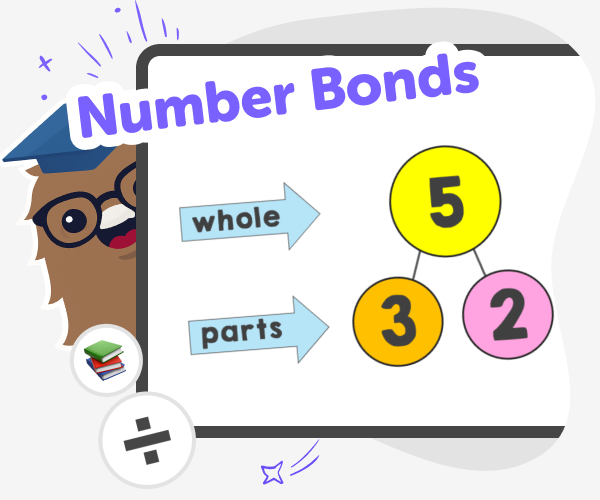
Number Bonds for Kids | Practice with the Six Seven Game
Use the Six Seven Game to practise number bonds and build fast mental addition and subtraction skills with fun, kid-safe math challenges.
200 Philosophical Questions for Kids
A growing collection of thoughtful, fun, and kid-friendly philosophical questions — powered by KidsGPT.
Ready to start creating?
Join hundreds of thousands of kids already building cool stuff on DIY.ORG.
Your first game is on us.
Describe a game below - no sign-up needed to try.
Powered by AstroSafe
Make real games - not just chat