Concrete Minecraft
Concrete Minecraft is a creative idea space for kids who want to build with bold colours, clear shapes, and playful structure. It helps young makers think about how a Minecraft-inspired project can feel strong, simple, and fun while learning by doing. With guided support, kids can explore, test ideas, and turn their imagination into an interactive project step by step.
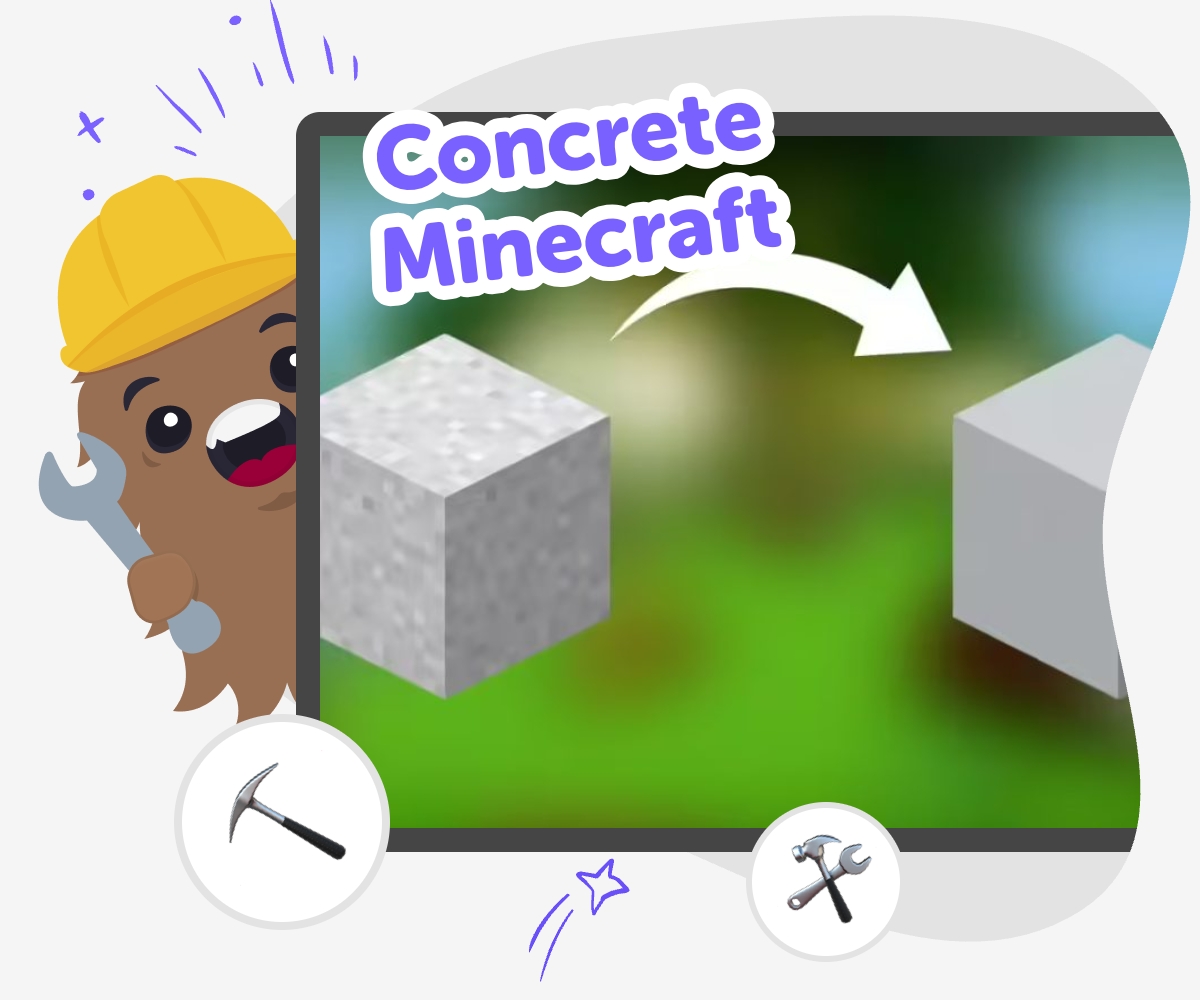
Build with Minecraft ideas
Concrete Minecraft is a creative way for kids to explore blocky style, strong shapes, and colourful building ideas in a hands-on project. It helps children see how design choices work together, so they can plan, test, and improve something that feels sturdy, playful, and their own.
Vibe Coding supports the topic by giving kids a guided place to describe a game, app, story, or invention, then build it step by step. That keeps the focus on making, experimenting, and learning safely while the idea grows through simple changes. Kids can try one version, notice what happens, and make it better without pressure. The process builds confidence because every update helps them understand how creative projects take shape.
What makes Concrete Minecraft interesting?
Concrete Minecraft is interesting because it mixes a familiar blocky building style with creative thinking. Instead of just imagining a world, kids can focus on shapes, colour, and structure, which helps them notice how designs are built piece by piece. That makes the topic useful for more than play: it teaches planning, pattern recognition, and how small choices change the whole feel of a project. For kids, this can be a gentle way to practice design thinking. They learn that a strong idea does not need to be huge or complicated. It can start with one clear scene, one rule, or one object, then grow through testing and editing. That is a good habit for coding and for creative projects in general.
Why do kids learn from making it?
Kids learn from Concrete Minecraft because it encourages them to think like makers, not just players. When a child builds a project, they have to decide what should happen, what should look right, and what needs to change if something does not work. That kind of decision-making strengthens problem-solving and confidence. It also teaches iteration, which means improving something over time instead of expecting a perfect first try. This matters because many creative and coding skills work that way in real life. Kids also practice explaining their ideas in words, which helps them become clearer thinkers. A guided tool like Vibe Coding can support this by giving kids a place to try an idea, see a result, and keep refining it without pressure.
How can it stay safe and age-appropriate?
Concrete Minecraft can stay safe and age-appropriate when kids work on clear, simple projects that match their age and experience. A good project for younger children might be a single scene, a short quiz, or a tiny interactive story. Older kids can add more rules or more levels, but the pace should still stay manageable. Safety also means keeping the focus on creation, not on copying complicated or unsafe content. With guided support, kids can work in a moderated space where they are encouraged to make thoughtful choices and test ideas step by step. That helps parents and educators feel more comfortable, because the learning stays creative, positive, and practical. The best projects are the ones kids understand well enough to explain back in their own words.
What does remixing teach kids?
Remixing teaches kids that creative work can change and improve over time. In Concrete Minecraft, a child might start with one build idea, then change the colors, shape, movement, or challenge to see what happens. This helps them understand cause and effect in a very visual way. It also lowers the fear of making mistakes, because every change becomes part of learning rather than a failure. Remixing is a big part of creative technology because real projects are often revised many times before they feel finished. When kids practice this early, they build patience, flexibility, and curiosity. They also learn that their ideas can grow. That is a powerful lesson, especially when they are using a guided studio that lets them explore safely and keep ownership of the project.
How to explore it
Choose your idea
Pick a Concrete Minecraft project idea, like a castle, garden, base, or simple game scene, and decide what you want it to do.
Describe the build
Write a short description of the project so the guided coding space can help turn your idea into something interactive and clear.
Test and change it
Try the first version, notice what works, and adjust the shapes, colours, or rules to make the project better.
Make the most of remixing
Try a remix Change one part of the project, like the look, speed, or challenge, so you can see how small edits change the result. Check what feels clear Play through the project again and notice whether the idea is easy to understand and fun to use. Build more than once Save a version, then make another one with a new twist so you can compare ideas and learn from each try. Share carefully Choose the version you like best and keep improving it with simple changes that make the project stronger and more personal.
Frequently asked questions
What is Concrete Minecraft?
Concrete Minecraft is a creative topic for kids who want to build blocky, colourful, Minecraft-inspired ideas in a hands-on way. It focuses on making something simple, clear, and fun, like a scene, game, or interactive project.
Is Concrete Minecraft just about playing Minecraft?
No. It is more about making a Minecraft-inspired project than only playing a game. Kids use the idea as a starting point for creativity, design, and problem-solving.
Can kids make their own Concrete Minecraft projects?
Yes. Kids can start with a small idea, build it step by step, and change it as they learn. Guided support can help them shape their project without needing to know everything at once.
What kinds of things can kids build?
Kids can build scenes, simple games, quizzes, stories, or other interactive ideas with a blocky style. The best project is one that matches what they want to explore and can understand easily.
Why is this a good topic for creative coding?
It gives kids a familiar theme to work with while they practice coding confidence and problem-solving. The topic helps them turn a visual idea into something interactive and learn through testing.
Is it okay if the first version is simple?
Yes. Simple is a good place to start. Kids learn by making a first version, trying it, and improving it over time, which is how many creative projects grow.
How does Vibe Coding help with this topic?
Vibe Coding gives kids a guided place to describe their idea, build it, test it, and make changes. It supports the creative process without pretending the work is done instantly, so kids stay active makers.
Can families use this together?
Yes. Families can talk about the idea, help choose a project, and test it together. That can make the activity feel more encouraging and help kids explain what they are building.
More tools
Kids Shows | Find and Watch TV Shows for Kids
Use KidsGPT to find TV shows kids love. Get episode links and watch inside DIY’s KidSafe video player, ad-free and safe.
Kids Wikipedia – Safe Online Encyclopedia for kids
A kid-friendly online encyclopedia with age-appropriate articles for safe learning and research.
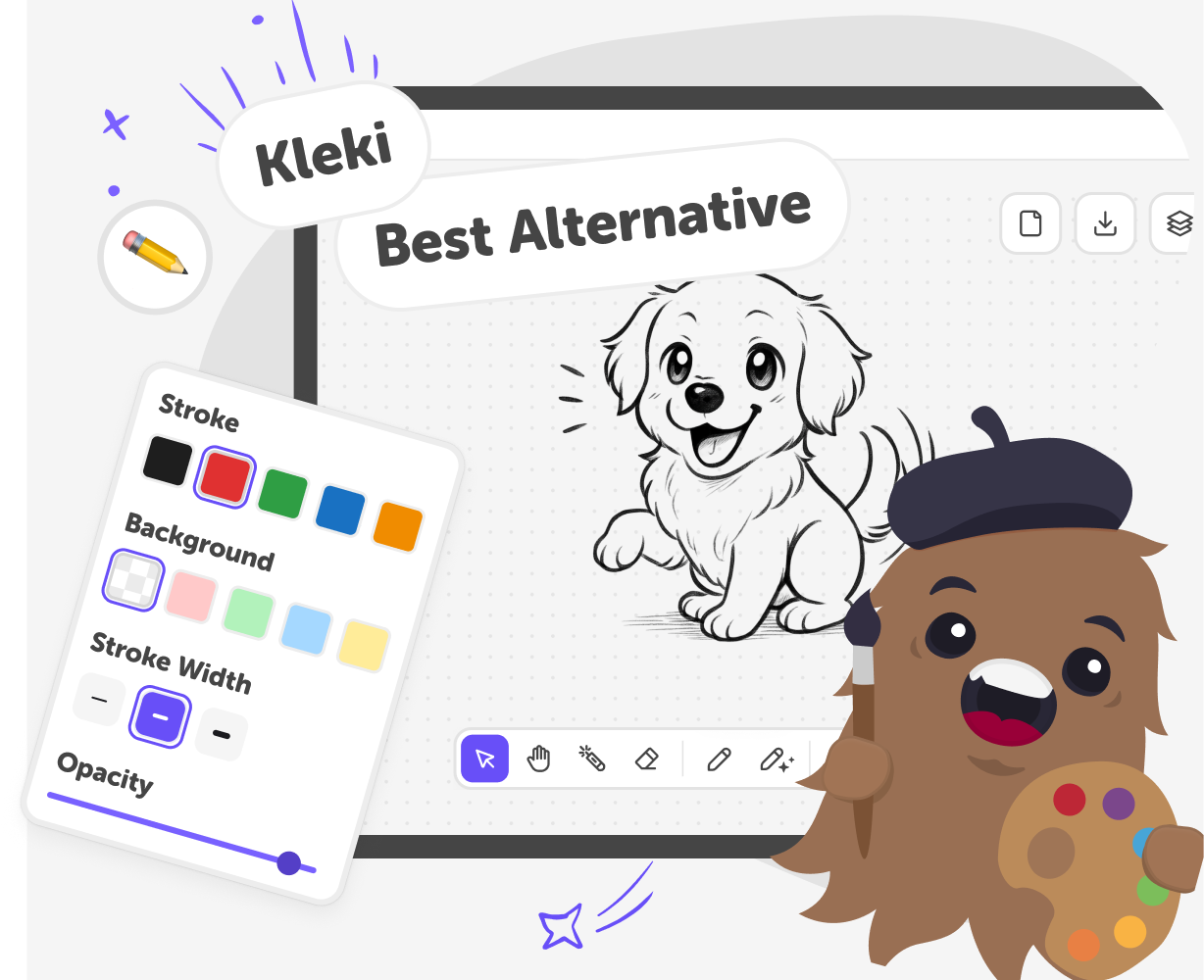
Kleki Paint Tool alternative for kids
A simple, free and safe online paint tool for kids to create digital artwork using brushes, layers, and colors.
Knock Knock Jokes For Kids | Make and Tell Funny Kids Jokes
Use KidsGPT to generate kid-friendly knock-knock jokes, learn how they work, practise telling them, and invent new kids jokes together.
Ready to start creating?
Join hundreds of thousands of kids already building cool stuff on DIY.ORG.