Kids Shows | Find and Watch TV Shows for Kids
Use KidsGPT to find TV shows kids love. Get episode links and watch inside DIY’s KidSafe video player, ad-free and safe.
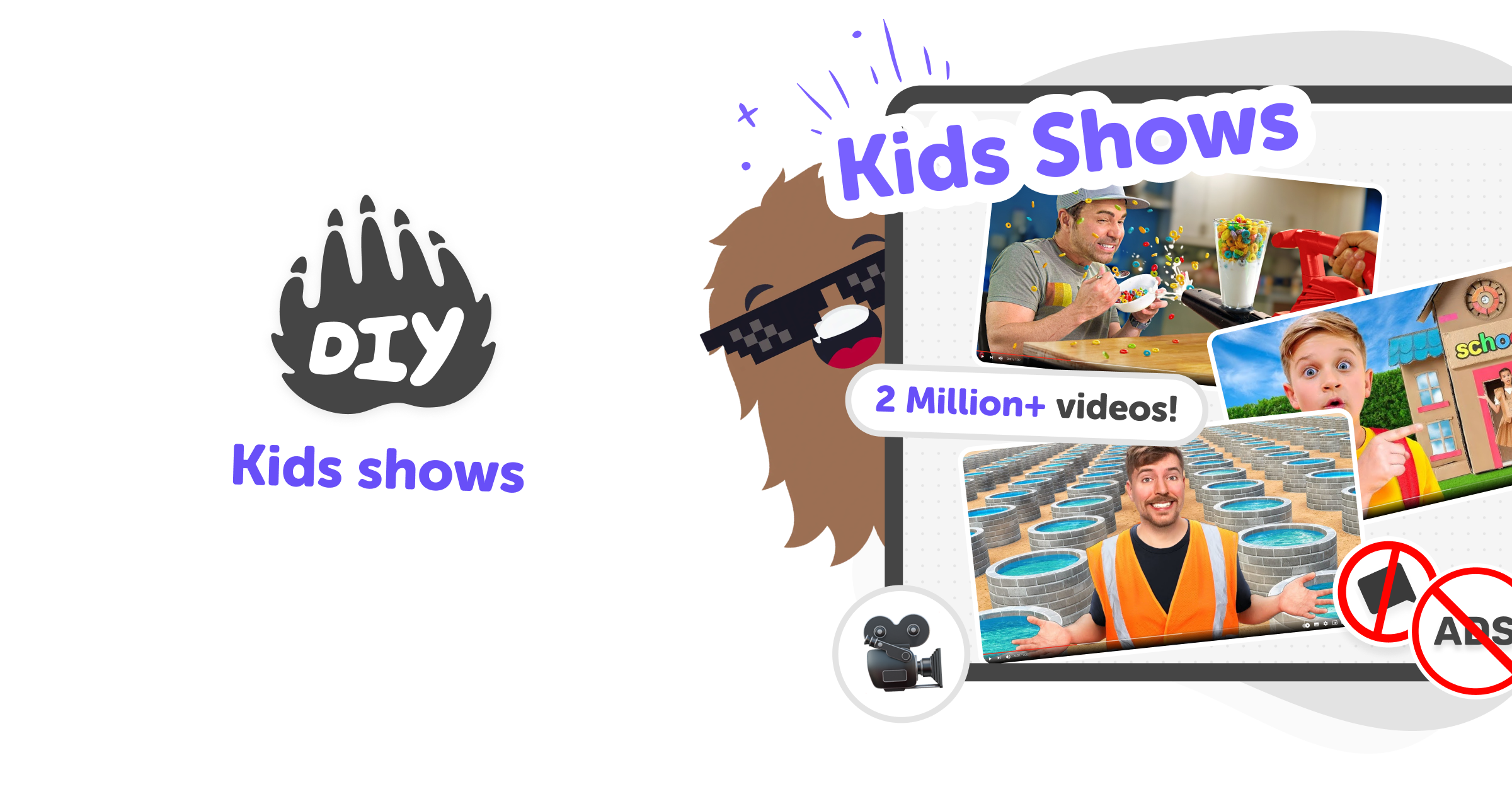
What Are Kids Shows?
Kids shows are television programmes made especially for children, designed to entertain, teach, and spark curiosity. TV shows for kids often mix songs, stories, and simple lessons about friendship, problem-solving, and the world. Watching the right shows can help children explore ideas and see creative activities they might try themselves. At DIY.org, we encourage creating as much as watching. Kids can use tools to turn show ideas into drawings, games, or pretend plays. Learning by making keeps screen time active and supports skills like imagination, language, and storytelling. Parents can guide choices and join creative projects.
KidsGPT is a kid-safe assistant that helps children discover TV shows they’ll enjoy by asking simple questions. Kids can tell KidsGPT what they like — animals, space, funny characters — and it suggests age-appropriate shows and episode links. On the left side of the KidsGPT window, a link to the episode appears so kids can watch inside DIY’s KidSafe video player, free from advertising and external promotion that can be harmful for kids. Because KidsGPT only uses child-friendly language and guidance, it explains what each show is about at the right reading level. Parents and carers can use the tool together with children to choose shows, turn favourites into making projects, or ask KidsGPT for related crafts, scripts, or discussion prompts.
How do kids shows support learning?
Kids shows can teach in playful, memorable ways by combining stories with clear examples. When children watch characters solve problems, they learn strategies for sharing, working with friends, and thinking about cause and effect. Shows about science, history, or nature introduce facts through hands-on demonstrations and relatable explanations. Using KidsGPT on DIY.org, children can ask for episode summaries, simple explanations, or follow-up activities that turn watching into making. For example, after watching an episode about plants, KidsGPT can suggest a planting project or drawing steps. This turns passive viewing into active learning and creative practice.
Is KidsGPT safe for finding shows?
Yes. KidsGPT is designed specifically for children and gives age-appropriate suggestions in simple language. When kids ask for TV shows, KidsGPT recommends options and provides an episode link that appears on the left side of the chat. That link opens the episode inside DIY.org’s KidSafe video player, which is ad-free and removes external promotions unsuitable for kids. Sharing is optional and moderated. Parents can join the conversation, review suggested shows, and use KidsGPT to set creative follow-ups. The system focuses on guiding and helping rather than acting as an absolute authority, keeping recommendations friendly and supportive.
Can kids turn shows into creative projects?
Absolutely — shows are a great springboard for making. After watching, kids can ask KidsGPT for craft ideas, drawing steps, short scripts to perform, or simple science experiments inspired by episodes. KidsGPT gives step-by-step instructions at the child’s reading level so children can try projects independently or with adults. Turning show moments into hands-on activities helps deepen understanding, boosts imagination, and builds practical skills like planning and following steps. DIY.org encourages this maker approach: watching becomes the start of a project rather than the end, helping kids practice creativity, communication, and confidence.
Find and watch kids shows with KidsGPT
Ask KidsGPT About Shows
Open KidsGPT and type what you like—characters, themes, or age. Ask for TV shows that match your interests and mood.
Find an episode link
When KidsGPT suggests a show, a link to an episode appears on the left side of the chat so you can open it.
Watch inside the KidSafe player
Click the left-side link to play the episode inside DIY’s KidSafe video player, which is ad-free and safe for kids to view.
Make the most of KidsGPT
Explore themes Ask KidsGPT for shows about specific themes and create a watchlist to return to later. Turn shows into projects Use episodes as inspiration — ask for crafts, drawing steps, or short scripts to act out with friends. Watch together Parents can co-watch, pause to discuss, and suggest related making activities that build skills and conversation. Share safely When ready, kids can post project results using DIY.org’s moderated, kid-safe sharing tools so friends can see.
Frequently asked questions
What ages are these kids shows aimed at?
They’re meant for kids aged 5–15, with suggestions matched to reading level and parental guidance for younger children.
Can KidsGPT help find TV shows for kids?
Yes. KidsGPT suggests age-appropriate TV shows based on interests and offers episode links to watch inside DIY.org’s player.
Do I need an account to watch episodes?
You can browse suggestions, but creating an account may be needed to save favourites and access full viewing features.
Are the videos ad-free?
Yes. Episodes play in DIY.org’s KidSafe video player without advertising or external promotional content that could be harmful for kids.
Can parents review suggested shows?
Absolutely. Parents can read descriptions, watch episodes with children, and guide choices using KidsGPT’s simple summaries.
Can kids turn shows into activities?
Yes. KidsGPT suggests crafts, drawing steps, scripts, and simple experiments to turn shows into hands-on projects.
Is sharing required to use KidsGPT?
No. Sharing is optional. Kids can use suggestions privately, and sharing goes through DIY.org’s moderated, kid-safe tools.
What if my child asks for unsuitable content?
KidsGPT avoids inappropriate material and responds at the right reading level; parents can monitor and guide conversations.
More tools
Build a Clock Game
Build a clock game that helps kids practice telling time through play, challenge, and creativity. With guided support from Vibe Coding, kids can make an interactive project where clocks, timers, and time-based choices become something they can test, change, and improve step by step.
Build a Coke Clicker Game
Build a Coke Clicker Game by imagining a simple click-based game, then shaping it into an interactive project with guided coding support. Kids can explore how games work, test ideas, and improve their creation step by step while building confidence and creativity.
Build a Cookie Clicker Game
Build a cookie clicker game by learning the basics of game design, simple coding, and playful testing. Kids can make a clicker game where every tap earns cookies, unlocks upgrades, and turns a small idea into an interactive project they can keep improving.
Build a Cookie Clicker Hacked Game
Build a cookie clicker hacked game by imagining your own version of the classic clicker idea, then shaping it into something playful, adjustable, and fun to test. Kids can explore how small changes, bonus points, speed boosts, and silly upgrades change the way a game feels while practicing creative problem-solving and coding confidence.
Ready to start creating?
Join hundreds of thousands of kids already building cool stuff on DIY.ORG.
Your first game is on us.
Describe a game below - no sign-up needed to try.
Powered by AstroSafe
Make real games - not just chat