Kleki Paint Tool alternative for kids
A simple, free and safe online paint tool for kids to create digital artwork using brushes, layers, and colors.



Why is this a modern alternative to the Kleki online paint tool?
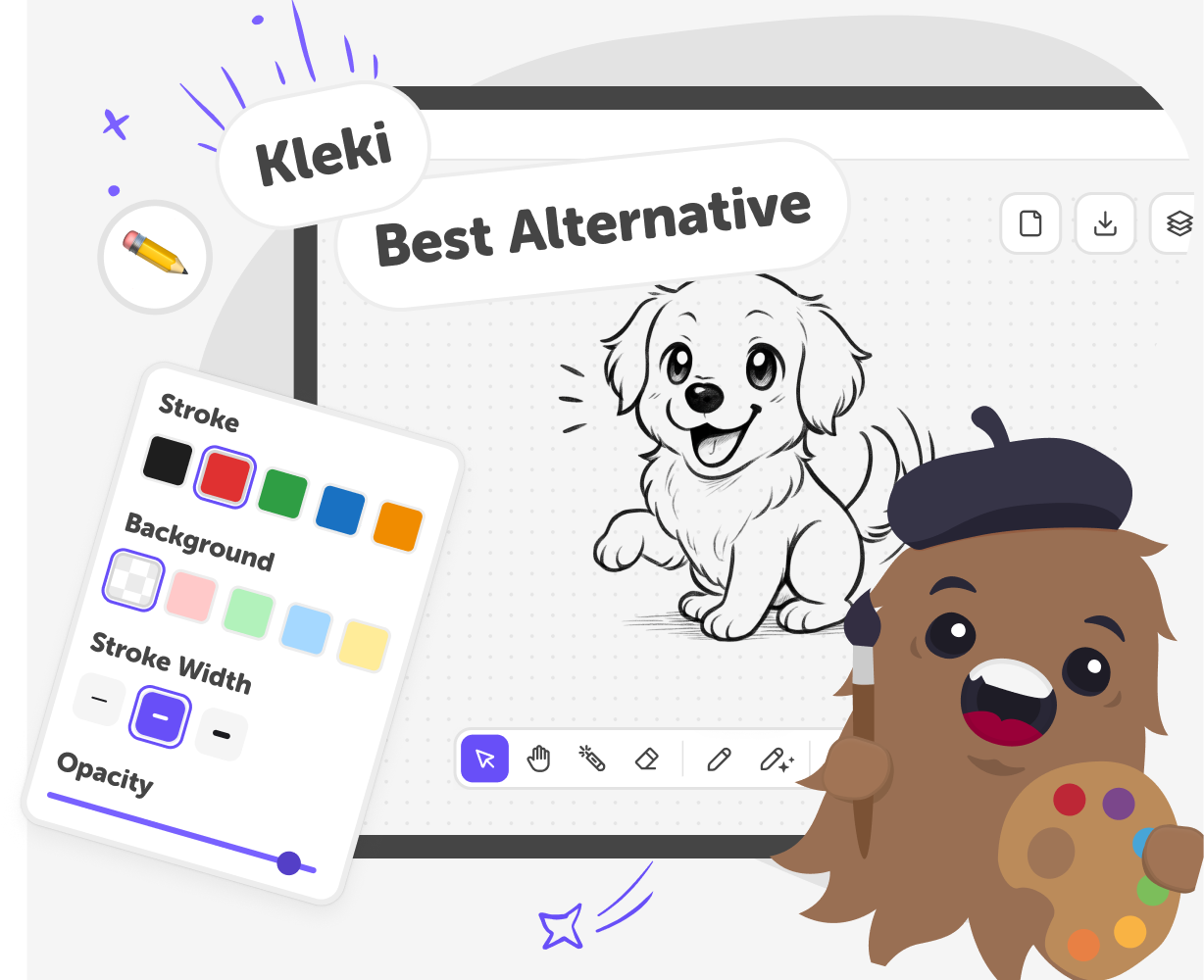
People searching for Kleki are usually looking for a fast, simple way to paint online without downloads or complicated software. Kleki became popular because it offered a lightweight, browser-based paint tool that worked instantly. However, for many users, especially kids, beginners, and families, basic paint tools can feel limited, outdated, or lacking guidance once the canvas is open. This online paint tool is designed as a more modern alternative to Kleki. It keeps the same instant, browser-based experience, but adds clearer tools, a more intuitive interface, and features that help users know what to do next. Instead of just opening a blank canvas, it supports creativity with simple controls, helpful options, and a smoother drawing experience.
Built with accessibility and ease of use in mind, this paint tool focuses on clarity rather than complexity. There’s no software to install, no confusing menus, and no steep learning curve. Everything works directly in the browser, making it easy to paint online on any device. For parents and educators, this also means a safer, more appropriate environment for younger users compared to general-purpose paint tools. As a modern alternative to the Kleki paint tool, this experience goes beyond basic drawing. It supports creativity, experimentation, and confidence, making it ideal for kids, beginners, and anyone who wants to paint online simply, quickly, and without friction.
How this online paint tool works (a modern Kleki alternative)
Step 1 - Start painting instantly, no setup needed
Click the Start drawing button at the top of the page to open the canvas straight away. Like Kleki, there’s no download or install, but you get a cleaner, more guided canvas that’s ready for creativity from the first click.
Step 2 - Use clearer tools with built-in creative guidance
Switch between colours, brushes, and pencils, or explore helpful tools like tracing and draw-along videos. Unlike basic paint tools, this experience helps users know what to draw next, making painting online feel less intimidating and more fun.
Step 3 - Go beyond basic painting with AI-powered creativity
Enhance drawings using AI tools to generate characters, improve sketches, or add backgrounds. This turns simple painting into a richer creative experience, offering far more than a traditional Kleki-style paint tool.
Step 4 - Make the most of your Kleki alternative paint tool for kids
Build in layers, not all at once Separate backgrounds, characters, and details using layers. This gives you more control and makes changes easy at any stage. Start with guided outlines Use tracing features to block out shapes or ideas. It’s a helpful way to get started and learn new drawing skills. Learn by drawing alongside creators Follow guided draw-along videos for inspiration. Pause, rewind, and work at your own speed. Play with texture and colour Change brush styles and colours as you go. Small tweaks can give your drawing a completely different look.
Is Super Draw safer for kids than the Kleki paint tool?
What makes Super Draw a better online drawing tool for kids than Kleki?
Is Super Draw more beginner-friendly than the Kleki drawing website?
Do kids need to download software like with other paint tools such as Kleki?
Frequently Asked Questions
Why 500,000 families trust DIY

Martin
Dad to 2 DIYers
My son loves DIY! He always finds fun projects to do, and we enjoy making things together. It’s a great way to learn, create, and have fun at the same time!

Pearl
DIYer from USA
DIY is such a great app with really sweet people and moderators who always make sure this app is super safe. You can learn to create things or learn drawing techniques - honestly there is so much to do.

Elaine W.
Middle school teacher
I love logging onto DIY every day - not just for projects but to also look at the comments my kids share about each other's work. It's a brilliant way to foster healthy support systems!

Jenn L.
Mom to 3 DIYers
We absolutely love the DIY platform and its endless river of creative adventures and projects! We always have the best time together participating, learning and creating!
