Build a Cow Clicker Game
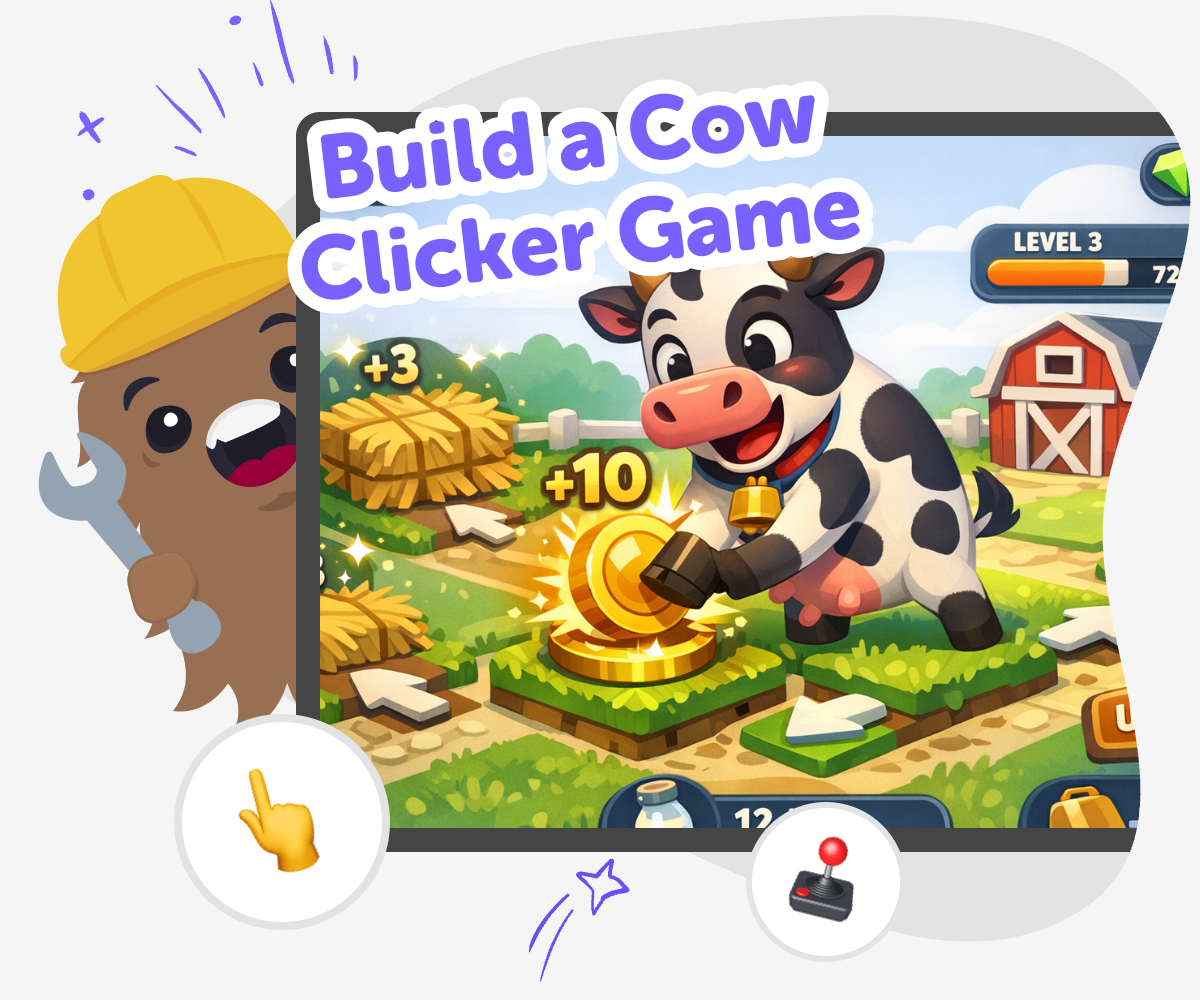
Build a cow clicker game by turning a simple farm idea into a playful interactive project. Kids can make a game where every click adds cows, upgrades the herd, and changes what happens next while learning to test ideas, solve problems, and improve their own design.
Cow Clicker Game Ideas
A build a cow clicker game project helps kids turn a simple farm idea into an interactive game they can understand and improve. It can begin with one cow, one button, and one clear goal, then grow into a playful challenge where each click adds progress and each small change makes the game feel more alive. This kind of project matters because it shows kids that games are built step by step. It helps them practice planning, testing, and making creative choices while they learn how a simple idea can become something they can play and share.
Vibe Coding gives kids a guided place to explore the topic through hands-on making. They can describe the game they want, build a first version, test what happens, and improve it with support so the work stays active, creative, and easy to follow. The tool is there to help kids experiment safely and keep learning as they go. It supports clear thinking, small changes, and confident problem-solving without taking over the project or making the game feel finished before the child has built it.
How to build it
Step 1 - Start the farm idea
Choose the main joke or goal for the game, such as clicking to grow more cows or earn milk points. Keep the idea simple so the first version is easy to understand.
Step 2 - Add the click action
Make one button that the player taps to get a cow, a point, or another farm reward. Test it right away so you know the click is working before adding more pieces.
Step 3 - Create upgrades and goals
Add a way to make the game grow, such as faster clicks, new cow types, or small rewards for reaching a score. These changes help the game feel like it has progress.
Step 4 - Make the most of testing
Try a remix Change one part of the game, like the reward sound or the look of the cow, so you can see what makes the game more fun or easier to play. Check the flow Tap through the game from start to finish and look for anything confusing, slow, or hard to read. Fix the parts that do not help the player understand what to do next. Share kindly If you show your game to someone else, watch how they play before giving hints. Their choices can help you notice what needs a clearer button, bigger text, or a friendlier reward. Keep improving Save your favorite version, then try another round with a new rule or visual change. Small updates can make a simple cow clicker game feel more polished and more like your own.
What makes a cow clicker game fun?
Why is making a simple game a good way to learn?
How can kids make it creative and safe?
What can kids do after the first version works?
Frequently Asked Questions
Why 500,000 families trust DIY

Martin
Dad to 2 DIYers
My son loves DIY! He always finds fun projects to do, and we enjoy making things together. It’s a great way to learn, create, and have fun at the same time!

Pearl
DIYer from USA
DIY is such a great app with really sweet people and moderators who always make sure this app is super safe. You can learn to create things or learn drawing techniques - honestly there is so much to do.

Elaine W.
Middle school teacher
I love logging onto DIY every day - not just for projects but to also look at the comments my kids share about each other's work. It's a brilliant way to foster healthy support systems!

Jenn L.
Mom to 3 DIYers
We absolutely love the DIY platform and its endless river of creative adventures and projects! We always have the best time together participating, learning and creating!
