Build a Fox Clicker Game
Build a fox clicker game and learn how simple games work by making one step by step. Kids can design a fox theme, add clicks and upgrades, and keep testing ideas until the game feels fun to play.
About this tutorial
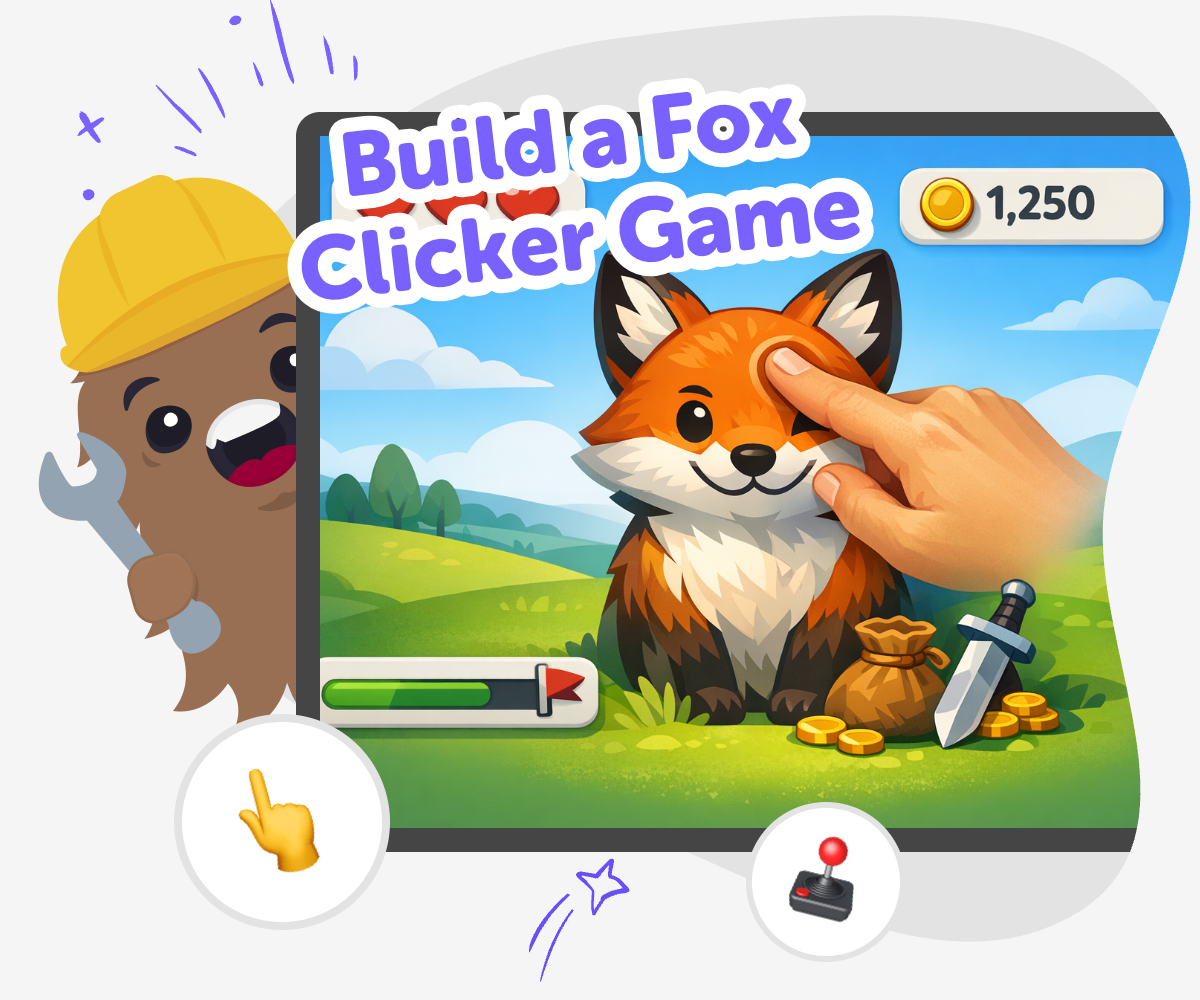
A build a fox clicker game project is a simple way to learn how games work. Kids start with one small action, like clicking a fox, then add points, upgrades, and fun changes that make the game more exciting to play. It is a great beginner project because it teaches how tiny choices can turn into a complete game.
This kind of project also helps kids practice creativity and problem-solving. They can try ideas, notice what feels fun, and keep improving the game one step at a time.
Vibe Coding gives kids a guided place to shape the fox game, test it, and make changes safely. Kids can describe the game they want, then build, adjust, and improve it with support that keeps the process playful and clear.
That makes the topic feel approachable for beginners while still leaving room for original ideas, confidence, and learning through making.
Step by step
- 1
Plan the fox idea
Choose what your fox clicker game is about, including the fox’s look, the points players earn, and the first action they can take.
- 2
Build the click action
Set up one clear tap or click that changes the score right away so players can see the game respond.
- 3
Add playful upgrades
Create a few simple upgrades or rewards that make each click feel more exciting, then test whether they are easy to understand.
- 4
Make the most of testing
Watch the game in action See if players understand what to click, what they earn, and why the fox theme feels clear. If anything feels slow or confusing, change one part at a time.
Try a small remix Swap a colour, sound, or upgrade so the game feels fresh without losing the main idea. Small changes can help you notice what makes the game more fun.
Check it with a friend Ask someone else to play and notice where they pause or smile. Their reactions can show you which parts are clear and which parts need another try.
Keep improving Save your favourite version, then go back and tweak the score, layout, or rewards. Each round of testing helps your fox clicker game feel smoother and more fun to play.
What is a clicker game?
A clicker game is a game where one simple action starts the fun, usually by tapping or clicking to earn points. That small action can lead to bigger rewards, upgrades, or new features as the player keeps going. Kids like clicker games because they are easy to understand, but they still leave lots of room for creativity. A fox clicker game adds a friendly character and a theme that can feel playful, funny, or calm depending on how you design it. The important part is that the game gives players a clear action, a clear reward, and a reason to keep trying one more click.
Why make a fox theme?
A fox theme gives the game a clear personality. Foxes can look clever, quick, curious, or cozy, so kids can choose the style that matches their idea. Some kids might make a bright woodland fox, while others might make a silly cartoon fox with sparkles, snacks, or sound effects. The theme matters because it helps the game feel like more than just numbers on a screen. When kids choose a strong theme, they also practice design thinking: they decide what the player should notice, what the game should feel like, and how the visuals and actions should work together. That kind of choice is a big part of making a game feel complete.
What skills does this project build?
Making a fox clicker game helps kids build coding confidence in a gentle way. They learn that games are made from small pieces, and each piece can be tested, changed, and improved. That is useful for problem-solving because kids get practice noticing what works and what needs another try. They also learn iteration, which means making a version, testing it, and then making it better. Creative technology skills grow too, because kids get to combine art, logic, and play in one project. Even a simple game can teach a lot when kids are the ones shaping it themselves. The goal is not perfection; it is learning how to keep building with patience and curiosity.
How can kids stay safe while creating games?
Kids can stay safe by keeping projects age-appropriate, using clear language, and focusing on ideas that feel friendly and respectful. A fox clicker game is a good choice because it can stay simple and light, with no need for risky content or complicated systems. It also helps when kids work in a guided tool that supports experimentation without expecting them to know everything at once. Vibe Coding is designed for that kind of making: kids can try an idea, see what happens, and adjust it with help as they go. That means the project stays creative, manageable, and confidence-building while adults can feel good about the learning process.
Need help?
What makes a clicker game fun?
A clicker game is fun when the player can understand it quickly and still feel rewarded for each tap. Clear points, fun sounds, small upgrades, and a theme people enjoy all help the game feel lively.
Can kids make their own fox game?
Yes. Kids can make a fox game by starting with a simple idea and building it one piece at a time. A guided coding tool like Vibe Coding can help them test ideas and improve the game as they go.
Do I need to be good at coding first?
No. Beginner projects are a great way to learn because they start small. Kids can practice one step, test it, and then add more when they feel ready.
What should a fox clicker game include?
Most fox clicker games need a clear click action, a score or reward, and a theme that makes the game feel special. Kids can also add upgrades, animations, or sounds if they want to make it richer.
How do I make the game feel like a fox?
Use fox colors, fox shapes, and fox-inspired details such as tails, paws, or woodland backgrounds. The goal is to make the theme easy to notice so the player understands the game’s personality right away.
Is this kind of game safe for younger kids?
Yes, when it stays simple, friendly, and age-appropriate. Kids can focus on playful clicking, kind visuals, and easy rules instead of anything complicated or scary.
Can I change the game after I make it?
Absolutely. Changing the game is part of making it. Kids can test a version, notice what feels off, and then improve the design, timing, or rewards.
Why is testing important?
Testing shows whether the game is fun, clear, and easy to understand. It helps kids spot problems early and learn how small changes can make a big difference.