Build a Barbie Dress Up Game
Build a Barbie dress up game with a kid-friendly creative coding studio that helps kids design outfits, choose styles, and make their own interactive fashion game step by step.
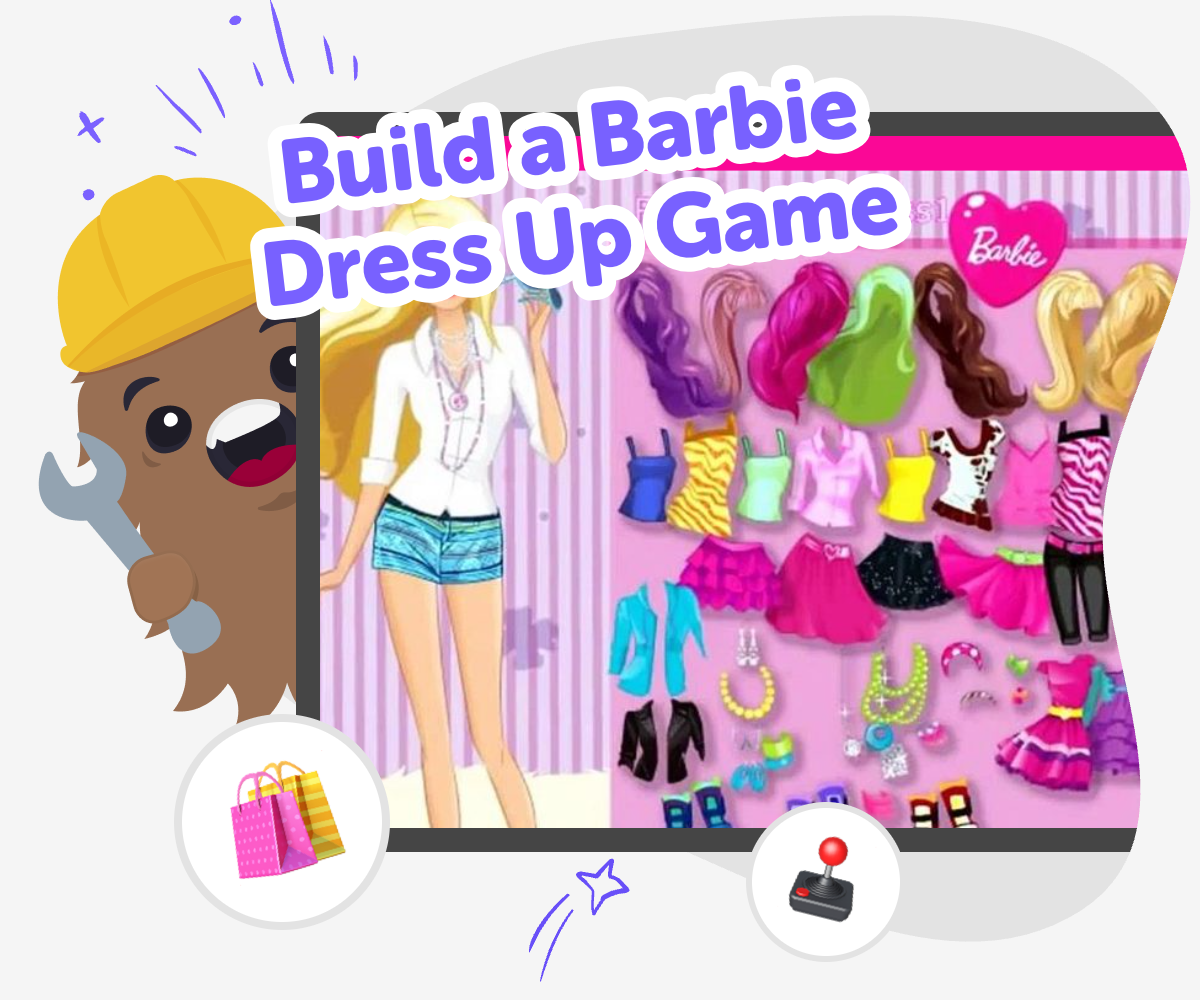
About this tutorial
A build a barbie dress up game lets kids turn fashion ideas into an interactive project. They can choose outfits, mix styles, and make a game that feels playful, creative, and personal while learning how digital projects are built one step at a time.
This kind of project matters because it helps kids practice choosing, testing, and improving their ideas. It also gives them a safe way to explore style, storytelling, and creative technology without needing advanced skills first.
Vibe Coding supports this topic by giving kids a guided place to shape their dress up game, try changes, and see what works. Kids can build slowly, test often, and adjust their game until it feels fun and clear.
That hands-on process helps build coding confidence, problem-solving, and creative thinking while keeping the focus on making something themselves.
Step by step
- 1
Pick the style
Start by choosing the kind of Barbie look you want to make, such as party, school, or runway fashion.
- 2
Add the outfit choices
Create clothing, shoes, and accessories that players can click through and mix together in the game.
- 3
Test the dress up play
Try the game and check that the buttons, outfit changes, and images work the way you expect.
- 4
Make the most of testing
Try a remix Change one outfit, color, or background so the game feels fresh while staying easy to play.
Check the choices Look at each button and menu to make sure players can understand what to do without getting stuck.
Improve the style Swap in new fashion ideas, adjust labels, and make the dress up experience clearer and more fun.
Play again Save your favorite version, test it once more, and keep refining it until it feels like your own fashion game.
What makes a dress up game fun?
A dress up game is fun when players can make choices quickly and see the results right away. Kids usually enjoy games that let them mix and match outfits, try new colors, and create different looks without feeling stuck. That fast feedback makes the game feel playful and creative. In a Barbie dress up game, the fun often comes from style, imagination, and the chance to build a character that feels special. It can also be a good first project for learning because the idea is easy to understand: pick clothes, change the look, and keep exploring. When kids make the choices themselves, they learn how design and play can work together.
Why do kids learn from making one?
When kids build a dress up game, they practice more than fashion ideas. They learn how to make decisions, test their work, and fix small problems when something does not look right. That is important because real creative projects often need a few changes before they feel finished. Kids also build coding confidence by seeing that they can create an interactive game, not just use one. A project like this helps children understand sequences, buttons, and simple game logic in a friendly way. It can also support storytelling, because each outfit choice helps shape a character’s personality. The result is both creative and practical: kids learn by making, trying, and improving.
How can kids stay safe and creative?
A good fashion game should stay age-appropriate, kind, and easy to use. Kids can focus on color, outfits, and fun themes without needing to copy real trends exactly. That keeps the project creative while leaving room for personal ideas and imagination. It also helps when the game is made in a guided environment, because kids can experiment without getting overwhelmed. Safety matters here because younger creators need tools that are simple, supervised, and designed for learning. With the right setup, children can enjoy creative technology while parents and educators feel comfortable about the process. The goal is not to make something perfect right away. The goal is to explore ideas safely and confidently.
How does Vibe Coding help with this idea?
Vibe Coding gives kids a way to turn a dress up game idea into a real interactive project step by step. Instead of treating the game like a finished product, it helps children describe what they want, build a first version, test it, and make changes. That keeps the experience hands-on and manageable. Kids can think about the game they want to make, such as a fashion challenge or outfit picker, and then keep improving it as they go. This kind of guided making supports problem-solving and iteration, which means learning that projects get better through testing and revision. It is a friendly way to explore coding while still keeping creativity in charge.
Need help?
What is a Barbie dress up game?
A Barbie dress up game is an interactive fashion game where players choose outfits, accessories, and styles to create a look. Kids usually enjoy it because it is simple to understand and lets them be creative right away.
Can kids make their own dress up game?
Yes. Kids can make their own dress up game with guided tools, simple choices, and plenty of chances to test and change their ideas. Starting small helps them learn as they build.
What should be in a dress up game for kids?
A kid-friendly dress up game usually has easy buttons, clear outfit choices, and a playful style theme. It should be simple to use, fun to explore, and easy to understand without too much reading.
Is building a dress up game good for beginners?
Yes. Dress up games are a strong beginner project because the goal is easy to see and the steps can be broken into small parts. Kids can focus on one feature at a time, like outfits or backgrounds.
How does a game like this help with learning?
Making a game like this can build coding confidence, problem-solving, and creative thinking. Kids learn how to try ideas, spot problems, and improve their project through testing.
Can a dress up game still be creative if it is simple?
Absolutely. Simple games can still feel original through colors, themes, characters, and outfit choices. Creativity comes from the ideas the child adds, not from making the project complicated.
How can kids improve their game after the first version?
Kids can improve their game by changing outfit options, making buttons clearer, or adding new looks. Small updates help the game feel smoother and more fun each time they test it.
Is it okay to share a dress up game with family or classmates?
Yes, as long as the game is age-appropriate and shared in a safe setting. Showing it to family or classmates can help kids get kind feedback and feel proud of what they made.