Britannica Kids Alternative - Kids Wikipedia by DIY.org
A safer, simpler online encyclopedia designed for kids to learn, explore, and research with confidence.
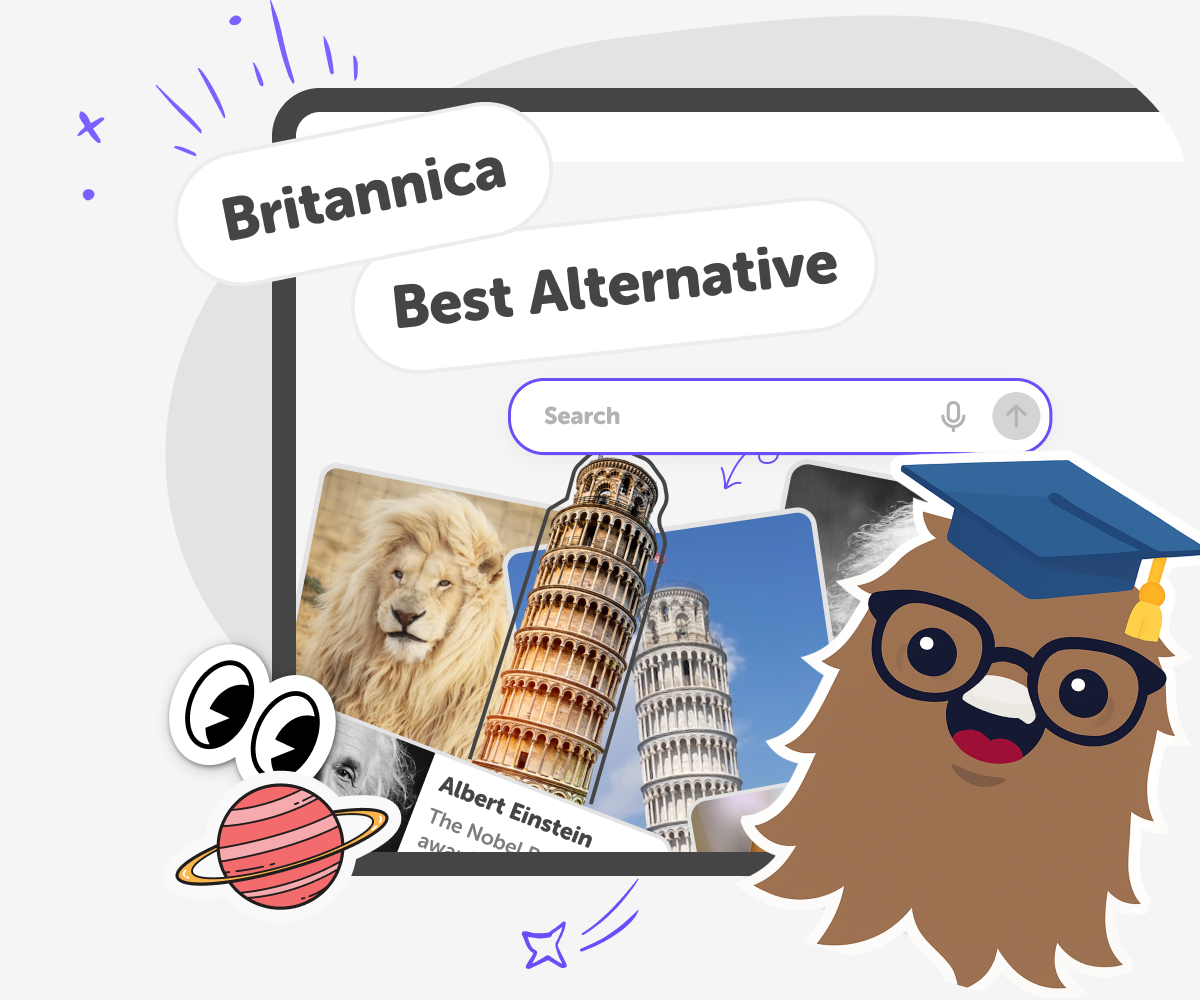
Why Kids Wikipedia by DIY.org is a better alternative to Britannica Kids
When parents and educators search for Britannica Kids, they’re usually looking for a trusted way for children to research topics online. Traditional kids encyclopedias are valued for their accuracy and structure, but they can sometimes feel complex, rigid, or overwhelming for younger learners. Kids Wikipedia by DIY.org is a kid-friendly online encyclopedia built to support the same goal — safe, reliable learning — but in a way that’s simpler and more accessible. Articles are written to be clear and age-appropriate, helping kids explore subjects like science, history, geography, animals, and culture without unnecessary complexity. Everything works directly in the browser, so kids can start learning instantly.
Kids Wikipedia by DIY.org is designed for how kids learn today. Instead of long, dense articles, it focuses on clarity, ease of navigation, and independent exploration. Kids can move between topics naturally, follow their curiosity, and build understanding at their own pace. For families comparing Britannica Kids, Wikipedia for kids, or other kids encyclopedias, Kids Wikipedia by DIY.org offers a safer, simpler alternative. It supports confident learning and research while giving parents peace of mind that their children are using a trusted, age-appropriate knowledge base.
What is Kids Wikipedia, compared to Britannica Kids?
Kids Wikipedia is a modern learning platform that goes beyond a traditional kids encyclopedia like Britannica Kids. Instead of offering a fixed set of reference articles, it provides a large, constantly expanding library designed for exploration. Children can search freely, discover new subjects, and move between topics naturally. Content is written specifically for kids and can be adjusted to different reading ages, allowing the same topic to grow with the learner. Alongside articles, Kids Wikipedia includes interactive learning tools that support curiosity, research, and deeper understanding, making it a more flexible and tool-rich alternative to classic encyclopedias.
How does Kids Wikipedia differ from Britannica Kids and Wikipedia?
Unlike Wikipedia, which is written for adults, and Britannica Kids, which presents structured reference entries, Kids Wikipedia is built for active learning. It offers more articles, adaptable reading levels, and tools that help children explore ideas rather than just consume information. Kids can simplify text, deepen explanations, and continue learning through guided prompts. Where Britannica Kids focuses on curated facts, Kids Wikipedia focuses on discovery, connections between topics, and independent research skills. This makes it especially useful for kids who want to explore broadly, ask questions, and learn how subjects relate to one another.
Is Kids Wikipedia as safe as Britannica Kids for children?
Yes. Kids Wikipedia is designed with child safety as a foundational principle, similar to Britannica Kids, but with added flexibility. Content is written and adapted specifically for children, avoiding mature subjects and overly complex explanations. Reading levels help ensure articles remain appropriate for different ages, and exploration tools are designed to guide learning safely. Unlike open encyclopedias, Kids Wikipedia maintains clear boundaries around what children can access. Parents can feel confident that kids are learning in a controlled, age-appropriate environment that supports curiosity without exposing them to unsuitable material, while still offering more depth and exploration than traditional kids encyclopedias.
Can Kids Wikipedia be used instead of Britannica Kids for schoolwork?
Yes. Kids Wikipedia works well as a Britannica Kids alternative for homework, research projects, and independent learning. It supports schoolwork by offering a wider range of articles and tools that help kids understand topics gradually. Children can search topics, adjust reading levels, explore related ideas, and use built-in learning tools to ask follow-up questions. This helps them develop real research skills instead of relying on single-page summaries. While Britannica Kids is useful for quick reference, Kids Wikipedia is better suited for deeper exploration, skill-building, and curiosity-driven learning across subjects.
How to use Kids Wikipedia as a Britannica Kids alternative
Search and explore kid-friendly articles
Enter a topic or keyword into the search bar at the top of the page. Instantly discover articles written for kids, making it easy to explore new subjects without digging through complex reference pages.
Adjust the reading level to fit your child
Open any article and choose a reading age that matches your child’s ability. The content updates immediately, offering flexibility that adapts as kids grow and their reading confidence improves.
Continue learning with guided AI support
Use the Go deeper button to open KidsGPT alongside the article. Ask follow-up questions, explore related ideas, and get clear explanations that support deeper understanding beyond traditional encyclopedias.
Make the most of our Britannica Kids alternative
Change reading levels Move between reading ages to match your child’s ability. Search beyond one article Explore related topics with quick searches to encourages discovery, not just fact-finding. Use KidsGPT to go further Ask follow-up questions using the Go deeper button. Turn reading into active research. Compare ideas across topics Jump between linked articles to see how subjects and ideas connect.
Frequently asked questions
Is Kids Wikipedia free to use compared to Britannica Kids?
Yes. Kids Wikipedia offers free access to a large library of articles. Some advanced learning tools may require an account or subscription.
Why choose Kids Wikipedia instead of Britannica Kids?
Kids Wikipedia offers more articles, flexible reading levels, and interactive learning tools that support exploration beyond traditional encyclopedia entries.
Does Kids Wikipedia have more content than Britannica Kids?
Yes. Kids Wikipedia is designed to grow continuously, offering a broader and expanding range of topics for curious learners.
How is Kids Wikipedia different from Wikipedia?
Wikipedia is written for adults. Kids Wikipedia adapts content for children using simpler language, safer topics, and adjustable reading levels.
Who creates the content on Kids Wikipedia?
Content is created and adapted using a mix of educational expertise and AI tools, focused on clarity, accuracy, and age-appropriateness.
Is Kids Wikipedia safe for children?
Yes. Kids Wikipedia is designed specifically for kids, avoiding mature topics and providing age-appropriate explanations in a controlled learning environment.
Can kids adjust the reading level of articles?
Yes. Kids can choose a reading age for each article, allowing the same topic to match different abilities and ages.
Does Kids Wikipedia offer more learning tools than Britannica Kids?
Yes. In addition to articles, Kids Wikipedia includes tools like KidsGPT to help kids ask questions, explore deeper, and build research skills.
More tools
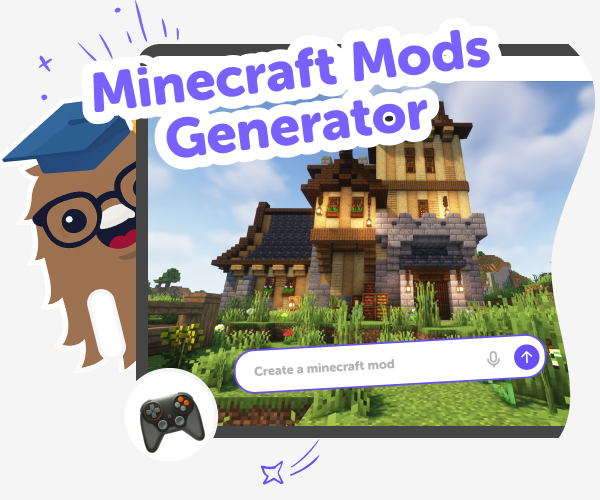
Minecraft Mods generator | Make Mods with Vibe Coder
Use Vibe Coder to design Minecraft mods ideas, build mod logic, and test creations. A kid-friendly mod generator for creative play.
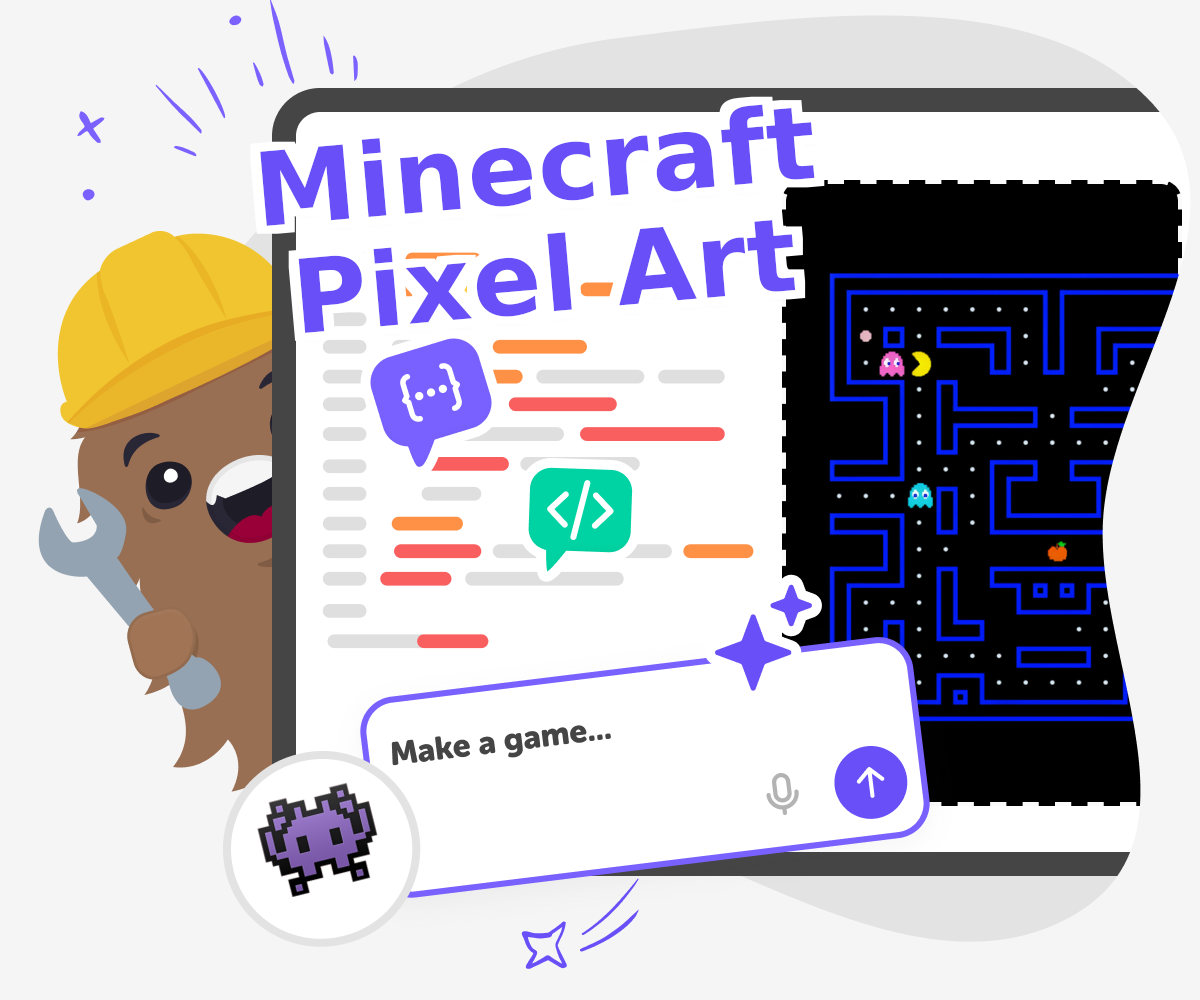
Minecraft Pixel Art Maker
Minecraft pixel art maker is a creative way for kids to turn simple square-by-square ideas into Minecraft-style pictures and designs. Kids can plan characters, blocks, tools, and scenes, then build them step by step while learning to think carefully, spot patterns, and improve their work as they go. It is a fun mix of art, problem-solving, and game-inspired creativity.
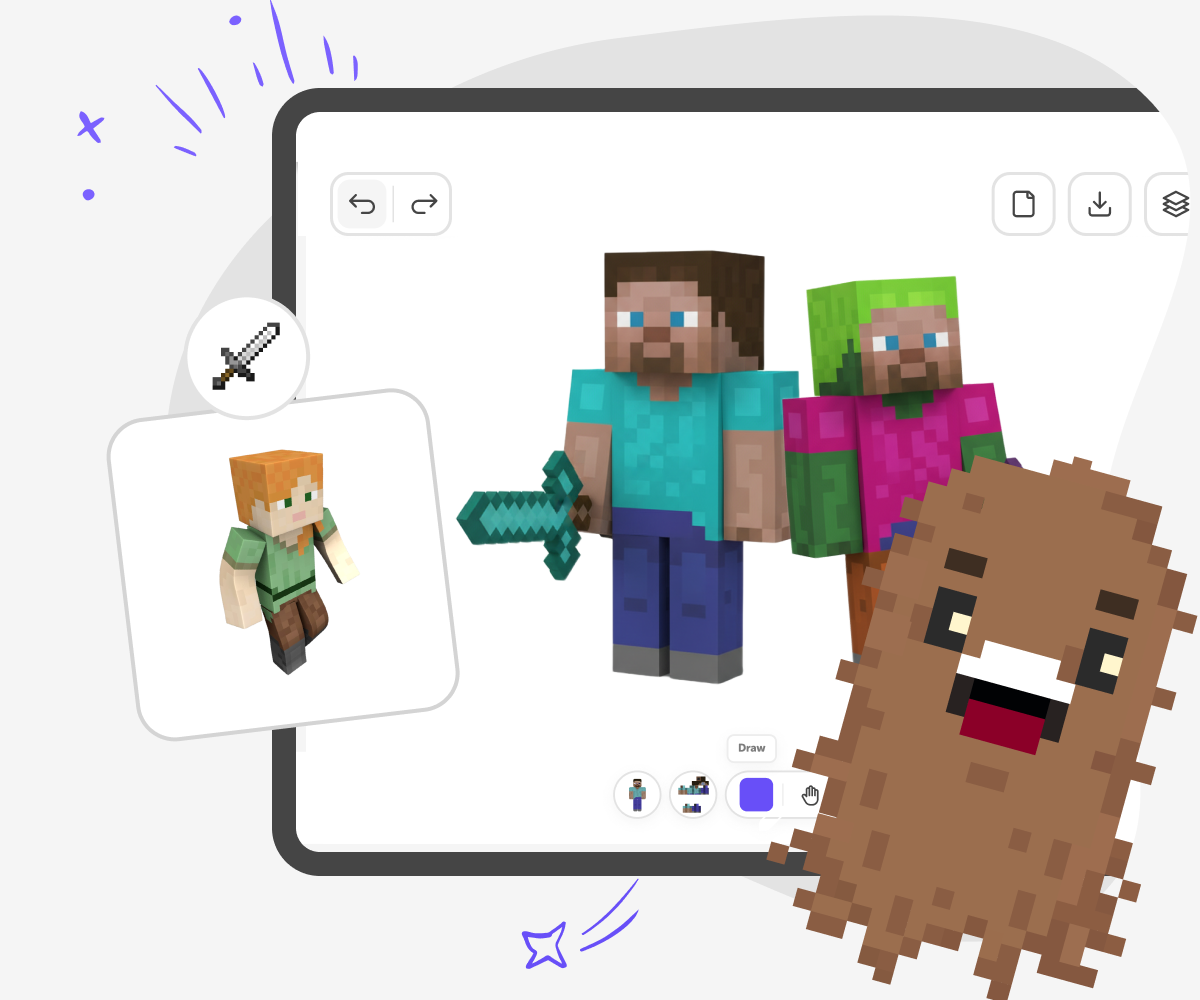
Minecraft Skin Generator for Kids
Create custom Minecraft skins safely online. Design, edit, and download unique character skins for kids.
Minecraft Skin Maker
A minecraft skin maker helps kids design a custom character look for Minecraft by choosing colours, shapes, and details that match their ideas. It is a fun way to explore creativity, identity, and style while making something personal. This page explains the idea in a kid-friendly way and shows how guided making with Vibe Coding can help children build, test, and improve their own skin concept.
Ready to start creating?
Join hundreds of thousands of kids already building cool stuff on DIY.ORG.
Your first game is on us.
Describe a game below - no sign-up needed to try.
Powered by AstroSafe
Make real games - not just chat