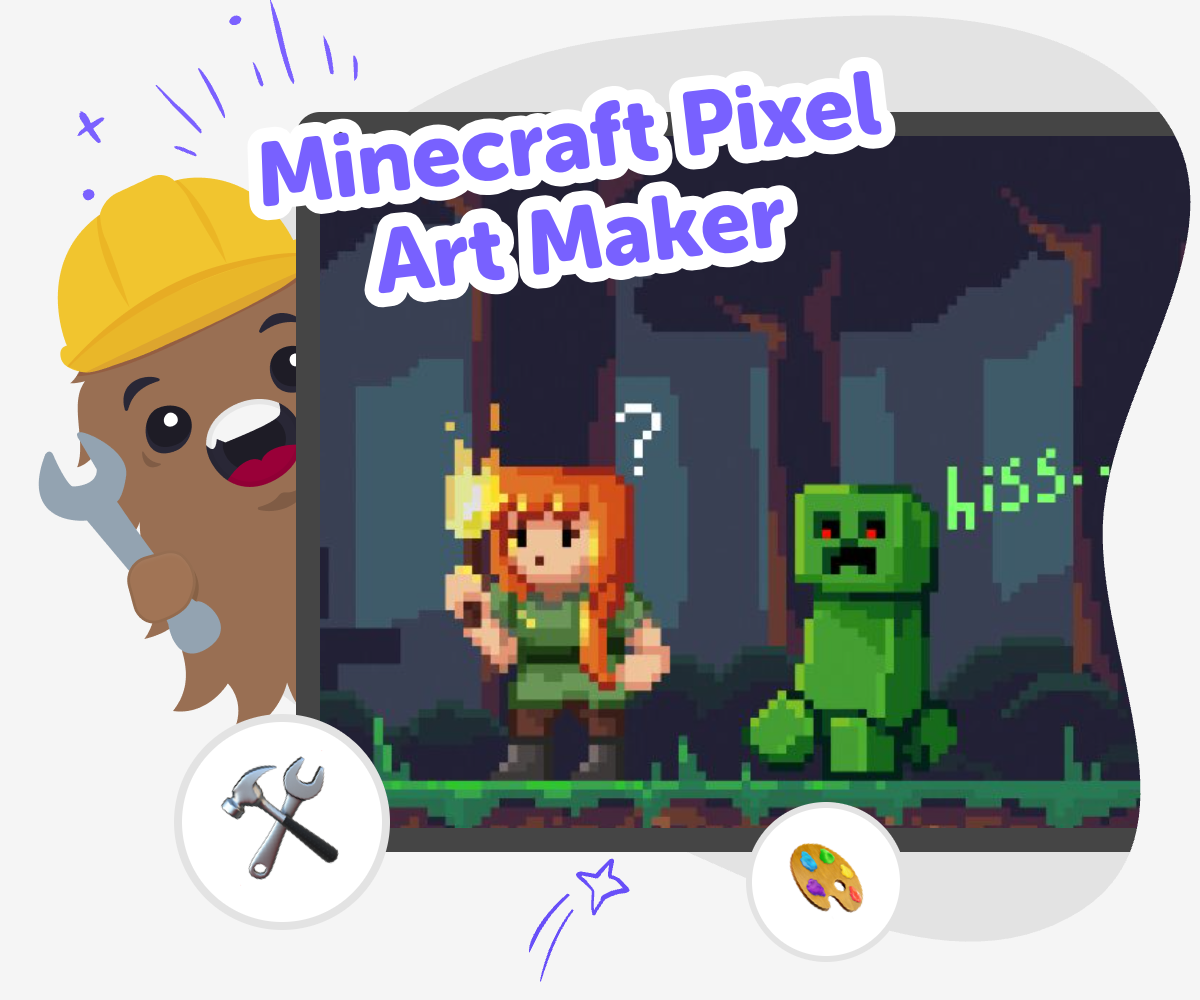
Minecraft Pixel Art Maker
Minecraft pixel art maker is a creative way for kids to turn simple square-by-square ideas into Minecraft-style pictures and designs. Kids can plan characters, blocks, tools, and scenes, then build them step by step while learning to think carefully, spot patterns, and improve their work as they go. It is a fun mix of art, problem-solving, and game-inspired creativity.
Build Blocky Art
Minecraft pixel art maker helps kids turn square-by-square ideas into pictures that feel clear, playful, and easy to recognise. It matters because children learn to plan, notice patterns, and make careful choices while they create something they can see improve with each step. This kind of making gives kids a simple way to practise creativity and problem-solving at the same time. They can start small, change one part, and learn how little adjustments can make a big difference in the final design.
Vibe Coding gives kids a guided place to explore Minecraft pixel art maker ideas through making, testing, and improving step by step. Kids can describe what they want to create, try it out, and adjust the design as they learn, which keeps the process active and hands-on. The support stays focused on safe, creative experimentation instead of instant results. That helps kids build confidence, stay curious, and keep working on a project until it looks the way they imagined.
How to Start
Step 1 - Choose a pixel idea
Pick a Minecraft-style character, block, item, or scene you want to draw in squares. Start with something simple so you can focus on shape and colour.
Step 2 - Map the square pattern
Plan where each colour or block will go by looking at the picture one square at a time. Keep your design clear and easy to follow.
Step 3 - Build and compare
Create your pixel art and check it against your plan. If a shape looks off, change a few squares and see how the picture improves.
Step 4 - Make the most of testing
Try a remix Change one part of your pixel art, like the colours or shape, to see what looks best while keeping the Minecraft feel clear and fun. Check the details Look closely at the edges, corners, and tiny pieces so your design stays neat and easy to recognise. Share safely Show your finished art to a trusted adult or friend and talk about what you liked, what you changed, and what you want to try next. Keep improving Save your favourite version, then make a new one with a fresh idea so you can practice, experiment, and get more confident each time.
What makes pixel art look like Minecraft?
Why is pixel art good for learning?
How can kids stay safe while making art online?
How does Vibe Coding support this kind of making?
Frequently Asked Questions
Why 500,000 families trust DIY

Martin
Dad to 2 DIYers
My son loves DIY! He always finds fun projects to do, and we enjoy making things together. It’s a great way to learn, create, and have fun at the same time!

Pearl
DIYer from USA
DIY is such a great app with really sweet people and moderators who always make sure this app is super safe. You can learn to create things or learn drawing techniques - honestly there is so much to do.

Elaine W.
Middle school teacher
I love logging onto DIY every day - not just for projects but to also look at the comments my kids share about each other's work. It's a brilliant way to foster healthy support systems!

Jenn L.
Mom to 3 DIYers
We absolutely love the DIY platform and its endless river of creative adventures and projects! We always have the best time together participating, learning and creating!
