Best Minecraft Skins
Explore the best minecraft skins and learn what makes a skin fun, clear, and personal. Kids can discover ideas for style, then use Vibe Coding to build, test, and improve creative projects inspired by their favorite look.
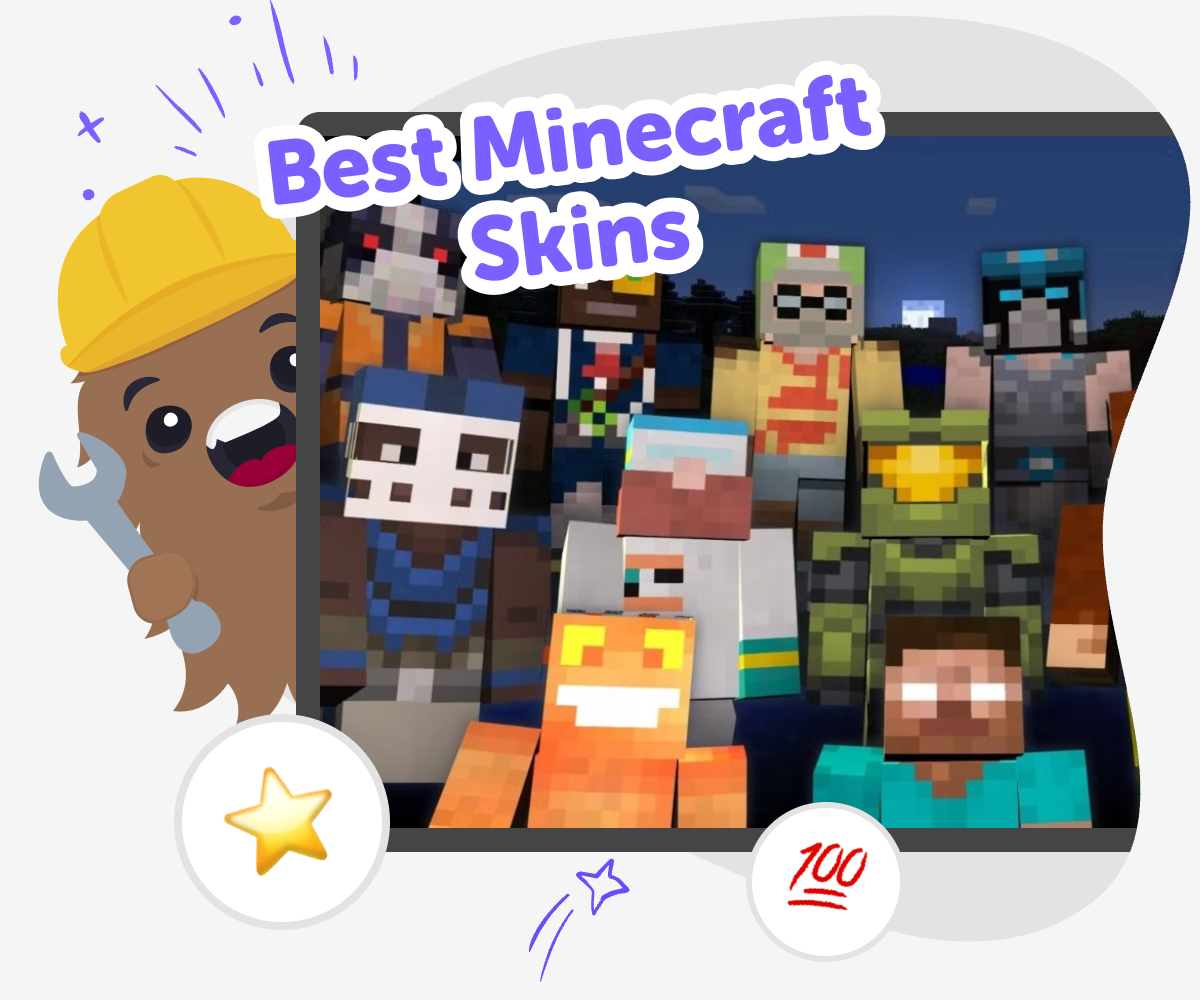
Choose a Skin Style
The best minecraft skins help a player show personality, style, and imagination in the game. A skin can be simple or detailed, funny or brave, and the right choice can make a character feel more like your own. Thinking about best minecraft skins is also a good way to practice making choices, noticing details, and sharing a creative idea clearly. When kids look at different skin styles, they learn how small design choices change the whole feel of a character. That makes the topic fun to explore and useful for building confidence as a maker.
Vibe Coding gives kids a guided place to turn those ideas into hands-on projects. Instead of just looking, kids can describe a skin-inspired character, shape the design, test changes, and keep improving it in a safe, playful way that builds confidence and creative technology skills. The tool keeps the focus on making and experimenting, so kids can explore the look they want step by step without needing to get everything right at once. That makes the topic creative, friendly, and easy to learn from.
What makes a Minecraft skin easy to recognize?
A good Minecraft skin is easy to recognize because its main idea is clear even when the character is tiny on screen. Strong skins usually have one obvious theme, like a robot, fox, wizard, astronaut, or sports player, and they do not depend on too many tiny details. Simple color choices can help too. If the character has a clear outfit, a special accessory, or a face that stands out, other players can understand the style quickly. That is important because Minecraft skins are seen during fast moving play, not just when you stop to look closely. For kids, this is a nice design lesson: good ideas are not always the busiest ones. Clear shapes, repeated colors, and one strong feature often make the best minecraft skins feel memorable and fun.
Why do kids like making their own skins?
Kids like making their own skins because it gives them a way to show who they are inside a game. A skin can match a favorite animal, hobby, mood, or story idea, so it feels personal instead of borrowed. Making a skin also turns creativity into a choice-making game: What color should the outfit be? Should the character look silly, brave, quiet, or magical? Those questions help kids practice design thinking without needing to be experts. When a kid chooses details for their own look, they are also learning that style is about expression, not perfection. That can build confidence. The best minecraft skins often feel special because they come from a child’s own idea, and that makes the game world feel more welcoming and imaginative.
How can kids stay safe while exploring skin ideas?
Skin design is safest when kids focus on creative choices that are kind, private, and age-appropriate. A skin should never copy personal information, real addresses, school names, or anything that could identify someone in a way that feels unsafe. It is also smart to avoid rude, scary, or mean designs that could upset other players. Safe creativity means kids can still be bold, colorful, and original while keeping the idea friendly and respectful. Parents and educators can help by talking about what makes a good public profile choice and by encouraging designs that show imagination rather than real personal details. The best minecraft skins are not just cool-looking; they are also thoughtful. That helps kids learn that online creativity works best when it supports safety, kindness, and good judgment.
How does Vibe Coding help with skin-inspired projects?
Vibe Coding helps kids move from an idea to something they can actually build, test, and improve. If a child loves the style of the best minecraft skins, they can use that inspiration to create a simple character project, game idea, quiz, or playful tool that reflects the same theme. The helpful part is the guided process: kids describe what they want, shape the details, see what works, and make changes step by step. That makes creative coding feel less like a big homework problem and more like a maker activity. It also supports problem-solving, because kids learn that the first version is only the beginning. With each round of testing, they get better at noticing what is clear, what needs fixing, and how to turn an idea into something they are proud to share.
How to Explore Skins
Pick a style
Choose a skin idea like an animal, superhero, explorer, or fantasy character. Notice what colors, shapes, and small details make it easy to recognize.
Plan the look
Sketch the main parts of the character, including clothes, hair, face, or accessories. Keep the design clear so it still looks good when it is small.
Build and test
Use Vibe Coding to turn the idea into a simple project you can try, change, and test. Update the design when something looks confusing or hard to see.
Make the most of remixing
Try a remix Change one color, shape, or theme so the skin feels new while still keeping the original idea easy to spot. Test the details Look at the design from far away and up close. If a part blends in too much, make it simpler or stronger so it stands out. Share safely Show your favorite version to a parent, teacher, or friend and ask what they notice first. Keep any sharing kind, age-appropriate, and private when needed. Keep improving Save one version, try another idea, and compare them. Each round helps you notice what works best and makes your next design even better.
Frequently asked questions
What are the best Minecraft skins for beginners?
The best Minecraft skins for beginners are usually simple and clear. A skin with one main theme, like a cat, ninja, astronaut, or explorer, is easier to understand and easier to design. Beginners do well with clean shapes and only a few colors, because small details can disappear in the game. Simple skins also help kids learn the basics of style, like contrast and balance, without feeling overwhelmed.
How do I choose a Minecraft skin style?
Start by thinking about a character idea you already like. You might choose a favorite animal, a mood, a hobby, a fantasy role, or a silly idea that makes you smile. Then pick colors and details that match that idea. If the design still makes sense when you describe it in one sentence, it is probably strong and easy to recognize.
Can kids make their own Minecraft skins?
Yes, kids can make their own Minecraft skins with the right support and a simple creative process. The key is to keep the design clear, age-appropriate, and focused on imagination. Kids may need help planning the idea, checking details, or learning how to make changes. That makes it a good activity for family time, classrooms, or creative clubs.
What makes a Minecraft skin look cool?
A skin often looks cool when it has a clear theme, good colors, and one or two details that stand out. Cool does not always mean complicated. Sometimes a strong color contrast, a fun hat, a bright pattern, or a clever theme makes a skin feel more interesting than a busy design. The best skins are easy to spot and match the character idea.
Are Minecraft skins safe to share?
Minecraft skins can be safe to share when kids keep personal information out of the design and share in approved, age-appropriate ways. It is a good idea to avoid names, school logos, private details, or anything mean or scary. A parent, teacher, or trusted adult can help decide what is okay to show and where to share it.
Should a Minecraft skin have lots of details?
Not always. Too many tiny details can make a skin look messy, especially when the character is seen from far away. A few strong details usually work better than many small ones. Think about one clear outfit, one special accessory, or one memorable color choice. That keeps the skin easier to read in the game.
How can Vibe Coding help with skin ideas?
Vibe Coding helps kids turn a skin idea into a creative project they can build step by step. Kids can describe the look they want, test options, and improve the result as they go. That makes it easier to practice design, problem-solving, and confidence without needing everything perfect on the first try.
What can I make after trying a skin idea?
A skin idea can lead to lots of other creative projects. Kids might make a character story, a game about the character’s world, a quiz about their style, or a small interactive project based on the same theme. That is a great way to keep exploring creativity after the first idea is finished.
More tools
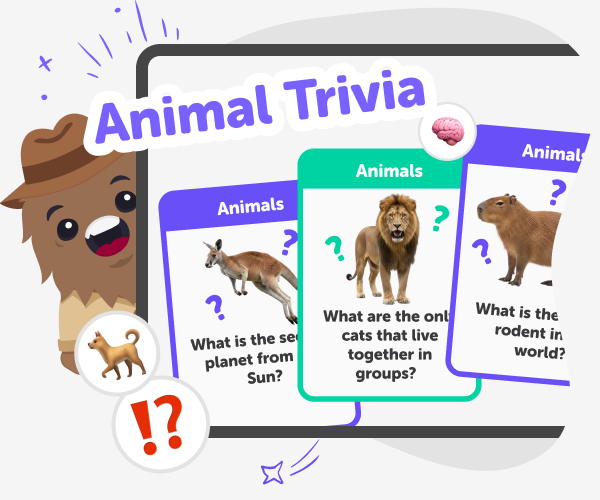
Animal Trivia | Create a Kids Quiz with Good Boy Game
Use Good Boy Game to build a fun animal trivia quiz for kids. Multiple-choice questions, streaks, safe sharing, and kid-friendly categories.
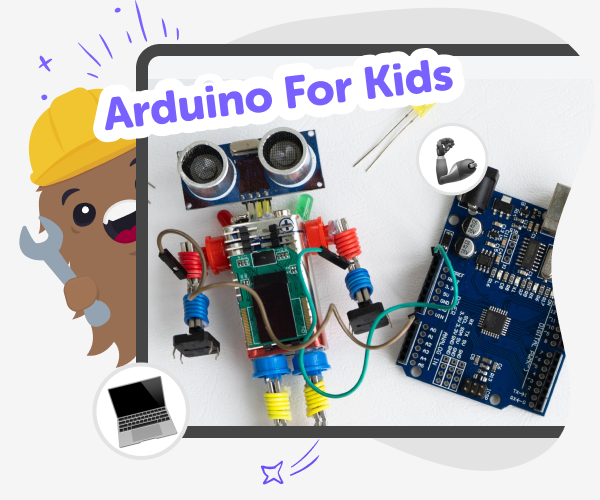
Arduino for Kids | Learn with Vibe Coder
Use Vibe Coder’s Ardu Coder to learn Arduino for kids with guided, kid-safe projects like blinking LEDs, traffic lights, buttons, and simple sensors.
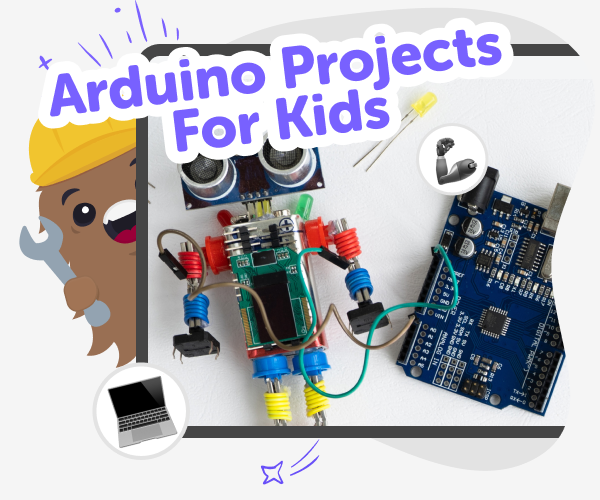
Arduino Projects | Build and Simulate with Vibe Coder
Use Vibe Coder to design, simulate, and build fun, kid-friendly Arduino projects. Safe, guided, and perfect for beginners and curious makers.
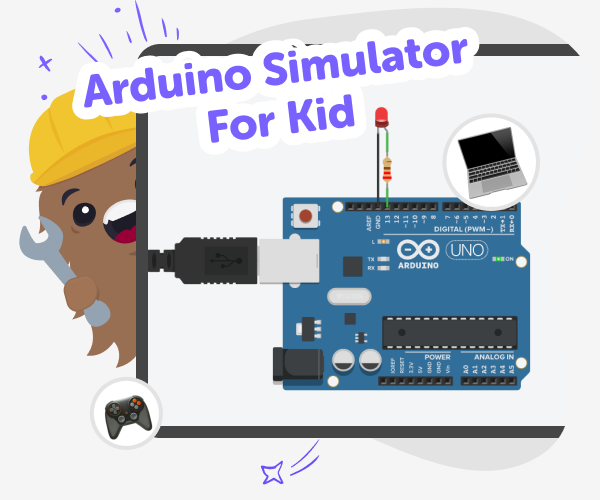
Arduino Simulator for Kids | Vibe Coder
Use Vibe Coder’s Ardu Coder to write, simulate, and learn Arduino code in your browser. A kid-safe Arduino simulator with guided challenges.
Ready to start creating?
Join hundreds of thousands of kids already building cool stuff on DIY.ORG.
Your first game is on us.
Describe a game below - no sign-up needed to try.
Powered by AstroSafe
Make real games - not just chat