Arduino for Kids | Learn with Vibe Coder
Use Vibe Coder’s Ardu Coder to learn Arduino for kids with guided, kid-safe projects like blinking LEDs, traffic lights, buttons, and simple sensors.
What is Arduino?
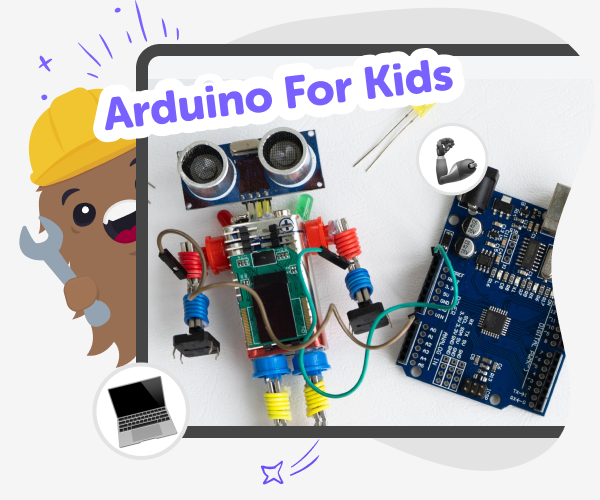
Arduino is a tiny programmable circuit board that makes physical computing simple for kids. It can control lights, sensors, buttons, and motors by running short programs. Children use Arduino to connect code with real things, learning how software moves into hardware and how everyday electronics respond to instructions. For kids, Arduino exists to turn ideas into hands-on projects. Instead of only writing code on a screen, children see immediate results — an LED blinking, a motor spinning, or a sensor reacting. This make-and-test loop encourages curiosity, problem-solving, and creative thinking as young makers try, fail, and improve their designs.
Vibe Coder’s Ardu Coder makes learning Arduino approachable for kids. Kids type what they want in the left prompt, pick a template like blink the LED or traffic light, and see a live Preview on the right. The tool also shows the Arduino code and a circuit schematic, making abstract ideas visible and testable. As kids experiment, Vibe Coder explains code lines in kid-friendly language and offers Ask Anything help for questions. The preview is clickable so games and behaviours can be tried instantly. When ready, exported code and wiring diagrams help move projects from screen to breadboard safely. This is a hands-on way to learn to code Arduino.
How to learn Arduino with Vibe Coder
Step 1 - Choose Ardu Coder
Open Vibe Coder and pick the Ardu Coder environment. Choose a template like blinking LED or start with a blank canvas.
Step 2 - Preview a template
Select a starter project such as blinking LED, fading LED, or traffic light. The preview shows how the finished circuit behaves.
Step 3 - View code and schematic
Toggle to the Code window to see Arduino code. Switch to Schematic to view wiring, then test changes in the Preview.
Step 4 - Make the most of Vibe Coder
Try different templates Start with blinking LED, then try buttons, sensors, or traffic lights. Each template teaches one new idea and builds confidence. Iterate instead of restarting Change code, tweak pins, or alter timings. Test in Preview and watch how small changes affect the circuit. Ask Vibe Coder to explain Use the Ask Anything mode to learn terms, code lines, or wiring tips in kid-friendly language. Share safely with friends When ready, post projects using DIY.org’s moderated tools so others can see and learn.
What is Arduino for kids?
How does Vibe Coder help kids learn Arduino?
Is learning to code Arduino safe for kids?
Can kids build real projects with Vibe Coder?
Frequently Asked Questions
Why 500,000 families trust DIY

Martin
Dad to 2 DIYers
My son loves DIY! He always finds fun projects to do, and we enjoy making things together. It’s a great way to learn, create, and have fun at the same time!

Pearl
DIYer from USA
DIY is such a great app with really sweet people and moderators who always make sure this app is super safe. You can learn to create things or learn drawing techniques - honestly there is so much to do.

Elaine W.
Middle school teacher
I love logging onto DIY every day - not just for projects but to also look at the comments my kids share about each other's work. It's a brilliant way to foster healthy support systems!

Jenn L.
Mom to 3 DIYers
We absolutely love the DIY platform and its endless river of creative adventures and projects! We always have the best time together participating, learning and creating!
