Build a Soup Clicker Game
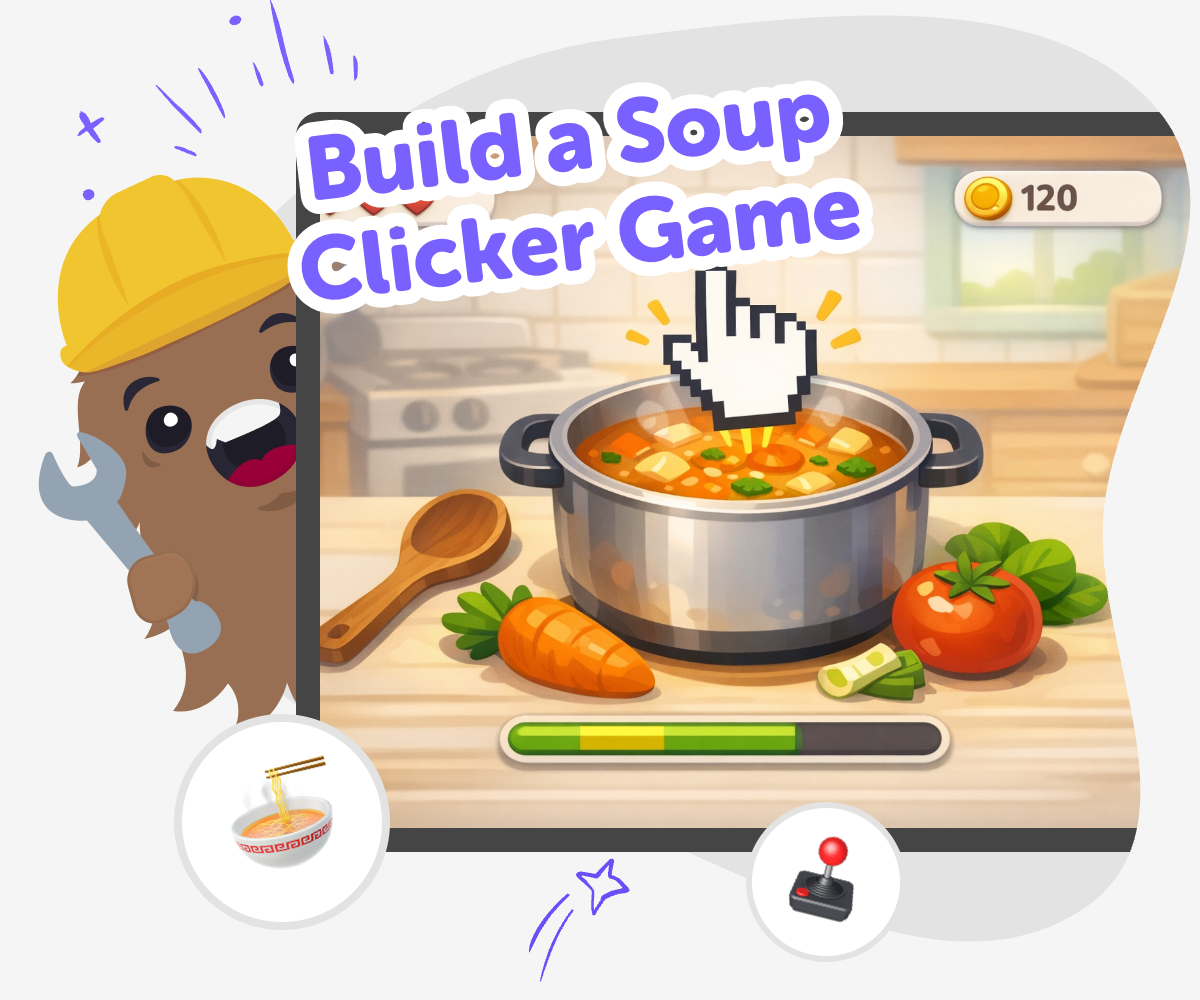
Build a soup clicker game and turn a simple idea into a playful project with a clear goal, fun choices, and lots of room to test, change, and improve. Kids can imagine how the game works, add clicks, rewards, and upgrades, and learn by making something they can actually play.
About this tutorial
Build a soup clicker game to explore how a simple game idea can feel playful, clear, and rewarding. Kids can see how a click, a score, and a few fun choices turn into a game that teaches cause and effect while leaving room for imagination.
This kind of project matters because it helps young makers practice planning, testing, and improving one small piece at a time. They can shape the game around their own soup ideas and learn that even a simple project can grow into something fun to play.
Vibe Coding supports the topic by helping kids build their soup clicker game step by step, so they can try ideas, make changes, and keep learning from what happens next. It gives guided help while kids stay in charge of the creative choices, which keeps the work hands-on and confidence-building.
Kids can use the tool to experiment safely with game parts like clicks, rewards, and upgrades without treating the project like a shortcut to a finished game. That makes it easier to explore, revise, and enjoy the process of making something interactive.
Step by step
- 1
Start with the soup idea
Choose the soup theme for the game and think about what happens when a player clicks. Pick a simple action, like stirring, chopping, or serving, so the game has a clear starting point.
- 2
Add the click loop
Set up the main action that players repeat again and again. Make each click give something back, like soup points, coins, or a bowl filling up, so the game feels active and easy to understand.
- 3
Build upgrades and rewards
Add small changes that make the game more fun over time, such as faster clicks, better tools, or bigger bowls. Test each idea to see whether it makes the game clearer and more exciting.
- 4
Make the most of testing
Try a remix Change one part of the soup game, like the speed, the score, or the look, so you can see what makes it more fun.
Check the flow Play from the start to make sure each click makes sense and every button is easy to find and use.
Share kindly Ask a friend or parent to try it and notice which parts feel fun, confusing, or too slow.
Keep improving Save your best version, try a new upgrade, and keep adjusting the game until it feels smooth, playful, and ready to play again.
What makes a soup clicker game fun?
A soup clicker game is fun because it gives players a tiny action that leads to a bigger result. Every click can stir the soup, add ingredients, or earn points, so the player always knows what to do next. That simple loop matters because kids can understand it quickly and then improve it with their own ideas. The game can feel silly, cozy, or energetic depending on the art, sound, and rewards you choose. When children build a game like this, they practice thinking about cause and effect. They also learn that a game does not need to be complicated to feel playful. A clear goal, a repeated action, and a few fun upgrades can make the whole project come alive.
Why do upgrades matter in clicker games?
Upgrades help a clicker game feel like it is growing. At first, a player might only click one time for one point. Later, they might unlock a better spoon, a faster stove, or a helper chef that makes the soup build up faster. That feeling of progress is important because it keeps the game interesting and gives players a reason to keep going. For kids who are making the game, upgrades are also a great way to practice planning. They have to decide what changes should come first, what should cost more, and how to make the game feel fair. This kind of thinking helps build problem-solving skills and teaches that games improve through testing, not guessing.
How can kids make the game feel their own?
Kids can make a soup clicker game feel personal by choosing the kind of soup, the look of the kitchen, and the style of the rewards. One maker might want a noodle soup with bright veggies, while another might choose a magical soup with stars, dragons, or funny ingredients. Sound effects, colors, character names, and upgrade ideas can all change the mood of the game. This matters because creative projects feel stronger when the maker’s choices show up in the final result. It also helps kids practice using imagination in a practical way. They are not just thinking of ideas; they are turning those ideas into parts of a real interactive project that others can click through and enjoy.
Why is testing part of making?
Testing is a big part of building any game because it shows what works and what needs help. A button might be too small, a score might change too slowly, or an upgrade might be hard to understand. When kids test their soup clicker game, they learn that fixing problems is normal and useful. This builds confidence because mistakes are not the end of the project; they are clues. Testing also helps young makers understand players better. They can ask, does this click feel satisfying, is the goal clear, and is the game easy to follow? With guided tools like Vibe Coding, kids can keep adjusting their project step by step until it feels smoother and more fun to play.
Need help?
What is a soup clicker game?
A soup clicker game is a simple game where players tap or click to make progress, often by earning points, filling a bowl, or unlocking upgrades. The soup theme gives the game a fun story and a clear visual idea.
Is a soup clicker game good for beginners?
Yes. Clicker games are a friendly way to start because the main idea is easy to understand. Kids can begin with one action, then add more features as they learn.
What should come first when making one?
Start with the main click action. Decide what the click does, what the player sees, and how they know they are making progress.
How do upgrades make the game better?
Upgrades give players a reason to keep clicking. They also help the game feel like it is changing over time, which makes the project more exciting to build and play.
Can kids make their own soup theme?
Yes. Kids can choose the kind of soup, the kitchen style, the colors, and even the characters in the game. That is part of what makes the project creative.
How do you know if the game is easy to play?
If a player can understand the goal quickly and see what each click does, the game is probably easy to play. Testing with another person is a good way to check.
Can I change the game after I try it?
Yes. Changing the score, the speed, or the look of the game is part of the process. Many games get better after a few rounds of testing and improving.
How can Vibe Coding help with this project?
Vibe Coding gives guided support while kids build, test, and improve their soup clicker game. It helps them stay hands-on and learn by doing, without turning the project into a one-step finished result.