Build a Space Bar Clicker Game
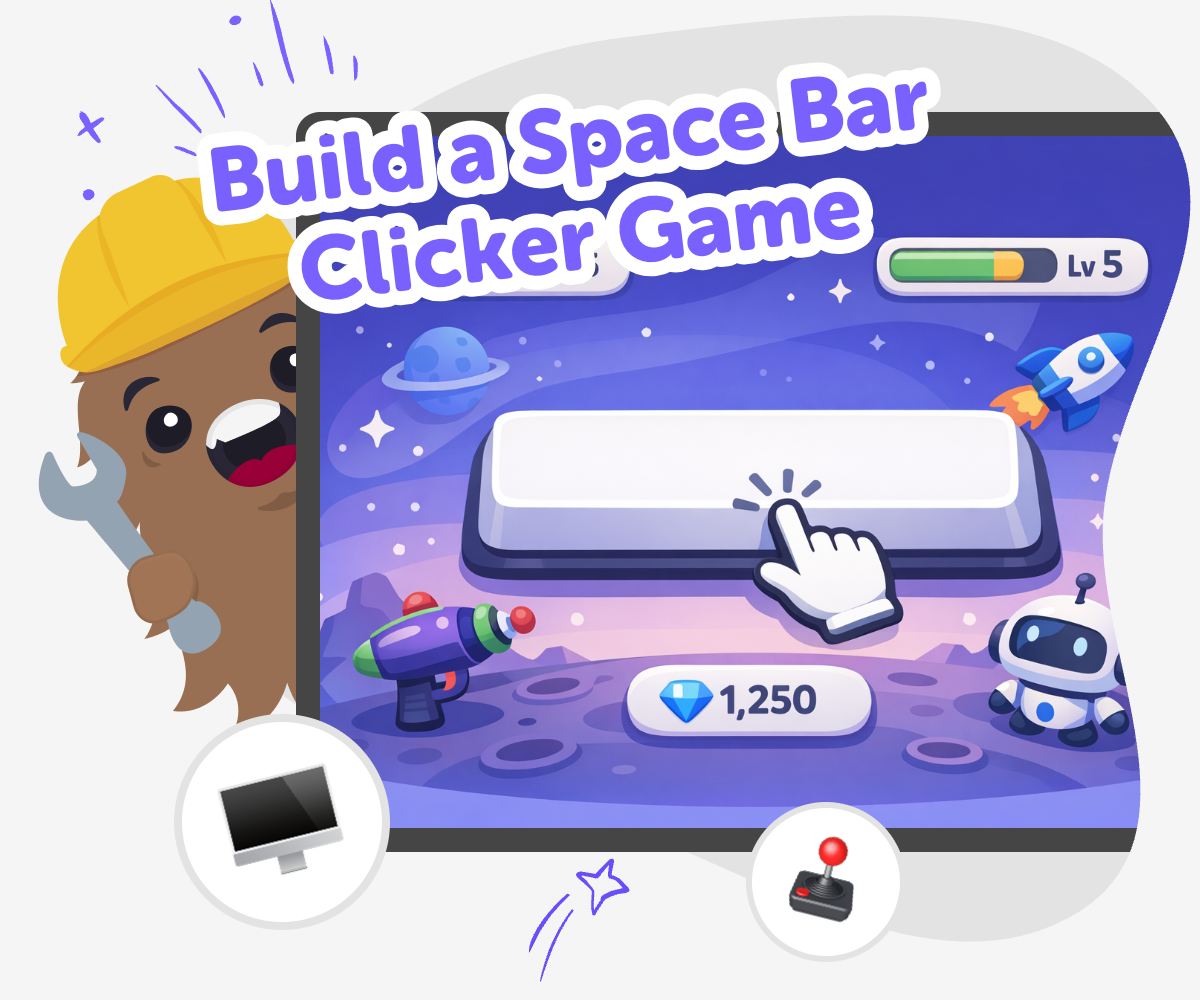
Build a space bar clicker game and learn how simple game ideas can turn into playful, interactive projects. Kids can explore timing, score-keeping, and fun feedback while making something they can test, improve, and share.
About this tutorial
A build a space bar clicker game project is a simple way for kids to learn how games work. By pressing the space bar to earn points, players can practice timing, counting, and quick reactions while seeing how small rules make a game feel fun and clear.
This kind of game matters because it turns coding into something active and easy to understand. Kids can experiment with goals, scores, and challenge levels, then change the game and notice how each choice affects the experience.
Vibe Coding gives kids a guided place to shape a clicker game idea step by step. They can describe what they want, test it, adjust it, and keep improving the game with support that makes creative coding feel friendly and safe.
That means kids are not just reading about a game idea. They are building one, trying it out, and learning how to improve it through play and experimentation.
Step by step
- 1
Pick your space goal
Choose what the player is trying to do, like charging a rocket or collecting stars. Keep the idea simple so the space bar press has one clear job.
- 2
Set the key action
Connect the space bar to one action, such as adding a point or filling a meter. Test it once so you can see that every press makes the game move forward.
- 3
Add space feedback
Show the player what happened after each press with a sound, colour change, or message. Clear feedback makes the game easier to understand and more fun to play.
- 4
Make the most of testing
Try a full round Play your game from start to finish and notice if the score, speed, and goal all work the way you planned. If something feels off, make a small change and test again.
Watch for confusion Look for moments where the player might not know what to do next. Improve any text, buttons, or effects that feel unclear so the game stays easy to follow.
Try a new version Change one thing at a time, like the goal, the pace, or the reward, and compare it with your first version. This helps you learn which ideas make the game more exciting.
Keep your best build Save the version you like most and come back later if you want to remix it. Each test teaches you something new about how games feel and how players react.
What makes a clicker game fun?
A clicker game is fun when the rules are easy to understand and the player gets quick feedback. In a space bar clicker game, the player usually presses one key again and again to earn points, beat a timer, or reach a goal. That simple action helps kids focus on how games use repetition, scoring, and challenge. Even though the controls are simple, the game can still feel creative because the theme, sounds, and rewards are all choices the maker gets to design. Kids can make it silly, space-themed, fast, calm, or competitive depending on what they want players to feel. The best part is that small changes make a big difference, so children can learn that game design is really about trying ideas, testing them, and seeing how players respond.
Why do kids learn from building it?
When kids build a game like this, they practice more than just typing code. They learn to think in steps: what should happen first, what should happen after a key press, and how the score should change over time. That builds problem-solving skills and helps children notice patterns. If something does not work right away, they can test again and make a fix, which is an important part of learning. This kind of project also supports confidence because the result is easy to see and play. Kids can tell right away whether the game is working, and that makes progress feel real. A space bar clicker game is a friendly way to explore creative technology because it starts simple but still leaves room for imagination, choices, and improvement.
How can kids make it their own?
Kids can personalize a space bar clicker game in lots of safe, creative ways. They might choose a rocket theme, add stars that sparkle when the key is pressed, or set a goal like charging a ship before blastoff. They could also change the sound, add a timer, or create funny messages for different score levels. These small details help the game feel original. Personalizing a project teaches kids that coding is not only about rules; it is also about expression. Two children can start with the same idea and still make very different games. That flexibility is great for creativity because it invites kids to make choices, compare ideas, and notice what feels best. The project becomes a space for imagination and design, not just a coding exercise.
How does Vibe Coding help safely?
Vibe Coding gives kids a guided way to turn a game idea into something they can actually build and improve. Instead of trying to figure everything out alone, they can describe their idea, test it, and adjust it with support that keeps the process approachable. This matters because young makers learn best when they can experiment without feeling stuck. The tool is useful for exploring a space bar clicker game because it helps kids focus on the parts they understand, like the goal, the score, and the gameplay feel, while still learning how to shape the project step by step. It is not about instant perfection. It is about making, checking, and improving until the game feels like something they created with care.
Need help?
What is a space bar clicker game?
A space bar clicker game is a simple game where the player presses the space bar to make something happen, like earning points or filling a meter. It is a great starter project because the rules are easy to understand and the game can still feel fun and creative.
Why is this a good first coding project?
It is a good first project because kids can see the result of each press right away. That makes it easier to understand scoring, timing, and cause and effect while building confidence through small wins.
What can kids change in the game?
Kids can change the theme, the score goal, the sound, the colour, the speed, or the messages that appear during play. These choices help the game feel personal and teach children how design changes the player experience.
Do kids need advanced coding to try this?
No. This kind of project works best when kids start small and build up one step at a time. Guided tools like Vibe Coding can help them shape the idea, test it, and improve it without expecting advanced skills first.
How does the game teach problem-solving?
If the score does not change the right way or the game feels too fast, kids can look at what happened, make a change, and try again. That practice helps them learn how to spot problems and improve their work.
Can kids make their own space theme?
Yes. They can make a rocket race, a star counter, a moon mission, or any other space idea they like. A custom theme helps the game feel more creative and makes the project more fun to share.
Is this project safe for younger kids?
Yes, when it is used in a kid-friendly, guided space with age-appropriate support. The focus stays on making, testing, and learning, which helps younger kids explore coding in a calm and practical way.
What should kids try after the first version?
After the first version works, kids can try changing the goal, adding a timer, or making the feedback more exciting. Small remix ideas are a good way to learn how games get better through testing and revision.