Alternatives to Kevingames
Alternatives to kevingames are kid-friendly ways to explore creative making, practice problem-solving, and build confidence through hands-on projects. On this page, kids can learn what alternatives to kevingames mean and try Vibe Coding to turn ideas into interactive creations step by step.
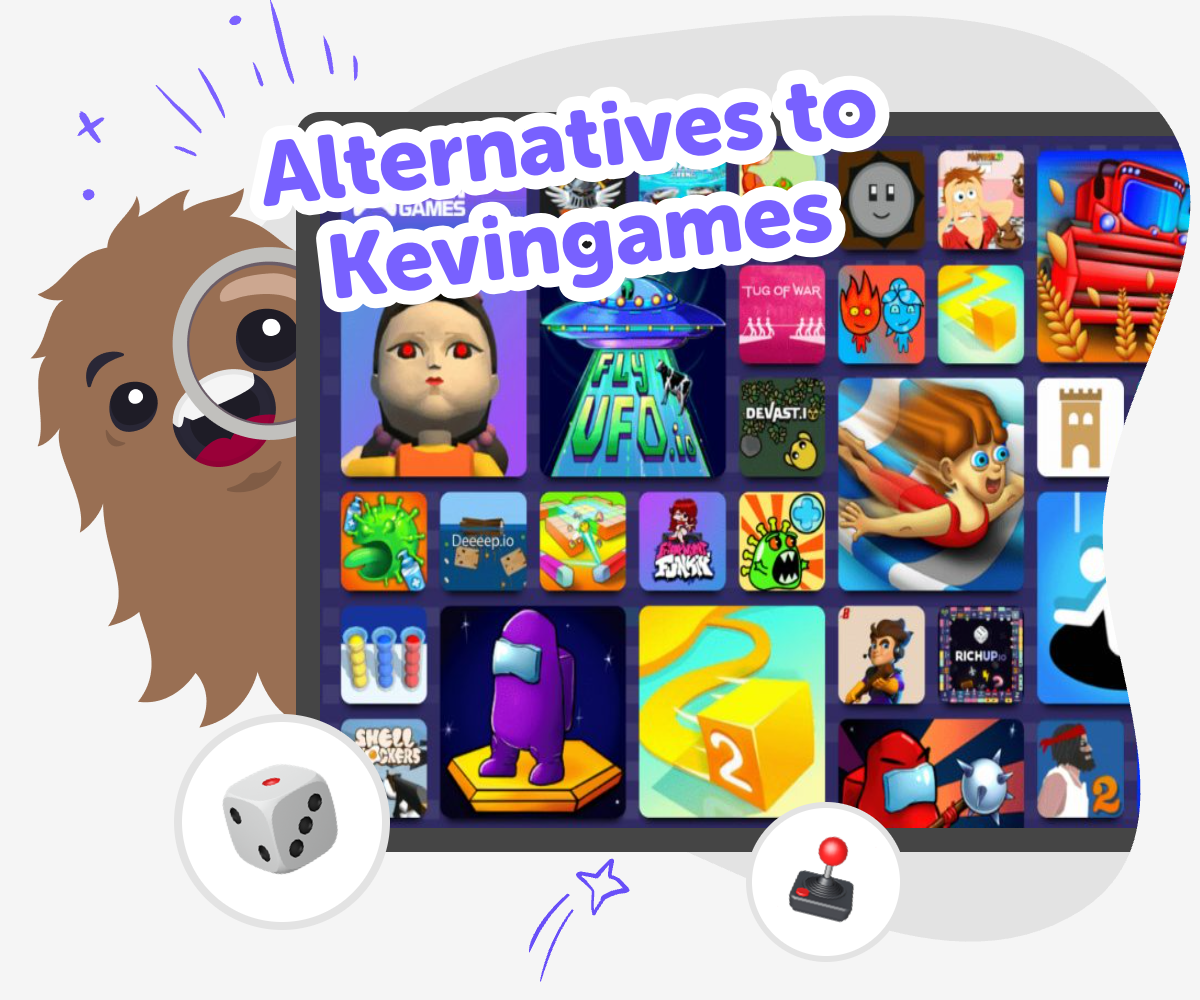
Try new ways to create
Alternatives to kevingames are other kid-friendly ways to make, play, and learn with technology. Instead of only playing a game, kids can build something of their own, try new ideas, and see how small changes make a project better. That matters because making helps kids grow confidence, practice problem-solving, and understand how digital creations work. It also gives kids a chance to be creative in a safe, guided way. They can explore different kinds of projects, notice what they enjoy, and learn that their ideas can become something real.
Vibe Coding gives kids a guided place to explore alternatives to kevingames by turning a simple idea into something they can build step by step. They can describe a game, app, story, or invention, then test it, change it, and improve it as they go. The tool keeps the focus on hands-on making and learning, which helps kids experiment with confidence. It supports creative choices without pretending the project is finished instantly, so kids stay involved in every step.
What does this topic really mean?
Alternatives to kevingames means looking for other ways to enjoy technology besides only playing one kind of game. For kids, this can mean making a game, building a quiz, designing a story with choices, or creating a small tool that does something useful or fun. The big idea is that you are not only a player. You can also be a maker. That shift matters because it helps kids learn how digital things are built, how choices affect results, and how creative ideas can grow through testing. It also opens up more ways to enjoy screen time with purpose. Some alternatives are simple and playful, while others are more creative and open-ended. What they share is a chance to explore, make changes, and see your own ideas come to life in a safe, guided way.
Why do kids benefit from making instead of only playing?
When kids make something, they practice thinking through steps, solving small problems, and noticing what changes when they adjust a design. That is different from just following along in a finished game. Alternatives to kevingames can help kids build confidence because every try gives them useful information, even if the first version is not perfect. They learn that mistakes are part of making, not a sign to stop. This builds patience and curiosity. It also supports creativity because kids get to choose colors, rules, characters, and ideas that feel personal. Making can be social too. Kids can show a project to family, friends, or classmates and explain how it works. That kind of sharing helps them use clear language and feel proud of what they created. Over time, these experiences can make technology feel less mysterious and more like something they can shape themselves.
How can a creative coding studio help?
A creative coding studio gives kids a guided place to turn an idea into something interactive without needing to know everything at once. With Vibe Coding, kids can start with a simple idea for a game, app, story, or invention, then build it piece by piece. The support helps them keep going when they get stuck, which is important for younger makers and first-time coders. Instead of guessing alone, they can test, revise, and learn as they go. This makes the process feel safer and less overwhelming. It also keeps the focus on creativity and learning rather than speed. Kids can experiment with different versions, see what happens, and improve the project over time. That is a strong way to practice coding confidence, problem-solving, and iteration while staying in a kid-friendly space that encourages exploration.
How can families and teachers use this topic?
Families and teachers can use alternatives to kevingames as a way to start conversations about what kids enjoy making and what they want to learn next. A child who likes games may enjoy building one, but they may also like making a quiz, drawing a simple interactive story, or creating a mini invention idea. Those choices help adults notice a child's interests and support them with the right level of challenge. This topic is useful because it blends fun with learning. Kids can practice planning, following steps, and checking their work while still feeling creative. It also gives adults a clear way to talk about safe, guided technology use. Instead of asking only what game a child wants to play, they can ask what they want to build, change, or improve. That small question can lead to bigger thinking, more confidence, and more joyful making.
How to explore the idea
Think of an idea
Choose a game, app, quiz, story, or invention you would like to build instead of only using one made by someone else.
Describe what it should do
Write a simple idea for what your project should look like and how people should use it.
Build and test
Use guided coding help to make a first version, try it out, and change anything that does not feel right.
Make the most of testing
Try a new version Change one part of your project, like a colour, rule, or sound, so you can see what feels better. Check what works Test each part carefully and notice what is fun, confusing, or too fast for your idea. Improve with confidence Keep the parts you like and fix the parts you want to be clearer, smoother, or more playful. Try again safely Save your favourite version, then make another version to compare and learn from each change.
Frequently asked questions
What are alternatives to kevingames for kids?
Alternatives to kevingames are other ways for kids to use technology creatively, such as making a game, building a quiz, designing a story, or creating a simple interactive project. The goal is to move from only playing to also making.
Are alternatives to kevingames good for beginners?
Yes. Good alternatives should feel simple, guided, and fun for first-time makers. Kids can start with a small idea and improve it step by step instead of trying to do everything at once.
Can kids make their own game instead of just playing one?
Yes. Making a game can be a great alternative because kids get to choose the rules, characters, and goal. They also learn how testing and changes can make a project better.
How do alternatives to kevingames build confidence?
They help kids see that their ideas can become real projects. Each test and revision shows that learning happens through practice, which can make coding and creative technology feel more doable.
Is creative coding safe for kids?
It can be safe when it is age-appropriate, guided, and moderated. A kid-friendly tool like Vibe Coding supports making and experimenting in a space designed for learning and creativity.
What can kids create with guided coding help?
Kids can make games, apps, quizzes, stories, and other interactive ideas. The important part is that they can build something, test it, and keep improving it with support.
Do alternatives to kevingames help with learning?
Yes. They can support problem-solving, planning, creativity, and persistence. Kids learn how to try an idea, notice what works, and make thoughtful changes.
How can I help a child choose the right alternative?
Start with what the child already enjoys. If they like stories, they might like an interactive tale. If they like puzzles, they may enjoy a quiz or game. A good choice is one they feel excited to build and improve.
More tools
Build a Cow Clicker Game
Build a cow clicker game by turning a simple farm idea into a playful interactive project. Kids can make a game where every click adds cows, upgrades the herd, and changes what happens next while learning to test ideas, solve problems, and improve their own design.
Build a Creeper
Build a creeper with a kid-friendly creative coding studio that helps you turn an idea into something interactive, test it, and keep improving it step by step.
Build a Crossy Road Game
Build a crossy road game by designing lanes, obstacles, and movement rules that make a playful crossing challenge kids can test, change, and improve. With guided support from Vibe Coding, kids can turn a simple game idea into an interactive project while building coding confidence and problem-solving skills.
Build a Dance Game
Build a dance game and turn music, movement, and timing into a playful project kids can design, test, and improve. With guided support, children can make a game that feels personal, creative, and fun to share.
Ready to start creating?
Join hundreds of thousands of kids already building cool stuff on DIY.ORG.
Your first game is on us.
Describe a game below - no sign-up needed to try.
Powered by AstroSafe
Make real games - not just chat