Build a Creeper
Build a creeper with a kid-friendly creative coding studio that helps you turn an idea into something interactive, test it, and keep improving it step by step.
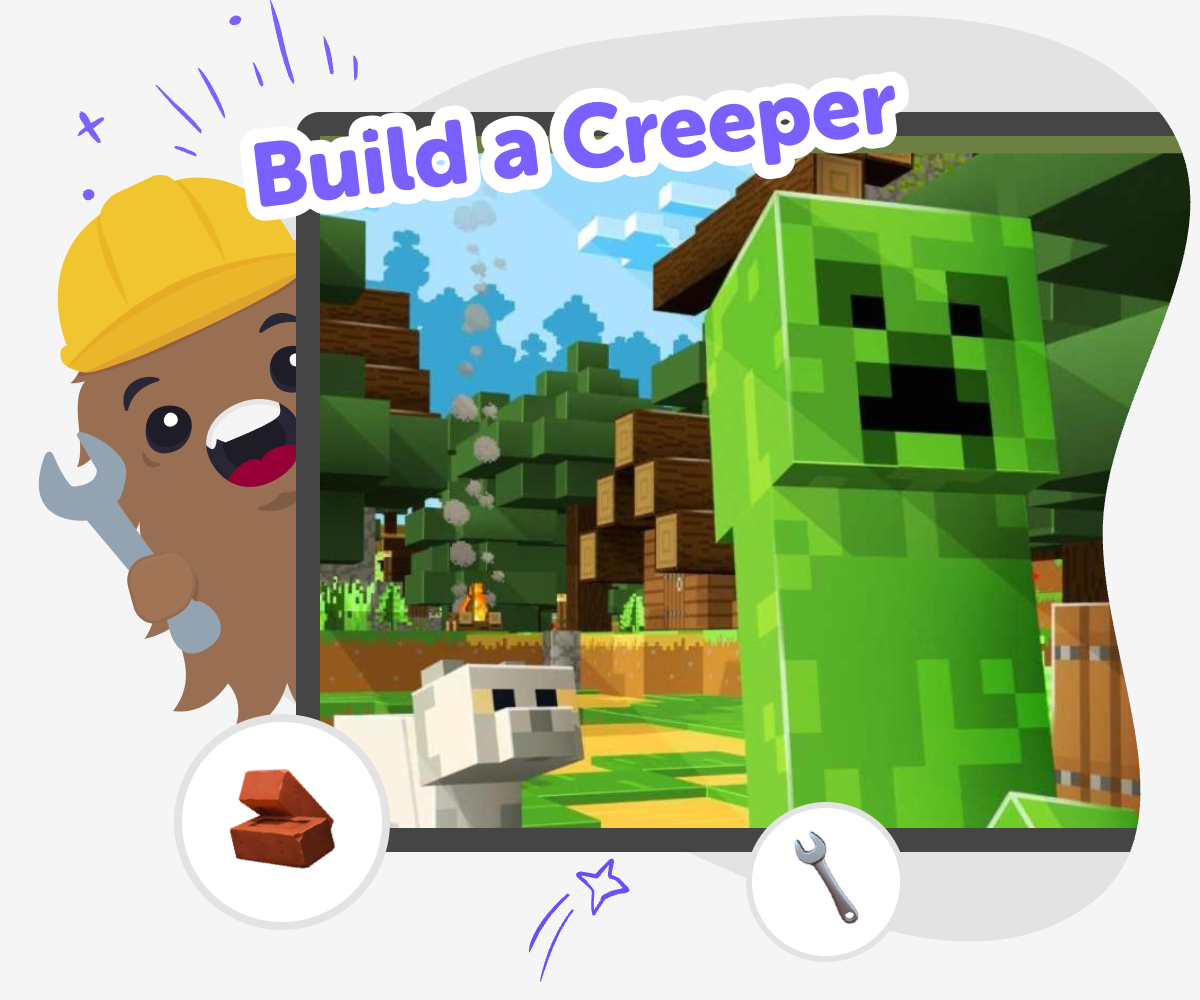
Build a Creeper, Your Way
To build a creeper means turning a game idea into something you can design, shape, and understand. It can be a character, a surprise challenge, or a playful interactive project, and making one helps kids practice creativity, logic, and patience while they see how small choices change the result. Kids learn that building is a process. They can try an idea, notice what works, change what feels confusing, and keep improving until the project feels fun and clear.
Vibe Coding gives kids a guided place to explore build a creeper projects through hands-on creative coding. Kids can describe what they want to make, then test, adjust, and improve it step by step with support that keeps the process playful and manageable. That makes the topic easier to explore safely and helps kids grow coding confidence, problem-solving skills, and a habit of learning through experiments.
What does it mean to build a creeper?
To build a creeper means making a creeper-inspired idea into something you can design and use in a project. For some kids, that might be a game character with special behaviour. For others, it could be a challenge, a surprise, or a playful invention that reacts when you press buttons or reach certain spots. The important part is that building is not just watching something happen. It is choosing the idea, shaping the rules, and deciding how the project should work. That helps kids learn that creative technology is something they can understand and control, not something that only experts can do. When kids build a creeper, they also practice planning, testing, and fixing small problems one step at a time. Those skills matter in coding, game design, and lots of other creative projects.
Why is this kind of project good for kids?
This kind of project is good for kids because it mixes imagination with problem-solving. A creeper project can be playful and a little surprising, which keeps kids interested, but it also asks them to think carefully about how the project should behave. That balance helps kids build confidence. They learn that mistakes are not a sign to stop; they are clues that help improve the idea. Kids also get practice with sequence, timing, cause and effect, and simple debugging when something does not work the way they expected. Those are strong starter skills for creative coding. Just as important, kids can make something that feels personal. When they choose how the creeper looks, acts, and changes, the project becomes theirs. That ownership often makes learning feel more fun and more meaningful.
How does guided coding help?
Guided coding helps by breaking a big idea into smaller steps that kids can handle one at a time. Instead of trying to make everything perfect at once, kids can start with a simple version, then add details after they see it working. That makes the process feel less overwhelming and more successful. A guided helper like Vibe Coding supports that kind of learning by giving kids a creative place to describe what they want, build it, test it, and improve it. The tool does not do all the thinking for them. Kids still make choices, compare versions, and decide what to change. That is important because real learning happens when kids experiment and reflect. Guided support can make coding feel calmer, safer, and more approachable, especially for beginners who are just learning how projects come together.
What can kids make next?
Once kids have tried to build a creeper, they can take the same creative process into many other projects. They might design another game character, make a quiz, build a small app, or invent a story that reacts to choices. The key lesson is that ideas can become real when kids build them step by step. After one project, kids often feel more ready to try a new challenge because they have seen that testing and improving is part of making. They may also start paying more attention to how games and apps work behind the scenes. That curiosity is valuable because it helps kids become thoughtful creators instead of only players. A first project can open the door to lots of future experiments, and each new build can help kids grow more confident with creative technology.
Build It Step by Step
Choose your creeper idea
Decide what kind of creeper you want to build, such as a character, a game challenge, or a surprise moment in a project.
Start a simple version
Make a basic first build with one clear behaviour so you can see your idea working before you add more details.
Test what happens
Run the project, watch the creeper respond, and notice which parts feel fun, confusing, or too strong.
Make the most of testing
Try a remix Change one small part, like a sound, colour, or timing, so you can tell what makes the creeper feel different. Check the flow Play through the project from start to finish and notice where the action feels smooth or where it needs a clearer step. Refine the reactions Adjust how the creeper moves, pauses, or surprises the player so the build feels fair and easy to understand. Save and improve Keep your favourite version, then come back later to add a new idea, test again, and make the project even better.
Frequently asked questions
What does build a creeper mean?
It means making a creeper-inspired project by choosing how it looks, acts, or works. Kids can turn the idea into a game character, a challenge, or another interactive creation.
Is building a creeper hard for beginners?
It does not have to be. Kids can start with a simple idea and improve it little by little. Beginning with a small version makes the project easier to understand.
Can kids make their own creeper version?
Yes. Kids can choose the style, behaviour, and special details of their own version. That helps the project feel original instead of copied.
What skills do kids practice when they build one?
Kids practice creative thinking, problem-solving, testing, and making improvements. They also learn how small choices can change how a project feels and works.
How does this help with coding confidence?
It helps kids see that coding is something they can learn step by step. When they test ideas and fix them, they build confidence with every small success.
Is it safe for younger kids to try?
Yes, when the project is made in a kid-friendly, guided space. Kids can explore the idea in a calm way that keeps the focus on making and learning.
What should a first creeper project include?
A first project should be simple and clear. One idea, one behaviour, or one playful surprise is enough to begin, and more details can be added later.
What can kids do after they finish one?
They can remix it, make a new version, or try a different project idea. Each new build helps kids use the same skills in a fresh way.
More tools
Lovable Vibe Coding for Kids | Vibe Coder
Use Vibe Coder as a kid-safe alternative to Lovable for vibe coding. Build games, apps, and simple Arduino projects with guided templates and previews.
Lovable for Kids | Build Apps with Vibe Coder
Lovable for kids apps made with Vibe Coder — a safe, guided way for children to build games, apps, and websites using vibe coding.
Lovable games | Build Kid-Friendly Games with Vibe Coder
Build Lovable-style, kid-friendly games using Vibe Coder’s vibe coding templates. A safe, playful game generator for kids to learn, iterate, and share creations.
Make a Game on Roblox
Make a game on Roblox by turning a simple idea into something interactive, playable, and fun to improve. This page helps kids understand what game making is, why it matters, and how guided creative coding can support each step from first idea to finished playtest.
Ready to start creating?
Join hundreds of thousands of kids already building cool stuff on DIY.ORG.
Your first game is on us.
Describe a game below - no sign-up needed to try.
Powered by AstroSafe
Make real games - not just chat