Build a Crossy Road Game
Build a crossy road game by designing lanes, obstacles, and movement rules that make a playful crossing challenge kids can test, change, and improve. With guided support from Vibe Coding, kids can turn a simple game idea into an interactive project while building coding confidence and problem-solving skills.
About this tutorial
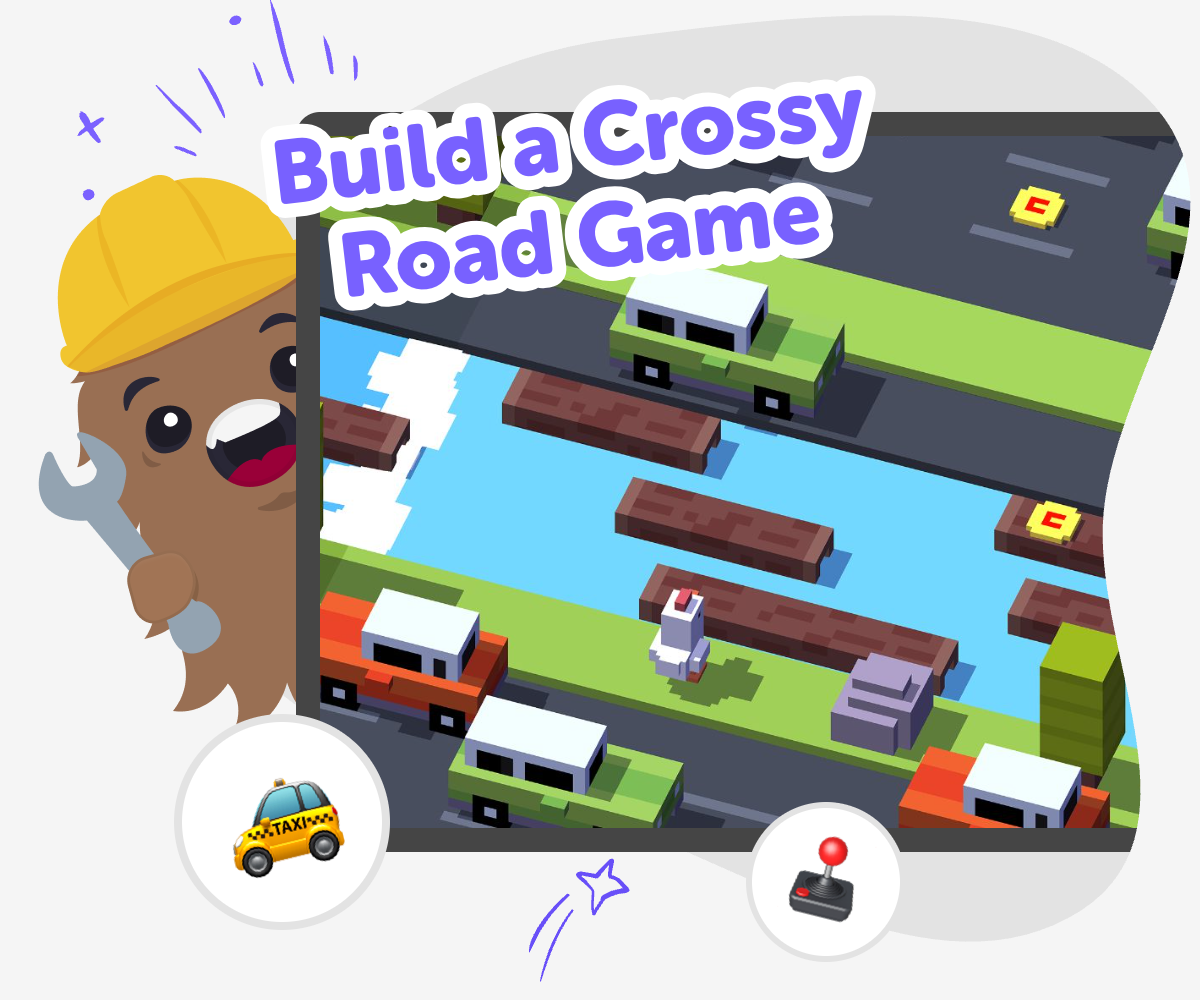
Build a crossy road game by designing a player who crosses lanes, avoids moving obstacles, and tries again to go a little farther each time. This kind of game helps kids understand timing, patterns, and fair challenge in a simple, playful way.
It matters because kids learn how small design choices change how a game feels. When the lanes, speed, and spacing are balanced, the game becomes clearer, more fun, and easier to improve.
Vibe Coding gives kids a guided place to explore this idea step by step. They can describe the game they want, build a first version, test what happens, and make changes that keep the project creative and age-friendly.
As they work, kids stay in charge of the ideas while the tool helps them make each part more clear and playable. That makes the process feel safe, hands-on, and confidence-building.
Step by step
- 1
Choose the path
Pick a character and decide where it needs to cross, such as roads, water, or other moving obstacles.
- 2
Set the movement
Make a simple control that lets the character move one step at a time so players can aim carefully.
- 3
Add the challenge
Place cars, logs, or other blockers into the lanes and decide how fast they should move.
- 4
Make the most of testing
Check the pacing Play the game several times and notice where the action feels too fast, too slow, or hard to understand. Small timing changes can make the crossing feel clearer and fairer.
Fix one thing at a time Adjust spacing, speed, or obstacle placement in small steps. This helps you see what each change does and keeps the game easy to improve.
Try a new remix Save a version you like, then change one lane, one rule, or one character detail. A fresh remix can make the game feel new while still keeping the same fun idea.
Keep improving Return to the game after a break and test it again with fresh eyes. Each round of play can show you a better way to balance challenge, fun, and replay value.
What makes a cross-the-road game fun?
A good cross-the-road game is built on simple choices that feel exciting. The player has to decide when to move, when to wait, and how to avoid danger without making the game feel unfair. That is why timing matters so much. If obstacles move too fast, kids cannot learn the pattern. If they move too slowly, the game may feel boring. The best versions give players enough room to think, notice patterns, and try again. Kids also enjoy games like this because every round can feel a little different. One try might be easy, and the next might need a new plan. That mix of challenge and repetition helps young makers understand how game design can shape feelings like surprise, confidence, and persistence.
Why do kids learn by building it?
When kids build a game like this, they are not just playing it. They are making choices about rules, spacing, movement, and difficulty. That means they start thinking like designers. They ask questions such as: How far should the character move each time? How close should the obstacles be? What should happen after a win or a mistake? Those questions build problem-solving skills in a natural way. Kids also learn that games improve through testing. A first version is rarely perfect, and that is okay. Trying, checking, and changing helps them understand that creative work grows over time. This kind of making can support confidence too, because kids see that their ideas can become something real through steady practice.
How can kids make it safe and fair?
A game feels better when it is clear, understandable, and age-appropriate. For a crossing game, that means using simple controls, easy-to-read lanes, and obstacles that make sense. Fair games also give players enough space to react. Kids can test whether the character moves in a way that feels predictable, whether each lane is visible, and whether the game restarts kindly after a mistake. Safety matters in the content too. The game should focus on playful challenge rather than scary or upsetting scenes. Kids can keep it bright, simple, and friendly so more people can enjoy it. Learning to design with fairness in mind helps kids think about other players, not just themselves, which is a useful creative habit in many projects.
What can kids change to make it their own?
A crossing game becomes more interesting when kids add their own style. They might choose a funny character, invent new obstacles, or make the lanes look like a forest, a city, or a space path. They can also change the rules so the game feels different, such as adding checkpoints, bonus items, or extra levels. Even small changes can make the project feel personal. This is one reason guided creative coding works well: kids can start with a simple idea, then keep adjusting it until it matches their imagination. The process teaches iteration, which means improving something step by step. Instead of trying to make the perfect game all at once, kids learn to explore options, compare versions, and choose the one that feels most fun to play.
Need help?
What is a cross-road game?
It is a game where a character tries to cross busy lanes or tricky paths without getting blocked or hit. The fun comes from timing, movement, and choosing the right moment to go.
How do you build a crossy road game for kids?
Start with a simple character, add lanes or paths, and make obstacles move in a clear pattern. Then test the game, change what feels too hard or too easy, and keep improving it.
What makes the game feel fair?
Fair games give players time to react and easy rules to understand. Clear movement, visible obstacles, and steady difficulty all help kids learn and enjoy the challenge.
Can younger kids help make one?
Yes. Younger kids can choose characters, pick obstacle ideas, and help test whether the game feels fun. With guided support, they can take part in the whole making process.
What skills do kids learn while making it?
Kids practice coding confidence, problem-solving, timing, and creative thinking. They also learn how to test an idea, notice what is working, and improve it step by step.
Can the game be silly instead of serious?
Absolutely. Kids can make it funny, colourful, or imaginative with goofy characters and playful themes. The most important part is that the game is clear and fun to replay.
How does testing help the game improve?
Testing shows what feels too fast, too slow, confusing, or unfair. When kids change one thing at a time, they can see exactly how each update affects the game.
Is Vibe Coding helpful for making this kind of game?
Yes. Vibe Coding gives kids a guided place to describe their game idea, build it step by step, and improve it as they test. It keeps the process hands-on, creative, and age-friendly.