Use your favorite Minecraft tool
Pick your favorite Minecraft tool and build a simple cardboard or paper model, then test and explain how it works in the game.


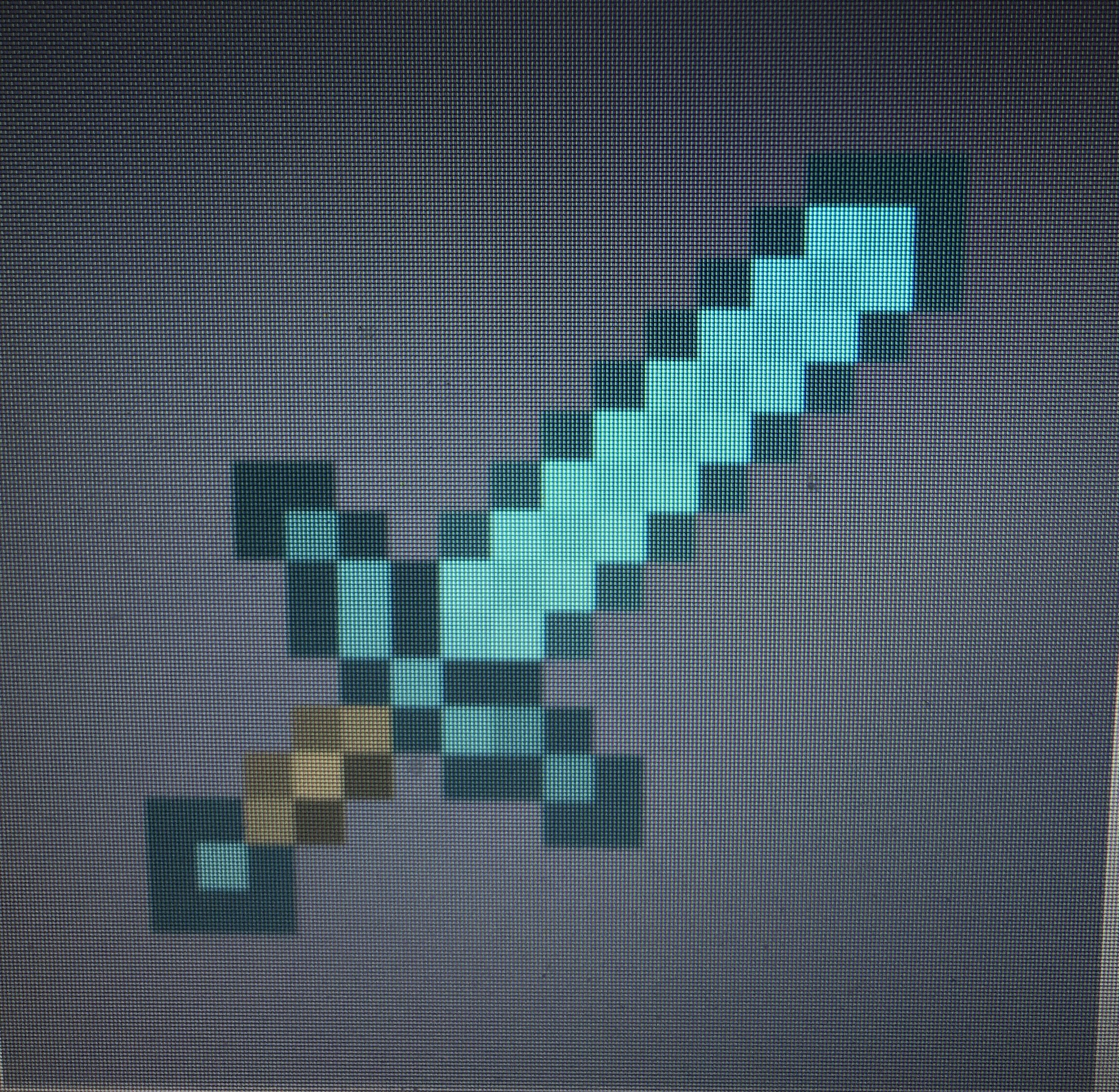
Step-by-step guide to use your favorite Minecraft tool
Step 1
Pick your favorite Minecraft tool and say its name out loud.
Step 2
Open Minecraft and look at your tool in the game to notice its shape colours and special parts.
Step 3
Decide how big you want your model and draw an outline of the tool on the cardboard using a pencil and ruler.
Step 4
Cut out the outline carefully from the cardboard using scissors.
Step 5
Cut extra cardboard shapes for the handle blade or head that your tool needs.
Step 6
Glue or tape the extra shapes onto the main cutout to build the tool shape.
Step 7
Cut a thin strip of cardboard to use as a handle reinforcement or small stand.
Step 8
Fold the strip and glue it to the back of your model to make it sturdy or allow it to stand.
Step 9
Colour and decorate your model to match the Minecraft tool including any enchantment glows or details.
Step 10
Play Minecraft and use the same tool in the game to test how it works.
Step 11
Write a short explanation on a piece of paper describing how the tool works in the game and why you designed your model that way.
Step 12
Share a photo and your explanation of your finished creation on DIY.org
Help!?
I don't have thick cardboard — what can I use instead?
Use a double-layered cereal box or folded poster board as the main cardboard for the 'draw an outline' and 'cut out the outline' steps, and use masking tape instead of glue when attaching extra shapes.
My cardboard model keeps bending or falling over — how do I fix it?
Follow the 'cut a thin strip' and 'fold the strip and glue it to the back' steps to make a sturdy handle reinforcement or stand, and reinforce joints where the blade or head attaches with extra glued cardboard layers or tape.
How can I adapt this activity for different ages?
For ages 3–6 have an adult pre-draw and pre-cut the outline so kids focus on 'colour and decorate', for ages 7–10 let them do the 'draw an outline', 'cut extra shapes', and 'glue or tape', and for 11+ add extra layers, painted enchantment glows, or small LEDs during 'colour and decorate' to replicate in-game effects.
How can we make the finished tool more exciting or personal?
Personalize and enhance your model by adding painted enchantment glows during 'colour and decorate', dressing the handle with fabric or washi tape, attaching the folded strip as a display stand from the 'fold the strip and glue' step, and writing a creative explanation to share on DIY.org as the final step.
Watch videos on how to use your favorite Minecraft tool
Command Block Tutorial #60: 3x3 Pickaxe Commands in Minecraft (1.16+)
4 Videos
Command Block Tutorial #60: 3x3 Pickaxe Commands in Minecraft (1.16+)
Ultimate Minecraft 1.21 Enchanting Guide for Pickaxes | Best Pickaxe Enchantments
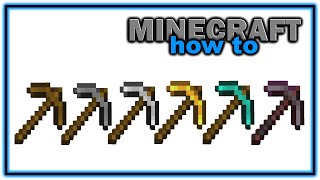
How to Craft and Use a Pickaxe in Minecraft! | Easy Minecraft Tutorial
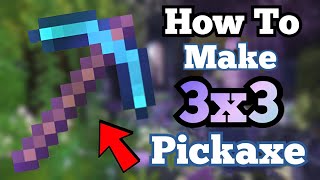
How to Make a 3x3 Pickaxe in Minecraft | Command Block Tutorial
Facts about Minecraft model-making and paper crafts
⛏️ In Minecraft only diamond and netherite pickaxes can mine obsidian and make it drop as a block.
🪓 Axes break wood much faster than other tools and can also be used as powerful melee weapons.
📦 Cardboard is lightweight, easy to cut and glue, and is one of the most recyclable materials for model-building.
✂️ Papercraft templates are called "nets" — they unfold a 3D shape into a flat pattern you cut out and fold.
🔋 Minecraft tools have durability: wooden pickaxes last ~59 uses, stone ~131, iron ~250, diamond ~1561, netherite ~2031.
How do I make a cardboard or paper model of my favorite Minecraft tool?
What materials do I need to build a paper or cardboard Minecraft tool model?
What ages is this Minecraft tool building activity suitable for?
What are the benefits of building and testing a Minecraft tool model, and are there safe variations?
