Take on the Ender Dragon
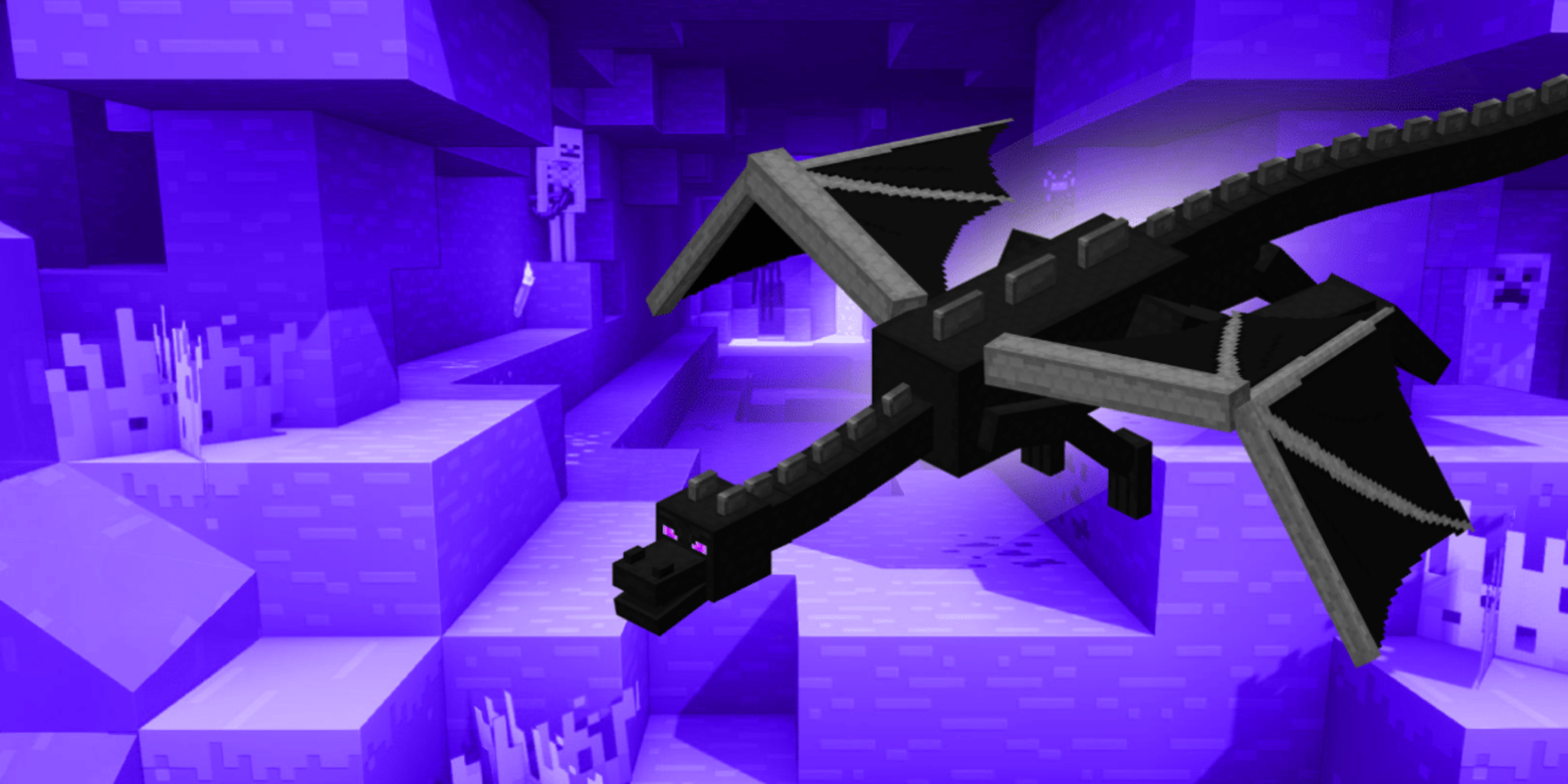
Build a cardboard Ender Dragon model and obstacle arena, then role-play strategy with friends to practice planning, teamwork, and problem-solving skills.


Step-by-step guide to take on the Ender Dragon
DEFEAT Ender Dragon QUICKLY: Ultimate Guide on How to kill the ENDER DRAGON in Minecraft 1.21
Step 1
Gather all materials and bring them to a clear table or floor space so you can work easily.
Step 2
Use your pencil and ruler to draw big shapes for the dragon: head body wings tail and four legs on the cardboard.
Step 3
Carefully cut out each dragon shape from the cardboard using scissors and ask an adult for help with any tricky cuts.
Step 4
Arrange the cut pieces on the floor to check how the dragon will look before you stick anything together.
Step 5
Use tape or glue to attach the head tail and legs to the main body so your dragon holds its shape.
Step 6
Attach the wings using tape or string so they are secure and can move a little when you play.
Step 7
Decorate the dragon with your colouring materials to make it look fierce with eyes scales and Ender-style colors.
Step 8
Clear a play area and use small boxes and cushions to make an obstacle arena with a start line and a goal.
Step 9
Build extra arena obstacles by folding or stacking cardboard into towers pillars and tunnels and place them in the arena.
Step 10
Put your dragon model in the center of the arena or on a small box to make it the Ender Dragon boss.
Step 11
Choose roles with your friends by deciding who is the dragon who are the defenders and who will be the planners.
Step 12
Talk with your team for two minutes to make a simple plan or strategy to reach the goal while avoiding the dragon and obstacles.
Step 13
Act out one role-play round using your plan and follow the arena rules while staying safe and friendly.
Step 14
Talk with your team about what worked and change one thing to make your next round better.
Step 15
Take photos or a short video of your cardboard Ender Dragon and obstacle arena and share your finished creation on DIY.org
Help!?
What can we use if we don't have a large piece of cardboard for drawing and cutting the dragon shapes?
If you don't have large cardboard, tape together flattened cereal boxes or use poster board and then follow the 'draw big shapes for the dragon' step exactly as written.
The wings keep falling off—what troubleshooting can we try during the 'Attach the wings' step?
Reinforce the wing attachment by folding a small cardboard tab under each wing and securing it with strong tape or glue, or punch holes and tie the wings with string as suggested in the 'Attach the wings' step so they stay secure and can still move a little.
How can I adapt this activity for younger children or for older kids who want more challenge?
For younger kids, have an adult pre-cut the head, body and legs and simplify the arena to cushions and one tower, while older kids can use a ruler to draw precise shapes, add movable joints with string or brads, and create more complex obstacle layouts during the 'build extra arena obstacles' step.
How can we extend or personalize the dragon and obstacle arena after completing the basic build?
Enhance the project by decorating with paint or coloured paper as in the 'decorate the dragon' step, adding LED tea lights inside the body, making jointed legs or wings with brads for movement, and turning the arena into a scored game before you 'take photos or a short video' to share.
Watch videos on how to take on the Ender Dragon
How To Beat The ENDER DRAGON EASY! | The Minecraft Guide - Tutorial Lets Play (Ep. 20)
4 Videos
How To Beat The ENDER DRAGON EASY! | The Minecraft Guide - Tutorial Lets Play (Ep. 20)
Defeating the Enderdragon is Easy in Minecraft
How To Defeat The Ender Dragon in Minecraft Bedrock!
EASY TIPS To Beat The Ender Dragon | Minecraft Bedrock Guide 1.21 EP23
Facts about cardboard crafts and teamwork for kids
🐉 The Ender Dragon is Minecraft's big boss who lives in The End dimension — defeating it is a classic game milestone.
🎮 Minecraft has inspired millions of real-world builds and role-plays where players recreate mobs and arenas with craft materials.
📦 Cardboard is lightweight, strong, easy to cut, and widely recyclable — that's why makers love it for models and props.
🏃♀️ Obstacle courses help kids practice planning, balance, and quick problem-solving while having tons of active fun.
🤝 Teamwork helps groups finish tasks faster and teaches communication, role-sharing, and strategy — great skills for any quest.
How do you take on the Ender Dragon with a cardboard build and role-play arena?
What materials do I need to build a cardboard Ender Dragon and obstacle arena?
What ages is a cardboard Ender Dragon build and arena role-play suitable for?
What are the benefits and safety tips for a cardboard Ender Dragon role-play activity?
