Star Your LPS in a Photo Shoot
Stage a mini photo shoot for your Littlest Pet Shop toys using simple backgrounds, props, natural light, and a camera to practice composition and posing.
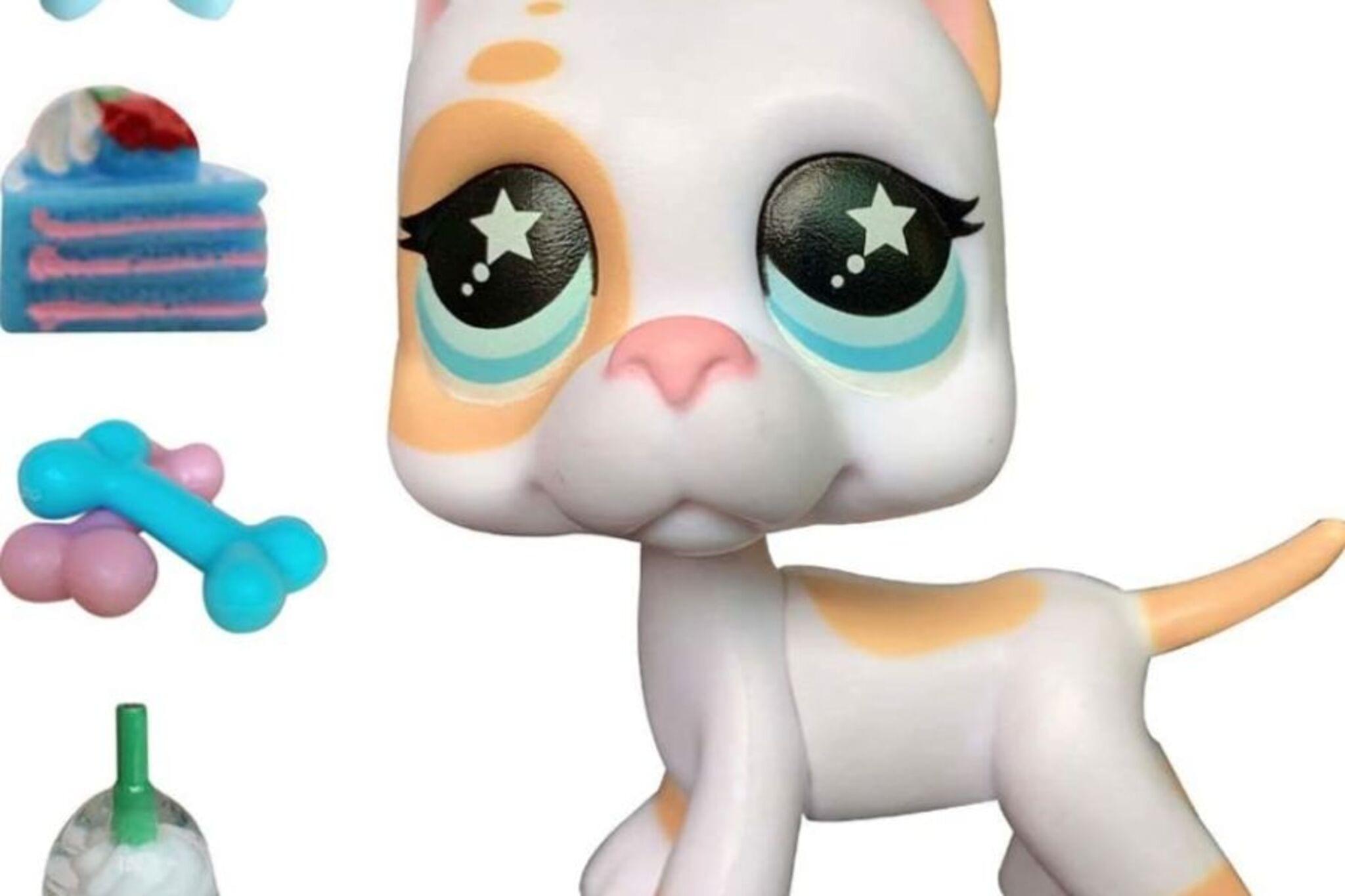
About this activity
Stage a mini photo shoot for your Littlest Pet Shop toys using simple backgrounds, props, natural light, and a camera to practice composition and posing.
What you need
Step by step
- 1
Step 1
Pick one to three Littlest Pet Shop toys to be the stars of your photo shoot.
- 2
Step 2
Choose a spot near a window with soft bright light but no harsh sun.
- 3
Step 3
Clear and wipe the table or floor space so your set is clean.
- 4
Step 4
Tape or stick the paper or fabric behind the space to make a simple background.
- 5
Step 5
Arrange small props on the surface to build a fun scene around your toy.
- 6
Step 6
Pose your LPS toy in a way that looks playful or tells a tiny story.
- 7
Step 7
Hold your camera at the toy’s eye level so the picture looks like the toy’s world.
- 8
Step 8
Tidy the background and move props until the photo spot looks neat and simple.
- 9
Step 9
Take several photos trying a wide shot a close-up and a funny angle and choose your favorite.
- 10
Step 10
Share your finished photo shoot on DIY.org so other kids can see your Littlest Pet Shop stars.
Fun facts
How do I stage a mini photo shoot for my Littlest Pet Shop toys?
Start by choosing a simple background (paper, fabric, or a clean shelf) and set the scene with tiny props. Use natural window light and position your camera at the toy’s eye level. Pose the LPS toys in a story moment, take test shots, and adjust angles, distance, and props for scale. Encourage kids to try different compositions, expressions, and close-ups, and review photos together to pick favorites and retake when needed.
What materials do I need for a Littlest Pet Shop photo shoot?
Gather your LPS toys, a smartphone or camera, and a few simple backgrounds like colored paper or fabric. Add small props (mini furniture, paper cutouts, tape, blue tack), a stack of books or a mini tripod for steady shots, and a reflector (white paper) to bounce light. Optional extras: small clamps, macro lens phone attachment, and a step stool for better camera angles. Keep tiny parts away from very young children.
What ages is this activity suitable for?
This activity suits a wide range: preschoolers (3–5) enjoy posing toys with close adult supervision because of small parts; school-age kids (6–9) can set up simple scenes and learn composition with light help; older kids (10+) can experiment with camera settings, editing, and storytelling. Supervision is recommended for camera handling and any tiny props, and complexity can be adjusted to match the child’s skills and attention span.
What are the benefits of staging a Littlest Pet Shop photo shoot?
A mini photo shoot boosts creativity, storytelling, and fine motor skills as kids arrange poses and props. It teaches basic composition, lighting awareness, patience, and problem-solving. Editing and reviewing photos build digital literacy and confidence. Working together encourages communication and planning. This playful activity also lets children express ideas visually and can be adapted for learning themes like emotions, seasons, or colors.
Watch & Learn
Need help?
What can we use if we don't have Littlest Pet Shop toys, special background paper, or a camera?
Use other small toys or figurines instead of Littlest Pet Shop toys, tape plain printer paper, poster board, or a clean towel as the background, and use a phone camera for the 'hold your camera at the toy’s eye level' step.
My photos look too bright or have strong shadows—what should I change?
Move to a spot with softer window light or hang a thin white sheet or curtain over the window to diffuse harsh sun, and tidy or reposition props and background paper so shadows and reflections don't clutter the shot.
How can I change this activity for younger or older kids?
For preschoolers, let them pick one LPS, help tape the background and hold the camera at the toy’s eye level while you take a few close-up shots; for older kids, stage up to three toys, try wide, close-up and funny angles, and edit or add captions before sharing on DIY.org.
How can we make the photo shoot more creative or longer-lasting?
Create handmade props from paper or clay, add a small string of fairy lights behind the fabric background for depth, print favorite photos to make a mini gallery, or write a short story to post with the images on DIY.org.