Share some ideas for an animation
Create a short stop-motion animation using clay or paper cutouts, plan scenes, photograph frames, and edit them into a fun story.


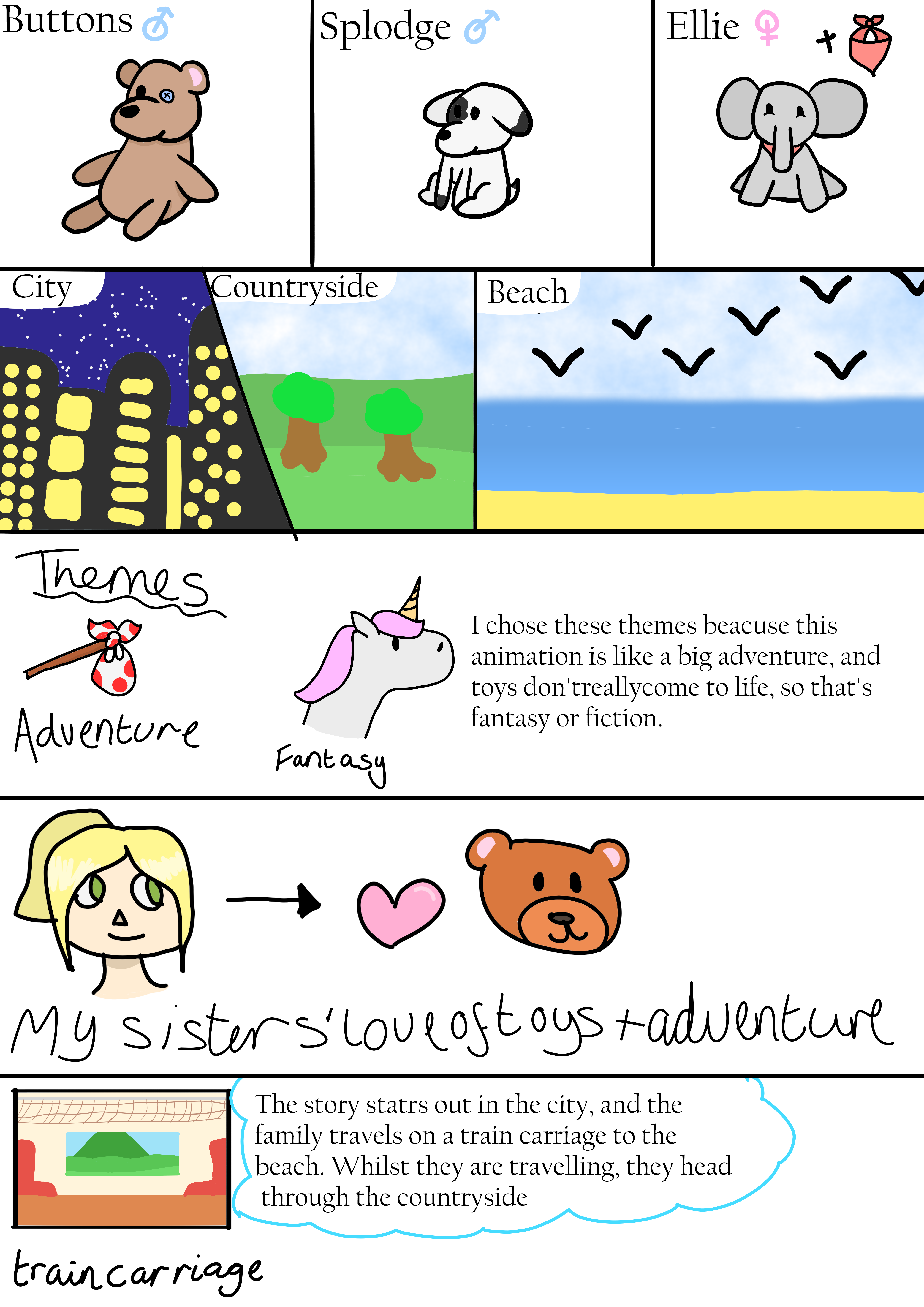

Step-by-step guide to create a short stop-motion animation
Step 1
Think of a short story idea and write a one-sentence beginning one-sentence middle and one-sentence ending.
Step 2
Sketch 4 to 8 simple storyboard boxes that show the main actions in order.
Step 3
Choose whether you will use clay figures or paper cutouts for your characters.
Step 4
Make 2 to 3 characters from your chosen material and set them where you can reach them.
Step 5
Create a background on the cardboard or poster board and place it flat where you will film.
Step 6
Position a lamp or use daylight so the set is brightly lit and steady.
Step 7
Put your camera on books or a small stand and frame the whole scene so nothing moves out of view.
Step 8
Place your characters in the starting position for the first storyboard box.
Step 9
Take a clear photo of the starting position.
Step 10
Move your characters a tiny amount to create motion for the next frame.
Step 11
Take another photo of the new position.
Step 12
Repeat Steps 10 and 11 until you have captured all frames for every storyboard box.
Step 13
Import the photos into a stop-motion app or video editor and set a frame rate that makes the motion look smooth.
Step 14
Add simple sound effects or music and a title then export your animation as a video file.
Step 15
Share your finished stop-motion animation on DIY.org.
Help!?
What can we use if we don't have clay figures, poster board, or a stop-motion app?
Use paper cutouts or folded cardboard characters instead of clay (Steps 3–4), use plain cardboard as the background (Step 5), and use a free phone stop-motion app or any video editor to import photos (Step 12).
My pictures look blurry or the characters jump between frames—how can I fix that?
Stabilize the camera on books or a small stand and tape it if needed and keep the lamp or daylight steady (Steps 6–7), and move characters only a tiny amount between photos to avoid jumps (Steps 10–11).
How can we adapt this activity for younger or older kids?
For younger children, limit the story to a one-sentence beginning/middle/end and 4 simple storyboard boxes with bigger moves while an adult handles the camera (Steps 1–2, 7–11), and for older kids create 8 storyboard boxes, take more fine-grained frames, and refine frame rate and sound in the stop-motion app (Steps 2, 10–12).
How can we make our animation more creative or personal before sharing on DIY.org?
Add a recorded voiceover or simple sound effects and a title/credits card in the editor, paint or layer textured cardboard for a richer background (Step 5), and export with a custom filename before sharing (Steps 12–14).
Watch videos on how to create a short stop-motion animation
How to Create Animated Educational Video for Kids - Full Tutorial 🎨📚
4 Videos
How to Create Animated Educational Video for Kids - Full Tutorial 🎨📚
Animation Basics in 14 Minutes (6 Big ideas for beginners)
How to Make a Fun Mouse Animation in PowerPoint!
![How to create Animated Educational Videos [Easy Animation Tutorial for school projects!] Assignments](https://img.youtube.com/vi/QXHuRxjcek8/mqdefault.jpg)
How to create Animated Educational Videos [Easy Animation Tutorial for school projects!] Assignments
Facts about stop-motion animation for kids
🎬 Stop-motion goes way back — one of the earliest examples is "The Humpty Dumpty Circus" (1898).
🏆 Aardman’s clay feature "Wallace & Gromit: The Curse of the Were-Rabbit" won the 2006 Academy Award for Best Animated Feature.
📷 Many stop-motion projects use 12 frames per second to save work — at 12 fps, a 30-second clip needs 360 photos.
✂️ Cutout animation was used by Lotte Reiniger in "The Adventures of Prince Achmed" (1926), one of the first animated feature films.
⏱️ 1 second of animation at 12 fps requires 12 photos, so a 5-second scene needs 60 careful poses.
How do I make a short stop-motion animation with clay or paper cutouts?
What materials do I need to create a stop-motion animation at home?
What ages is stop-motion animation suitable for?
What are the benefits and creative variations of making stop-motion with kids?
