Scratch: Code a Cat Eats Cake Game!
Use Scratch to code a cat eats cake game where you program movement, controls, collision detection, scoring, and sound effects while testing gameplay.


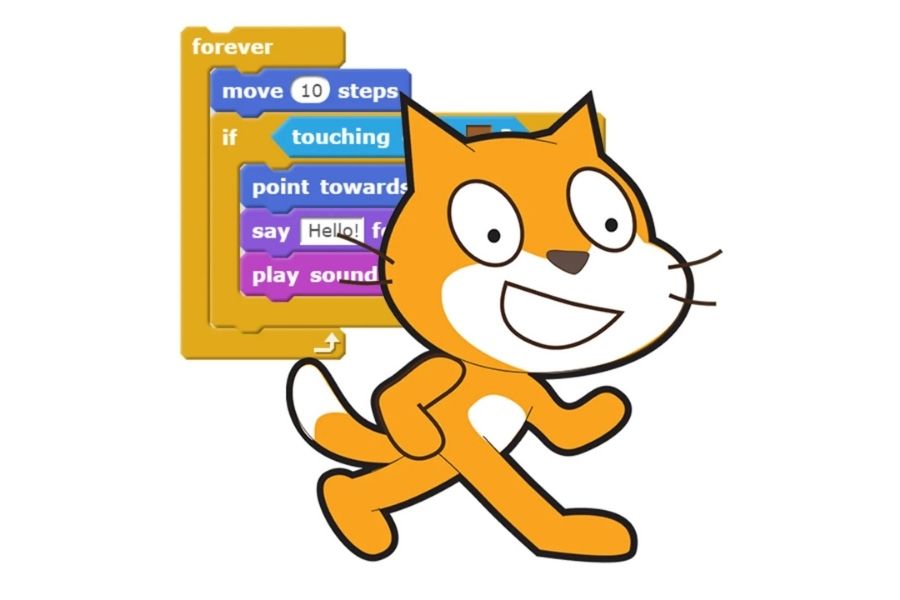
Step-by-step guide to code a Cat Eats Cake game in Scratch
Step 1
Open Scratch and click "Create" to start a new project.
Step 2
Select the Cat sprite or confirm the default Scratch Cat is selected.
Step 3
Add a Cake sprite from the Sprite Library or draw your own cake costume.
Step 4
Add movement controls to the Cat by scripting arrow key blocks so each key moves the Cat left right up or down.
Step 5
Click the Cat and add a "go to x y" block to set a clear starting position for the Cat.
Step 6
Click the Cake and add a "go to x: pick random -200 to 200 y: pick random -150 to 150" block to give the Cake a random starting spot.
Step 7
Make a variable named Score and add a "when green flag clicked set Score to 0" script.
Step 8
On the Cat add a forever script that says if touching Cake then broadcast "eatCake" and wait 0.5.
Step 9
Add a "when I receive eatCake" script on the Stage or Cat that changes Score by 1.
Step 10
On the Cake add a "when I receive eatCake" script that plays a chomping sound effect.
Step 11
On the Cake add a separate "when I receive eatCake" script that hides then waits 0.5 then goes to a new random position then shows.
Step 12
Click the green flag to test the game by moving the Cat to eat the Cake and fix any scripts if the score sound or respawn do not work.
Step 13
Share your finished Cat Eats Cake game on DIY.org.
Help!?
What can I use if I can't find the Cake sprite or the chomping sound?
If the Cake sprite or chomping sound is missing, choose another food sprite from the Sprite Library or draw/upload your own cake costume and record or pick a 'chomp' sound in the Sound tab to replace the built-in effect.
Why doesn't my Score increase when the Cat touches the Cake?
Check that the Cat's 'if touching Cake' block broadcasts exactly 'eatCake', that a 'when I receive eatCake' script on the Stage or Cat actually changes the variable named Score, and that you set Score to 0 with 'when green flag clicked' before testing.
How can I modify this game for younger or older kids?
For younger kids make the Cake larger, slow the Cat's arrow-key movement, and place the Cake at a fixed position instead of using 'pick random', while for older kids add a Timer variable, increase Cat speed, introduce multiple cakes with different points, or create levels that speed up respawns using the 'pick random' block and Score.
How can we extend or personalize the Cat Eats Cake game?
Add multiple cake costumes with different point values, animate the Cat by switching costumes when 'eatCake' broadcasts, change backgrounds for new levels, and store a high-score variable before sharing your finished game on DIY.org.
Watch videos on how to code a Cat Eats Cake game in Scratch
Lecture: 09 | MAKE CAT FLYING GAME IN SCRATCH | Game Development | Scratch Tutorial
4 Videos
Lecture: 09 | MAKE CAT FLYING GAME IN SCRATCH | Game Development | Scratch Tutorial
Scratch Tutorial | Cat And Mouse Game | Scratch Easy Beginner Tutorial
Scratch Basics - A Beginners Guide to Scratch

Beginners Guide To Scratch (VERY Simple)
Facts about block-based coding and game design
🐱 The Scratch Cat is the default mascot sprite — it's the first character many kids meet when they open Scratch!
🌍 Scratch is used by millions around the world and hosts millions of shared projects and remixes for learning and fun.
🧩 In Scratch, collision detection can be as simple as using an 'if touching' block to tell when the cat hits the cake.
🔊 Tiny sound effects like a 'munch' or 'ding' make gameplay feel more satisfying and give players important feedback.
🏁 Playtesting your game (trying it like a player) is how most bugs are found and how designers make scores and controls more fun.
How do I create a 'Cat Eats Cake' game in Scratch?
What materials and tools do I need to code a Cat Eats Cake game in Scratch?
What ages is the Scratch Cat Eats Cake game suitable for?
What are the benefits of making a Cat Eats Cake game in Scratch?
