#PhotoFestival21 - Day 6 : Play
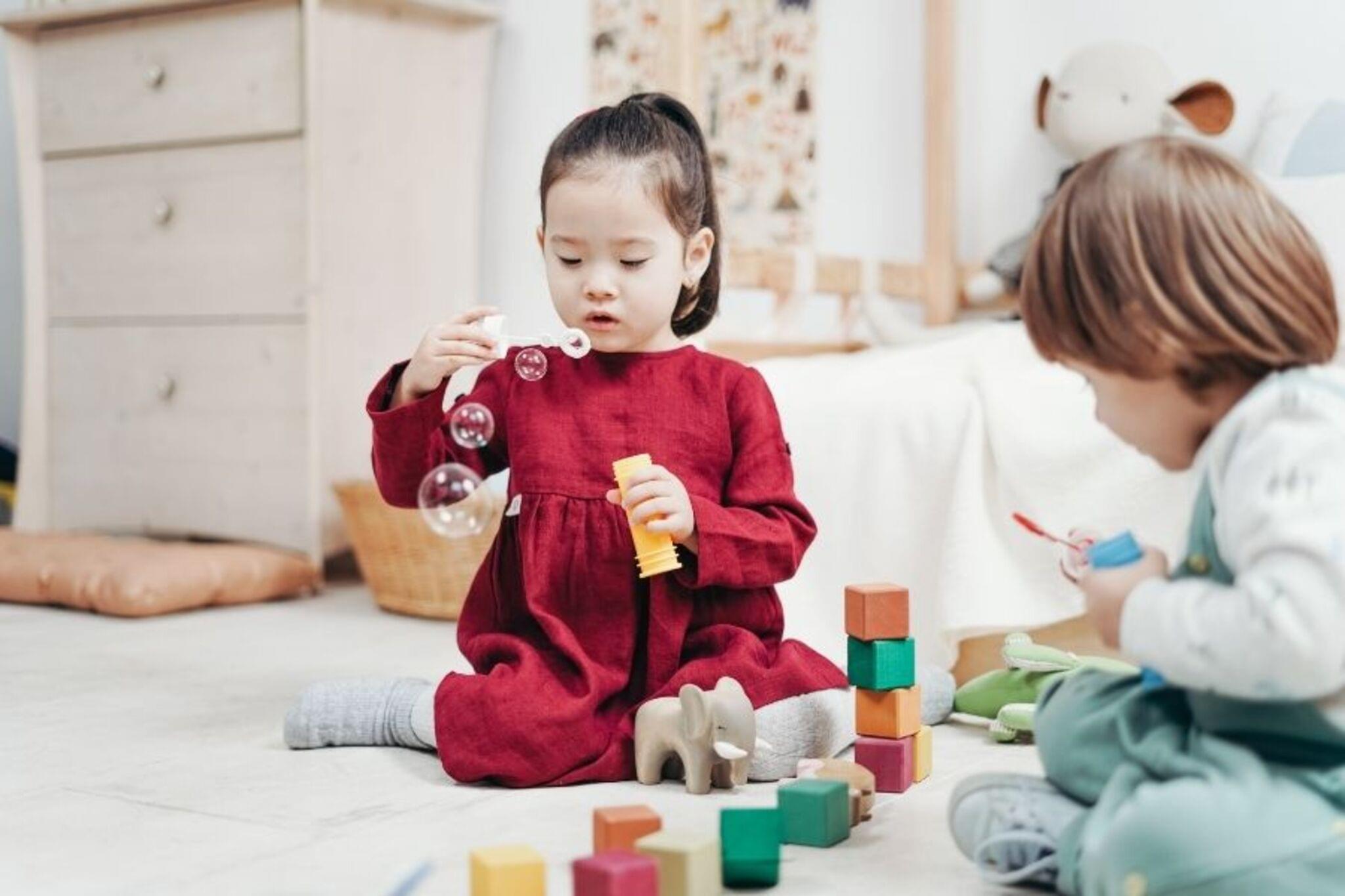
Take a series of playful photos showing movement, expressions, and favorite toys; learn framing, timing, and storytelling using a phone or simple camera.
About this activity
Take a series of playful photos showing movement, expressions, and favorite toys; learn framing, timing, and storytelling using a phone or simple camera.
What you need
Step by step
- 1
Step 1
Grab three favorite toys and bring them to your cozy well-lit space.
- 2
Step 2
Spread the blanket or sheet on the floor or wall to make a simple background.
- 3
Step 3
Put the small stool or box in the scene to give your toys different heights.
- 4
Step 4
Ask an adult to hand you a phone or simple camera and make sure it is ready to use.
- 5
Step 5
Hold the camera steady and take one close-up photo of a toy filling the frame.
- 6
Step 6
Make a toy move by rolling or gently tossing it and press the shutter quickly to capture the action.
- 7
Step 7
Make three different facial expressions and take one photo of each showing how you feel while playing with a toy.
- 8
Step 8
Arrange the toys to tell a tiny story and take one photo of the whole scene.
- 9
Step 9
Take one photo from a low angle and one photo from a high angle to make your pictures look different.
- 10
Step 10
Use burst mode or the camera timer once to get a quick sequence of movement and pick your favorite shot.
- 11
Step 11
Look through your photos and choose your best six that show movement expressions and a little story.
- 12
Step 12
Post your favorite photos and tell the short story about them on DIY.org to share your PhotoFestival creation.
Fun facts
How do I run the PhotoFestival21 Day 6 'Play' activity with my child?
To run PhotoFestival21 Day 6 'Play', start by explaining the goal: capture movement, expressions, and favorite toys. Choose a safe, well-lit play area and demonstrate framing (close-up, mid, wide) and timing (use burst mode for action). Give playful prompts (jump, twirl, make faces) and let the child pick toys and angles. Shoot short themed sequences of 3–5 images that tell a mini-story, then review and celebrate favorites together.
What materials and equipment do we need for the playful photo activity?
You'll need a phone or simple camera with a charged battery, plus an optional tripod or stable surface. Bring favorite toys, simple props, and a soft mat or blanket for comfort. Use natural light or a well-lit area and a plain sheet as a backdrop if desired. Pack wipes, water, and small snacks. Optional extras: stickers, hats, a basket to collect toys, and a basic photo app for reviewing shots.
What ages is PhotoFestival21 Day 6 suitable for?
This activity fits ages roughly 2 to 12+. Toddlers (2–4) enjoy posing and playing while adults handle the camera; preschoolers (3–5) can try framing and silly expressions; school-age kids (6–9) learn timing and shot variety; older kids (10+) explore storytelling, composition, and simple editing. Always supervise younger children, adapt prompts to attention span, and keep sessions short and fun.
What are the benefits of playful photography for children and what safety tips should we follow?
Playful photography encourages creativity, observation, communication, and fine-motor skills. It helps children practice storytelling, sequencing, and confidence when their photos are praised. For safety, choose clutter-free, non-slip spaces, use lightweight gear, and supervise small props that could be choking hazards. Teach privacy basics — don’t share photos of other children without permission — and keep sessions short to avoid fatigue and keep the experience positive.
Watch & Learn
Need help?
What can we use instead of the small stool/box, blanket, or phone if we don't have them?
Use a stack of hardcover books or a shoebox in place of the small stool or box, a large poster board, curtain, or bedsheet instead of the blanket or sheet background, and borrow an adult's phone or use a tablet camera to follow the 'ask an adult to hand you a phone or simple camera' step.
My action photos are blurry or the toy movement is missed—what should I try?
To fix blurred action or missed shots from the 'make a toy move' step, hold the camera steady by resting it on a table or using both hands, add more light in your 'well-lit space', and use burst mode or the timer so you can pick the sharpest photo.
How can I adapt this activity for younger or older kids?
For toddlers, simplify by asking an adult to take just three pictures (a close-up, a smiling face, and a short scene), while older kids can experiment with low/high angles, more dramatic toy movement, burst sequences, and arranging a longer toy story before choosing their best six photos.
How can we extend or personalize the PhotoFestival activity beyond the basic steps?
Before you 'post your favorite photos and tell the short story on DIY.org', personalize the scene with homemade paper props or textured fabrics on your blanket background, try colored lamps for mood, create a short stop-motion using burst/timer shots, and add short captions that explain the movement, expressions, and tiny story.