Make Scrabble Come Alive In Stop Motion
Make a stop-motion movie using Scrabble tiles, a smartphone, and small props; move tiles frame-by-frame to tell a short story and learn timing.


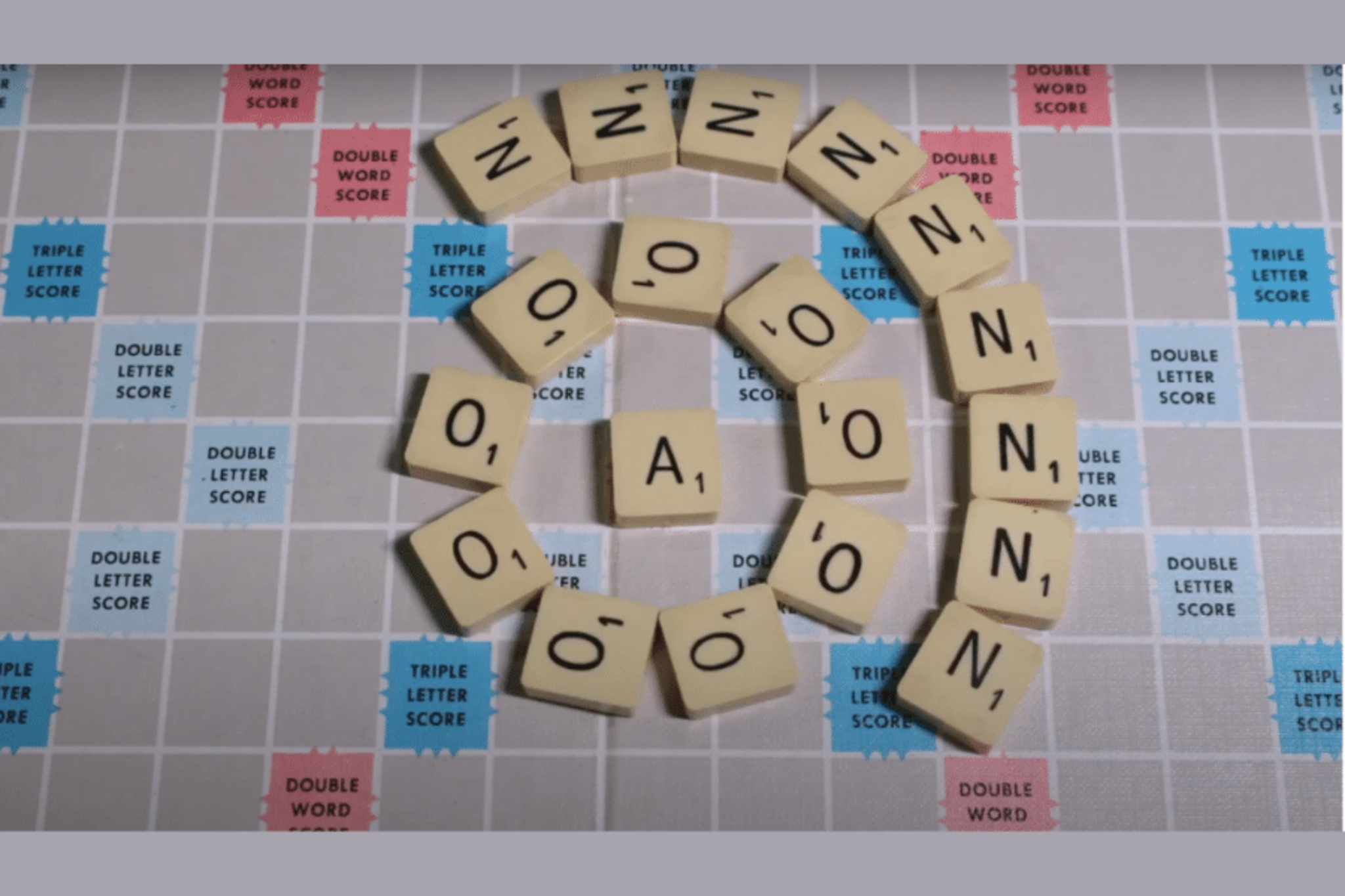

Step-by-step guide to make Scrabble come alive in stop motion
Piano Games for Kids That Make Practice More Fun - Online & Printable Options
Step 1
Think of a short story with 3 to 6 scenes and write one simple sentence for each scene.
Step 2
Decide which words you want to appear in your story using Scrabble tiles.
Step 3
Gather the Scrabble tiles you will need and put them within easy reach.
Step 4
Tape the plain paper or craft mat to your flat surface to make a clean background.
Step 5
Place your lamp so the scene is bright and there are no big shadows.
Step 6
Prop your smartphone or camera on the stack of books or tripod so the lens points straight at your scene.
Step 7
Open your camera app or a stop-motion app and leave it ready to take photos.
Step 8
Arrange the Scrabble tiles and small props in the starting position for scene one.
Step 9
Take the first photo to lock in your starting frame.
Step 10
Move one tile or prop a tiny amount (about 1–2 millimeters) to make the next pose.
Step 11
Take another photo after each small move.
Step 12
Repeat moving a little and taking a photo until you have filmed every scene of your story aiming for about six photos for each second of finished video.
Step 13
Play back the photos as a movie in your app and adjust the speed or delete extra frames until the motion looks smooth.
Step 14
Add titles or sound effects in the app if you want to make your story extra fun.
Step 15
Share your finished stop-motion movie on DIY.org.
Help!?
What can we use if we don't have Scrabble tiles or a tripod?
If you don't have Scrabble tiles use letter stickers, magnetic letters, or cut cardboard letters for the 'Gather the Scrabble tiles' step, and if you lack a tripod prop your smartphone on a steady stack of books or a heavy mug so the lens points straight at your scene.
My animation looks jumpy or tiles keep moving accidentally—how do I fix that?
To stop shaky frames and accidental shifts make sure the smartphone is firmly propped (stack of books/tripod), lock focus in the camera app, keep your lamp steady to avoid changing shadows, and move each tile or prop only about 1–2 millimeters between photos.
How can I adapt the project for younger or older kids?
For younger kids simplify to 2–3 scenes with bigger tile moves and adult help arranging tiles and taking photos, while older kids can plan 5–6 scenes, aim for about six photos per second, practice tiny 1–2 millimeter moves, and edit speed and titles in the app themselves.
How can we make our stop-motion more creative or polished?
Enhance your movie by taping a custom background on the craft mat, adding small props and varied lamp angles for dramatic lighting, recording voiceovers or sound effects in the app, and then share the finished film on DIY.org.
Watch videos on how to make Scrabble come alive in stop motion
SCRIBBLE BOTS: Make your own drawing robot
4 Videos
SCRIBBLE BOTS: Make your own drawing robot
Stomp Phonics Game | Crafts for Kids
Lego Games | Patterns and Sequences for Kids | Creating Patterns and Sequences at Home
Crafts for Kids | How to Make an Alphabet Activity Game
Facts about stop-motion animation for kids
🎬 Stop-motion was used in 1933's King Kong to bring the giant ape to life using miniature models.
🔤 English Scrabble has 100 tiles; there are 12 E tiles, and Q and Z are worth 10 points each.
📸 Many stop-motion projects use about 12 frames per second — so 12 photos equal 1 second of footage.
⏱️ To create a 30-second stop-motion film at 12 fps you'd need 360 individual photos (30 × 12 = 360).
📱 Modern smartphones can take high-res stills and use apps that automatically stitch frames into stop-motion movies.
How do I make a stop-motion movie using Scrabble tiles?
What materials do I need to make a Scrabble stop-motion film?
What ages is Scrabble stop-motion suitable for?
What are the benefits of making a Scrabble tile stop-motion movie?
