Make an ASMR Video
Make a simple ASMR video by recording soft sounds and whispers using safe objects and a phone or tablet, with adult permission and guidance.


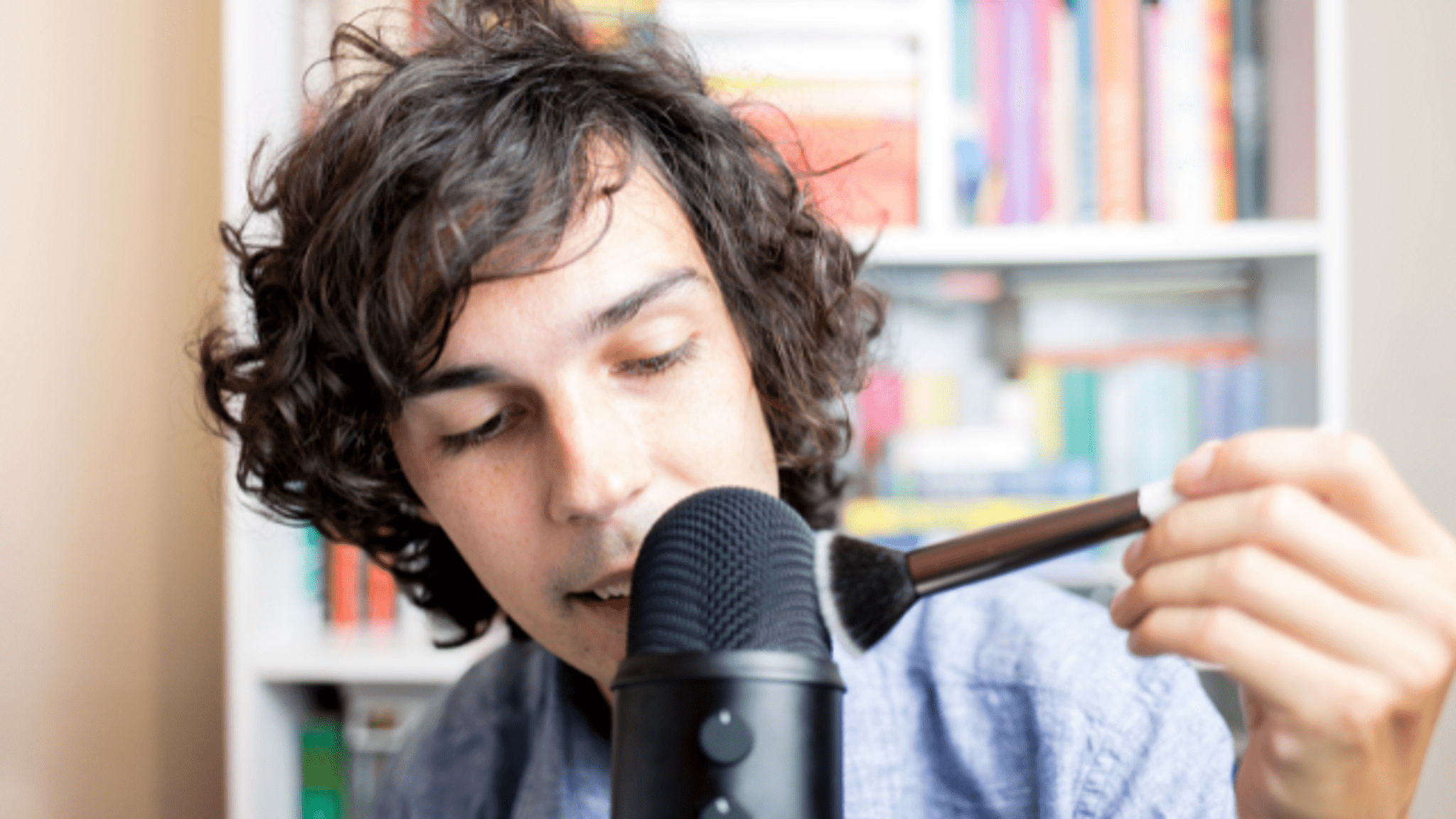

Step-by-step guide to make an ASMR video
How To Make an ASMR Video
Step 1
Ask an adult for permission and for help to set up your recording time and place.
Step 2
Gather the materials listed and put them on a small table in front of you.
Step 3
Make the room quiet by turning off noisy devices and closing the door.
Step 4
With the adult's help, prop the phone or tablet on a stable surface so its microphone points toward your hands.
Step 5
Choose 4 gentle sounds to try like brushing the brush softy tapping the glass rustling the paper and stirring the rice.
Step 6
With the adult’s help, do a quick test sound for each object while listening so you can hear how loud and close to the microphone you should be.
Step 7
Record a short 15–30 second take for each chosen sound one at a time keeping your hands steady and movements slow.
Step 8
Record a few soft whispers or gentle spoken lines between some sounds to add a calming voice layer.
Step 9
Listen to your takes and pick the best parts to keep.
Step 10
With an adult, use a simple editing app to trim and join the best clips into one short ASMR video and save it.
Step 11
With the adult's help, upload and share your finished ASMR video on DIY.org.
Help!?
What can we use if we don't have a phone or tablet to record the ASMR video?
Use a small digital camera, a laptop's microphone, or an adult's smartphone and follow the step 'prop the phone or tablet on a stable surface so its microphone points toward your hands' to make sure the microphone faces the sounds.
My recordings sound too quiet or have background noise—what should I try?
During the 'do a quick test sound' step, move the microphone closer to the object, close doors and turn off noisy devices as instructed, and if sounds remain quiet use the editing app to raise volume or trim louder parts.
How can I adapt the activity for different ages?
For younger kids do one adult-assisted 15–30 second take of a single gentle sound like stirring the rice or brushing the brush, while older kids can choose more sounds, record extra whisper lines, and do their own trimming in the editing app.
How can we make the ASMR video more interesting or personal?
Try adding themed props (like a decorated brush or colored rice), record different microphone angles during the 'test sound' step for stereo effects, and use the editing app to layer a soft voice track before uploading your finished ASMR video to DIY.org.
Watch videos on how to make an ASMR video
ASMR for kids (or anyone who wants to watch) 🫧
3 Videos
ASMR for kids (or anyone who wants to watch) 🫧
Bedtime ASMR for Kids, Toddlers & Babies
How To Make AI ASMR Videos Without Google Veo 3 (Easy Tutorial)
Facts about audio recording for kids
🎧 ASMR stands for Autonomous Sensory Meridian Response — some people feel a pleasant tingle from soft sounds and whispers.
🤫 Whispering and soft speaking are two of the most popular ASMR triggers used by creators.
🎙️ Binaural or stereo recording techniques help ASMR sounds feel like they're moving around your head.
📱 Many beginner ASMR creators record with just a phone or tablet and simple household objects — always with adult permission and guidance!
💤 Millions of viewers use ASMR videos to relax, reduce stress, or help them fall asleep.
How do I make an ASMR video with my child?
What materials do I need to make a simple ASMR video?
What ages is making an ASMR video suitable for?
What safety tips and benefits are there for kids making ASMR videos?
