Make a Meme to Explain a Difficult Word
Create a simple meme that explains a difficult vocabulary word using images, captions, and examples; share and discuss why the word matters.


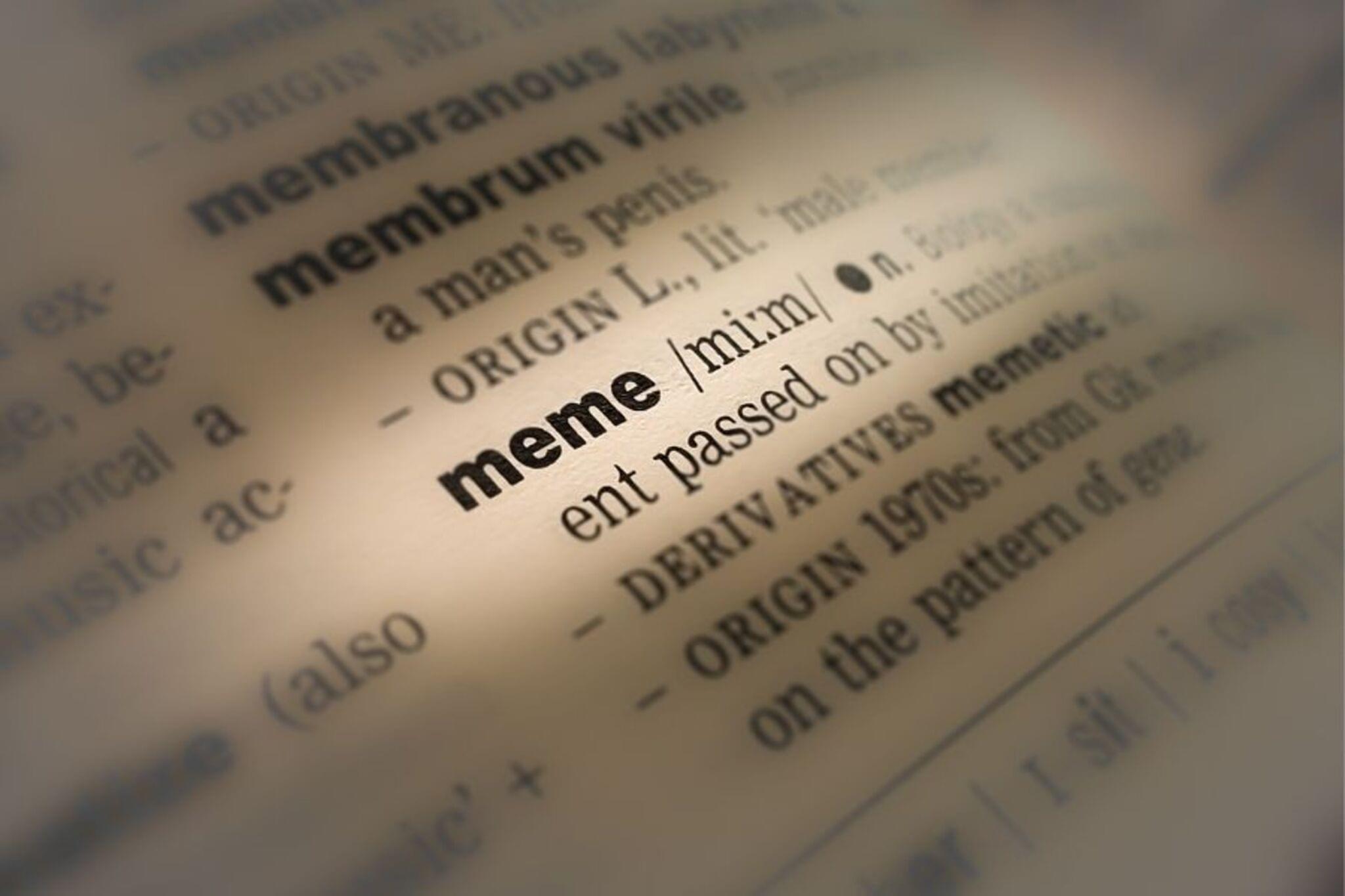

Step-by-step guide to make a meme to explain a difficult word
Memes Kids Will Understand
Step 1
Pick one difficult vocabulary word you want to explain with a meme.
Step 2
Look up the word's meaning in a dictionary online or ask an adult to help.
Step 3
Write a short simple definition of the word in your own words on a scrap of paper.
Step 4
Write one clear example sentence that uses the word correctly.
Step 5
List three picture ideas or funny scenes that could show the meaning of the word.
Step 6
Choose your favorite picture idea from your list.
Step 7
Decide whether you will make your meme on paper or on a computer.
Step 8
Create or assemble the main image for your meme by drawing cutting and pasting or using a photo.
Step 9
Write a short funny or clear caption on the image that helps explain the word.
Step 10
Add your example sentence below the image to show the word in use.
Step 11
Add a tiny definition box on the meme with your own short definition.
Step 12
Show your meme to a friend or family member.
Step 13
Ask them to say what they think the word means and why it might matter.
Step 14
Make quick edits to your meme based on the feedback you receive.
Step 15
Share your finished meme on DIY.org
Help!?
What can we use instead of a computer, photo editor, or printer to make the meme?
If you don't have a computer, photo editor, or printer, follow the 'Decide whether you will make your meme on paper or on a computer' step and make the meme on paper using magazine cutouts, colored pencils, tape or glue, and your 'scrap of paper' for the tiny definition box.
What should we do if friends can't tell what the word means when we show the meme?
If your friend can't guess the meaning when you 'Show your meme to a friend' and 'Ask them' steps, simplify or change the main image from your 'Create or assemble the main image' step, rewrite the caption to include a clear hint, and enlarge the tiny definition box or move the example sentence closer to the image.
How can we adjust the activity for younger children or older kids?
For younger children, do the 'Look up the word' step together with an adult and use stickers or pre-cut pictures to 'Create or assemble the main image,' while older kids can make the meme on a computer, edit photos, write clever captions, and post to DIY.org.
How can we make the meme project bigger or more creative after finishing one meme?
To extend the activity, use your 'List three picture ideas' step to make multiple versions, create a series of memes for related vocabulary, test each version when you 'Show your meme' to different people, and refine captions, images, and the tiny definition box before sharing on DIY.org.
Watch videos on how to make a meme to explain a difficult word
Memes Only Kids Will Understand
4 Videos
Memes Only Kids Will Understand
How I remember the spelling of difficult words

Memes Only Kids Understand
![My Toddler Understands But Isn't Talking [Learn How To Help From A Speech Therapist]](https://img.youtube.com/vi/Dk_Fq_NAf08/mqdefault.jpg)
My Toddler Understands But Isn't Talking [Learn How To Help From A Speech Therapist]
Facts about vocabulary building and visual literacy
😂 The word "meme" was coined by biologist Richard Dawkins in 1976 to describe ideas that spread through culture.
🌐 Some internet memes can reach millions of people worldwide in just a few days thanks to sharing and reposting.
🖼️ Image macros — pictures with bold captions — are one of the oldest and most recognizable meme formats.
📚 Studies show that pairing images with examples helps learners remember new vocabulary better than just reading a definition.
🧠 Explaining a concept to others (like making a meme) boosts your own understanding — this is called the protégé effect.
How do I make a meme to explain a difficult word with my child?
What materials do I need to make a vocabulary meme?
What ages is this activity suitable for?
What are the benefits of making memes to learn vocabulary?
