Make a dance music video
Plan and perform simple choreography to a kid-friendly song, record with a phone or tablet, edit clips, add titles, and share your dance video.


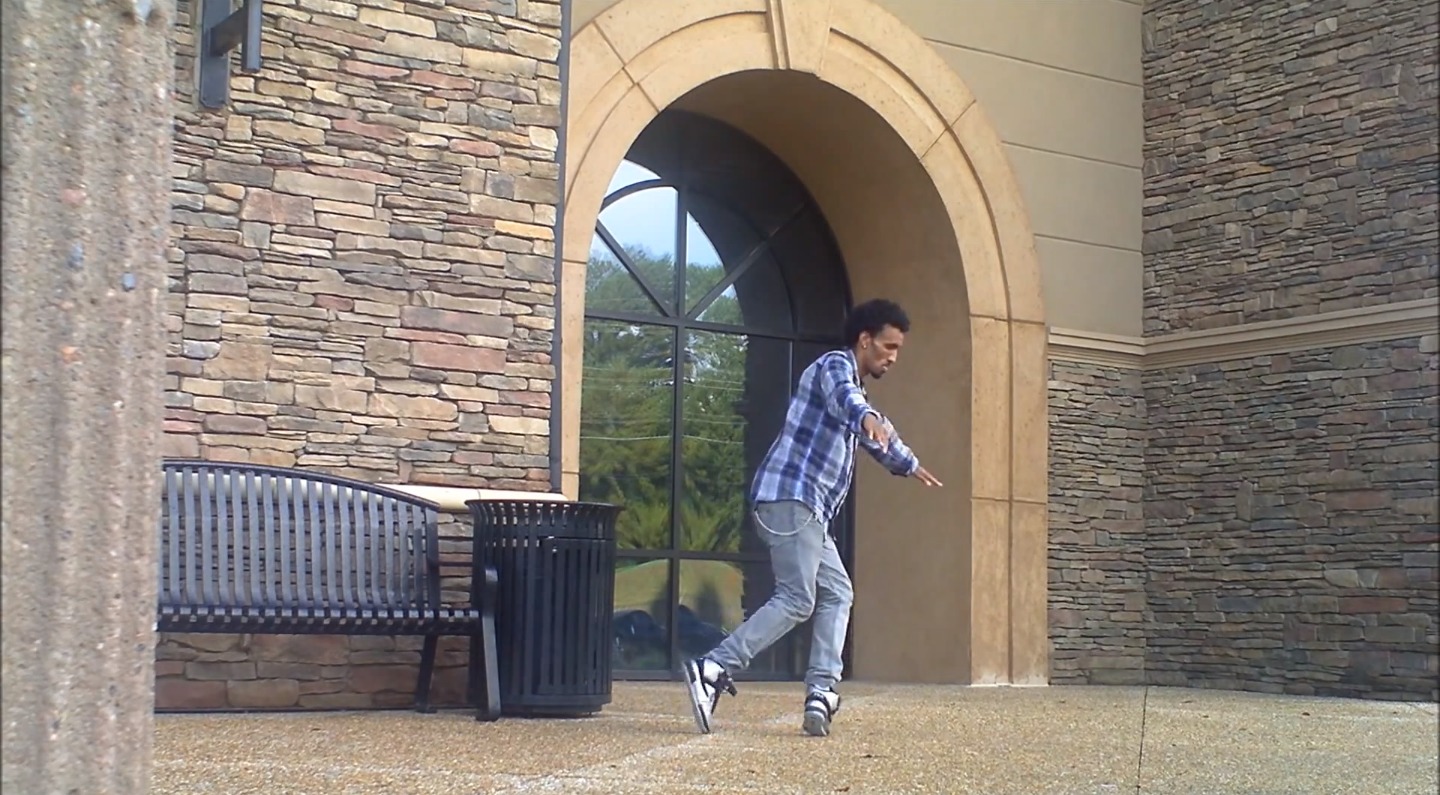

Step-by-step guide to make a dance music video
Ariana Grande - 7 Rings (Dance Tutorial) | Easy Kids Choreography | MihranTV
Step 1
Pick one kid-friendly song you love to dance to.
Step 2
Play the song and clap along to find the beat.
Step 3
Write down six simple dance moves in the order you want to do them.
Step 4
Practice the six moves slowly three times in a row.
Step 5
Add a clear starting pose and an ending pose to your sequence.
Step 6
Choose a filming spot with good light and a clear background.
Step 7
Put on your costume or hold your props if you are using them.
Step 8
Ask an adult to place the phone or tablet on a stable surface and get ready to record.
Step 9
Record three full takes of your dance trying a different energy or angle each time.
Step 10
Watch your recordings and pick the best clips to use.
Step 11
Open a simple editing app and import your chosen clips.
Step 12
Trim the clips so your moves match the music and put them in order.
Step 13
Add a title at the start and a short credit or your name at the end.
Step 14
Export or save the final video to your device.
Step 15
Share your finished dance video on DIY.org
Help!?
What can we use if we don't have a tripod, costume, or a tablet/phone stand?
Place the phone or tablet on a stable stack of books or a box on a flat surface and use household items like scarves, hats, or broom handles as costumes or props when you follow the 'Ask an adult to place the phone or tablet on a stable surface' and 'Put on your costume or hold your props' steps.
My clips are shaky or the moves look out of time with the song—how do we fix that?
Re-record on a steady surface after you clap along to find the beat as instructed, then open the editing app and trim the best of your three full takes so the moves match the music and remove shaky sections.
How can I adapt the activity for a 4-year-old versus a 12-year-old?
For a 4-year-old, shorten the routine to three simple moves, pick a shorter song, and practice slowly fewer times, while for a 12-year-old, create longer sequences of six or more moves, experiment with costume/props and multiple camera angles, and use more advanced trimming and titles in the editing app before exporting.
What are simple ways to make the dance video more creative or personal?
Personalize the video by inventing a unique starting and ending pose, trying different energy or angle choices across the three full takes, adding a custom title and a short credit with your name in the editing app, and then export and share the final version on DIY.org.
Watch videos on how to make a dance music video
Easy Kids Dance Tutorial AGES 5+) | MihranTV
4 Videos
Easy Kids Dance Tutorial AGES 5+) | MihranTV
![KIDZ BOP Kids - Can't Stop The Feeling! (Dance Tutorial) [KIDZ BOP]](https://img.youtube.com/vi/Ojblhvzvjsk/mqdefault.jpg)
KIDZ BOP Kids - Can't Stop The Feeling! (Dance Tutorial) [KIDZ BOP]
Easy Kids Choreography - (Hip Hop Dance Tutorial AGES 4+) | MihranTV
Easy Dance Routine - (Hip Hop Dance Tutorial AGES 5+) | MihranTV
Facts about filmmaking for kids
💃 Choreography often uses repeating moves to help dancers remember routines — simple steps are perfect for kids starting out.
🎬 Music videos became a cultural force after MTV launched in 1981, turning visuals into a key part of how songs are shared.
📱 Many smartphones can record in 4K resolution, so home videos can look crisp and professional.
✂️ Quick, snappy edits and short runtimes (under 60 seconds) help keep viewers' attention on social platforms.
🎵 Children's songs usually have simple melodies and steady beats, which makes learning choreography faster and more fun.
How do we make a dance music video at home?
What materials do I need to make a kids' dance music video?
What ages is this dance video activity suitable for?
What safety tips should I know before sharing a child's dance video online?
