Make A Cat GIF
Create a short animated cat GIF by photographing or drawing several frames, sequencing them on a phone or computer, then saving and sharing safely.


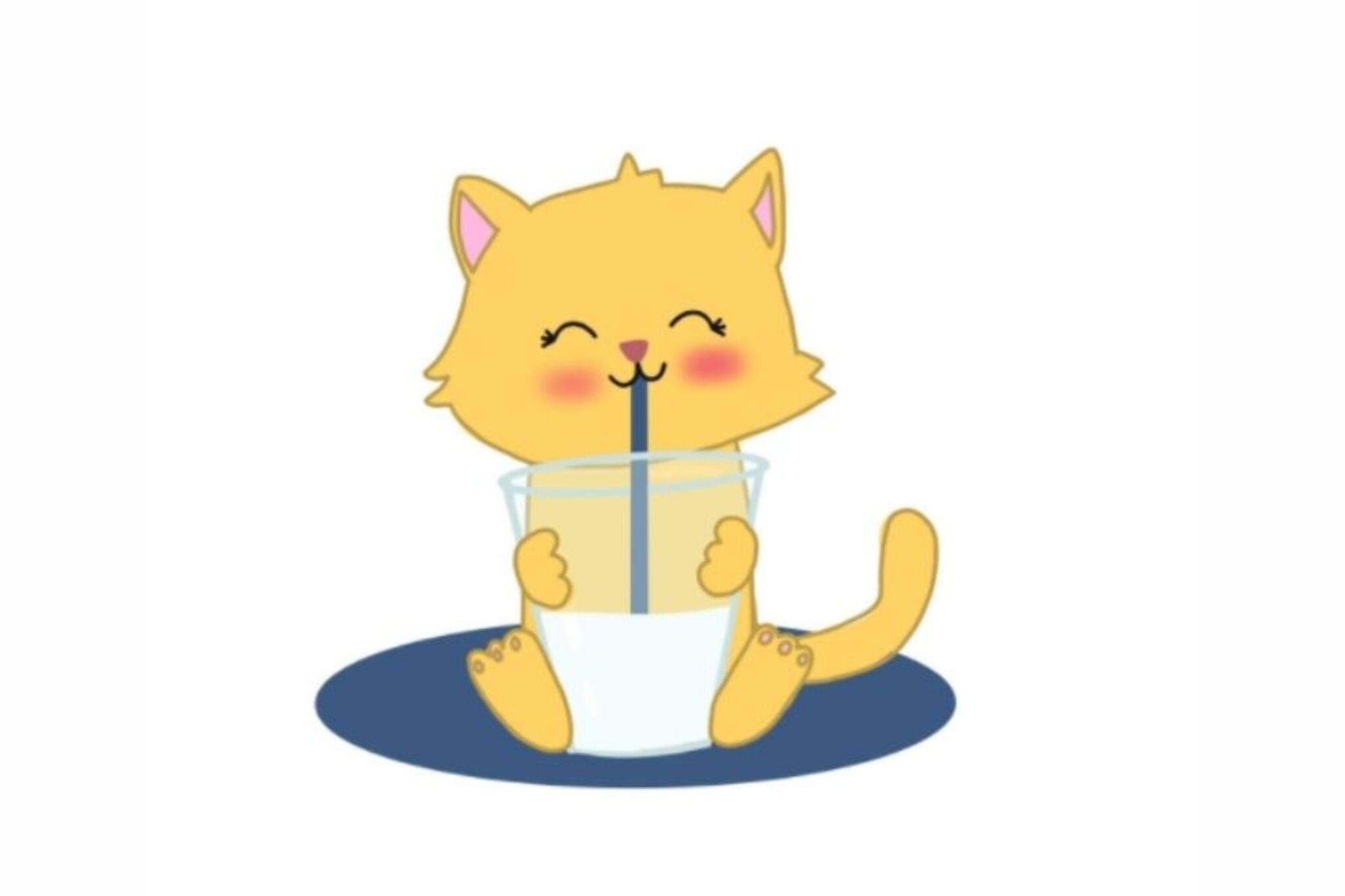

Step-by-step guide to make a cat GIF
How to Create an Animated Cat
Step 1
Clear a flat workspace and put all your materials on the table.
Step 2
Decide if you will draw frames or photograph a toy and choose 4 to 8 frames for your GIF.
Step 3
If drawing: draw your cat in the starting pose on one sheet; if photographing: place your toy or printed cat on the background in the starting pose.
Step 4
If drawing: draw the next frame on a new sheet changing the cat a little; if photographing: move the toy a tiny bit to show motion.
Step 5
Repeat the drawing or tiny toy-move steps until you have all 4 to 8 frames.
Step 6
Lay your finished drawings or photos in order so the motion looks smooth.
Step 7
Ask an adult to open a GIF maker app or website on a phone or computer.
Step 8
Import your frames into the GIF maker (ask the adult to help if needed).
Step 9
Arrange the frames in the GIF maker so they play in the right order.
Step 10
Set the playback speed to make the motion fast or slow and preview the animation.
Step 11
Ask an adult to help you save the GIF file and share your finished creation on DIY.org.
Help!?
What can I use if I don't have a toy, printed cat, or lots of paper?
Make a small cat from clay or play‑dough to photograph, use index cards or cut-up cereal boxes as drawing sheets, or stick a printed cat onto plain paper as your subject for the photographing steps.
My GIF looks jumpy or the photos don't line up—what should I check?
Follow the step to 'Lay your finished drawings or photos in order' and keep the camera and background fixed (use tape or a phone stand) while moving the toy only tiny amounts between frames so each shot aligns.
How can I change the activity to fit a 4-year-old or a 12-year-old?
For younger kids use just 4 simple frames with stickers or pre-drawn cat outlines and crayons, and for older kids use 8+ detailed frames, try onion-skinning in a GIF maker, or make smaller incremental toy moves for smoother motion.
How can we improve or personalize the GIF after making it?
After you 'save the GIF file,' personalize it by coloring backgrounds, adding captions or stickers, reversing frames for a loop effect, and then adjust the 'playback speed' before sharing on DIY.org.
Watch videos on how to make a cat GIF
How To Draw A Kitten Pixel Art
4 Videos
How To Draw A Kitten Pixel Art
How to Draw a Cute Cat Step by Step: Fun & Easy Drawing Tutorial for Kids and Beginners!
How to Create Viral Cat Animation Videos with AI (Step-by-Step!)
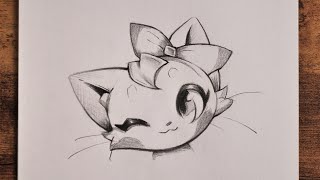
How to Draw Anime Cat | easy Anime Tutorial for Beginners
Facts about stop-motion animation for kids
🐱 Cats have over 20 muscles that control their ears — animating ear twitches makes a cat GIF extra expressive!
🎞️ Many smooth short GIFs use about 10–12 frames per second; for tiny, shareable GIFs try 6–8 fps to save space.
🖼️ The GIF format supports up to 256 colors per frame, which can give images a cool posterized look.
📱 Keeping GIFs around 480×480 pixels and just a few seconds long usually keeps file sizes small enough to share easily.
🔒 Always remove or blur personal info and ask permission before sharing photos — safety first when posting online.
How do I make a short animated cat GIF?
What materials and apps do I need to make a cat GIF?
What ages is making a cat GIF suitable for?
How can I share a cat GIF safely and protect privacy?
