How to Draw a Maze
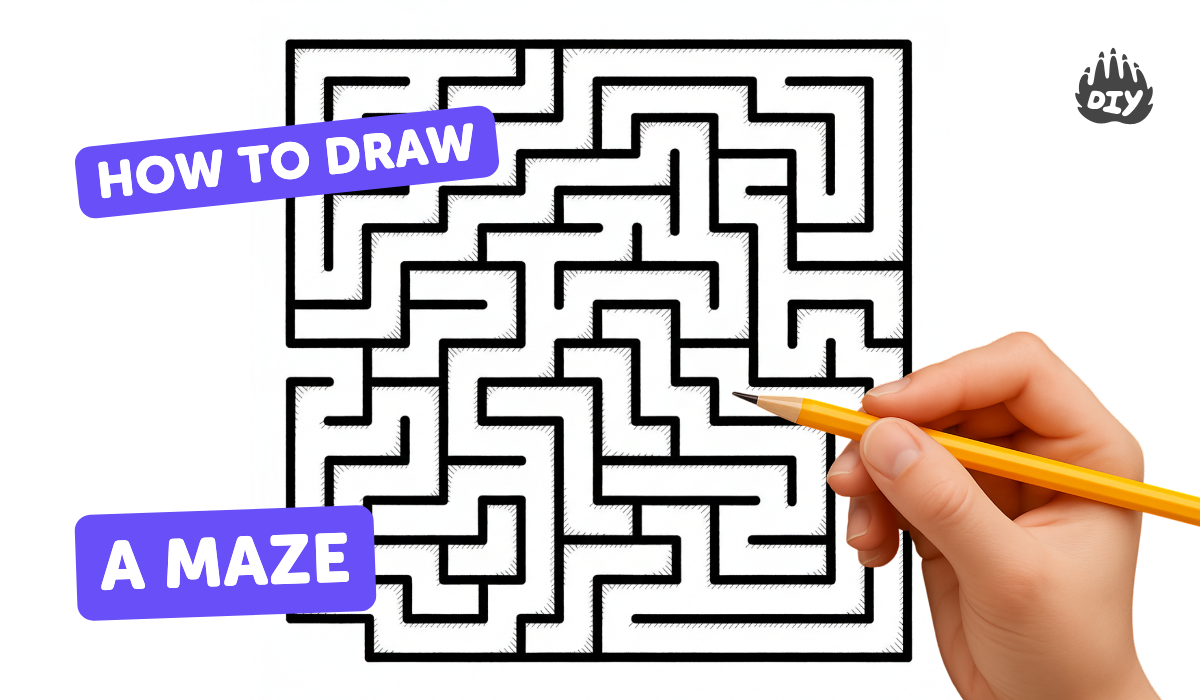
Design and draw your own maze on paper, plan pathways and dead ends, test with a pencil, and improve its layout.
About this tutorial
Design and draw your own maze on paper, plan pathways and dead ends, test with a pencil, and improve its layout.
What you need
Instructions
- 1
Step 1
Choose a sheet of paper and lay it flat in the direction you like best.
- 2
Step 2
Use your ruler and pencil to draw a neat outer border about one inch from the paper edges.
- 3
Step 3
Pick two spots for the Start and Finish and mark them clearly with your pencil.
- 4
Step 4
Lightly sketch one winding continuous path from Start to Finish with your pencil.
- 5
Step 5
Draw several short branching paths off the main path that stop before reaching the Finish to make dead ends.
- 6
Step 6
Add walls by drawing lines between paths so the routes become narrow corridors.
- 7
Step 7
Place a few fun obstacles or tiny drawings inside some dead ends to make them interesting.
- 8
Step 8
Test your maze by tracing a route from Start to Finish with your pencil without lifting it.
- 9
Step 9
If your pencil trace gets stuck in a dead end erase the wrong lines.
- 10
Step 10
Redraw and adjust the paths or walls until you can trace from Start to Finish smoothly.
- 11
Step 11
Darken the outer border and the correct path with your marker and then color the maze with your coloring materials.
- 12
Step 12
Share your finished maze on DIY.org
Fun facts
How do I design and draw my own maze on paper?
Start by deciding the maze size and whether you want a grid or freeform layout. Mark a clear start and finish, then pencil in a single continuous solution path. Add branching dead ends and false paths, keeping corridors wide enough for a pencil line. Test by solving with a pencil; erase and adjust bottlenecks or too-easy routes. Add themes, obstacles, or multiple difficulty levels, then trace final lines with a pen or marker.
What materials do I need to draw a maze with my child?
Basic materials: plain paper or graph paper, a pencil with good eraser and a ruler for straight corridors. Add colored pencils or markers to highlight start, finish, and dead ends. Optional supplies: scissors and glue if you want to make a foldable or layered maze, stickers for decoration, and a clipboard to keep paper steady. For digital mazes use a tablet and drawing app. Keep materials non-toxic and age-appropriate.
What ages is drawing a maze suitable for?
This activity suits different ages: preschoolers (3–5) enjoy simple open mazes with bold paths and adult guidance; early elementary (6–8) can plan basic grids with a few dead ends; older kids (9–12) handle complex designs, multiple solutions, and challenges like timed solves. Teens and adults can experiment with algorithmic or artistic mazes. Adjust complexity, provide templates, or work together so every child succeeds and stays engaged.
What are the benefits, safety tips, and fun variations for maze drawing?
Maze drawing boosts planning, spatial reasoning, fine motor skills, and creativity. It's low-cost and screen-free, great for quiet focus or collaborative play. Safety: supervise scissors or glue, choose age-safe markers, and encourage breaks to avoid eye strain. Variations include theme mazes (jungle, space), multi-level mazes on folded paper, team challenges, timed races, or turning the maze into a printable puzzle book. You can also recreate mazes with blocks or string for hands-on play.
Watch & Learn
Need help?
What can we use instead of a ruler or marker if we don't have them?
If you don’t have a ruler or a marker, use a straight book edge or folded cardboard to draw the one-inch outer border and darken the correct path with a thick crayon or colored pencil instead of a marker.
My pencil keeps getting stuck in dead ends when I test the maze—what should I do?
If your pencil trace gets stuck in a dead end during the testing step, lightly erase that branching path, widen the corridor or redraw the wall lines with your ruler so the route from Start to Finish is clear.
How can I change this activity for younger or older kids?
For younger children, make the winding path wider with only one or two short dead-end branches and let them color with crayons, while older kids can use the ruler to add many tighter branching paths, tiny obstacle drawings, and trickier dead ends.
How can we make the maze more fun or unique once it's finished?
To personalize and extend the activity, pick a theme, add themed obstacles in several dead ends, create extra Start or Finish spots for alternate routes, color the maze with your coloring materials, and share the finished maze on DIY.org.