Enter the photography contest
Take and select three original photos on a chosen theme, edit or print them, write short captions, and submit them to a photography contest.


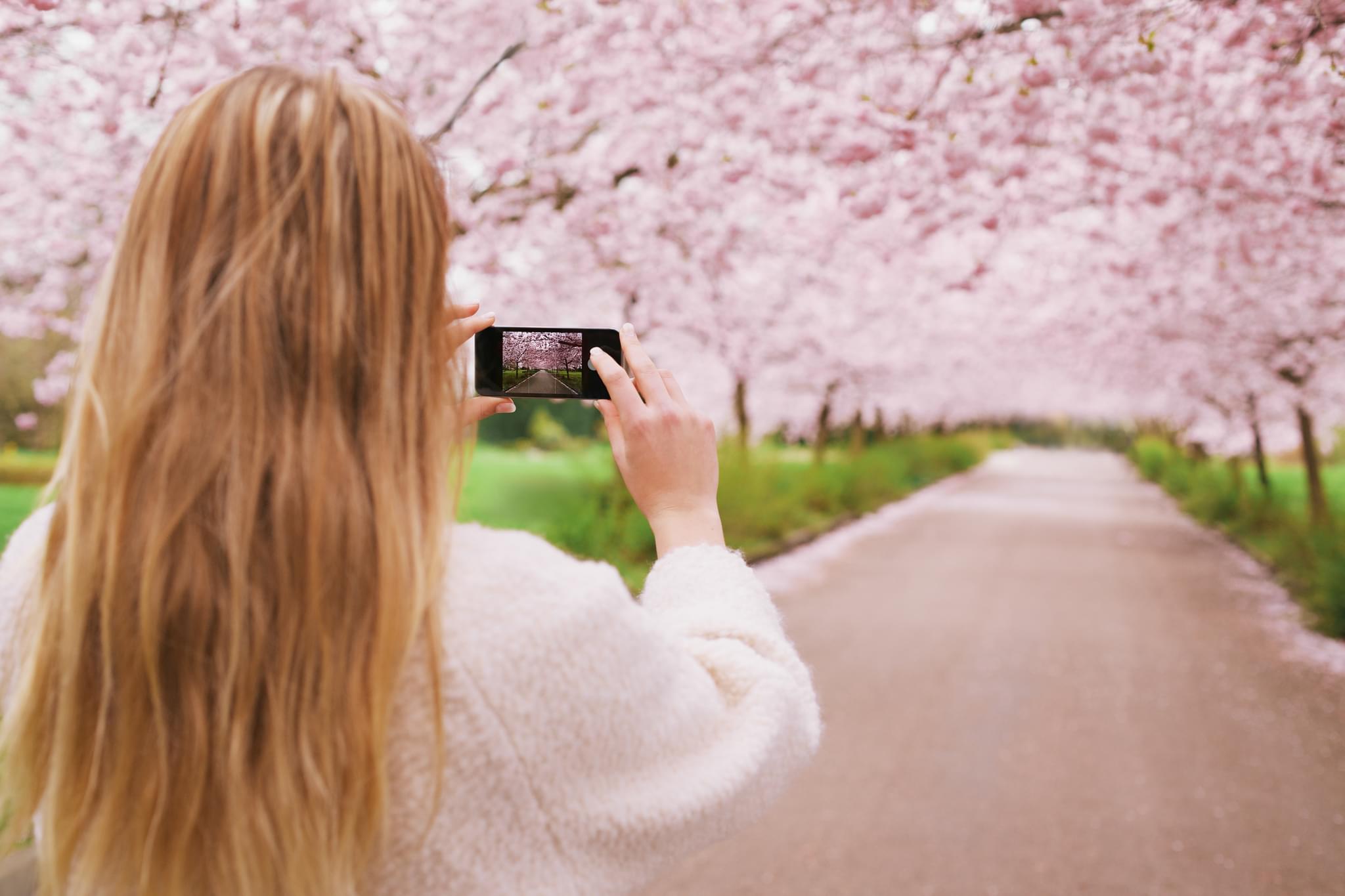

Step-by-step guide to enter the photography contest
9 Simple Tips for Winning Photography Competitions
Step 1
Choose a clear theme for your photos and write the theme at the top of your notebook.
Step 2
Gather simple props or costumes that match your theme and put them in a bag.
Step 3
Pick one or two safe places where you will take your photos and walk to your chosen spot.
Step 4
Think of at least six photo ideas or poses that match your theme and write each idea in your notebook.
Step 5
Use a camera or smartphone to take lots of photos trying each idea and different angles.
Step 6
Look through your photos and mark the six you like best with a star or a tick in your notebook.
Step 7
Compare the six starred photos and choose the three that tell your theme story the best.
Step 8
Edit the three chosen photos using a simple photo-editing app or print them to adjust brightness and crop.
Step 9
Write one short sentence caption for each photo that says what it shows and why it fits the theme.
Step 10
Put your three edited photos and their captions together in one folder or one document for submission.
Step 11
Follow the contest rules and submit your photos and captions to the photography contest with an adult's help if needed.
Step 12
Share your finished photo project on DIY.org.
Help!?
What can we use if we don't have a paper notebook, a prop bag, or a camera?
Use your smartphone's Notes app or labeled index cards instead of a paper notebook, a pillowcase or reusable shopping bag for props, and a tablet or a parent's phone as the camera.
My photos are coming out dark or blurry when I follow step 5—how can we fix that?
Move to a brighter safe spot from step 3, steady the camera with a stack of books or a tripod, try different angles as step 5 suggests, and then brighten and crop in your photo-editing app as in step 8.
How should this activity be changed for younger or older kids?
For younger children, reduce step 4 to three simple photo ideas and let an adult help star and choose photos in steps 6–7, while older kids can plan six or more ideas, experiment with manual camera settings and advanced edits in step 8, and write creative captions in step 9.
How can we make our submission stand out before sharing on DIY.org and entering the contest?
Personalize the project by making or decorating your props from step 2, creating a short photo sequence with your three chosen images from steps 6–7, adding custom captions from step 9, and assembling them in a themed folder or printable booklet for submission and DIY.org sharing.
Watch videos on how to enter the photography contest
Photography Tips For Kids
4 Videos
Photography Tips For Kids
HOW TO PHOTOGRAPH CHILDREN: NATURAL LIGHT, TIPS, SETTINGS, LENS, LOCATION
Take Great Portrait Photos! 📸 | Photography Tutorial for Kids

Part 5: Classroom Ideas for Teaching Photography
Facts about photography for kids
📷 Over one trillion photos are taken worldwide each year — that's more photos than people on the planet!
🏆 Many photography contests include youth or junior categories so kids can win prizes and see their work exhibited.
🎯 The "rule of thirds" divides a picture into a 3×3 grid and placing subjects on the lines often makes images more appealing.
✂️ Simple edits like cropping, adjusting exposure, and tweaking color often have the biggest impact on a photo.
📝 A clear, 1–2 sentence caption can tell the story behind a photo and help judges connect with it.
How do I enter a photography contest where my child must take and submit three original photos on a chosen theme?
What materials do I need to enter this child photography contest?
What ages is this photography contest suitable for?
What are the benefits and safety tips for children entering a photography contest?
