#CampDIY Day 14: Share a Picture with your Pet.
Take a safe, pet-friendly photo together with an adult, create a simple decorated frame or digital caption, and share the picture with family or friends.


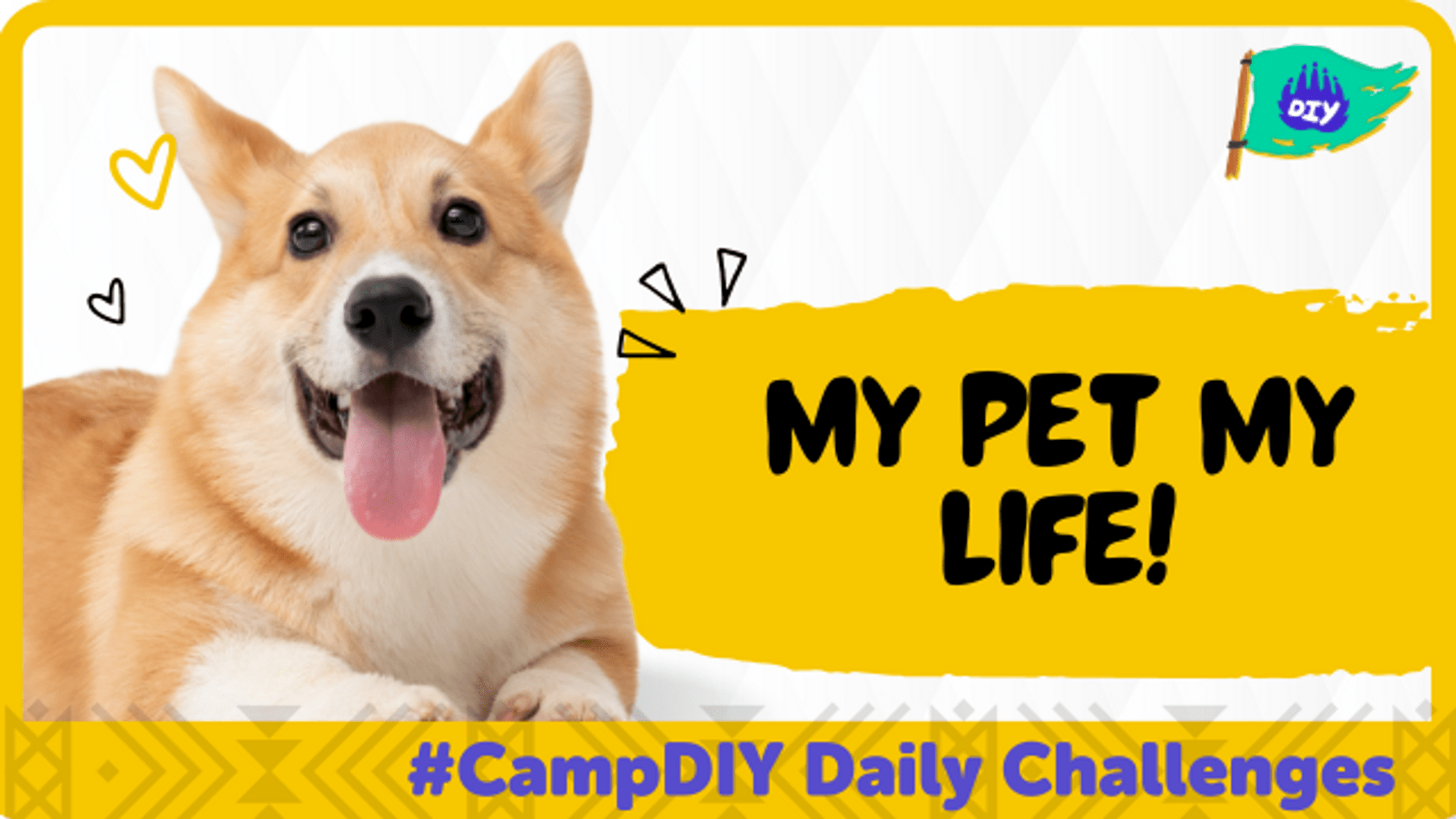

Step-by-step guide to share a picture with your pet
Life cycle of Monarch Butterfly 4k HD || From eggs to full grown butterflies #butterflylifecycle
Step 1
Gather the Materials Needed and bring them where you will take the photo
Step 2
Pick a safe comfy well-lit spot with a non-slip surface for your photo
Step 3
With an adult bring your pet to the chosen spot
Step 4
Gently brush or calm your pet so they feel comfortable and relaxed
Step 5
Decide a simple pose you and your pet will do and where you will stand or sit
Step 6
Lay a towel or blanket down and place one or two props where you will stand
Step 7
Choose whether you will make a paper frame or add a digital caption to the photo
Step 8
If you chose a paper frame cut a rectangle out of the paper or cardboard to make a frame
Step 9
If you chose a paper frame decorate the frame with colouring materials and stickers
Step 10
If you chose a digital caption open a photo editor on a computer or tablet and type a short fun caption
Step 11
With an adult have the adult take the photo while you and your pet pose and look at the camera
Step 12
If you made a paper frame attach the printed or trimmed photo to the back of the frame with tape or glue
Step 13
If you made a digital caption save the edited photo as an image file
Step 14
Show your finished picture to family or friends and listen to one compliment
Step 15
Share your finished creation on DIY.org
Help!?
What can I use if I can't find paper or cardboard for the frame or a computer/tablet for captions?
Use a cereal box or folded magazine page instead of paper/cardboard for the frame and use a smartphone's photo app to add a digital caption following the 'open a photo editor' step, and if you don't have tape or glue you can staple or paperclip the photo to the frame.
My pet won't stay still or keeps moving during the photo — what should I try?
Follow the 'gently brush or calm your pet' step, pick a comfy non-slip spot, have an adult hold or distract your pet off-camera with treats, and take many quick shots or use burst mode so you get a good photo.
How can I adapt this activity for younger or older kids?
For younger children, have an adult pre-cut the frame, set up the towel/props and take the photo while the child poses, and for older kids, challenge them to design themed props, decorate the frame with detailed art supplies, or create and save a digital caption as an image file.
What are easy ways to enhance or personalize the finished picture before sharing it on DIY.org?
Make a mini photoshoot with multiple poses, attach the best printed photo to your decorated paper frame with tape or glue and add stickers or handwriting, or combine several edited images into a collage or slideshow with captions to share.
Watch videos on how to share a picture with your pet
Life cycle of a butterfly 4k HD || From eggs to full grown butterflies || Hugs of life ||
3 Videos
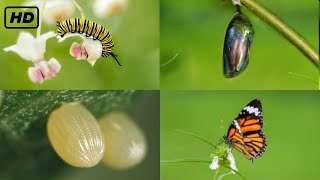
Life cycle of a butterfly 4k HD || From eggs to full grown butterflies || Hugs of life ||

The Life Cycle of a Butterfly | Learn the Four Stages of the Butterfly Life Cycle 🦋

Life of a Butterfly in Under 4 Minutes | Learn about the life cycle of a butterfly
Facts about pet photography and safety
🐶 Dogs can learn to follow human pointing gestures — that helps during a calm photoshoot!
🐱 A cat's whiskers help them judge spaces, so a comfy cat makes for better pictures.
📸 Today most family photos are taken on smartphones, so pet portraits are just a tap away.
⚠️ Avoid using a bright flash near an animal's eyes — it can startle them or cause harm.
😊 Looking at cute pet photos has been shown to boost mood and reduce stress for many people.
How do I do the CampDIY Day 14 activity: Share a Picture with Your Pet?
What materials do I need for CampDIY Day 14: Share a Picture with Your Pet?
What ages is CampDIY Day 14: Share a Picture with Your Pet suitable for?
What safety tips should I follow for CampDIY Day 14: Share a Picture with Your Pet?
