Build a city in a game
Design and build a virtual city in a game, plan roads, zones, and services, manage resources, and test solutions to improve your town.



Step-by-step guide to design and build a virtual city in a game
Create Your Own CITY BUILDER Game with Unity - Start Here P1 Intro
Step 1
Launch your city-building game and start a brand-new city.
Step 2
Choose one main goal for today like growing population increasing happiness or saving money.
Step 3
Take your paper and pencil and draw a simple outline for your city.
Step 4
Mark the main roads on your drawing.
Step 5
Mark three zones on your drawing: one residential one commercial and one industrial.
Step 6
Build the main roads in the game to match your drawing.
Step 7
Zone the game areas as residential commercial and industrial to match your map.
Step 8
Build a power plant or other energy source to supply your city.
Step 9
Build a water or sewage system so buildings have utilities.
Step 10
Place one public service building such as a school hospital or police station.
Step 11
Check your city budget to see income and expenses.
Step 12
Run the simulation and watch for one problem like traffic pollution power shortages or unhappy citizens.
Step 13
Fix one problem by making a single change such as adding a road moving a zone or adding a park.
Step 14
When you are happy with your city upload screenshots or a short description and share your finished city on DIY.org.
Help!?
What can we use instead of paper and pencil if we don't have them?
Use a tablet or phone drawing app, a whiteboard, or a printed grid map to draw your city outline and mark the main roads and three zones.
If my city immediately has power shortages after I build the power plant, what should I do?
Check that the power plant's output meets the demand of your residential, commercial, and industrial zones, that it's connected to the city's grid, and that your budget can cover its running costs or an upgrade.
How can this activity be adapted for younger or older kids?
For younger kids use toy blocks or stickers to mark one or two zones and focus on placing a school or road, while older kids can set numeric goals (population, happiness, budget), add utilities like sewage and power, and optimize traffic and pollution.
What are simple ways to enhance or personalize the city before uploading it to DIY.org?
Add custom landmarks, a themed park, or public transit lines, take multiple screenshots showing your main roads, zones, and the problem you fixed, and write a short description of your chosen goal and the single change you made.
Watch videos on how to design and build a virtual city in a game
How To Build A City - A Complete Beginner's Guide to Cities Skylines 2
4 Videos
How To Build A City - A Complete Beginner's Guide to Cities Skylines 2
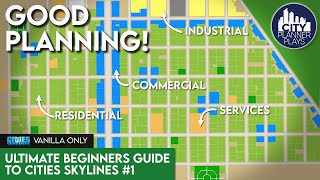
The Ultimate Beginners Guide to Cities Skylines | Game Basics & City Layout (Vanilla)
Minecraft: How to Start a Realistic City (Tips and Tricks)
Minecraft for Kids - Tutorial - How to make your first base. Ep 001
Facts about urban planning for kids
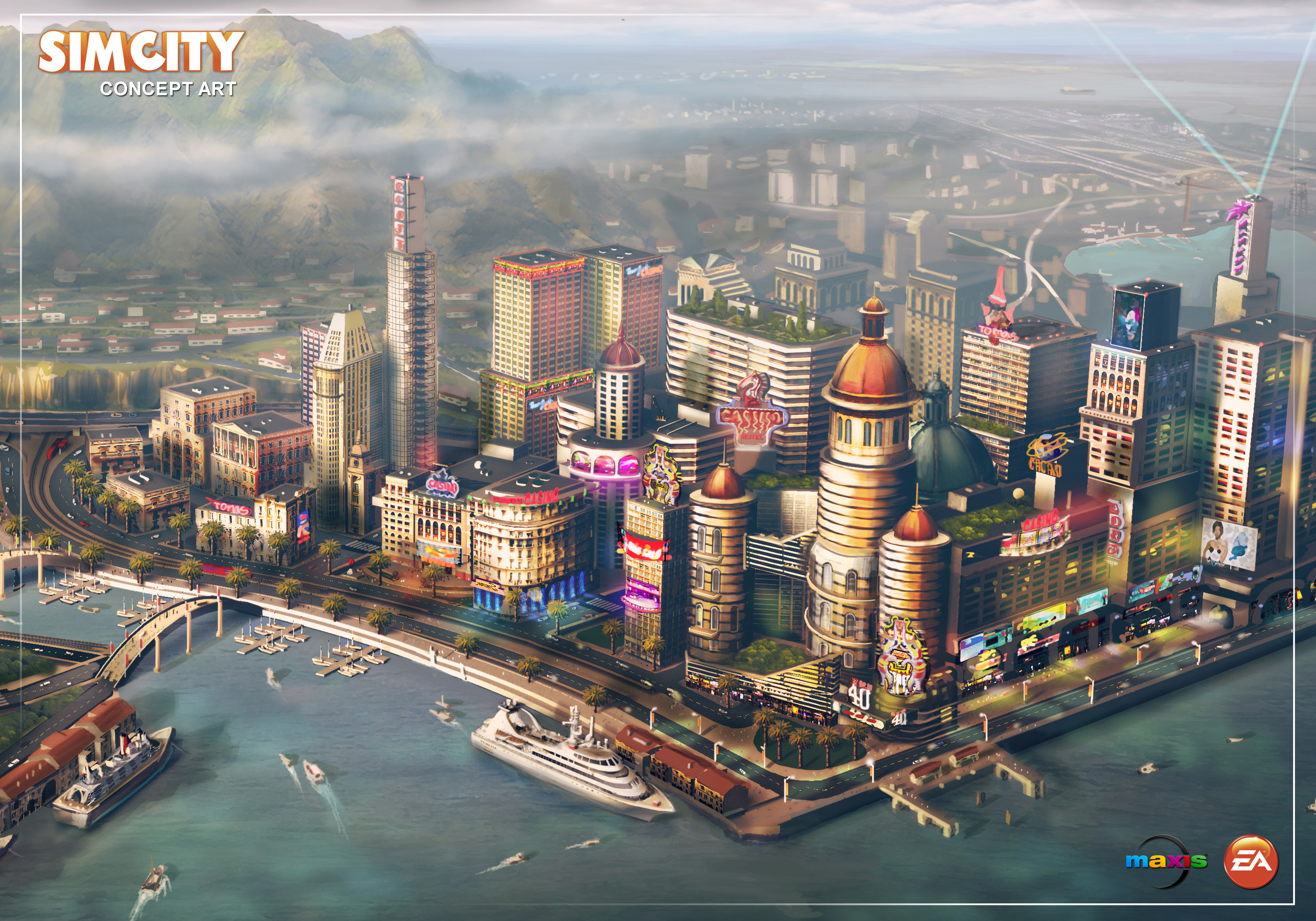
🏙️ SimCity launched in 1989 and helped popularize the city-building game genre.
👷 Will Wright, the creator of SimCity, later developed The Sims, one of the best-selling PC game series.
🗺️ Zoning usually uses three main types — residential, commercial, and industrial — just like in many city-sims.
🚦 Traffic is the top challenge for many players (and real planners); smart road design can make a big difference.
💰 City-building games teach budgeting and resource planning by asking you to balance taxes, services, and growth.
How do I design and build a virtual city in a game?
What materials or devices do I need to play a city-building game?
What ages is a city-building game suitable for?
What are the benefits of playing city-building games with my child?
