Animate in Minecraft
Create a short animated scene in Minecraft by posing armor stands, using simple commands or redstone to sequence movements, timing, and sound effects.


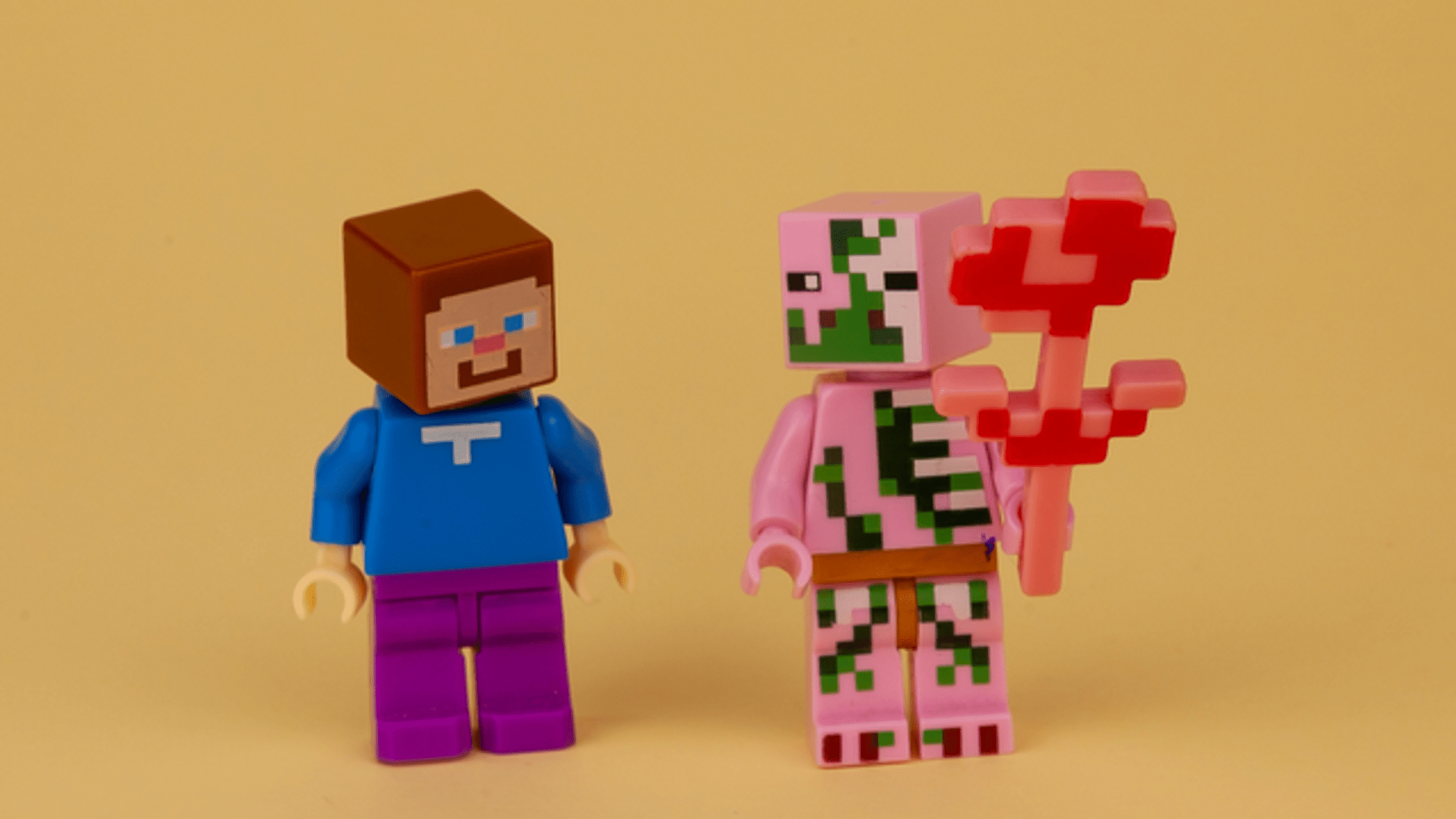

Step-by-step guide to Animate in Minecraft
How To Make The BEST Minecraft Animations (Like ccLeaf)
Step 1
Build a small flat stage area using your building blocks where your animation will happen.
Step 2
Place two to four armor stands on the stage as the characters for your scene.
Step 3
Dress each armor stand with armor or place blocks on them so each character looks different.
Step 4
Give each armor stand a unique name using a name tag so you can target them with commands.
Step 5
Place a command block behind the stage and enter a simple teleport command like /tp @e[type=armor_stand,name=Bob] ~1 ~ ~ to move the named stand one block to the right when activated.
Step 6
Add more command blocks and change each command to move your armor stands to the next pose using different relative coordinates like ~1 ~ ~ or ~ ~1 ~ for each step.
Step 7
Lay redstone dust to connect the command blocks in order and add redstone repeaters between them to create a delay in the sequence.
Step 8
Place a note block next to the redstone line and right-click it until it makes the sound you want for that moment in the scene.
Step 9
Put a button at the start of the redstone line and press it to run the whole animation sequence once to see how it looks.
Step 10
Edit the command offsets or change repeater delays until the movement timing and sounds match the action and look smooth.
Step 11
Save your world and share your finished animated scene on DIY.org
Help!?
What can we use if we can't get command blocks or name tags from the instructions?
If you can't get command blocks or name tags in your world, switch to Creative or enable cheats to give yourself command blocks and name tags, or place armor stands in minecarts and power rails to move them instead of using /tp commands.
Why doesn't my armor stand move when I press the button and how do I fix it?
If an armor stand doesn't move when you press the button, make sure the command block behind the stage is actually powered by the redstone line, the name in the /tp command exactly matches the name tag (including capitalization), and each repeater is facing the next command block to create proper delays.
How can I adapt this activity for younger or older kids?
For younger kids, simplify by building a tiny flat stage with two armor stands, one button and a single command block while an adult wires the redstone, and for older kids have them add extra command blocks for different poses, tweak repeater delays, and experiment with note block timing or particle commands.
How can we enhance or personalize the animated scene before sharing on DIY.org?
Personalize each armor stand's look by dressing them with specific armor or blocks, add multiple note blocks along the redstone line with varied delays for music and sound effects timed to each teleport command, and save the world to share the finished animated scene on DIY.org.
Watch videos on how to Animate in Minecraft
How I Make my Animations - Minecraft Animation Walkthrough
4 Videos
How I Make my Animations - Minecraft Animation Walkthrough
Learning To Make Minecraft Animations in 12 Hours! (With Blender 3.1)

How To Create The BEST Minecraft Animations in Under 8 Minutes!

Making a Minecraft Animation | Part 1: Overview (Tutorial)
Facts about Minecraft animation and mechanics
🛡️ Armor stands can be posed, wear armor, and hold items so you can create stationary characters and scenes.
⚡ Redstone acts like Minecraft's electricity — you can build circuits to power, trigger, and sequence movements.
🎵 Note blocks change pitch when clicked and their sound depends on the block placed beneath them.
⏱️ Repeaters and simple command delays let you time actions so multiple armor stands move in sequence like a mini movie.
🎬 Minecraft machinima (player-made films) has inspired tons of short animated stories made entirely inside the game.
How do I animate a short scene in Minecraft using armor stands and commands?
What materials and Minecraft tools do I need to animate with armor stands?
What ages is animating in Minecraft with armor stands suitable for?
What are the benefits of animating Minecraft scenes and any safety tips or variations?
